Automating PDF generation in Make.com transforms how businesses handle invoices, reports, and documents. Instead of manually creating PDFs or relying on expensive third-party services, Make.com enables automated PDF creation directly within your workflow automation scenarios.
The demand for automated document generation continues to grow. 98% of companies use PDFs as their default format for external communication, making PDF automation essential for modern business operations. Whether you're generating invoices from Google Sheets, creating reports from Airtable, or producing certificates from form submissions, Make.com provides the infrastructure to automate these processes.
This comprehensive guide covers everything you need to know about PDF generation in Make.com, from basic HTML to PDF conversion to advanced invoice generation with dynamic data. We'll explore the CustomJS modules that make PDF automation possible, share ready-to-use scenario templates, and provide best practices for implementing automated document generation at scale.
TL;DR
Make.com PDF generation enables automated document creation directly within scenarios using CustomJS modules.
Three primary use cases: Invoice generation, HTML to PDF conversion, and PDF page extraction.
CustomJS offers 600 free PDF generations per month, making it cost-effective for small to medium workflows.
Native Make.com integration eliminates the need for external API calls or custom code.
Perfect for automating invoices, reports, certificates, and any document that requires consistent formatting.
🛠️ Complete PDF Toolkit for Make.com
CustomJS provides a comprehensive suite of PDF tools for Make.com scenarios. Beyond basic PDF generation, you can:
Make.com (formerly Integromat) is a powerful visual automation platform that allows you to connect different services and automate repetitive tasks. When it comes to PDF generation, Make.com offers several advantages over traditional methods:
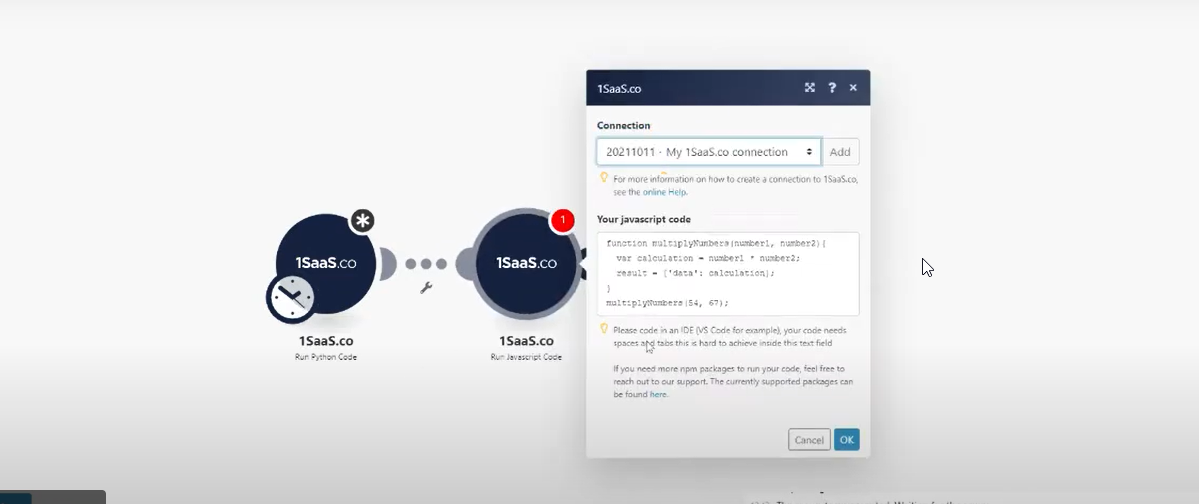
Native Integration: Unlike external PDF APIs that require HTTP requests and authentication management, CustomJS modules integrate directly into Make.com scenarios. This means no API keys to manage in every scenario, no external dependencies, and no additional latency from external service calls.
Visual Workflow Design: Make.com's visual interface makes it easy to see how data flows from your source (Google Sheets, Airtable, databases, webhooks) through transformation steps and into PDF generation. This transparency helps with debugging and makes scenarios maintainable by team members who aren't developers.
Cost-Effective Automation: With CustomJS's free tier of 600 PDFs per month and predictable pricing beyond that, Make.com PDF generation is significantly cheaper than dedicated PDF services. For businesses generating hundreds of invoices or reports monthly, this can mean thousands of dollars in savings annually.
Flexible Data Sources: Make.com connects to 1,500+ services out of the box. You can pull data from Google Sheets, Airtable, PostgreSQL, REST APIs, or any other source, transform it as needed, and generate PDFs—all in one scenario without writing backend code.
Three Essential Make.com PDF Templates
Get started immediately with these production-ready scenario templates. Import them directly into Make.com and customize for your needs.
Template 1: Generate Professional PDF Invoices from Spreadsheet Data
What it does:
Monitors Google Sheets for new invoice entries
Retrieves customer details and line items from spreadsheet rows
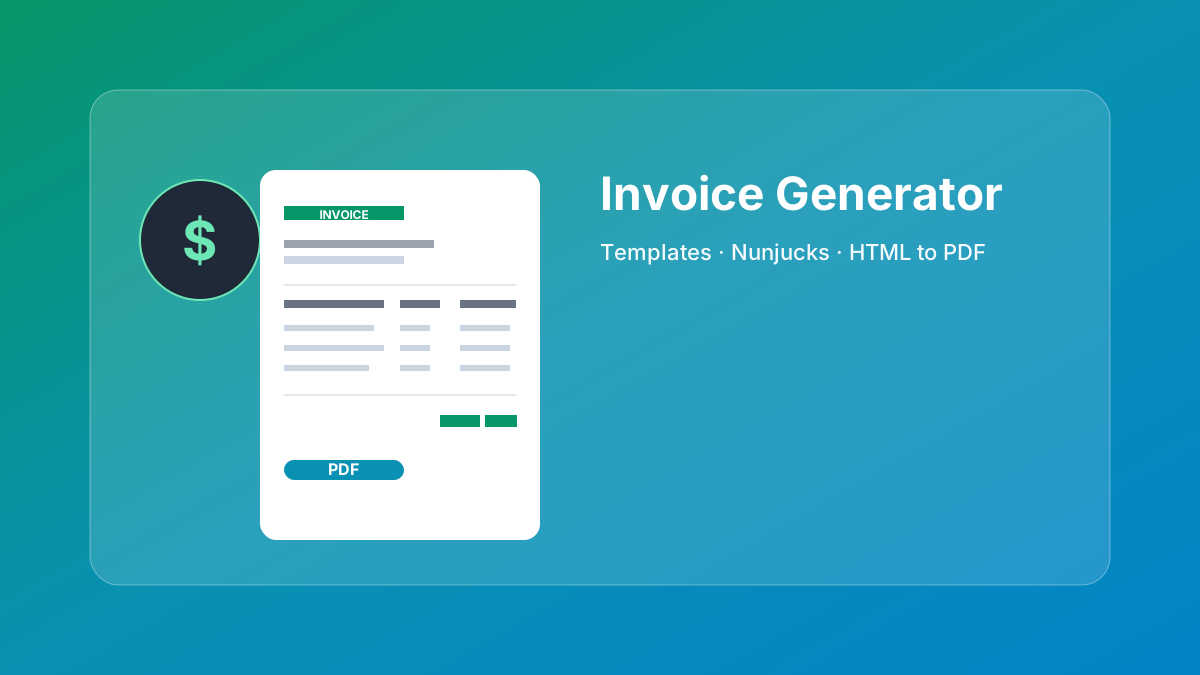
Generates professional invoice PDF using CustomJS Invoice Generator
Automatically calculates totals, taxes, and subtotals
Returns PDF as downloadable file or base64 for email
Perfect for: Freelancers, small businesses, accounting departments
Popular modules include: axios for HTTP requests, moment for dates, crypto-js for encryption, pdf-lib for PDF manipulation, and many more.
Advanced PDF Generation Techniques
Dynamic Data Injection
Make.com's mapping feature allows you to inject data from previous modules directly into your PDF templates. This makes it easy to create dynamic documents:
<!-- In your HTML template -->
<h1>Welcome, John Doe!</h1>
<p>Your order #12345 has been confirmed.</p>
<p>Total: $299.99</p>

<!-- Use Make.com mapping to inject dynamic data -->
Tip: In the HTML to PDF module, map variables like {{1.customerName}} to inject data from previous modules.
Conditional Content with Make.com Routers
Use Make.com's Router module to create different PDFs based on conditions:
Premium customers: Route to a template with premium branding and benefits.
Different languages: Route to language-specific invoice templates.
Document types: Route to invoice, quote, or receipt templates based on type.
Amount thresholds: Use different templates for high-value vs. standard invoices.
Multi-Page Documents with Headers and Footers
Create professional multi-page PDFs with consistent headers and footers using CSS:
Use {{1.logoBase64}} or {{1.imageUrl}} to inject dynamic image data.
Best Practices for Make.com PDF Generation
1. Optimize HTML for PDF Rendering
Use absolute units: Specify sizes in pixels or points rather than percentages for consistent rendering.
Inline CSS: While external stylesheets work, inline CSS ensures styles are always applied correctly.
Test fonts: Stick to web-safe fonts (Arial, Helvetica, Times New Roman) or embed custom fonts.
Avoid JavaScript: The PDF renderer executes HTML and CSS but doesn't run client-side JavaScript.
2. Handle Errors Gracefully
Add error handling to your Make.com scenarios:
Use Make.com's error handler routes to catch PDF generation failures.
Add a "Tools" → "Set Variable" module to log errors.
Send email notifications when critical invoice generation fails.
Store failed attempts in Airtable or Google Sheets for manual review.
3. Manage File Storage
PDFs can be large files. Consider these storage strategies:
Google Drive: Use Make.com's Google Drive module to upload PDFs automatically.
Dropbox: Store PDFs in organized folders by date or customer.
Email Attachments: Send PDFs directly via email without storing them.
Temporary URLs: CustomJS provides temporary download URLs that expire after 24 hours.
4. Performance Optimization
Batch Processing: Use Make.com's Iterator to process multiple records efficiently.
Minimize HTML Size: Remove unnecessary whitespace and comments from HTML templates.
Optimize Images: Compress images before embedding to reduce PDF file size.
Cache Templates: Store frequently used HTML templates in Make.com Data Stores.
5. Security Considerations
Protect API Keys: Never expose your CustomJS API key in public scenarios.
Validate Input: Always validate data before injecting it into HTML templates.
Secure Webhooks: Use Make.com's webhook authentication to protect endpoints.
Limit Access: Store sensitive PDFs in private cloud storage with proper access controls.
Common Use Cases for Make.com PDF Generation
1. Automated Invoicing
Generate and send invoices automatically when orders are completed. Connect to your e-commerce platform (Shopify, WooCommerce), CRM (HubSpot, Salesforce), or database to pull order details, create professional invoices, and email them to customers—all without manual intervention.
2. Report Generation
Create scheduled reports from your data sources. Pull analytics from Google Analytics, sales data from Airtable, or metrics from monitoring tools, format them into readable reports, and distribute them to stakeholders via email or Slack.
3. Certificate Generation
Automatically generate certificates for course completions, event attendance, or achievements. When a user completes a course in your LMS, trigger a Make.com scenario that creates a personalized certificate with their name, course details, and completion date.
4. Contract Creation
Generate contracts from templates when deals are closed. Pull client information from your CRM, populate contract templates with specific terms and pricing, and create ready-to-sign PDF contracts.
5. Receipt Generation
Create receipts for payments or donations. When a payment is processed through Stripe or PayPal, automatically generate a receipt PDF and email it to the customer for their records.
6. Shipping Labels and Packing Slips
Generate shipping labels and packing slips for e-commerce orders. When an order is placed, create a PDF with shipping information, barcode, and order details, then send it to your fulfillment team or print it automatically.
Troubleshooting Common Issues
PDF Layout Issues
Problem: Content is cut off or doesn't fit on the page.
Solution: Adjust page margins and use CSS media queries for print. Set explicit page sizes:
@page {
  size: A4;
  margin: 2cm;
}
Images Not Displaying
Problem: Images appear as broken links in the PDF.
Solution: Use absolute URLs or base64-encoded images. Relative paths don't work in PDF generation:
// ❌ Won't work
<img src="/images/logo.png" />

// ✅ Works
<img src="https://yoursite.com/images/logo.png" />
Fonts Not Rendering
Problem: Custom fonts fall back to default fonts.
Solution: Use web-safe fonts or embed fonts using @font-face with base64:
Problem: Make.com scenario fails during PDF generation.
Solution: Check these common issues:
Verify your CustomJS API key is correct and active.
Ensure you haven't exceeded your monthly PDF quota.
Check that HTML content is properly formatted (no unclosed tags).
Validate that all mapped variables contain data.
Pricing Comparison: Make.com + CustomJS vs. Alternatives
When it comes to PDF generation in automation workflows, pricing can vary dramatically. Here's how Make.com + CustomJS compares to alternatives:
Service
Free Tier
Cost per 1,000 PDFs
Make.com Integration
Make.com + CustomJS
600 PDFs/month
$0.15
✅ Native modules
DocRaptor
5 PDFs/month
$15.00
❌ HTTP only
PDF.co
1 month trial
$5.00
❌ HTTP only
Api2Pdf
1 month trial
$3.00
❌ HTTP only
Cost Savings Example: If you generate 5,000 invoices per month:
Make.com + CustomJS: $0.75/month (after free 600)
DocRaptor: $75.00/month
PDF.co: $25.00/month
Savings: Up to $900/year with CustomJS
Frequently Asked Questions
1. Do I need coding skills to use Make.com PDF generation?
No. Make.com's visual interface and CustomJS templates make PDF generation accessible without coding. However, basic HTML knowledge helps when customizing templates.
2. How many PDFs can I generate for free?
CustomJS offers 600 free PDF generations per month (20 per day). This is perfect for small businesses and freelancers. Beyond that, pricing is $0.15 per 1,000 PDFs.
3. Can I use my own HTML templates?
Yes! The HTML to PDF module accepts any valid HTML. You can design custom templates with your branding, styling, and layout requirements.
4. What's the difference between Invoice Generator and HTML to PDF?
Invoice Generator uses a pre-built template—just provide data fields. HTML to PDF gives you complete design control with custom HTML/CSS. Use Invoice Generator for quick invoices, HTML to PDF for custom documents.
5. Can I merge multiple PDFs in Make.com?
Yes! CustomJS provides a "Merge PDFs" module that combines multiple PDF files into one. Perfect for creating complete document packages or combining invoices with terms of service.
6. How do I send generated PDFs via email?
After the CustomJS PDF module, add a "Send Email" module (Gmail, Outlook, or SMTP). Map the PDF output as an attachment. Make.com handles the rest automatically.
7. Is there a file size limit for PDFs?
CustomJS supports PDFs up to 50MB. For most invoices and reports, files are typically 100-500KB. If you need larger files, consider splitting them into multiple PDFs.
8. Can I generate PDFs from Airtable data?
Absolutely! Use Make.com's Airtable module to fetch records, then pass the data to CustomJS. The first template above shows exactly how to do this for invoices.
Next Steps: Start Automating Your PDFs
PDF generation in Make.com transforms manual document creation into automated workflows that save time and reduce errors. Whether you're generating invoices, reports, or certificates, the combination of Make.com's visual automation and CustomJS's PDF tools provides a powerful, cost-effective solution.
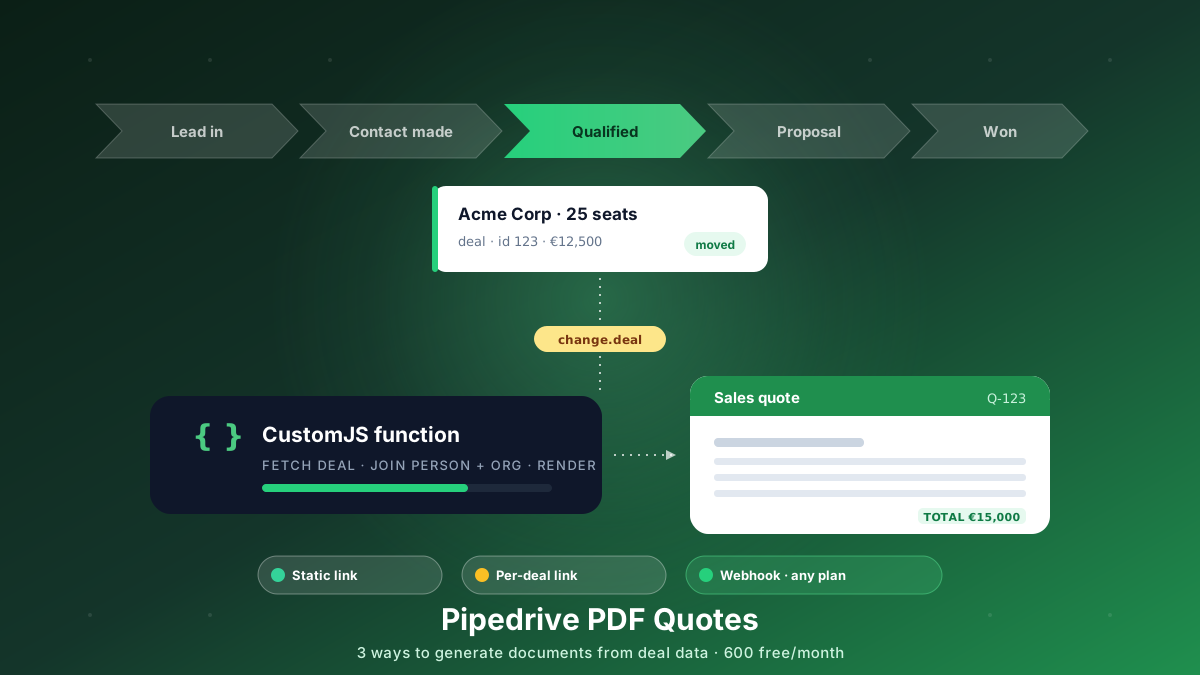
Generate branded PDF quotes, proposals, and contracts straight from Pipedrive deal data. Three approaches, from a free static link to a native webhook that works on every plan. 600 free PDFs/month.
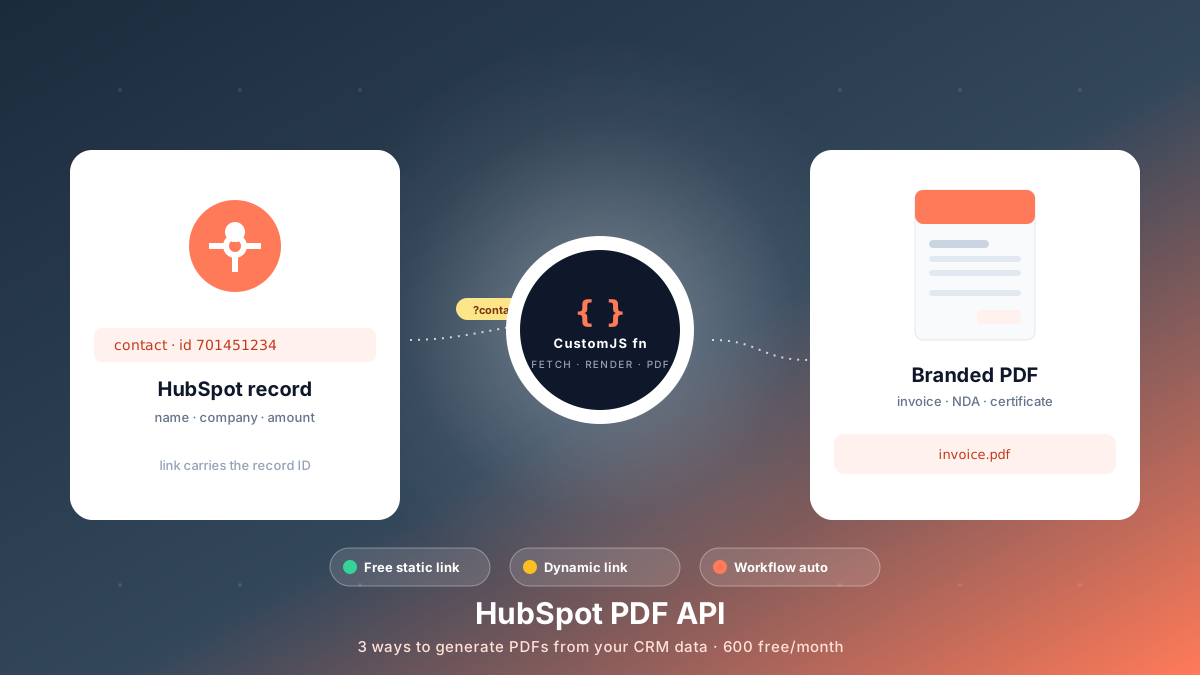
Generate branded PDFs - invoices, NDAs, quotes, certificates - straight from HubSpot data. Three approaches, from a free no-code link to fully automated workflows. 600 free PDFs/month.
Generate professional PDFs in Power Automate with CustomJS. Create invoices, receipts, reports, and certificates with custom HTML templates, QR codes, and advanced formatting. No Azure Functions required.
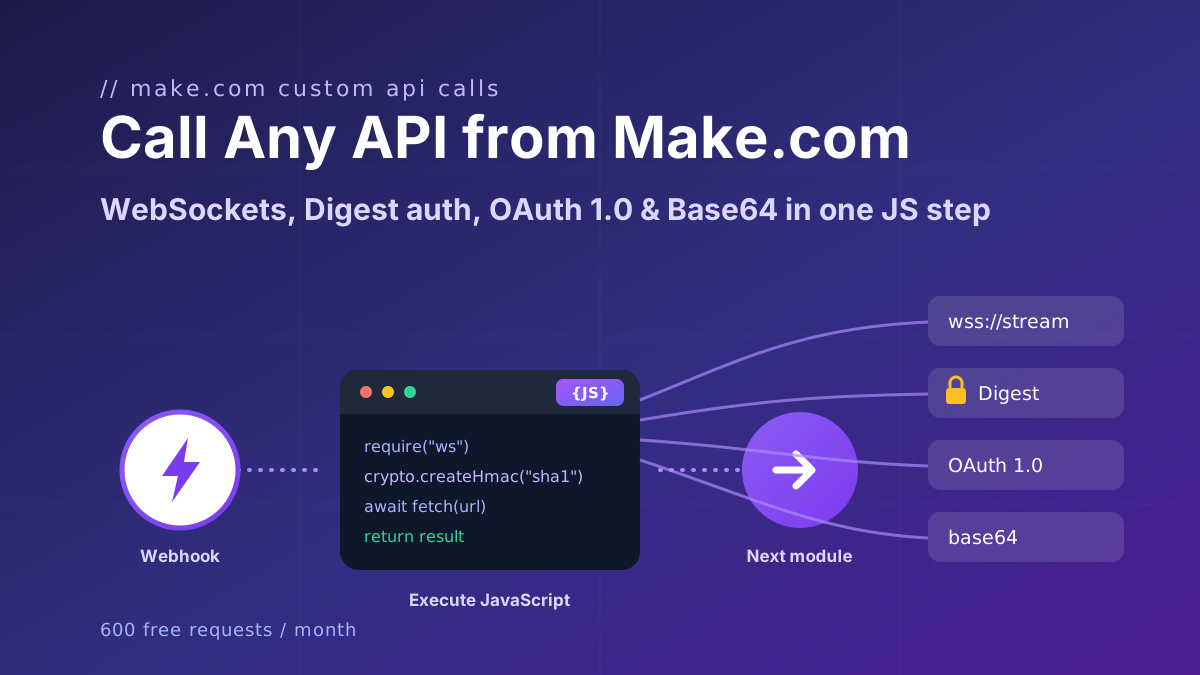
Call any API from Make.com: WebSockets, Digest auth, OAuth 1.0 signatures, and Base64 binaries with copy-paste JavaScript that runs inside your scenario.
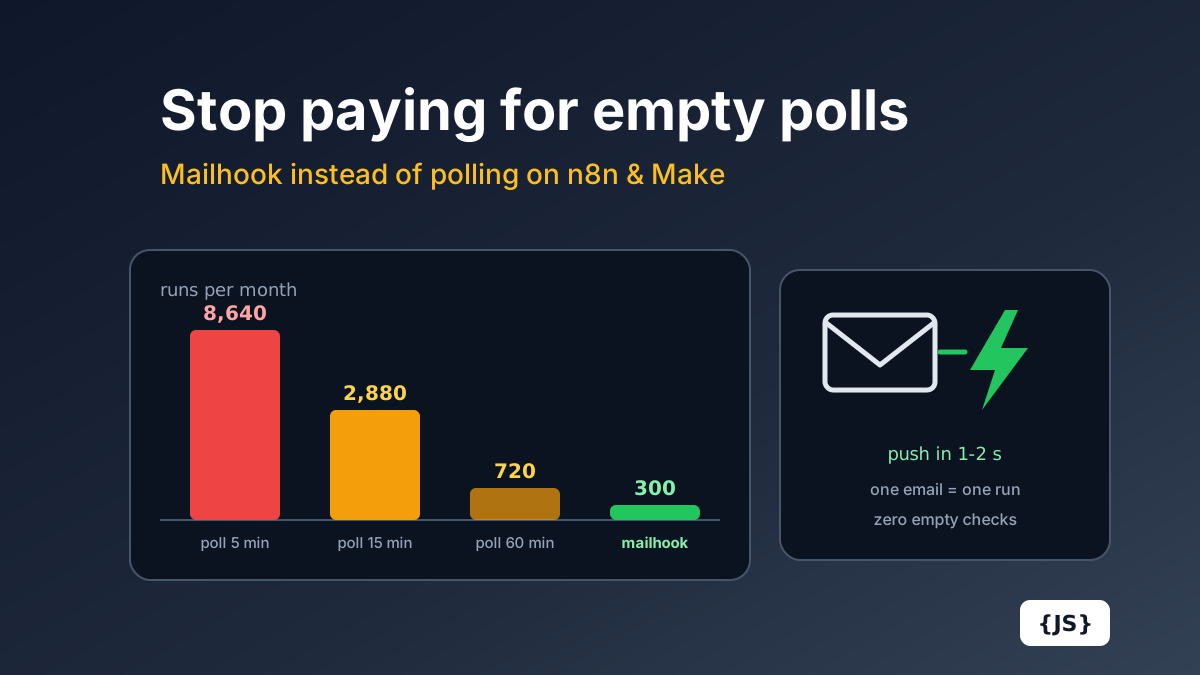
Polling a mailbox every 15 minutes costs 2,880 Make.com operations a month before processing a single email. The full cost math for Make.com and n8n Cloud, and how a push mailhook fixes cost and latency at once.
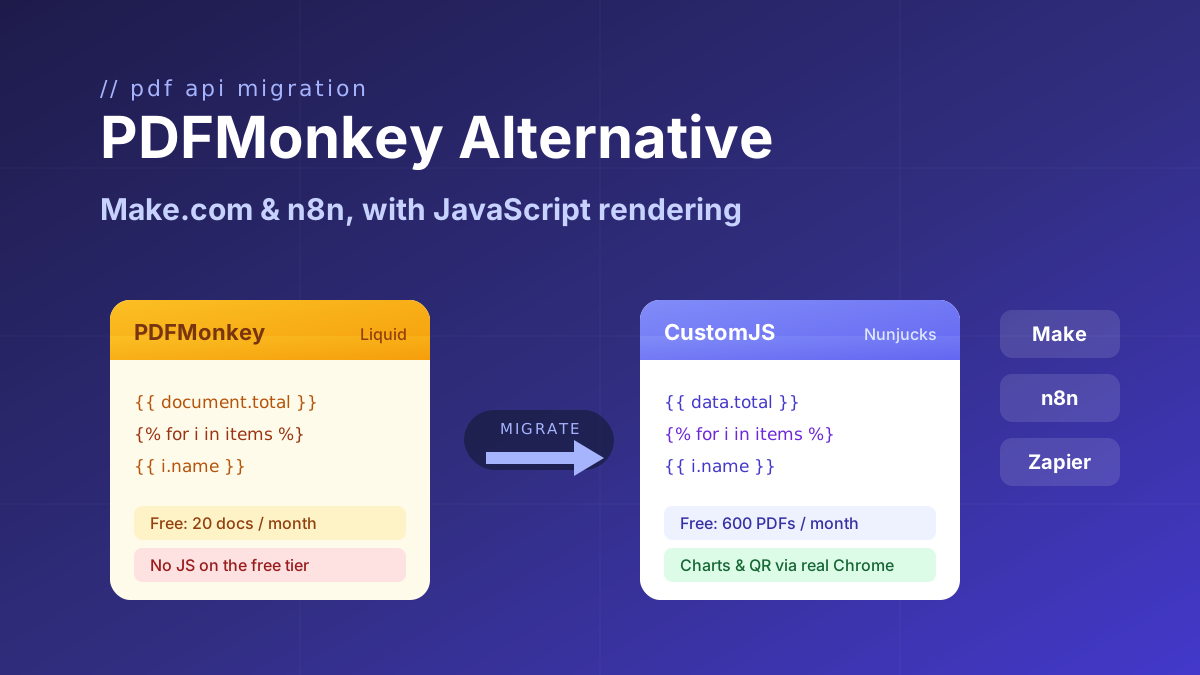
Looking for a PDFMonkey alternative? Compare PDFMonkey vs CustomJS on price, free tier, and JavaScript rendering, with a step-by-step Make.com and n8n migration guide. 600 free PDFs/month.
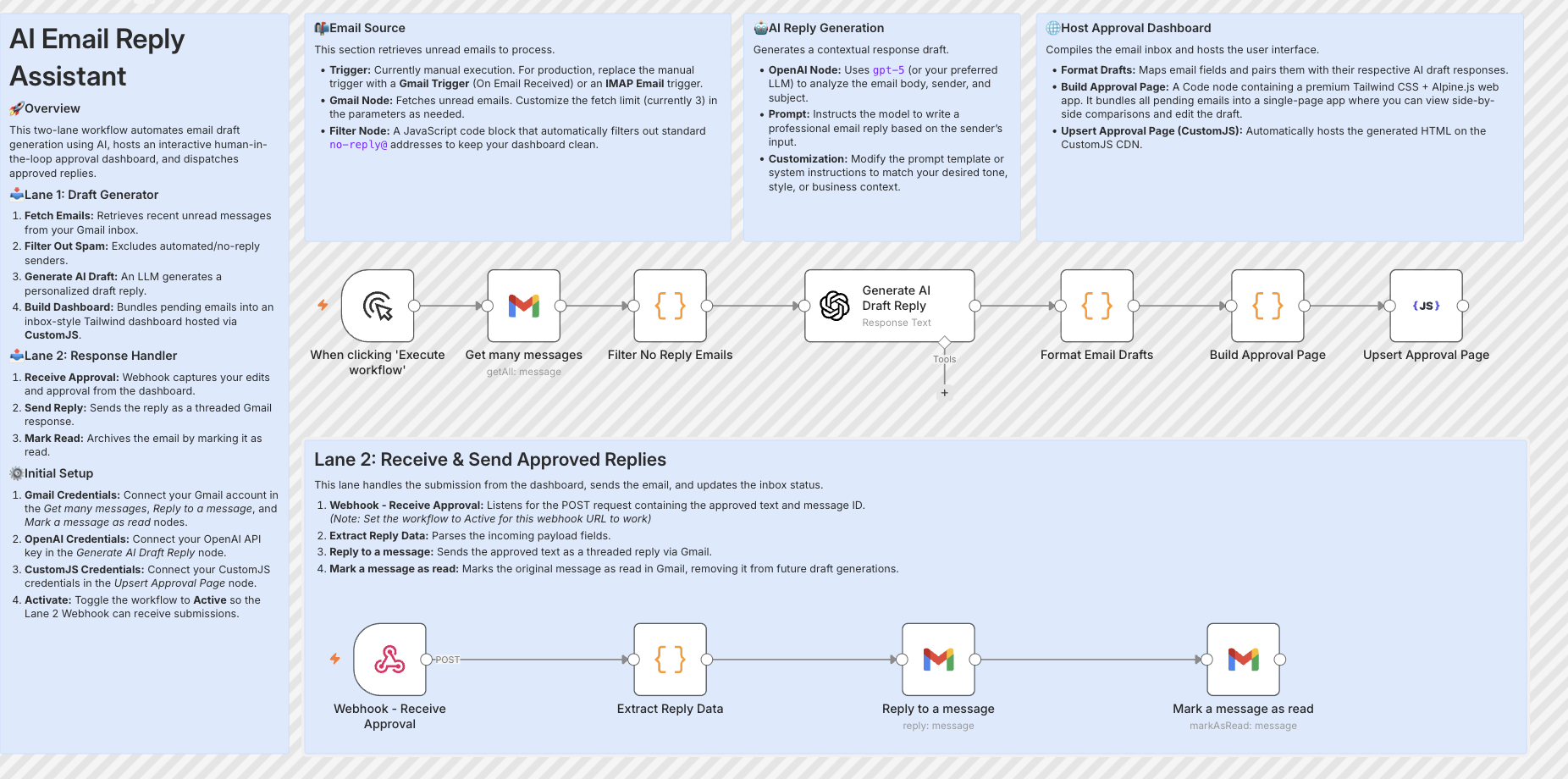
Build resilient HITL approval workflows in n8n using custom HTML forms hosted on customjs.space. The 2-workflow async architecture that survives server restarts and supports pre-filled editable review forms.
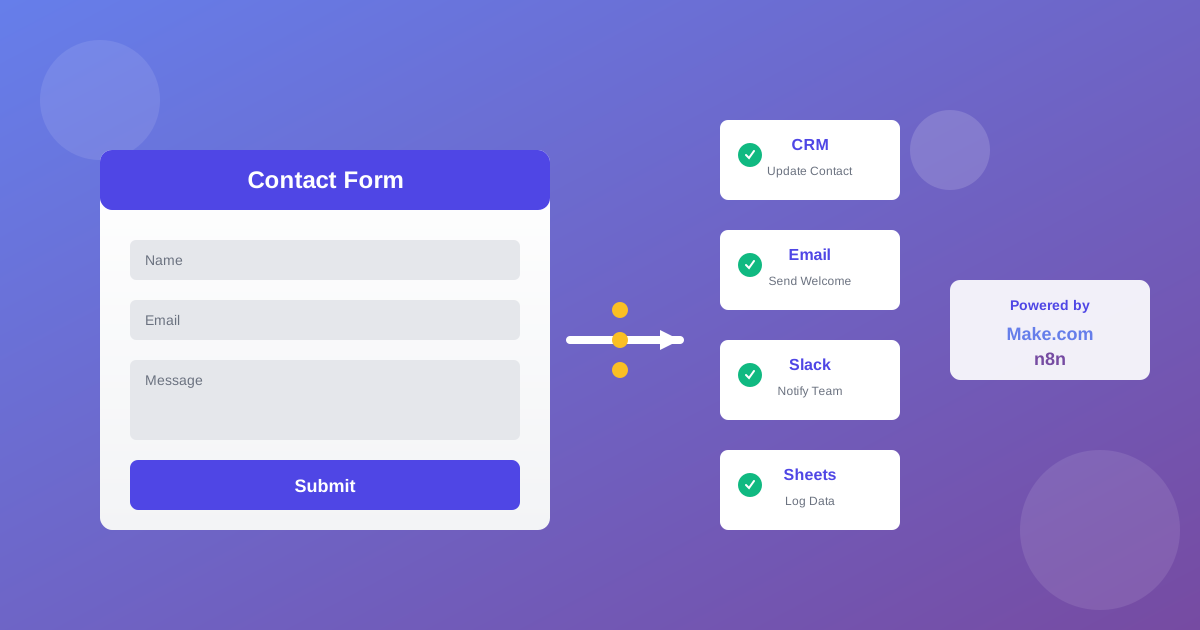
Automate lead generation and user onboarding with form webhooks. Connect forms to Make.com, n8n, and Zapier for instant CRM updates, email sequences, and team notifications. 600 free submissions/month.
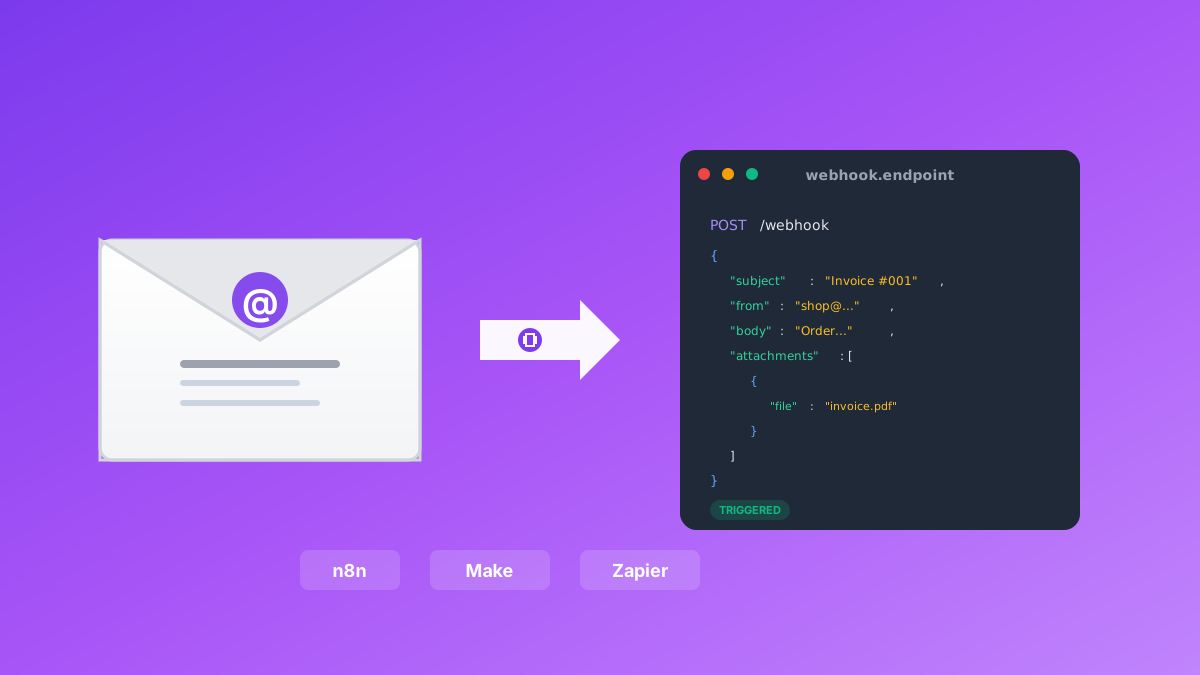
Convert emails to webhooks for Make.com, n8n, and Zapier automation. Process invoices, support tickets, orders, and alerts automatically. Native n8n module included. 600 free emails/month.
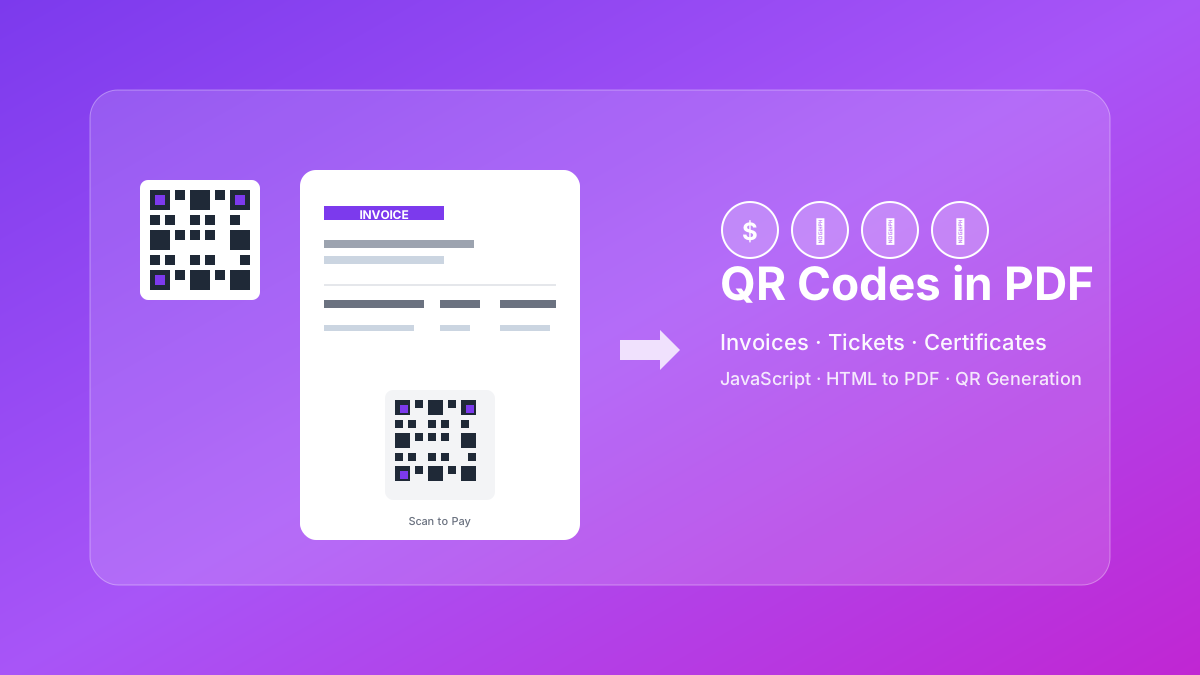
Learn how to generate QR codes in PDF documents using JavaScript. Complete guide with examples for invoices, tickets, certificates, and business cards.
Creating professional HTML invoices that convert perfectly to PDF is essential for any business. 5 beautiful invoice templates with live PDF generators.
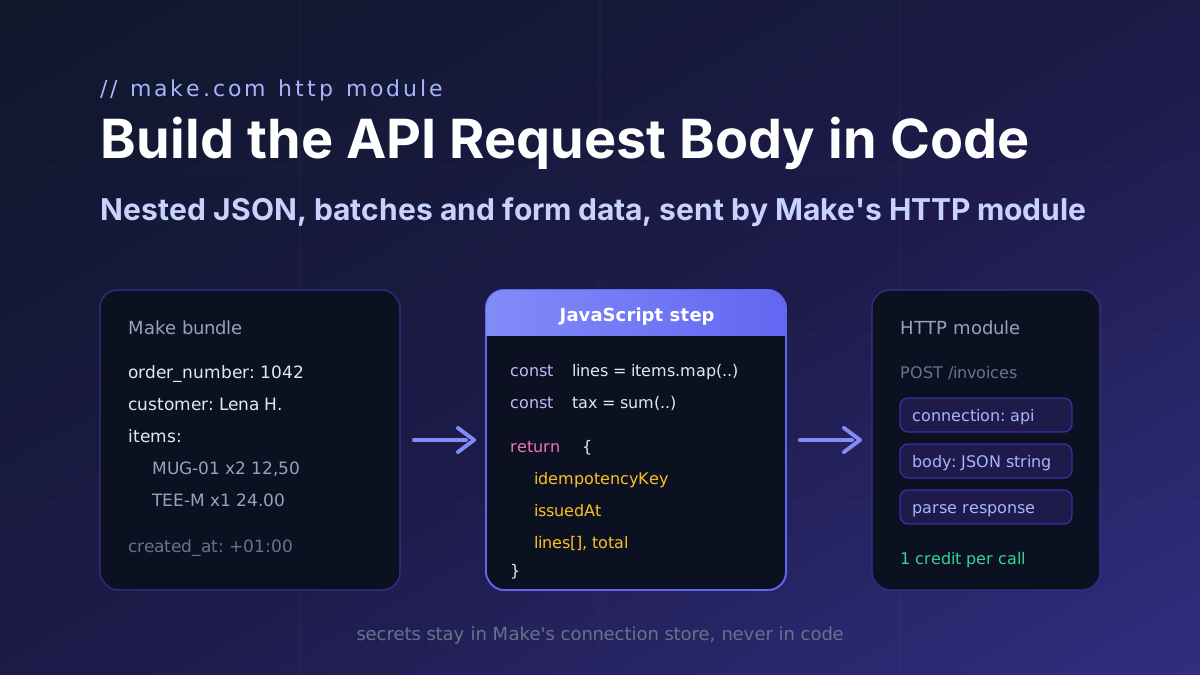
Turn a Make bundle into the exact JSON an API expects (nested arrays, computed totals, ISO timestamps, idempotency keys) in one JavaScript step, then map it into Make's HTTP module.
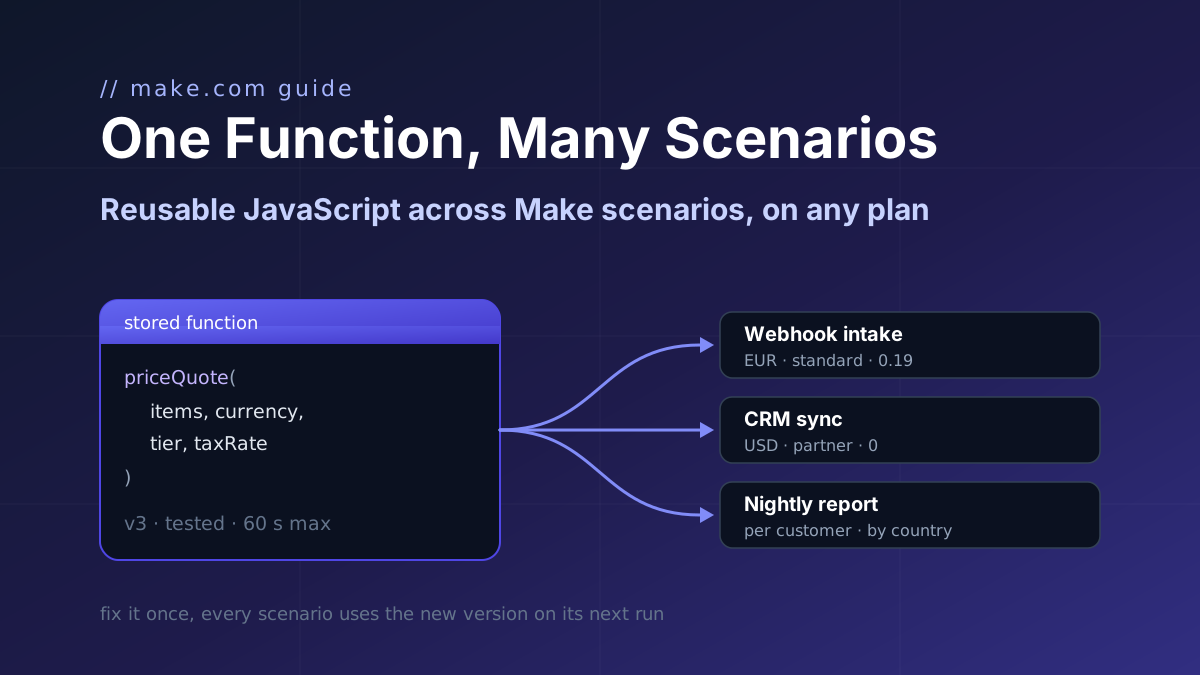
Make's Code app has no shared library and Custom Functions are Enterprise-only. Store one JavaScript function with parameters and call it from a webhook intake, a CRM sync and a nightly report.
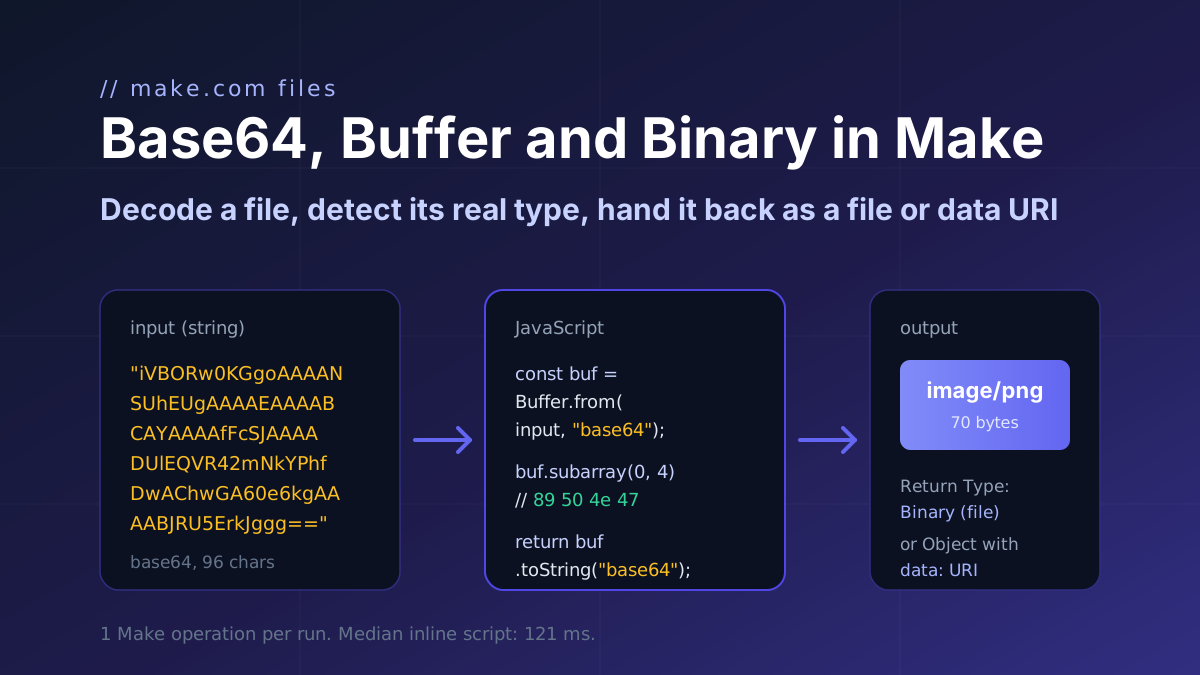
How a file moves through Make.com as base64 and binary: decode it with Buffer.from, detect the real type from the header bytes, and return a file or a data URI. Code with input and output.
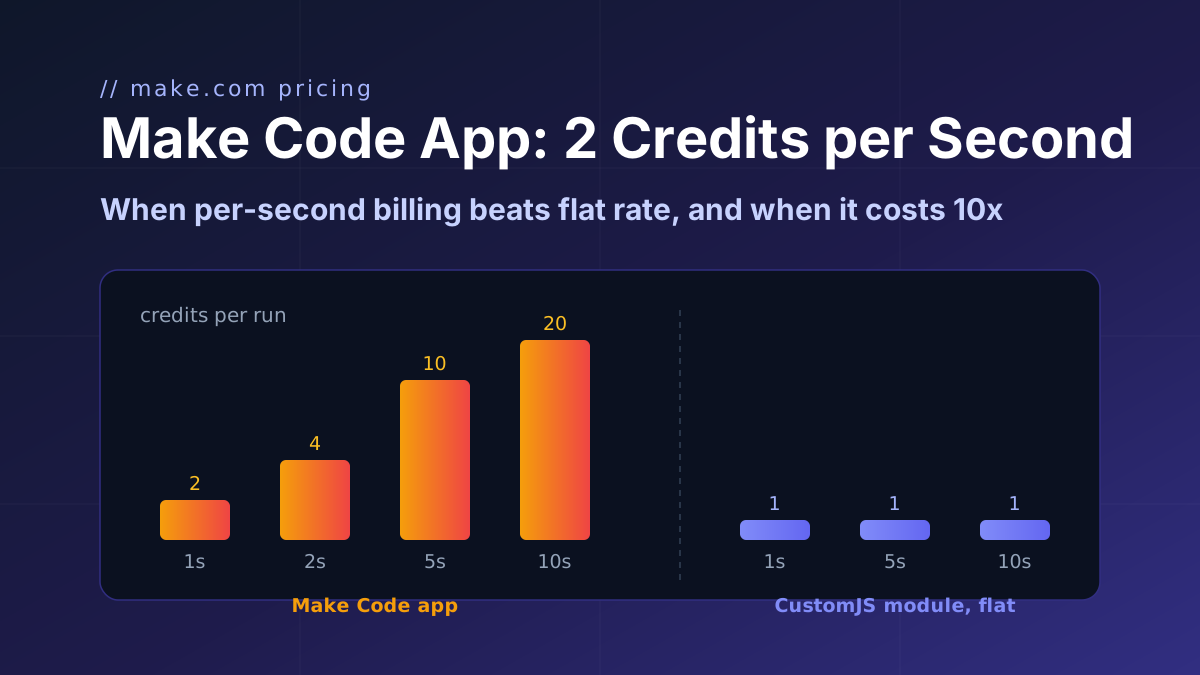
Make's Code app bills 2 credits per second, caps at 30 s and ships npm only on Enterprise. CustomJS bills 1 credit per call with npm and stored functions on every plan. Break-even at 1 to 15 s.
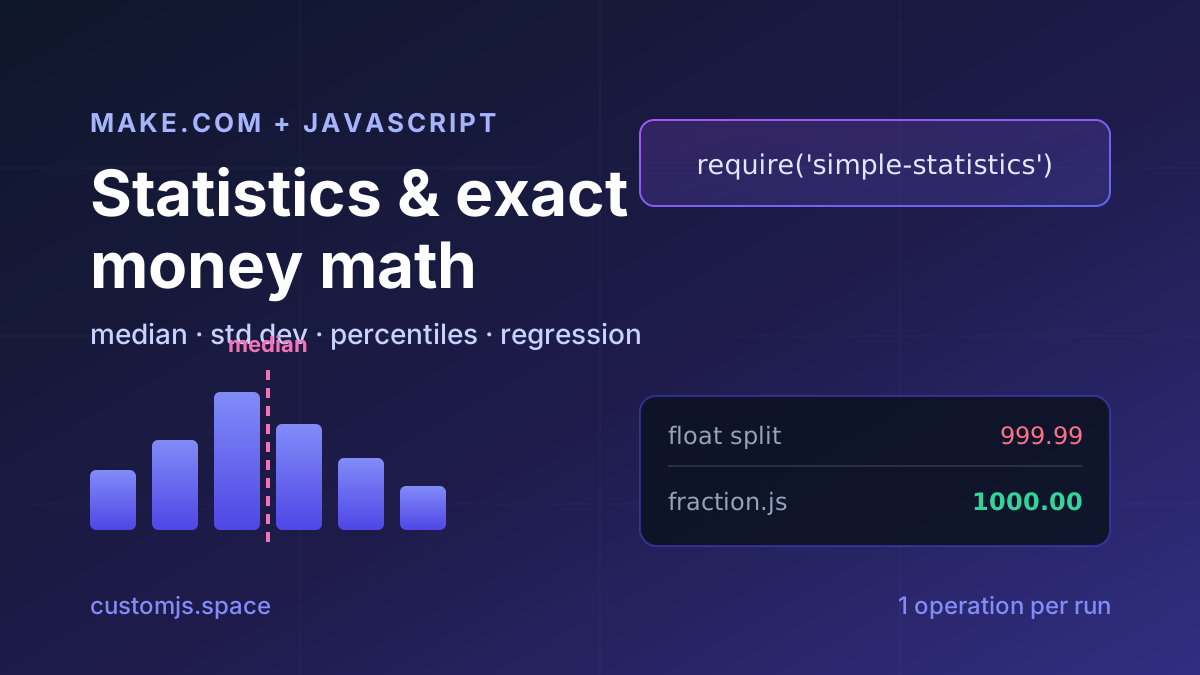
Median, standard deviation, percentiles, regression and cent-exact money splits in Make.com with one JavaScript step. No Google Sheets detour, copy-paste recipes.
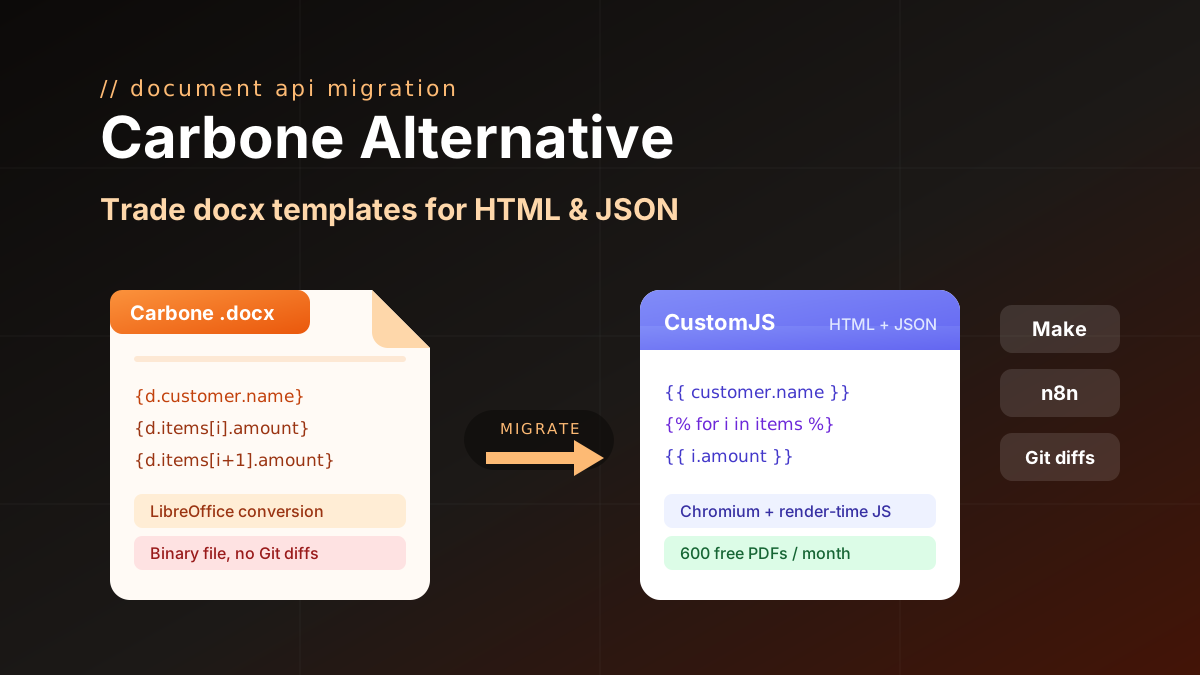
Carbone alternative compared: CustomJS vs Carbone on template model, pricing, and JS rendering, plus a docx to HTML migration guide. 600 free PDFs/month.
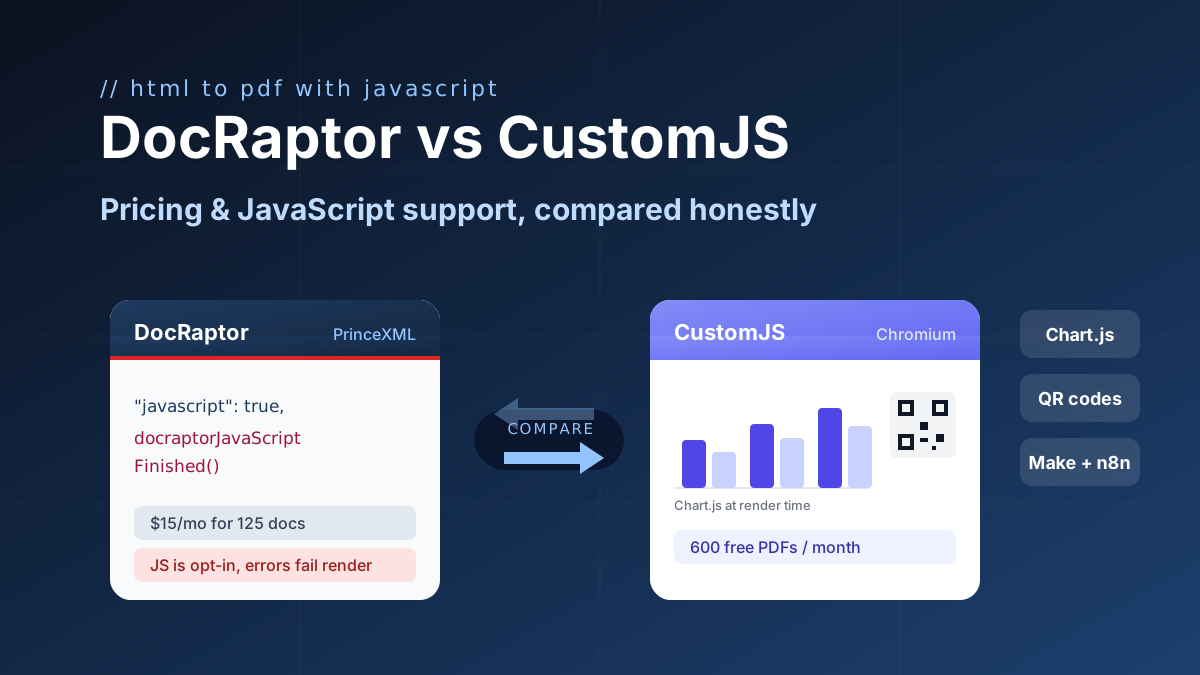
DocRaptor alternative compared: PrinceXML vs Chromium rendering, JavaScript support, and real cost per PDF at 500, 5k, and 50k docs. 600 free PDFs/month.
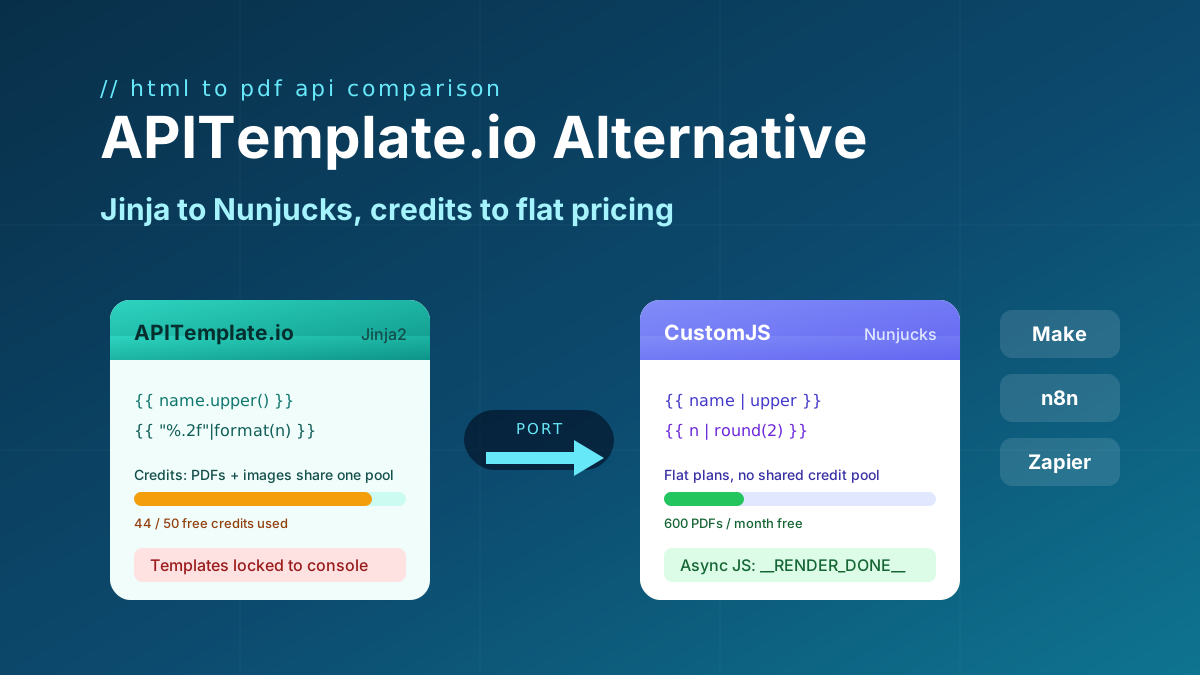
Looking for an APITemplate.io alternative? Compare pricing, Jinja vs Nunjucks templating, and JS rendering, plus a full migration guide. 600 free PDFs/month.
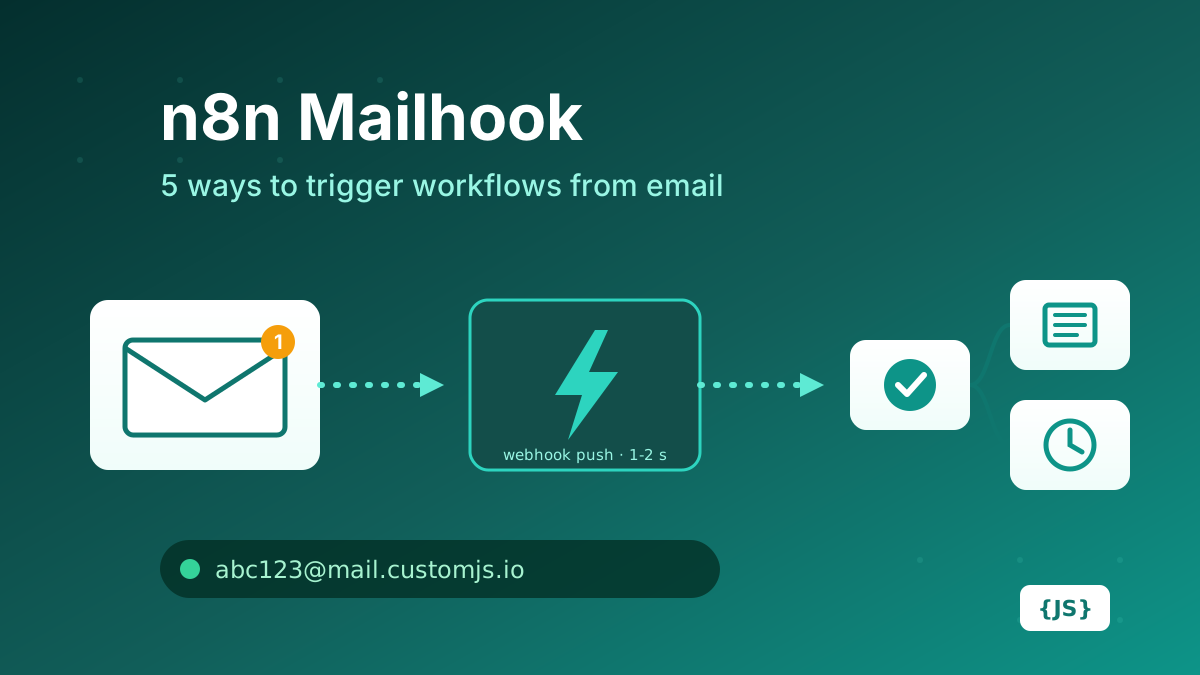
How to create a mailhook in n8n: IMAP trigger, Gmail trigger, parser services, Mailgun/SendGrid inbound parse, and CustomJS Mail Hook compared on latency, setup, attachments, and cost. 600 free emails/month.
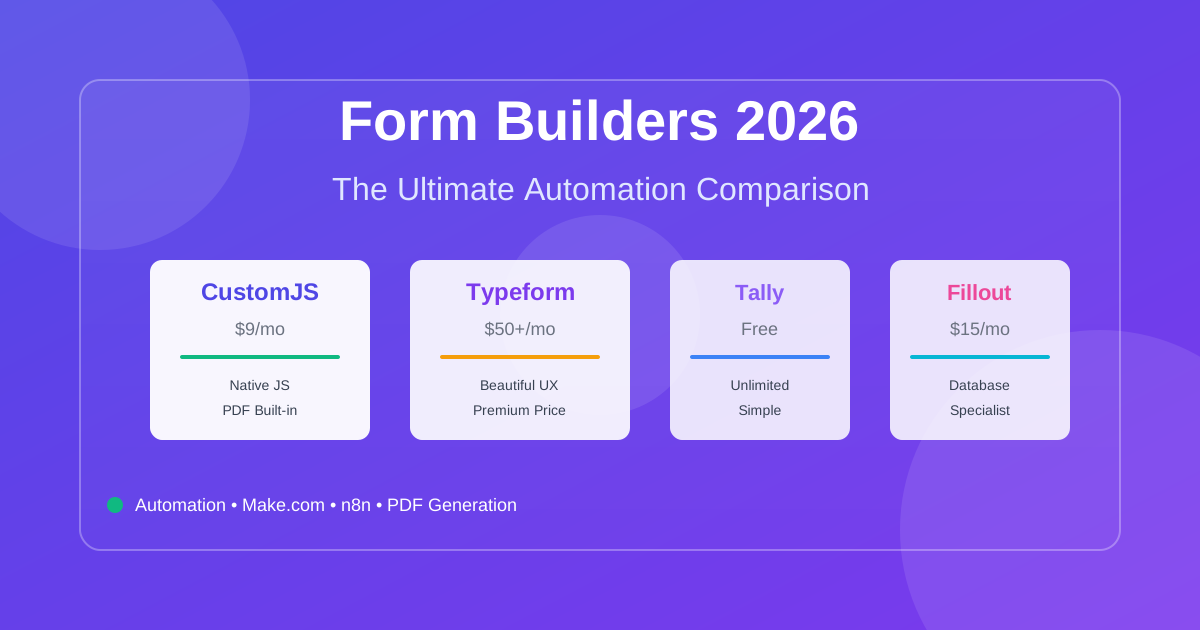
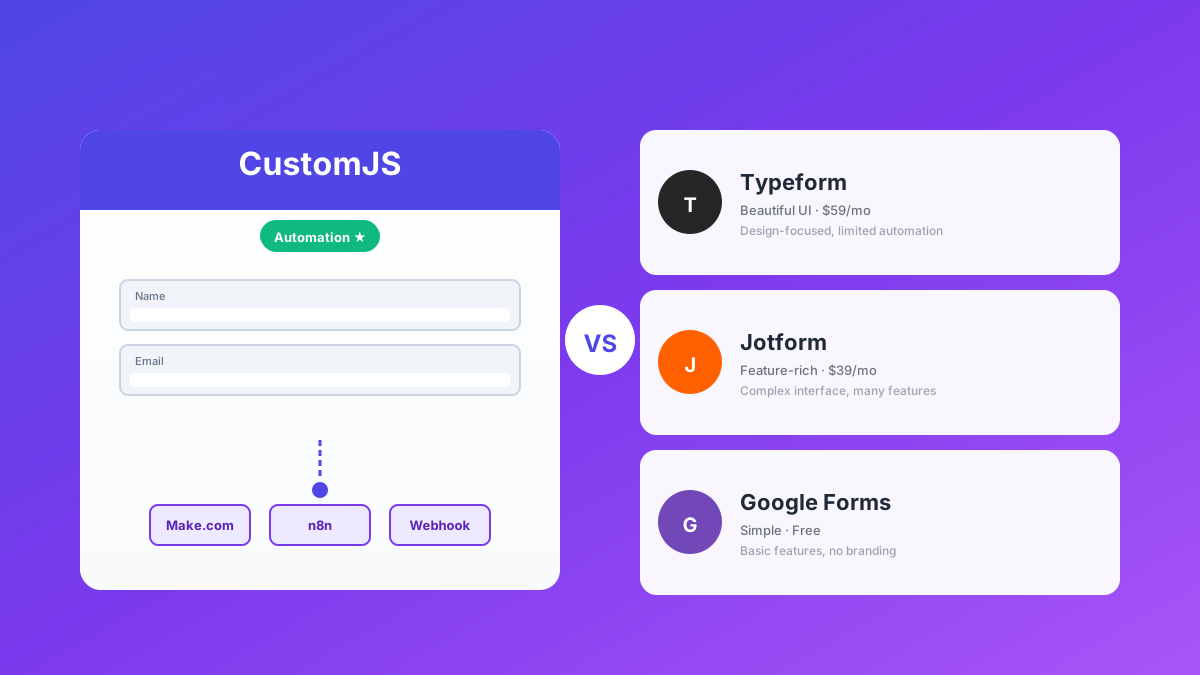
Compare the best form builders for automation in 2026. CustomJS vs. Typeform vs. Jotform vs. Tally vs. Fillout. Features, pricing, and real-world use cases. Save $420-1,056/year on automation costs.
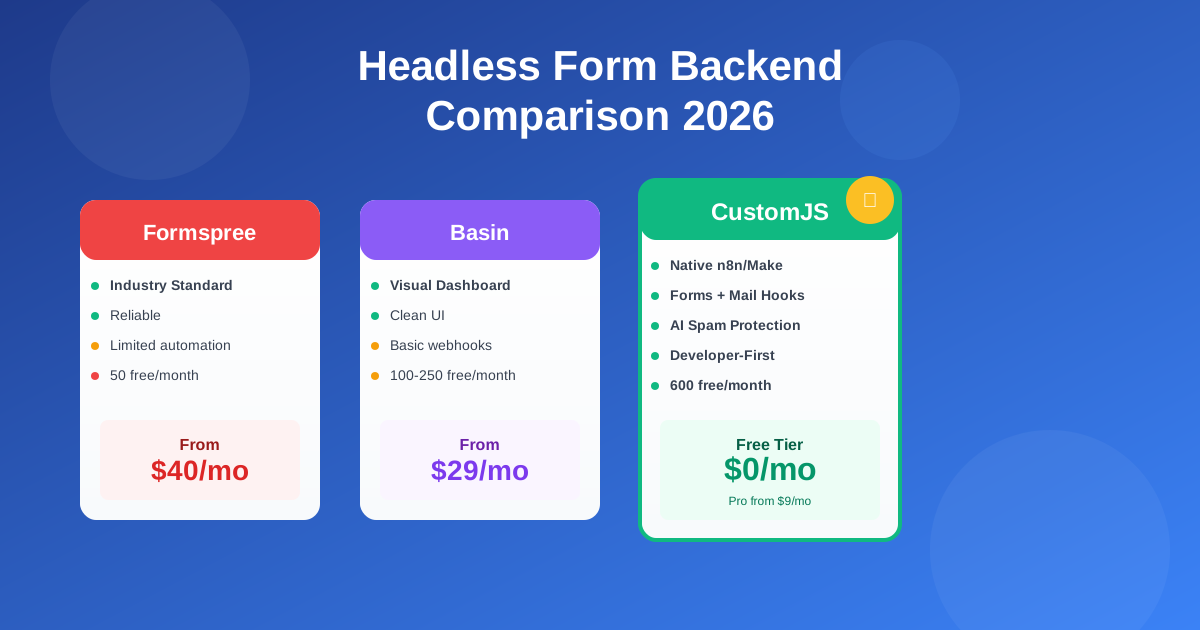
Compare the best headless form backends: Formspree vs Basin vs Getform vs CustomJS. Developer-first analysis of features, pricing, automation, and real-world performance. 600 free submissions/month.
Deploy HTML landing pages with a single API call. No Git, no build steps, no complexity. Perfect for AI-generated pages, campaigns, and prototypes. 600 free deployments/month.
Deploy HTML pages instantly without server setup. Perfect for QR code landing pages, event forms, and promotional campaigns. Automatic HTTPS, custom domains, Make.com & n8n integration. 600 free pages/month.
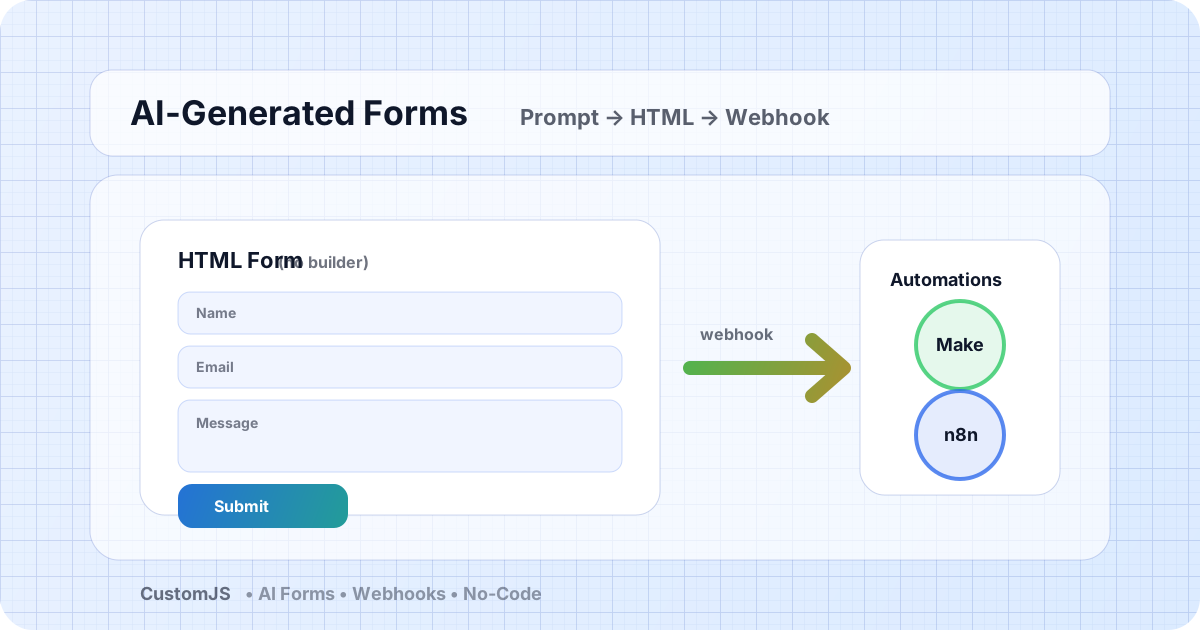
Generate HTML forms with AI (no form builder) and send submissions to webhooks that trigger Make.com and n8n workflows. Includes copy-paste code and best practices.
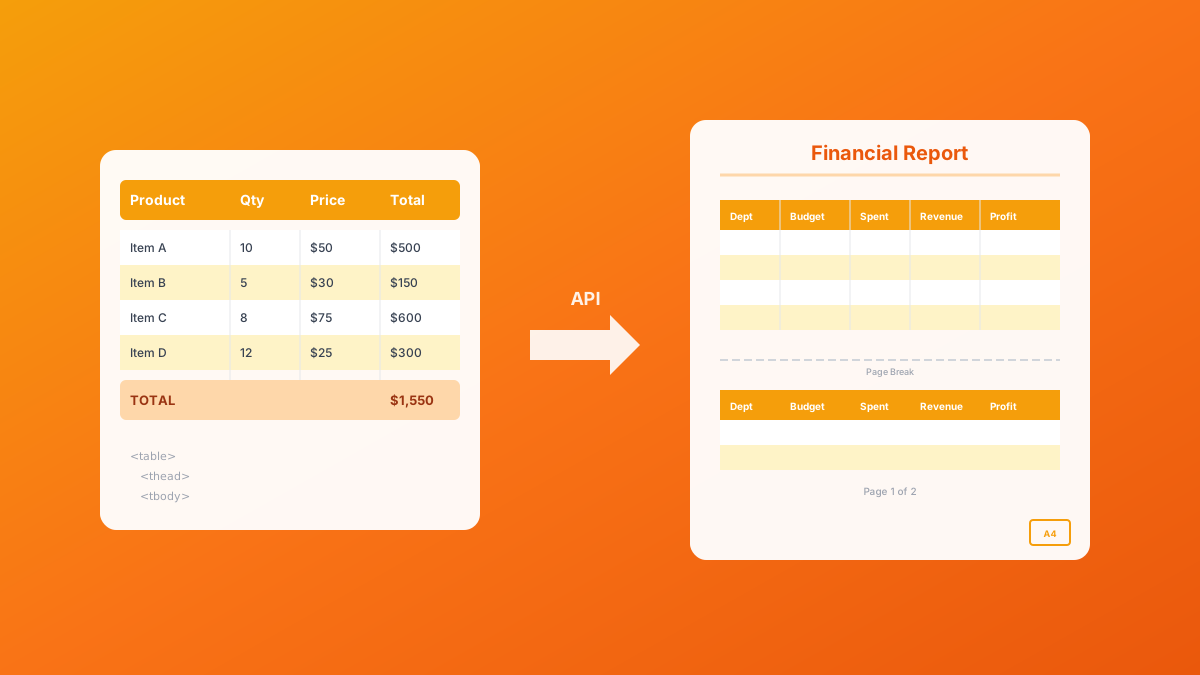
Master HTML table to PDF conversion with landscape orientation, page breaks, and responsive patterns. Complete guide with examples for financial reports, data exports, and invoices. 600 free conversions/month.
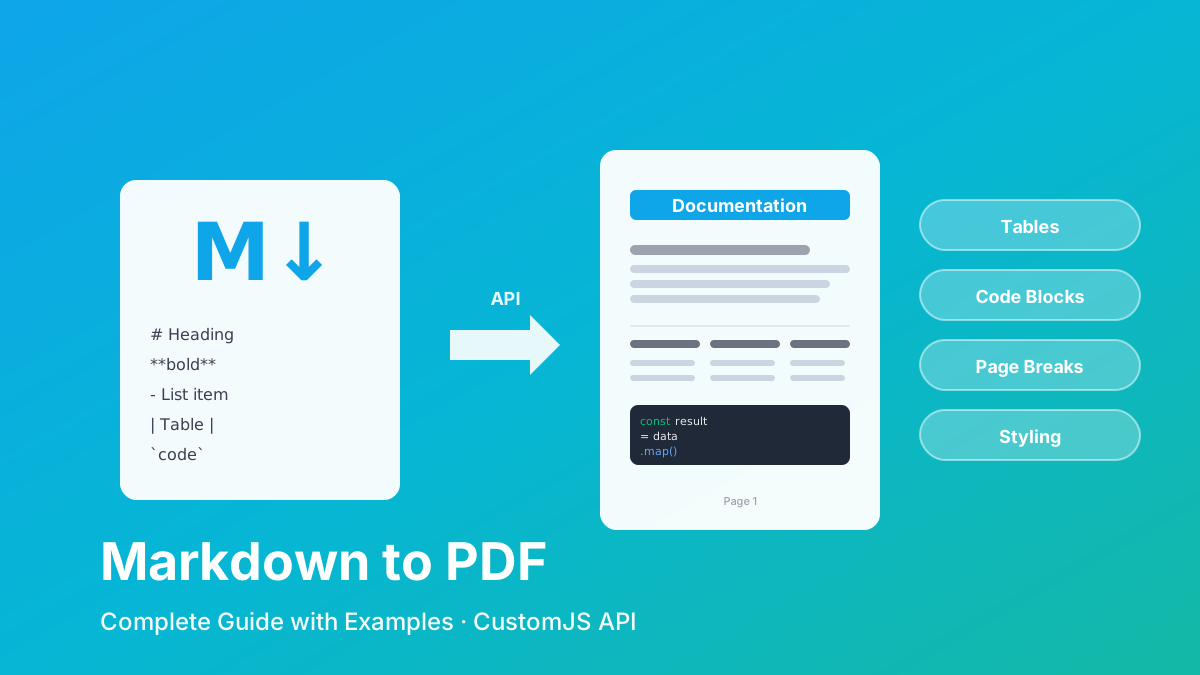
Convert Markdown to PDF with tables, code blocks, and custom styling. Complete guide with examples for API documentation, reports, and automated workflows. 600 free conversions/month.
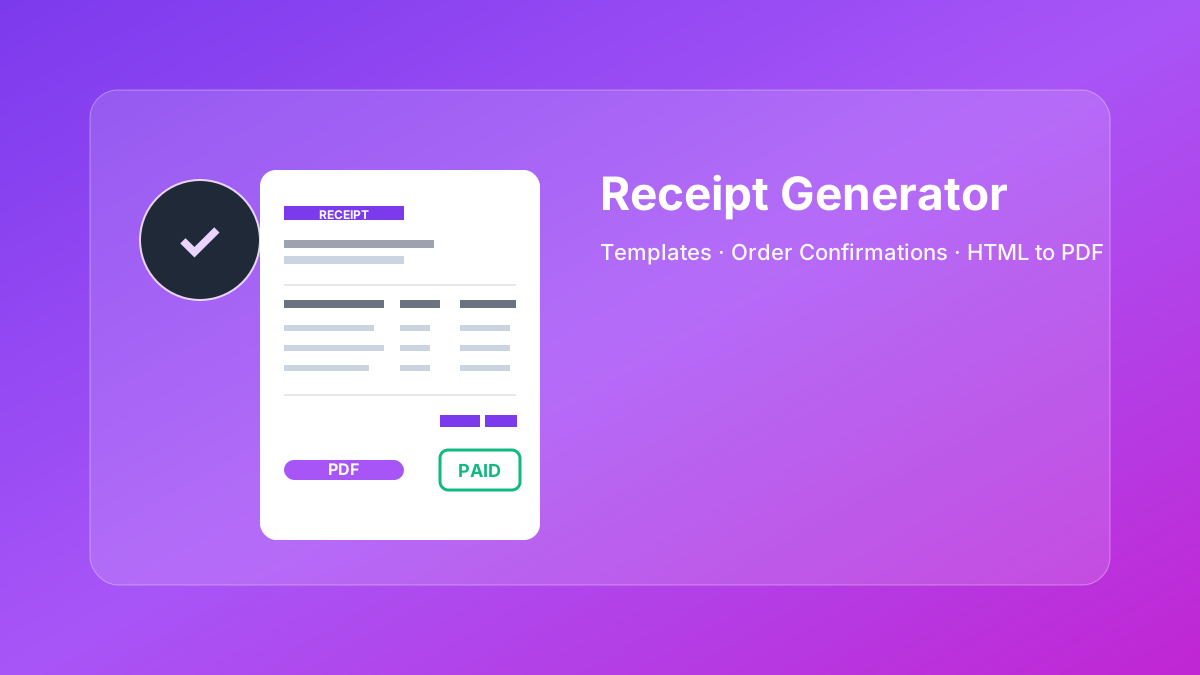
Create professional HTML receipt templates that convert perfectly to PDF. Use our free receipt PDF generator or choose from 5 customizable templates for e-commerce, SaaS, and service businesses.
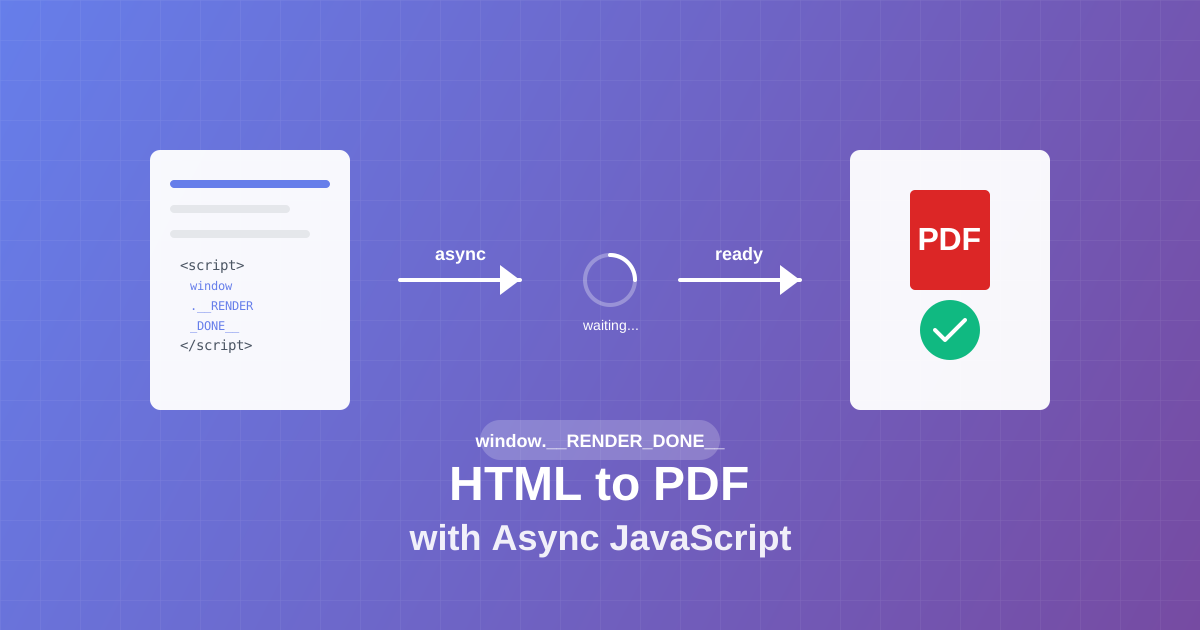
Master async JavaScript execution in PDF generation. Learn the window.__RENDER_DONE__ pattern for reliable HTML to PDF conversion with QR codes, charts, and dynamic content.
If you want to improve your workflow in Make with JavaScript, there are some powerful tools available. Two of the best options are 0CodeKit and CustomJS.
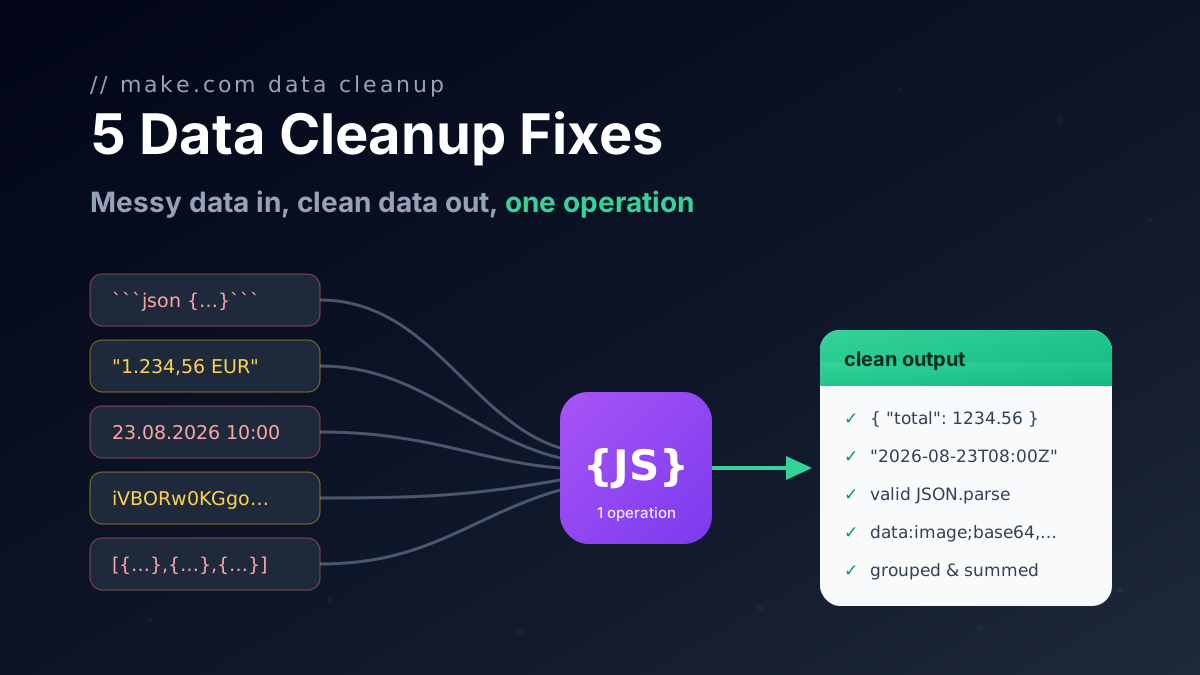
Seven JavaScript snippets for Make.com with input and output: rename keys with a mapping object, flatten nested collections to dot keys, remove nulls, coerce types and repair AI JSON.
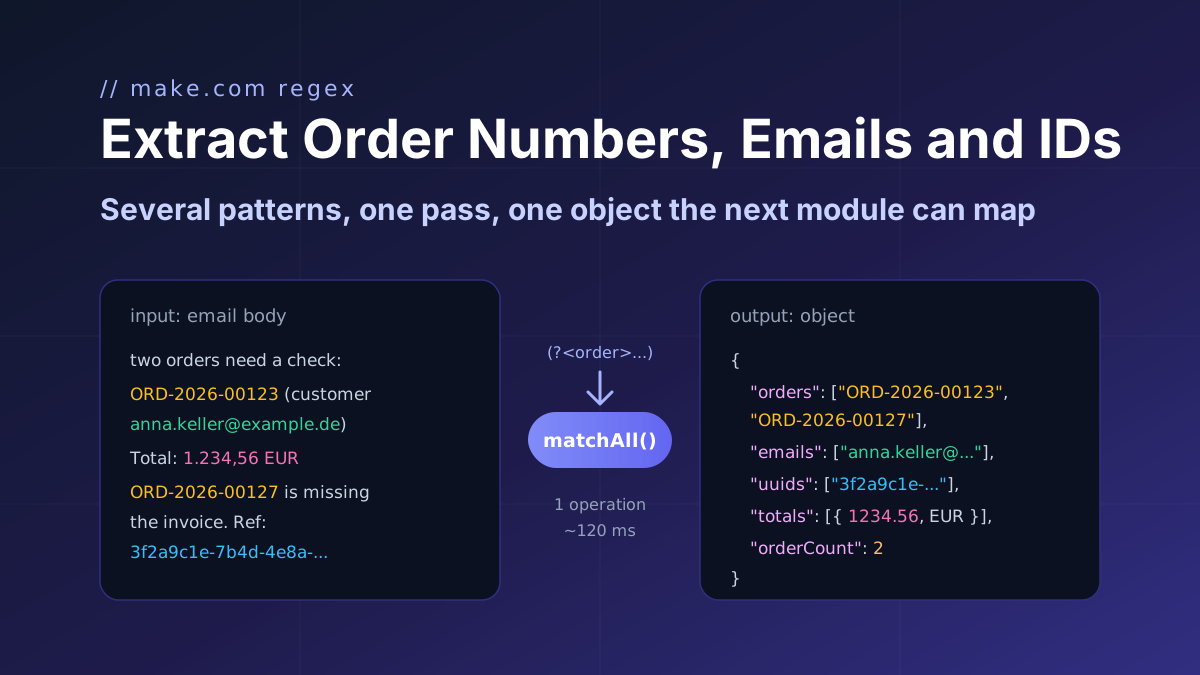
Make's Text Parser runs one regex and returns one bundle per match. Where it stops, and the 15-line JavaScript that pulls order numbers, emails, UUIDs and totals out of text in one pass.
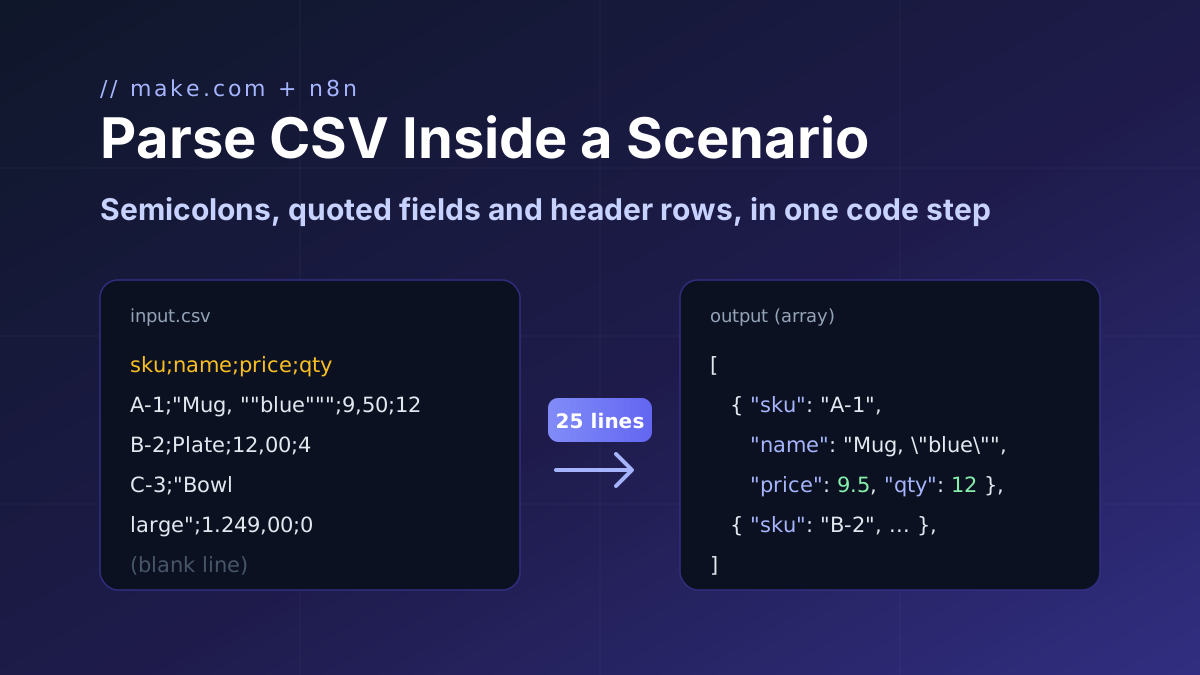
Where Make's built-in Parse CSV stops (declared columns, col1/col2 names, BOM errors) and a 25-line tolerant parser that returns an array keyed by the header row, for Make and n8n.
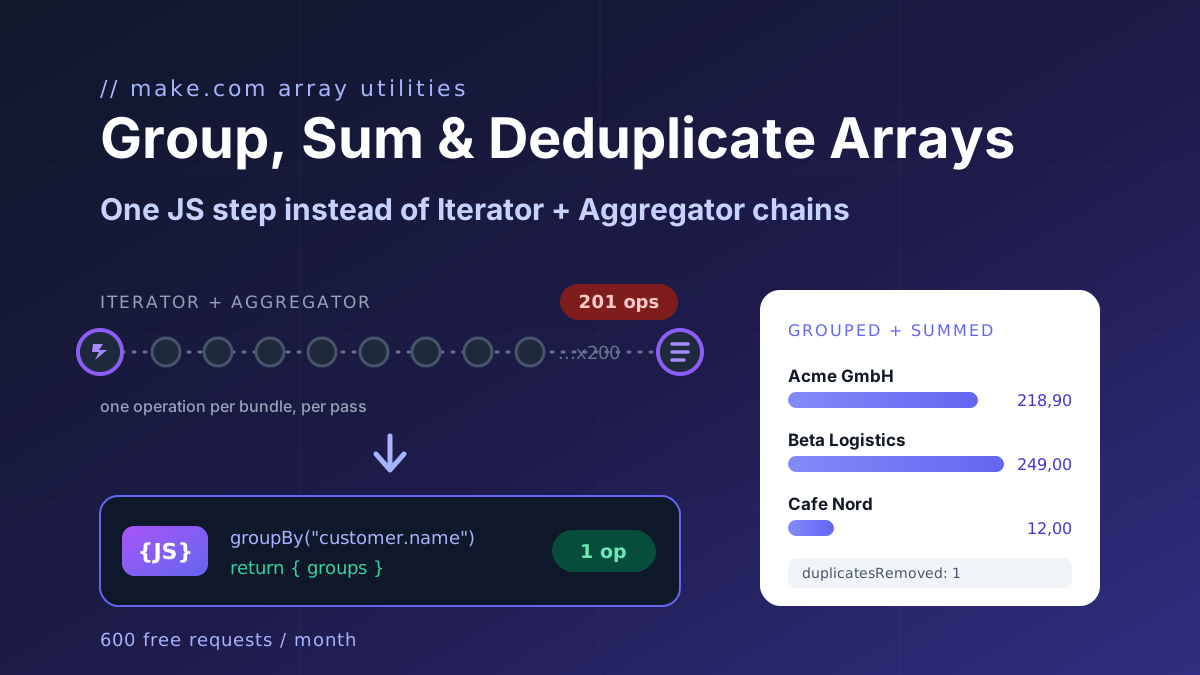
Make's Numeric Aggregator computes one function per module and costs one operation per item. The twelve-line JavaScript fix for group by, max per group, count distinct, dedupe and top N, plus the no-code module.
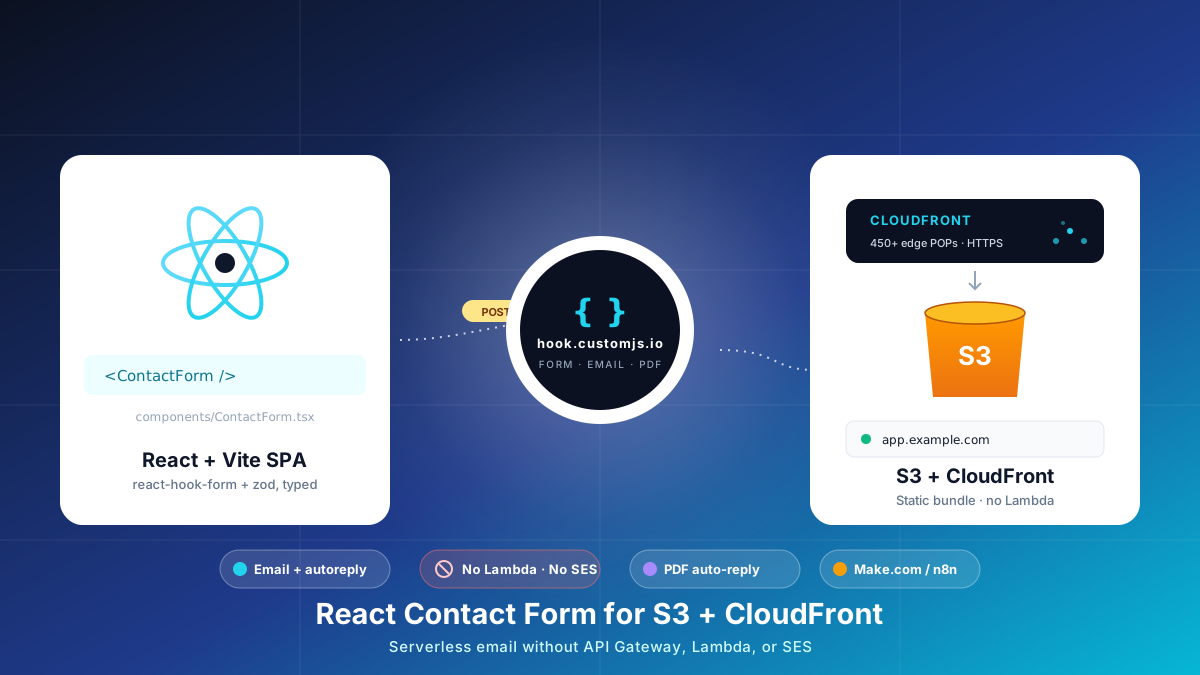
Build a React contact form on S3 + CloudFront with no AWS Lambda, API Gateway, or SES. Typed react-hook-form + Zod, PDF auto-reply, edge CORS and CSP, cost table at 1k submissions.
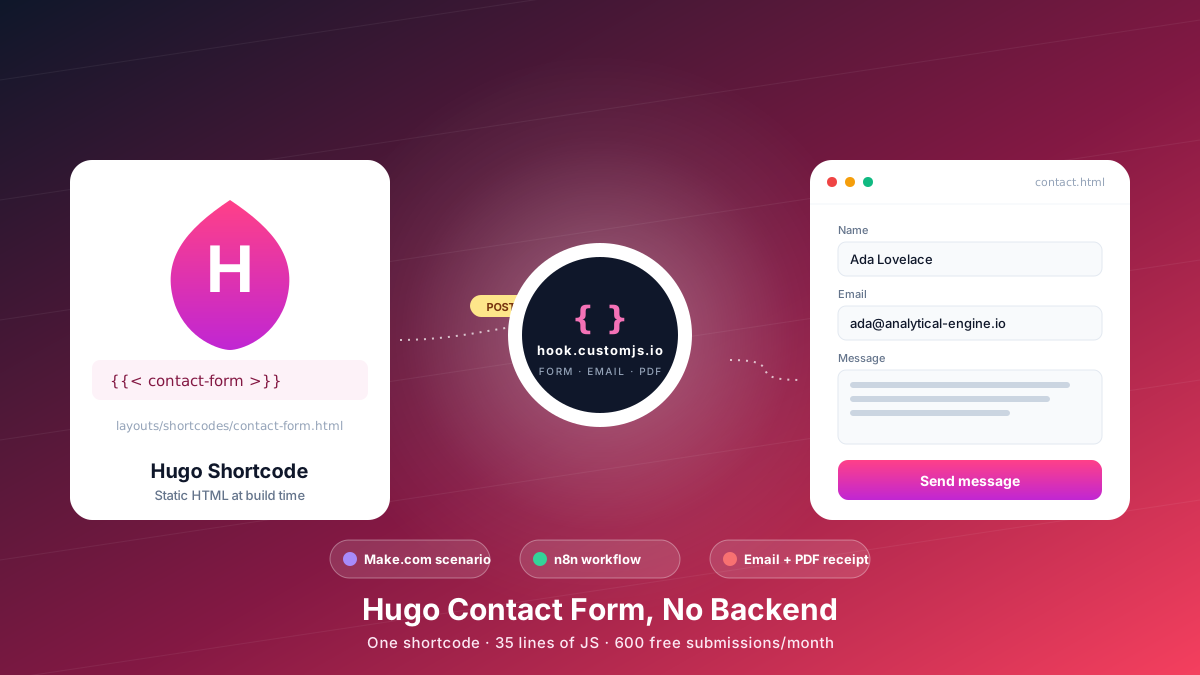
Add a Hugo contact form without a backend. Copy-paste shortcode, vanilla JS handler, spam protection, email + PDF receipt, Make.com & n8n routing. 600 free submissions/month.
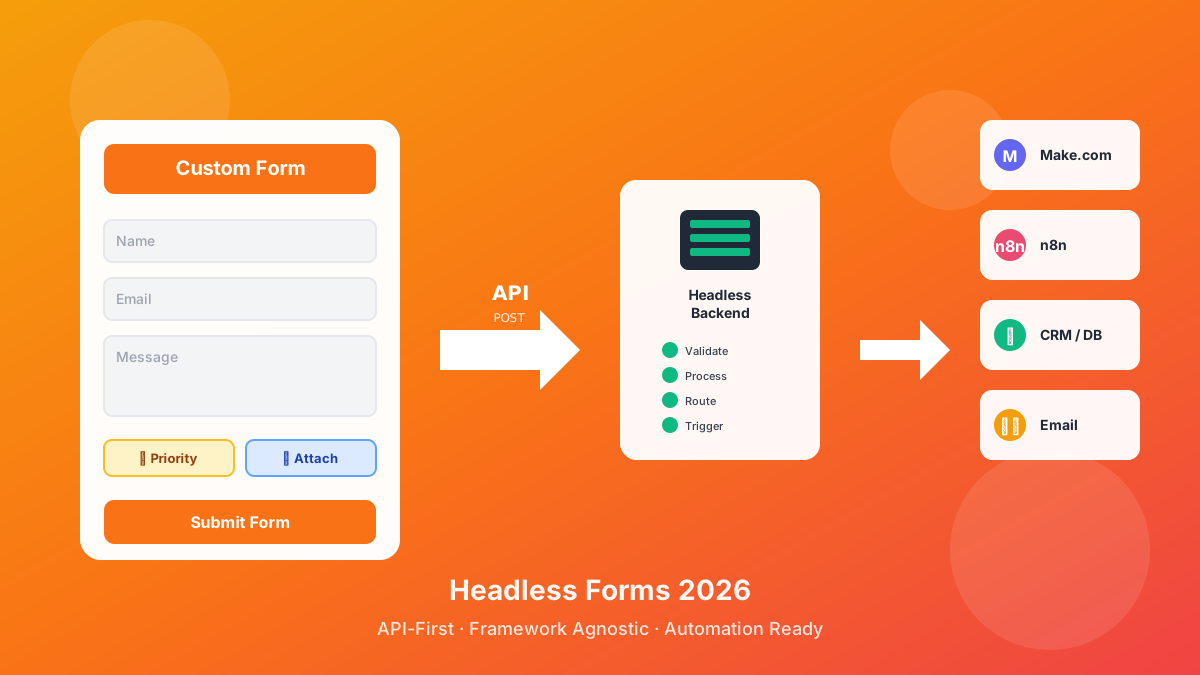
Discover what headless forms enable in 2026: pure frontend stacks, custom multi-step flows, API-first marketing automation, and programmatic form generation. 600 free submissions/month.
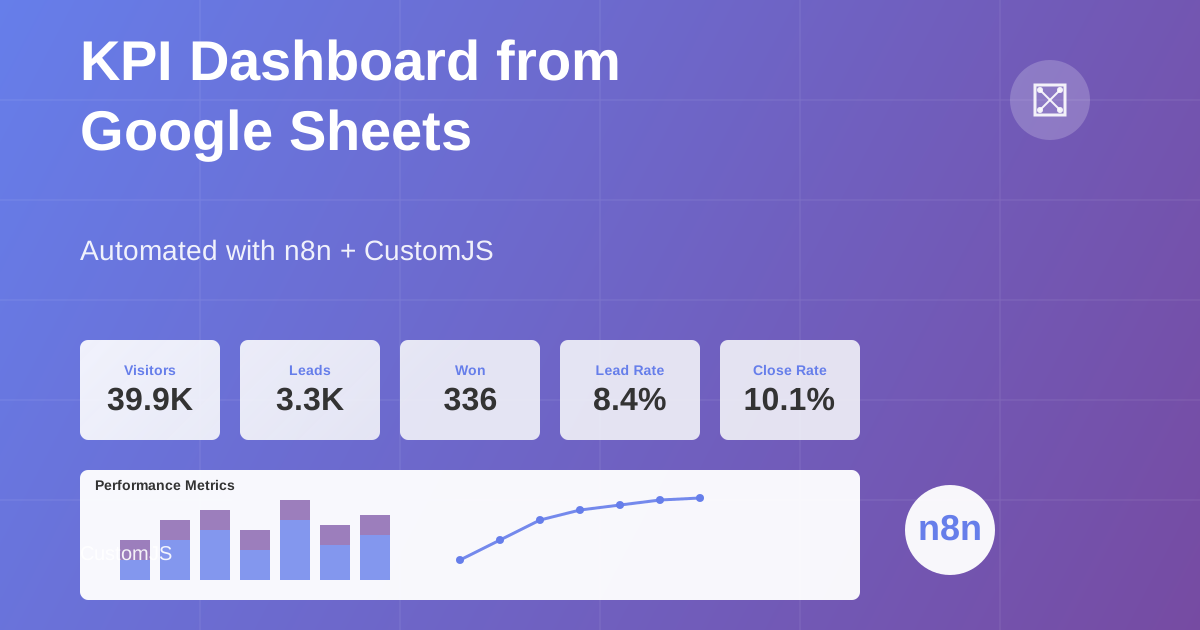
Build automated KPI dashboards from Google Sheets using n8n and CustomJS. Generate interactive charts with Chart.js, host static HTML pages, and connect custom domains. Complete workflow template included.
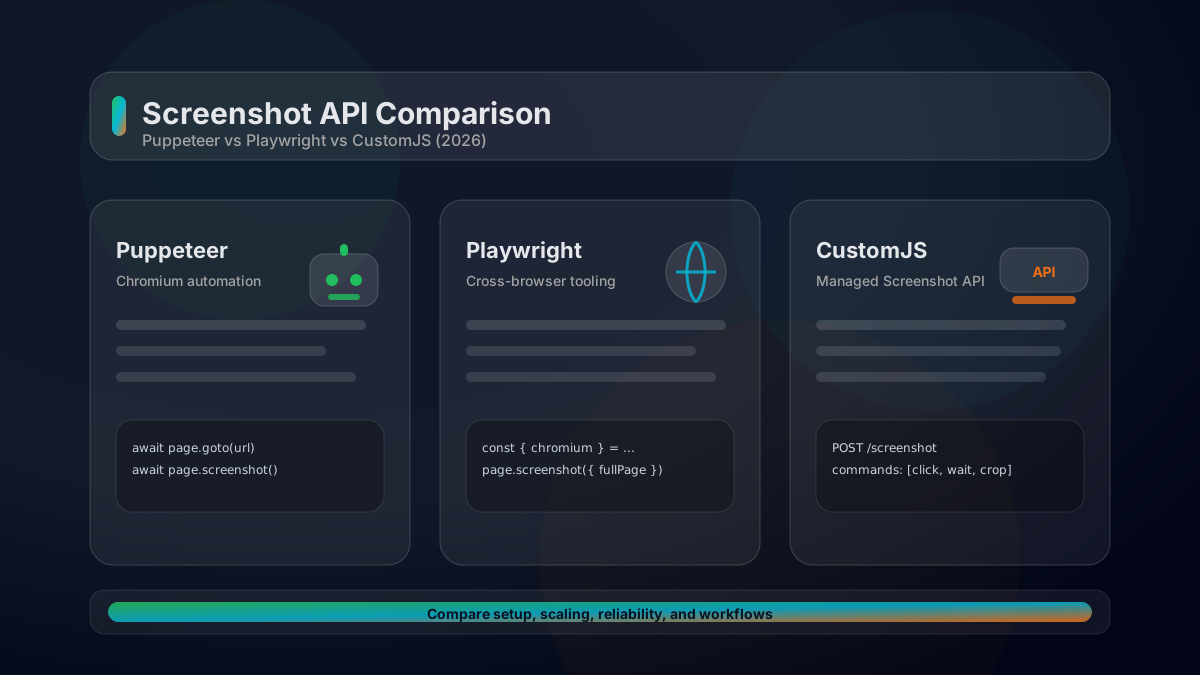
A practical comparison of Puppeteer vs Playwright vs a managed Screenshot API. Feature matrix, code examples, scaling considerations, and how to choose in 2026.