HTML Receipt & Order Confirmation Templates: Free PDF Generator
Create professional HTML receipt templates and order confirmation PDFs that convert perfectly to PDF. Use our free receipt PDF generator below or choose from 5 customizable templates for your business needs.
All templates are production-ready, support dynamic data injection with Nunjucks templating, and are optimized for PDF conversion. Perfect for e-commerce, SaaS, restaurants, and service businesses.
What is a Receipt and Why Use HTML Templates?
A receipt is a document that confirms a transaction has been completed and payment has been received. Unlike invoices (which request payment), receipts serve as proof of payment. For businesses, providing professional receipts is essential for customer trust, accounting, and legal compliance. HTML receipt templates offer the perfect balance of flexibility and professionalism.
Unlike traditional receipt software, HTML-based receipts give you complete control over design and data. You can easily integrate them into your existing systems, automate receipt generation through APIs, and ensure consistent branding across all your business documents. Our receipt maker supports dynamic data injection, making it ideal for automated order confirmation systems.
Free Receipt PDF Generator
Generate professional receipts and order confirmations instantly. No registration required. Add your details and download as PDF.
HTML Receipt Templates
Browse our collection of professional receipt and order confirmation templates. Each template includes live preview and can be customized with your data.
Template 1: E-Commerce Order Receipt
A modern receipt template designed for online stores and e-commerce platforms. Features product images, order tracking, and shipping information.
Features
Product line items with images
Order tracking number
Shipping and billing addresses
Payment method display
Subtotal, tax, and shipping breakdown
Best For
Online stores, e-commerce platforms, and retail businesses that need to provide detailed order confirmations with product information.
Template 2: Restaurant & Cafe Receipt
A clean receipt template perfect for restaurants, cafes, and food service businesses. Includes table number, server name, and itemized menu items.
Features
Table and server information
Menu item breakdown
Tip calculation area
Payment method (cash/card)
Thank you message
Best For
Restaurants, cafes, bars, and food service businesses that need simple, clear receipts for dine-in or takeout orders.
Template 3: SaaS Subscription Receipt
Designed specifically for SaaS and subscription businesses. Shows subscription details, billing period, and next payment date.
Features
Subscription plan details
Billing period display
Next payment date
Payment method on file
Account management links
Best For
SaaS companies, subscription services, and membership-based businesses that need to confirm recurring payments.
Template 4: Service Business Receipt
Perfect for service-based businesses like salons, repair shops, and professional services. Includes service description and duration.
Features
Service description and duration
Staff member information
Appointment date and time
Itemized service breakdown
Customer notes section
Best For
Salons, spas, repair shops, and professional service providers who need to document completed services.
Template 5: Retail Point of Sale Receipt
A compact receipt template optimized for retail POS systems. Clean, thermal-printer-style design with barcode support.
Features
Compact thermal printer layout
Barcode/QR code support
Store location information
Return policy display
Loyalty program information
Best For
Retail stores, boutiques, and brick-and-mortar shops using POS systems that need compact, scannable receipts.
Receipt Template Comparison
Choose the right receipt template for your business needs. Compare features, design styles, and ideal use cases:
Template
Design Style
Best For
Key Features
E-Commerce Order
Modern & Detailed
Online Stores
Product images, Tracking
Restaurant & Cafe
Clean & Simple
Food Service
Table info, Tip calculation
SaaS Subscription
Professional
SaaS, Subscriptions
Billing period, Next payment
Service Business
Detailed & Clear
Salons, Services
Service duration, Staff info
Retail POS
Compact & Scannable
Retail Stores
Barcode, Return policy
How to Use These Receipt Templates
All receipt templates are built with HTML and CSS, making them easy to customize and integrate into any application. You can use them with our PDF API to automatically generate receipt PDFs, or integrate them directly into your order confirmation workflow.
Key Benefits:
No coding required: Use our free online generator above
Fully customizable: Modify HTML/CSS to match your brand
API integration: Automate receipt generation via API
Professional design: Print-ready and PDF-optimized
Dynamic data: Support for templating engines like Nunjucks
Automation Options:
Automate your receipt generation workflow with these integration options:
n8n Native Module: Use our official n8n node to generate receipts directly in your automation workflows
Creating professional receipts requires more than just good design. Follow these best practices to ensure your receipts are legally compliant and professional:
Essential Receipt Elements
Business Information: Your company name, address, and contact details
Receipt Number: Unique identifier for tracking (e.g., RCP-2025-001)
Transaction Date & Time: When the payment was received
Customer Information: Customer name and contact (if applicable)
Itemized Breakdown: Detailed description, quantity, and pricing
Payment Method: How payment was received (cash, card, etc.)
Tax Information: VAT/Sales tax clearly displayed
Total Amount Paid: Final amount received
Receipt vs. Invoice
Understanding the difference is crucial: An invoice is a request for payment sent before or at the time of service, while a receipt is proof of payment issued after payment is received. Invoices include payment terms and due dates, whereas receipts confirm that payment has been completed. For invoice templates, check out our HTML Invoice Generator.
Branding Your Receipts
Professional receipts reinforce your brand identity. Include your logo, use your brand colors, and maintain consistent typography. Our receipt templates support logo placement and custom color schemes to match your brand perfectly.
Digital vs. Printed Receipts
Modern businesses often provide both digital (email/PDF) and printed receipts. Our templates are optimized for both formats, ensuring they look professional whether viewed on screen or printed on thermal receipt printers.
Receipt Template Use Cases
Our HTML receipt templates are versatile and can be adapted for various business scenarios:
🛒 E-Commerce Order Confirmations
Automatically send order confirmation receipts after successful checkout. Include order tracking, shipping details, and expected delivery dates. Perfect for Shopify, WooCommerce, or custom e-commerce platforms.
💳 SaaS Subscription Confirmations
Send automated receipts for subscription renewals, upgrades, or one-time purchases. Include billing period, next payment date, and account management links. Ideal for Stripe, Paddle, or custom billing systems.
🍽️ Restaurant & Food Service
Generate receipts for dine-in, takeout, or delivery orders. Include table number, server name, and tip calculations. Works with Square, Toast, or custom POS systems.
✂️ Service Appointments
Provide receipts for completed appointments at salons, spas, repair shops, or professional services. Include service details, staff member, and appointment duration.
🏪 Retail Point of Sale
Print or email receipts for in-store purchases. Include barcodes for easy returns, loyalty program information, and store location details. Compatible with most POS systems.
CustomJS Integration Examples
Integrate receipt generation into your existing workflows with CustomJS. Here are some common integration scenarios:
E-Commerce Automation
Connect your e-commerce platform (Shopify, WooCommerce, etc.) to automatically generate and email receipts when orders are completed. Use webhooks to trigger the workflow and customize the template with order data.
SaaS Billing Integration
Integrate with Stripe, Paddle, or your custom billing system to automatically send receipts for successful payments. Include subscription details, billing period, and payment method information.
POS System Integration
Connect your POS system to generate digital receipts that can be emailed to customers or stored in your CRM. Perfect for retail stores, restaurants, and service businesses.
Ready to Automate Your Receipts?
Start with our free receipt generator above, or explore our integration options to automate receipt generation in your existing workflows. No coding required with our n8n and Make.com modules!
Use our free receipt PDF generator above. Simply fill in your business details, add transaction items, and click "Generate PDF". No registration or software installation required. You can also use our HTML templates with any PDF conversion tool or our API for automated generation.
Are these receipt templates free to use?
Yes! All our HTML receipt templates are completely free for commercial and personal use. You can download, modify, and use them in your projects without any licensing fees. The online receipt maker is also free with no registration required.
Can I customize the receipt templates?
Absolutely! All templates are built with standard HTML and CSS, making them easy to customize. You can change colors, fonts, layouts, and add your company logo. For dynamic data, use our Nunjucks templating support or integrate with your own templating engine.
What's the difference between a receipt and an invoice?
A receipt is proof of payment issued after payment is received, while an invoice is a request for payment sent before or at the time of service. Receipts confirm that payment has been completed, whereas invoices include payment terms and due dates. For invoice templates, check out our HTML Invoice Generator.
How do I automate receipt generation?
You can automate receipt PDF generation in three ways:
Native n8n Module: Use our official n8n node for seamless integration in your workflows
Native Make.com Module: Install our Make.com app for drag-and-drop automation
HTTP API: Send receipt data via HTTP request to our API and receive a PDF back instantly - works with any platform
All methods support dynamic data injection and custom HTML templates. Check our n8n integration guide or API documentation for step-by-step instructions.
Which receipt template should I choose?
Choose based on your business type: E-commerce stores should use the Order Receipt template, restaurants benefit from the Food Service design, SaaS companies should use the Subscription template, service businesses prefer the Service Receipt, and retail stores should use the POS template. See our comparison table above for detailed guidance.
Can I add my company logo to the receipts?
Yes! All templates support logo placement. Simply provide your logo URL in the template data, and it will be automatically included in the generated PDF. This helps maintain consistent branding across all your customer communications.
Do receipts need to include tax information?
Yes, in most jurisdictions, receipts should clearly show tax information including VAT or sales tax amounts. Our templates include dedicated tax breakdown sections to ensure compliance with local regulations. Always consult with a tax professional for your specific requirements.
Can I use these templates with my POS system?
Yes! Our templates can be integrated with most POS systems through our API. The Retail POS template is specifically optimized for thermal printers and includes barcode support for easy returns and inventory management.
Generate professional PDFs in Power Automate with CustomJS. Create invoices, receipts, reports, and certificates with custom HTML templates, QR codes, and advanced formatting. No Azure Functions required.
Creating professional HTML invoices that convert perfectly to PDF is essential for any business. 5 beautiful invoice templates with live PDF generators.
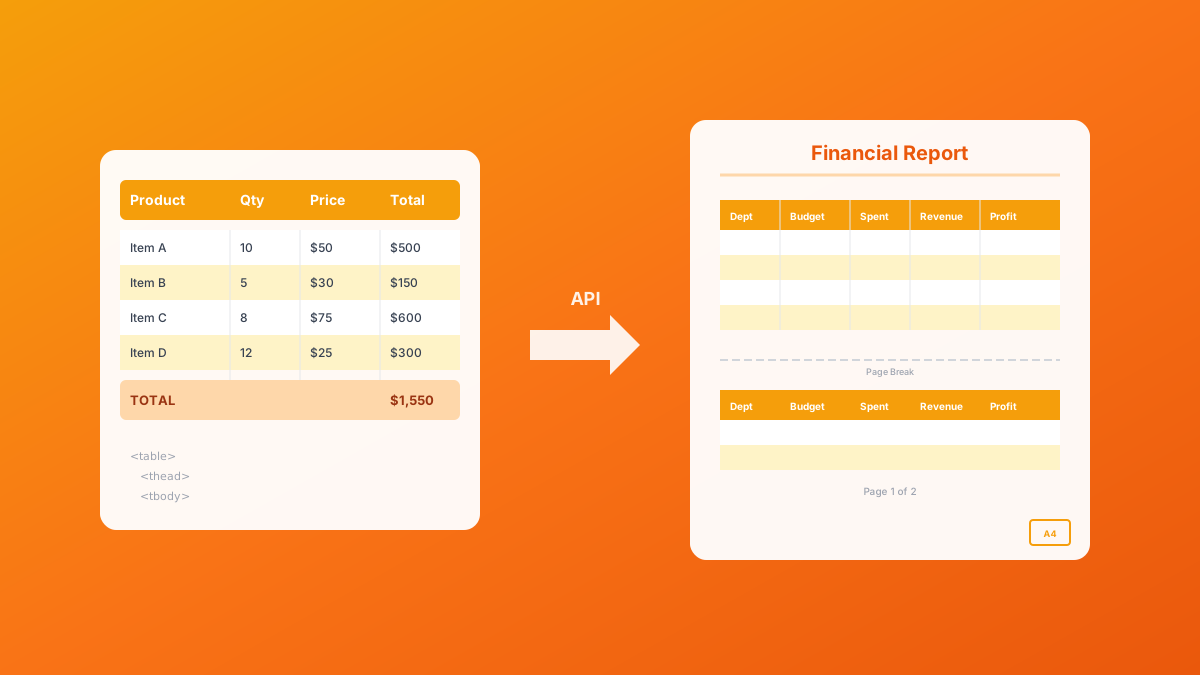
Master HTML table to PDF conversion with landscape orientation, page breaks, and responsive patterns. Complete guide with examples for financial reports, data exports, and invoices. 600 free conversions/month.
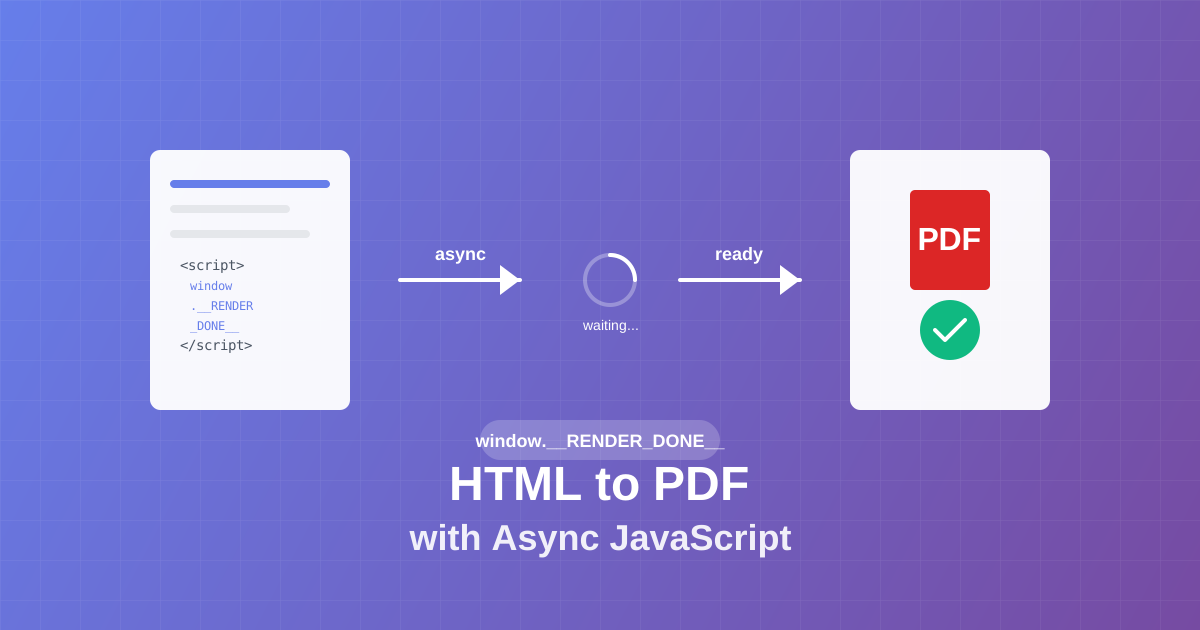
Master async JavaScript execution in PDF generation. Learn the window.__RENDER_DONE__ pattern for reliable HTML to PDF conversion with QR codes, charts, and dynamic content.
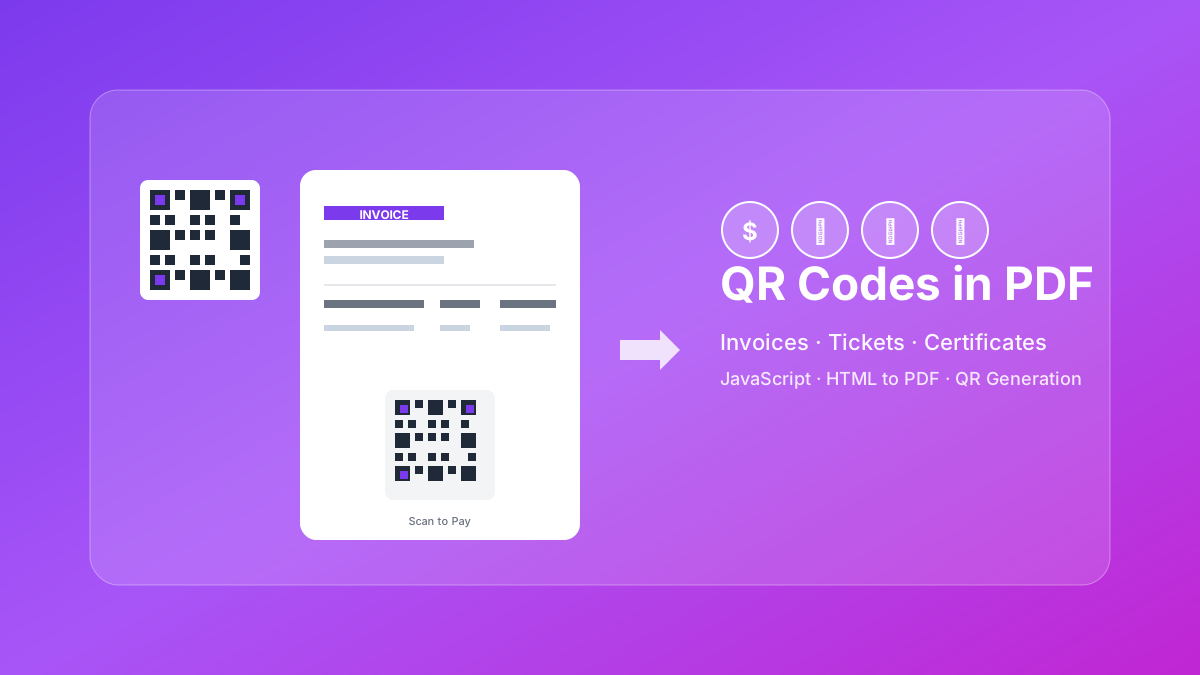
Learn how to generate QR codes in PDF documents using JavaScript. Complete guide with examples for invoices, tickets, certificates, and business cards.
Learn how to automate PDF generation in Make.com with CustomJS. Step-by-step guide with templates for invoices, HTML to PDF, and page extraction. 600 free PDFs/month.
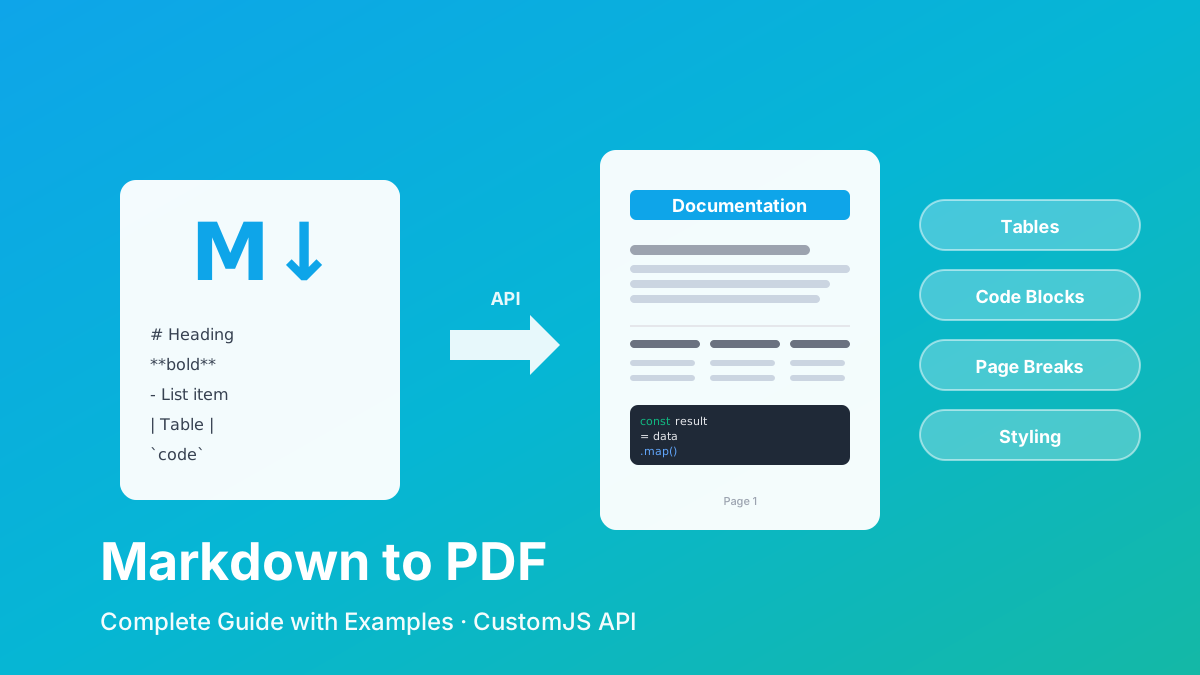
Convert Markdown to PDF with tables, code blocks, and custom styling. Complete guide with examples for API documentation, reports, and automated workflows. 600 free conversions/month.