AI-Generated HTML Forms (No Form Builder): Prompt to Webhook with Make.com & n8n
Generate forms on demand, ship them as plain HTML, and connect every submission to automation workflows—without maintaining a backend.
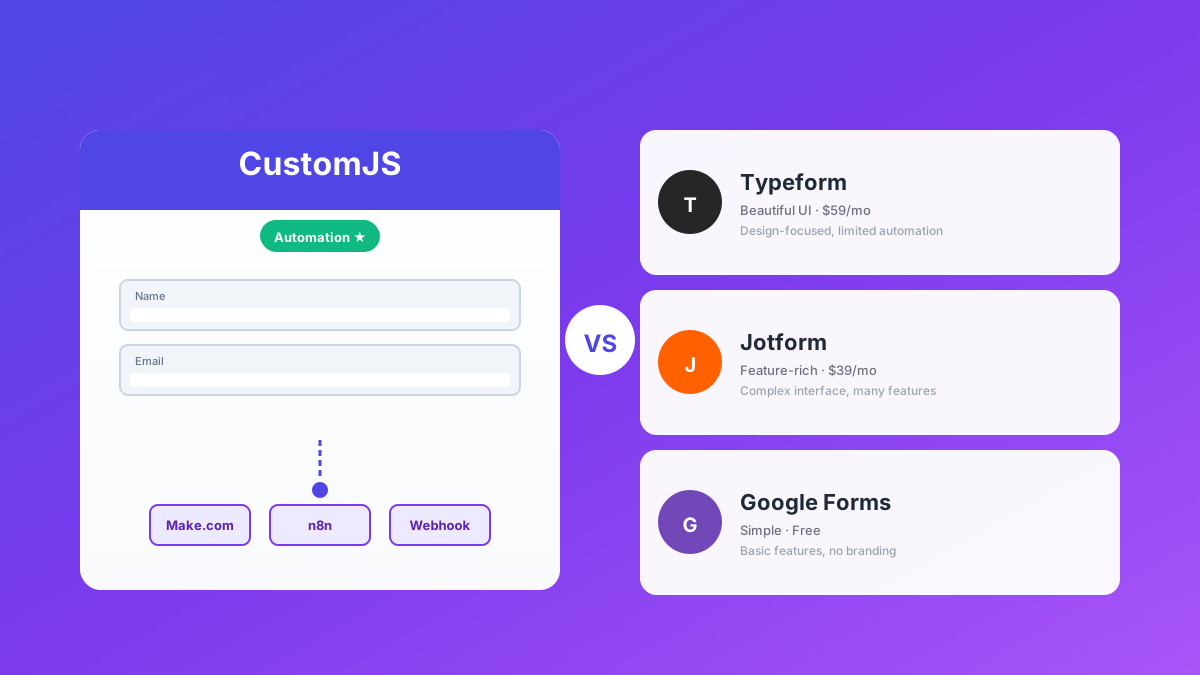
Most "form builder" tools are optimized for building one form at a time in a UI. That’s fine—until you need speed, customization, and automation.
In this guide, you’ll learn a workflow that feels almost unfair: prompt an AI to generate an HTML form, publish it as a lightweight page, and send every submission to a webhook that triggers Make.com or n8n.
The result: you can ship a lead form, onboarding form, support intake form, or waitlist form in minutes, keep full control over markup + tracking, and connect it to your automations without writing a backend.
TL;DR
Use AI to generate production-ready HTML forms without a form builder.
Send submissions directly to a webhook (Make.com, n8n, or your own endpoint).
Use spam protection (honeypot), idempotency, and retries for reliability.
Keep full control over design, analytics, and deployment.
CustomJS can help with related automation building blocks (native API + Make.com + n8n modules).
Why prompt-to-form beats a classic form builder
Form builders are great for simple landing pages. But they often become limiting when you need:
Full tracking: your own events, your own attribution, your own A/B tests.
Fast iteration: duplicate forms for campaigns, cities, products, or languages.
Automation first: every submission should instantly trigger workflows.
If you can generate the HTML on demand (with AI), the bottleneck moves from “building the form” to “what happens after submit”. That’s where webhooks and automation tools shine.
The workflow (prompt → HTML → publish → webhook)
Generate: Ask AI for an HTML form with Tailwind classes (or your CSS system).
Publish: Host it anywhere (static hosting, CMS, your app, CustomJS-hosted pages).
Collect: Submit to a webhook endpoint (Make.com, n8n, or your serverless function).
Use a structured prompt so the output is consistent and secure. Here is a template you can reuse:
You are a senior front-end engineer.
Generate a single-file HTML form (no external build step) with:

- TailwindCSS classes (no Tailwind config, assume CDN classes)
- Fields: name, email, company, message
- Required field validation (HTML5 + small JS)
- Honeypot field for spam protection
- Submit via fetch() POST to WEBHOOK_URL as JSON
- Show loading state + success + error messages
- Do not include any third-party trackers

Return ONLY the HTML.
Copy-paste starter: HTML form that submits JSON to a webhook
This is a minimal, production-friendly baseline. Replace WEBHOOK_URL.
1. Is it safe to submit directly to a Make.com/n8n webhook?
It’s fine for low-risk use cases, but for public forms you should add spam protection, rate limiting, and—if needed—proxy submissions through your own backend.
2. How do I prevent spam?
Start with a honeypot field, add basic rate limiting, and consider CAPTCHAs only if you truly need them.
3. What about file uploads?
For file uploads, you typically want a dedicated upload endpoint or a pre-signed URL flow (S3, GCS) rather than sending large binary data to a webhook.
4. Can I store submissions in Airtable/Notion/HubSpot?
Yes—Make.com and n8n can route the payload to almost any destination. If you need inspiration, explore our integration guides under Integrations.
Conclusion
AI-generated HTML forms are a pragmatic way to ship fast, stay flexible, and keep full control. When you connect them to webhooks, Make.com, and n8n, you get an automation-first system that scales from a one-off campaign form to a full intake pipeline.
If you want to automate more steps around web pages (testing, scraping, screenshots), CustomJS gives you a native API and ready-to-use modules.
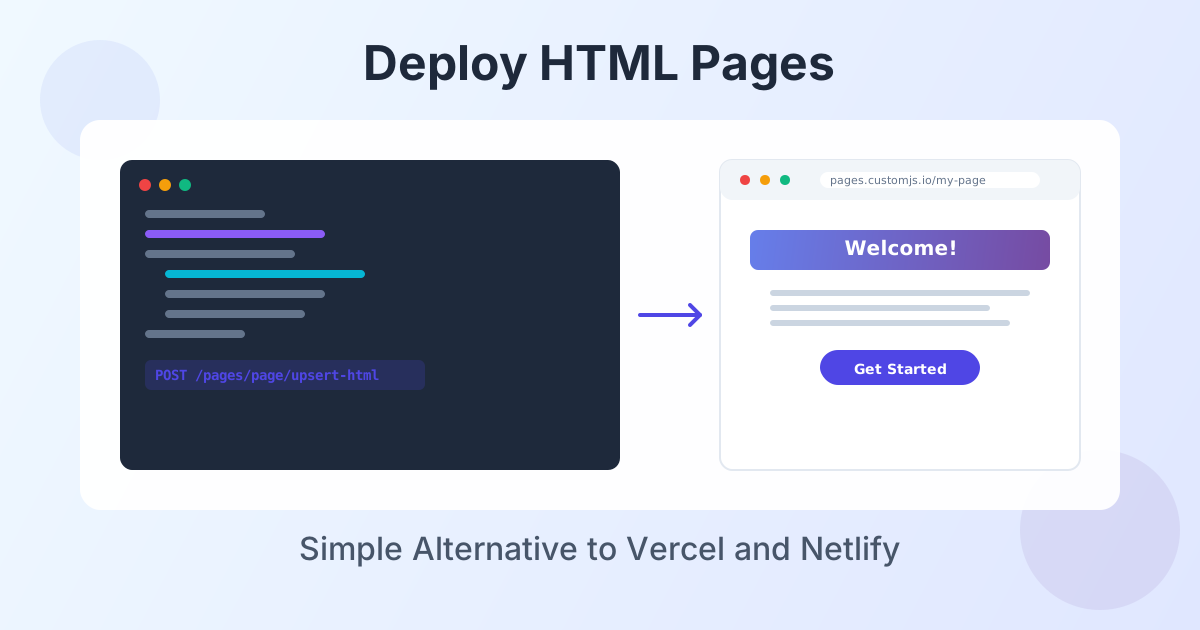
Deploy HTML landing pages with a single API call. No Git, no build steps, no complexity. Perfect for AI-generated pages, campaigns, and prototypes. 600 free deployments/month.
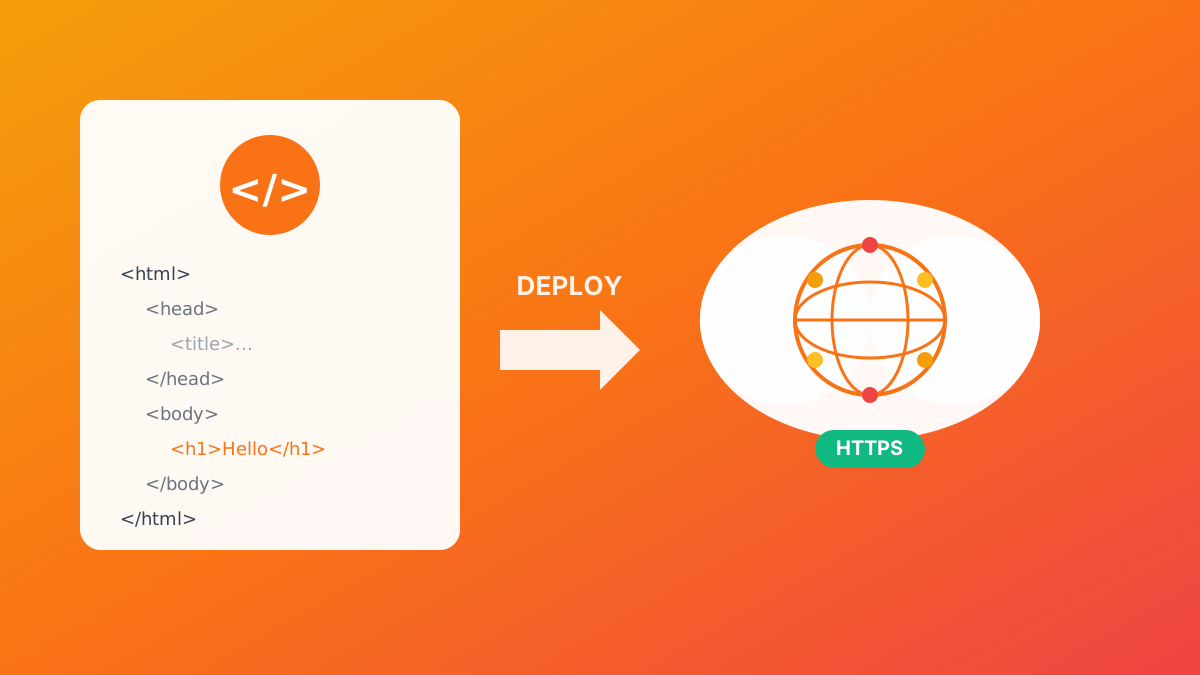
Deploy HTML pages instantly without server setup. Perfect for QR code landing pages, event forms, and promotional campaigns. Automatic HTTPS, custom domains, Make.com & n8n integration. 600 free pages/month.