·Comparison
Make Code App Pricing: The 2 Credits per Second Rule, Explained
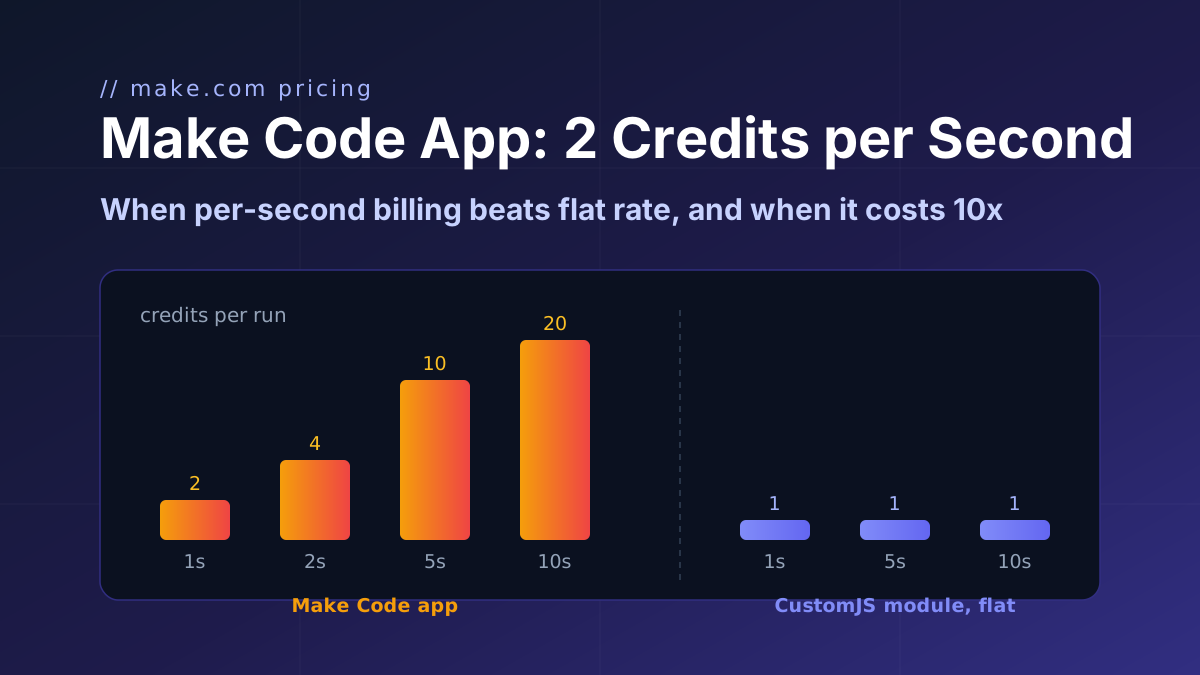
Make's Code app bills 2 credits per second of runtime. Honest break-even math: when that beats a flat 1-credit module, and when it costs 10x more.
makemake-commake-code-app
If you want to improve your workflow in Make with JavaScript, there are some powerful tools available. Two of the best options are 0CodeKit and CustomJS.
CustomJS is a 0CodeKit alternative known for creating custom scripts that integrate well with other systems you might already use. It offers a lot of flexibility and control, allowing you to customize your automation processes to your specific needs.
0CodeKit, on the other hand, is designed to be very user-friendly. It provides a simple platform where you can build automation solutions easily, even if you don’t have a lot of technical knowledge.
In this blog post, we'll discuss what each tool offers and how they can help your web development projects. By understanding the features and benefits of CustomJS and 0CodeKit, you can decide which one is the best fit for your needs.
CustomJS is a powerful platform that allows you to run custom JavaScript code to automate tasks. It's perfect for those who want to add custom logic and extend their applications beyond what typical no-code tools offer.
With CustomJS, you can integrate JavaScript into various systems like Make, Airtable, and more, making your workflows more flexible and efficient.
It is a code-first automation platform alternative to 0CodeKit that helps you create and integrate custom JavaScript logic into any software. This means you can easily extend your applications by writing JavaScript functions that run smoothly across different tools and systems.
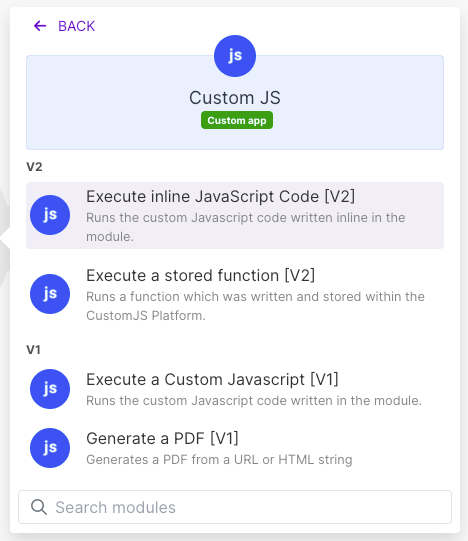
1. Runs JavaScript Code in Make: CustomJS allows you to run JavaScript code directly within Make. This feature helps you integrate custom logic into your workflows, making them more powerful and flexible. 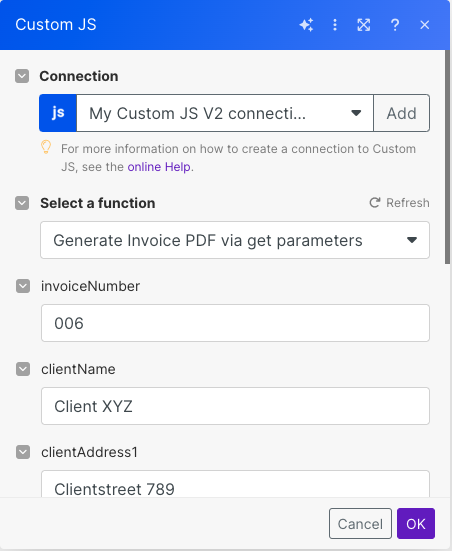
2. Integrate Custom Logic: With CustomJS, you can create JavaScript functions that automate emails, invoices, generate PDFs and images, or update CRM data fields. These functions can be easily integrated into other systems, allowing you to automate complex tasks. 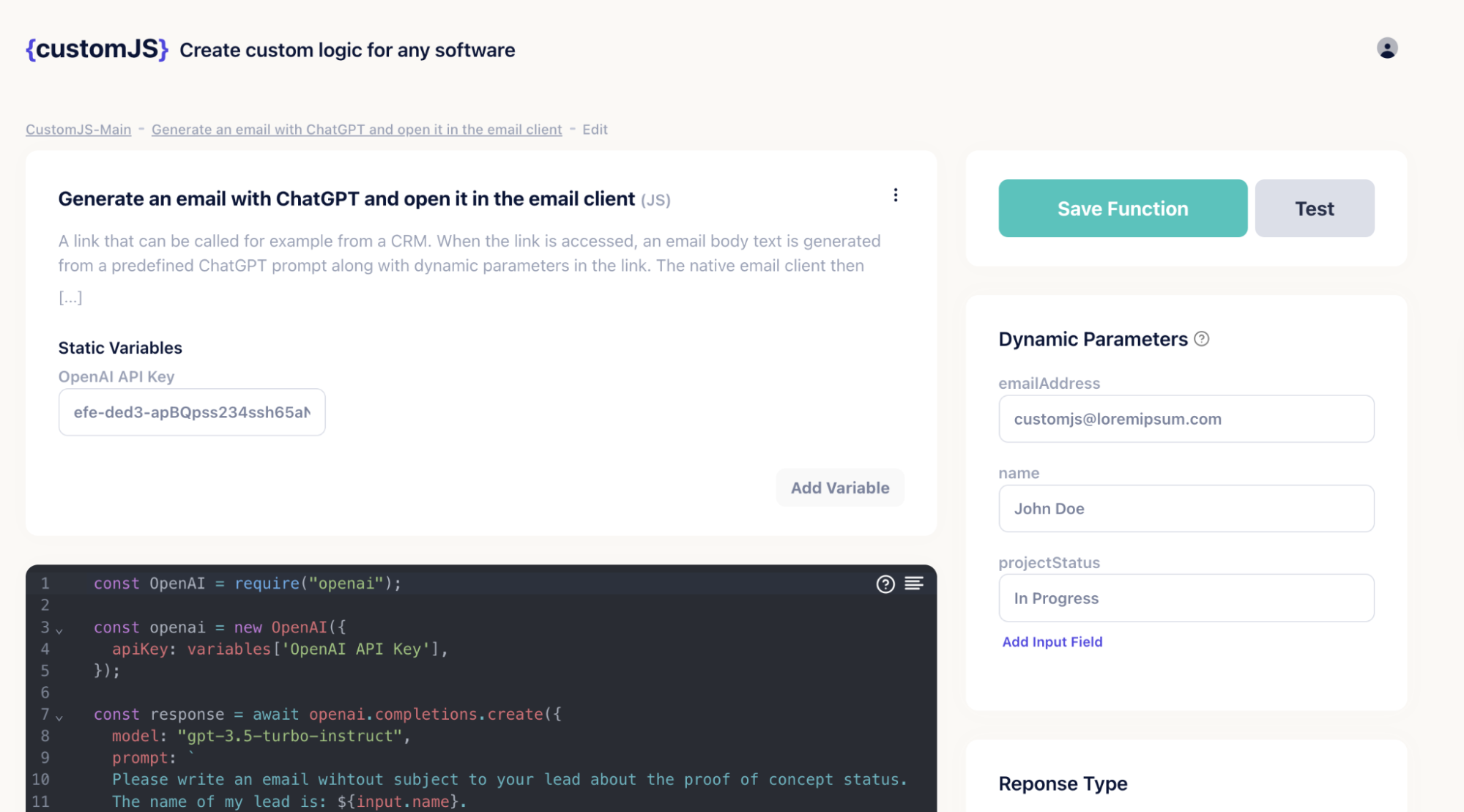
3. Flexible Execution: You can execute your JavaScript code via POST requests, HTML forms, or directly through browser links. This flexibility makes it easy to create direct and transparent workflows that are suitable for various automation needs. 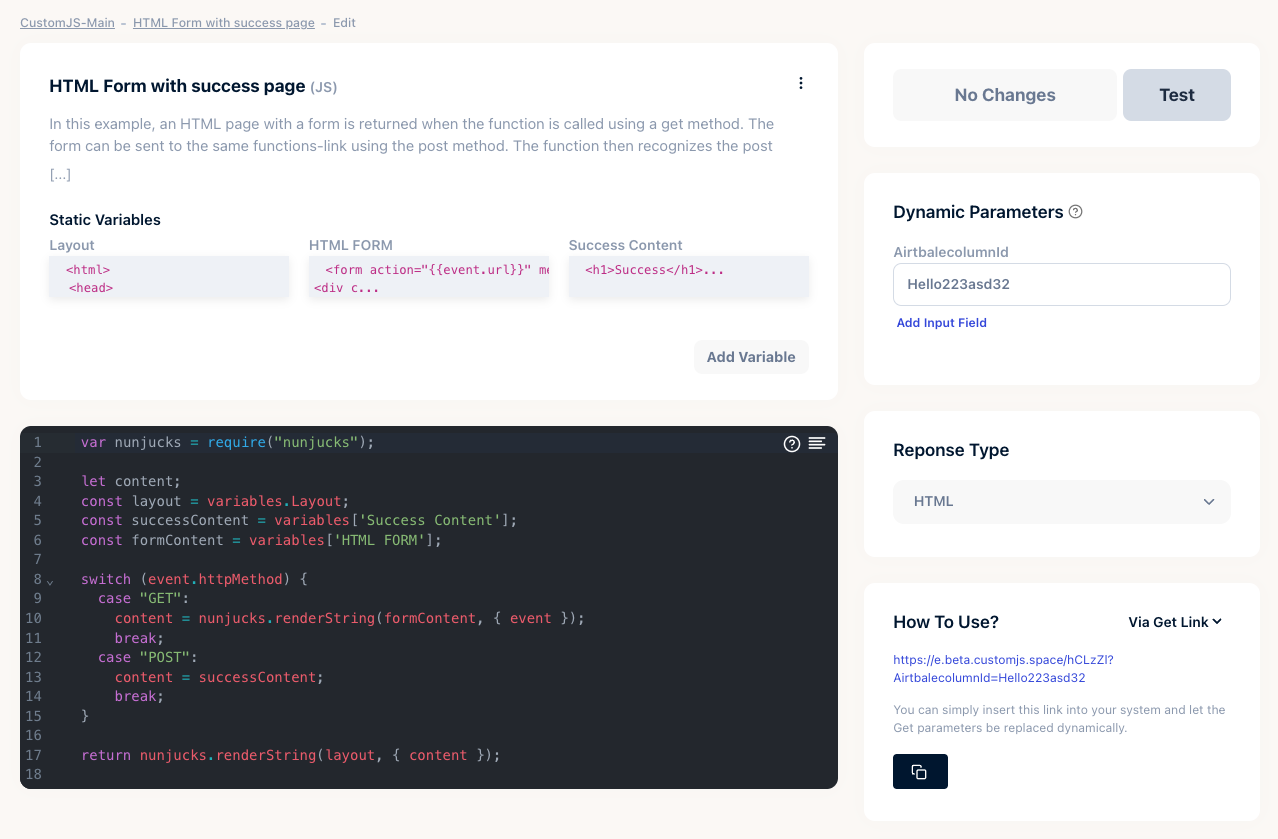
CustomJS offers the following pricing plans:
Basic: $0/month (20 requests per day)
Pro: $9/month (100 requests per day)
Ultra: $29/month (500 requests per day)
Mega: $99/month (5000 requests per day)
CustomJS is an excellent 0CodeKit alternative for integrating JavaScript into your software platforms. It offers various response types and a freemium plan with 600 free executions per month, making it ideal for developers who are just beginning.
The active Slack community is a great resource for support. While some JavaScript knowledge is needed, CustomJS remains a strong option for custom automation solutions.
0CodeKit is a tool designed to help users automate tasks using JavaScript. It’s made for people who may not be expert coders but want to use the power of automation to simplify their daily tasks.
With a user-friendly interface and plenty of ready-made templates, 0CodeKit makes it easy for anyone to set up and manage automation without writing a lot of code.
It offers a graphical interface that lets users visually create and manage their tasks. You can think of it as a bridge between simple task automation tools and more complex coding environments. This way, it combines ease of use with the power and flexibility of JavaScript.
1. No-Code Helper: 0CodeKit’s no-code helper makes it easy to extend your low-code projects. You can validate emails, check dates, and manage variables without writing complex code. It’s like having a toolkit that simplifies your tasks, making automation quick and easy. 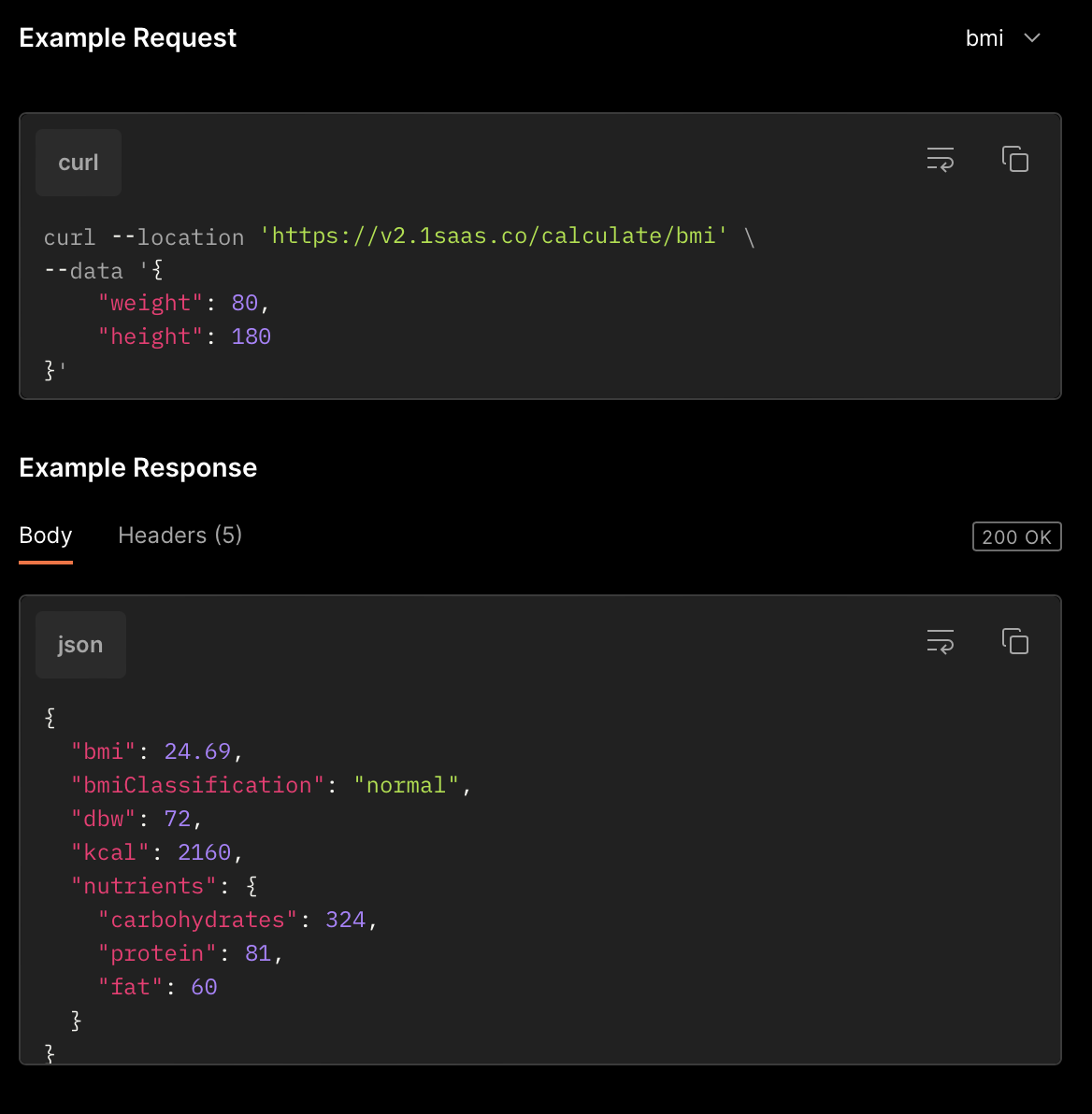
2. AI and Randomization: With 0CodeKit, you can recognize images, detect text moods, and translate content automatically. It also offers random data generators for testing purposes, like creating random names, numbers, and strings to enhance your automation. 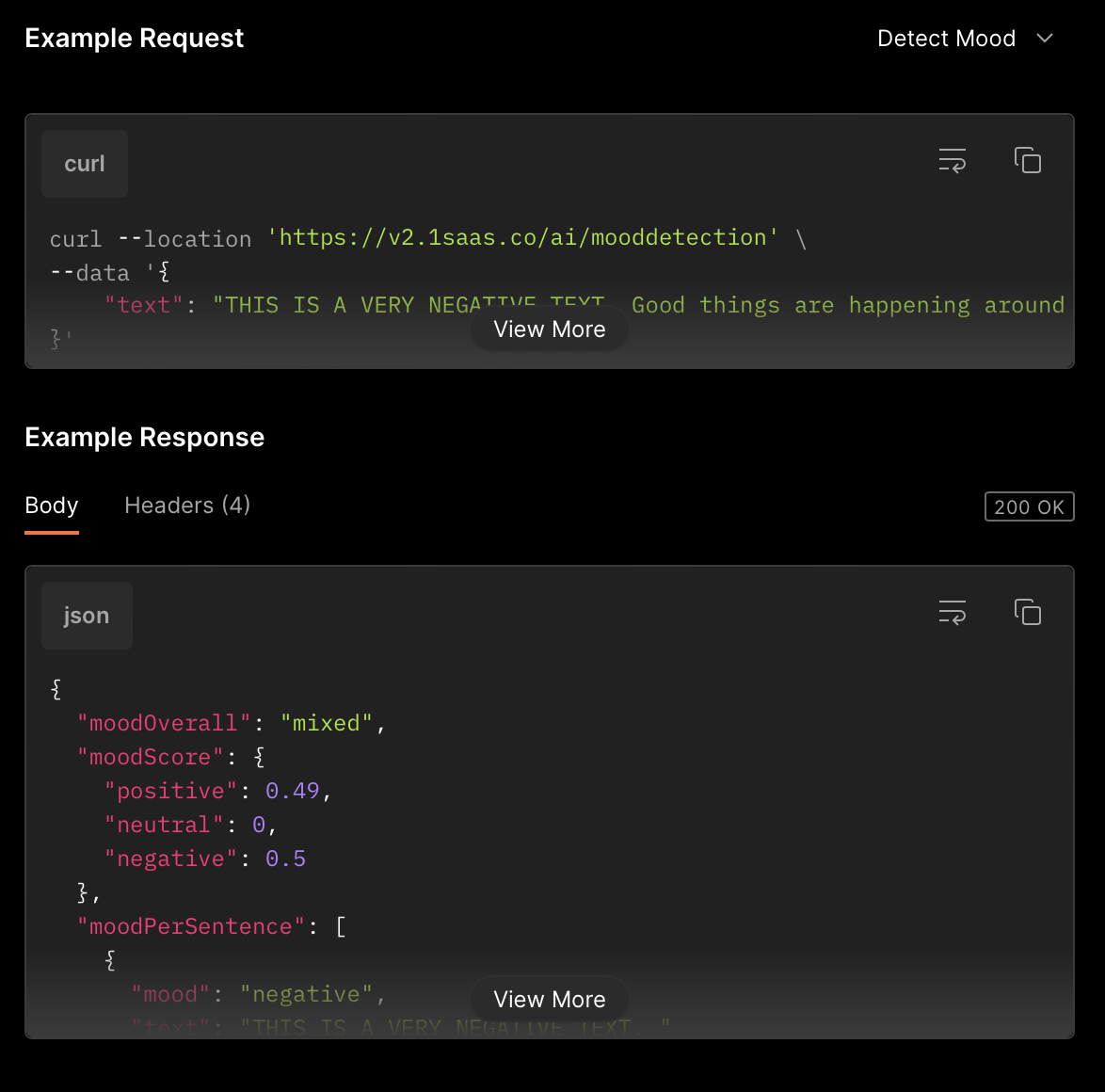
3. Code Execution: 0CodeKit allows you to run Python or JavaScript code directly through their API. This means you can execute complex tasks and scripts within your automation flows. It’s a great feature that lets you break the limits of typical no-code tools. 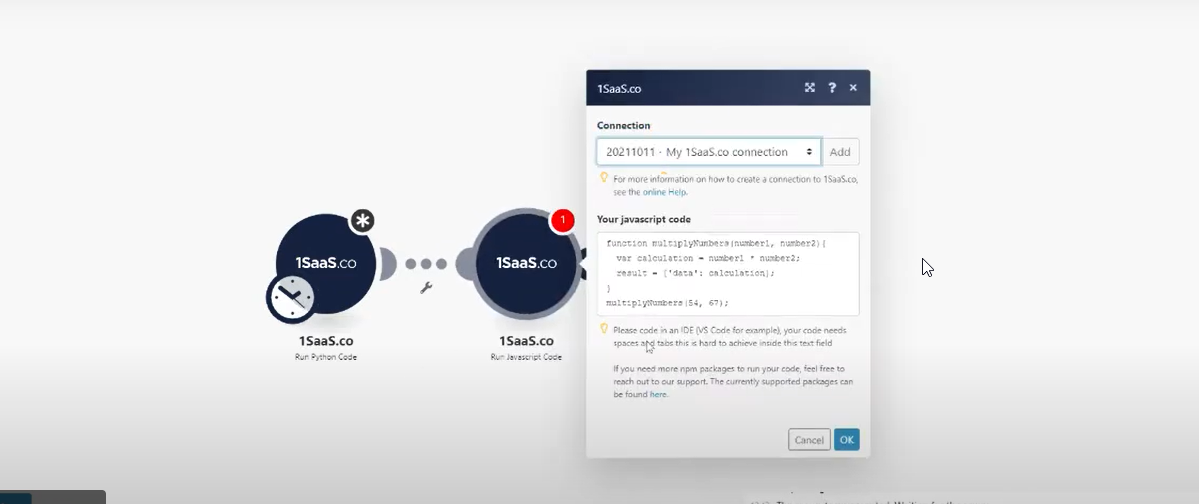
0Codekit offers the following pricing plans:
Free: $0/month — 25 App Credits
Starter: $10/month — 5,000 App Credits
Professional: $25/month — 25,000 App Credits
Company: $109/month — 125,000 App Credits
0CodeKit is great for people who want to automate tasks without writing much code. It's easy to use, has helpful templates, and integrates well with other tools.
While it might not offer the advanced customization some advanced users need, it's perfect for beginners and small teams looking to save time and automate their workflows.
When comparing 0CodeKit and CustomJS, both tools are great for automating tasks, but they cater to different needs. It's important to consider what you need from an automation tool.
While 0CodeKit offers a user-friendly interface with less coding requirement that is convenient for beginners.
CustomJS empowers users to write their own JavaScript code. This means you’re not limited to pre-built blocks and can create highly tailored solutions that fit your specific requirements perfectly.
0CodeKit can be used for basic automation tasks but can be limiting if you need more complex or unique workflows.
CustomJS, an alternative to 0CodeKit, provides unmatched flexibility. By allowing you to write custom scripts, CustomJS lets you control every aspect of your automation process. This level of customization is essential for developers who want precise and powerful solutions.
0CodeKit offers built-in integrations with various third-party services, but they are sometimes restrictive.
CustomJS excels here by enabling integration with virtually any system or tool. If you can code it, you can integrate it, making CustomJS an extremely versatile choice for any web development environment.
0CodeKit’s visual interface is easy to use, but it can oversimplify the process, potentially limiting advanced users.
CustomJS is designed for those who appreciate the depth and capability of writing their code. It might have a steeper learning curve, but the rewards in terms of functionality and efficiency are significant.
Both tools offer support and have communities, but CustomJS has a strong developer community that continuously shares scripts, solutions, and best practices.
This can be an invaluable resource for learning and improving your automation scripts. The extensive documentation provided by CustomJS also helps users get up to speed quickly and tackle more complex tasks with confidence.
While 0CodeKit is a good starting point for beginners or those with simpler automation needs, CustomJS stands out as the best choice for serious developers.
Its ability to offer full control, flexibility, and seamless integration with any system makes it the superior tool for web development automation.
By choosing CustomJS, you’re investing in a tool that grows with your skills and meets your most demanding automation requirements.
| Feature | 0CodeKit | CustomJS |
|---|---|---|
| Target Users | Beginners, non-coders | JavaScript developers |
| Ease of Use | Very easy visual interface | Requires JavaScript knowledge |
| Templates | Offers pre-made templates for quick setups | No templates. Write custom JavaScript code |
| Task Scheduling | Simple task scheduling | More complex scheduling through custom coding |
| Customization | Limited to visual tools and pre-set options | Highly customizable through JavaScript |
| Integration | Basic integration with common tools | Integrates with many systems using JavaScript |
| Flexibility | Limited to provided features | Very flexible, create complex workflows |
| Execution | Runs simple tasks visually | Runs JavaScript in various systems |
| Cost | Free tier available, paid plans for more usage | Freemium model, free up to 600 executions per month |
| Best For | Quick, simple automation | Advanced, custom automation |
CustomJS is the best for JavaScript developers because it allows for advanced and custom automation using JavaScript code.
After signing up, you can write and test your JavaScript scripts directly on the platform. Once ready, you can integrate them into your web projects using simple embed codes or API calls.
CustomJS offers a free tier with basic functionalities and limited script storage. For advanced features like enhanced collaboration, additional storage, and premium support, paid plans are available.
Yes, CustomJS allows you to invite team members to your projects, enabling real-time collaboration and version control. This feature is especially useful for teams working on complex JavaScript applications.
CustomJS offers greater flexibility and customization by allowing you to write and run JavaScript code in various systems, unlike 0CodeKit, which is more limited.
Continue reading on similar topics
Make's Code app bills 2 credits per second of runtime. Honest break-even math: when that beats a flat 1-credit module, and when it costs 10x more.
Median, standard deviation, percentiles, regression and cent-exact money splits in Make.com with one JavaScript step. No Google Sheets detour, copy-paste recipes.
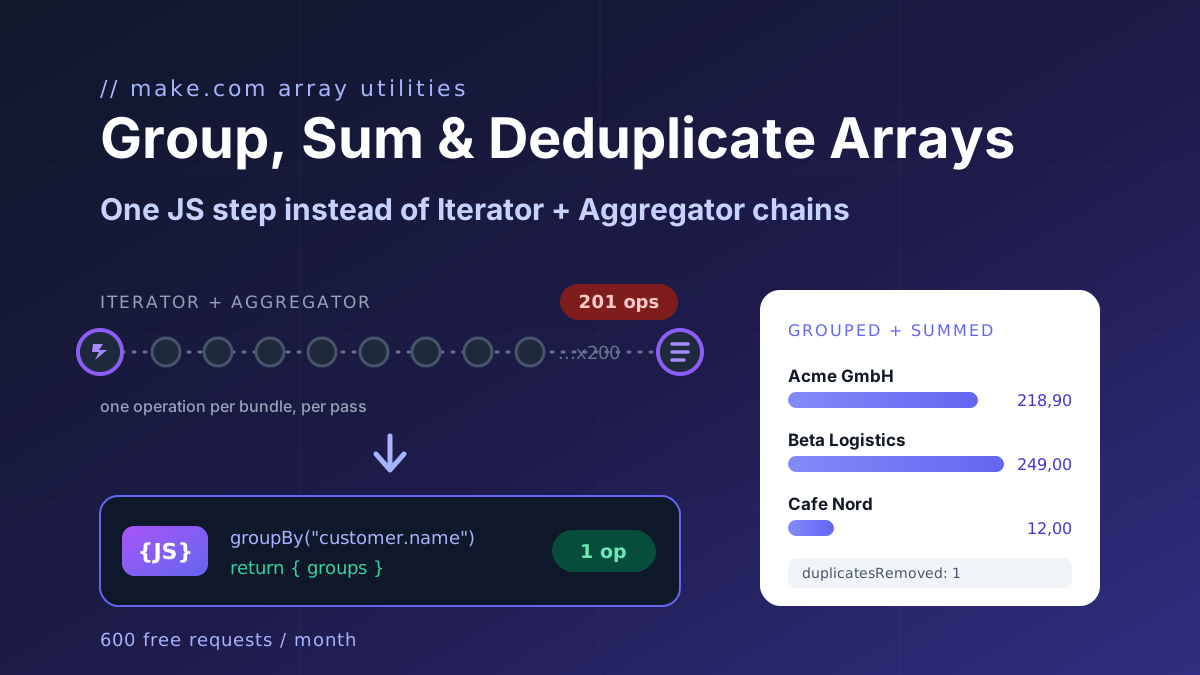
Group, sum and deduplicate any array in Make.com with one JavaScript step instead of Iterator and Aggregator chains. Copy-paste recipes, 1 operation per run.
Five one-operation JavaScript fixes for Make.com data transformation: broken AI JSON, group and sum arrays, localized numbers, timezones, file to Base64.
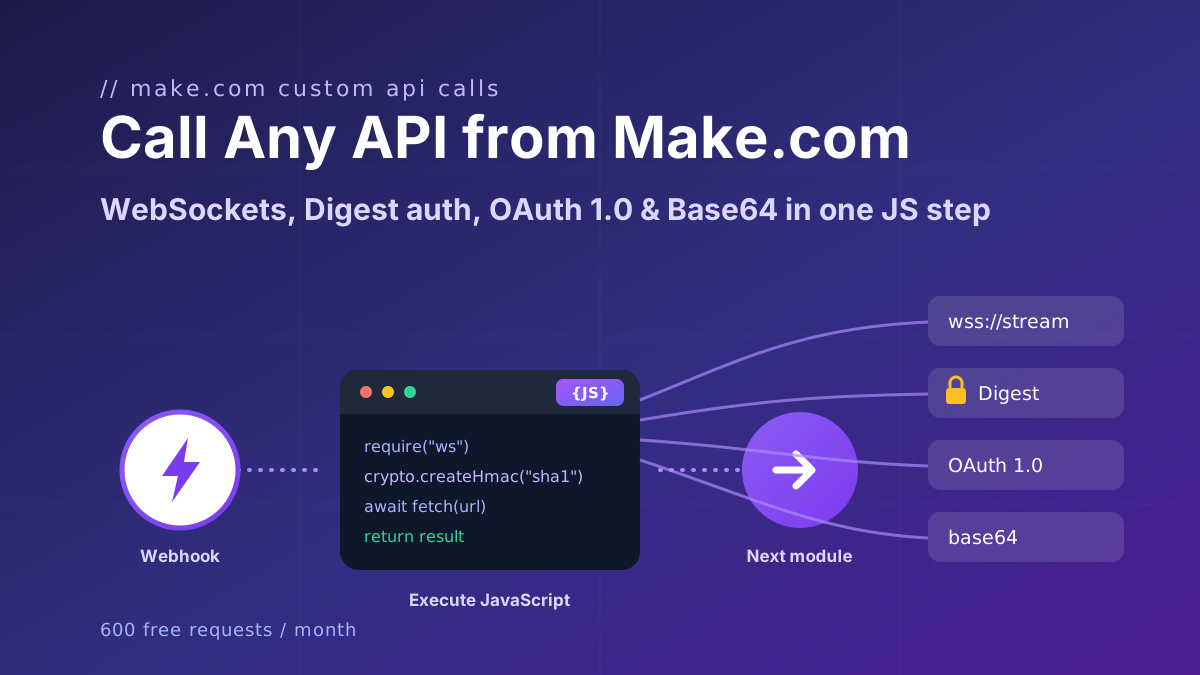
Call any API from Make.com: WebSockets, Digest auth, OAuth 1.0 signatures, and Base64 binaries with copy-paste JavaScript that runs inside your scenario.
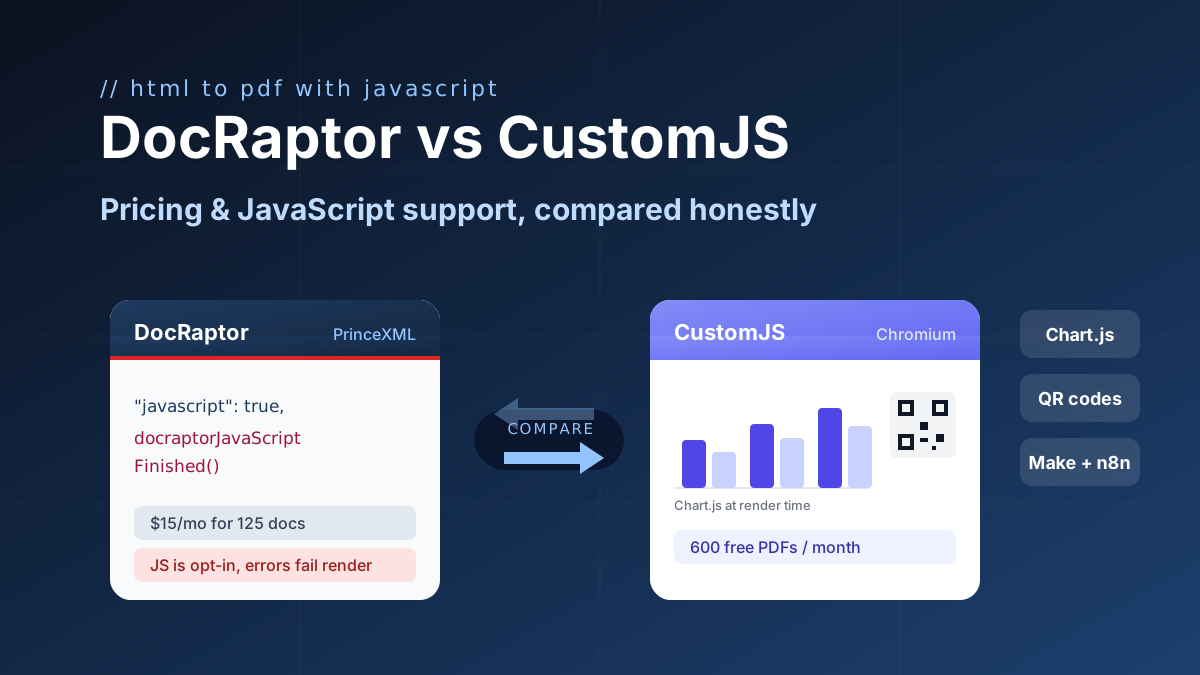
DocRaptor alternative compared: PrinceXML vs Chromium rendering, JavaScript support, and real cost per PDF at 500, 5k, and 50k docs. 600 free PDFs/month.
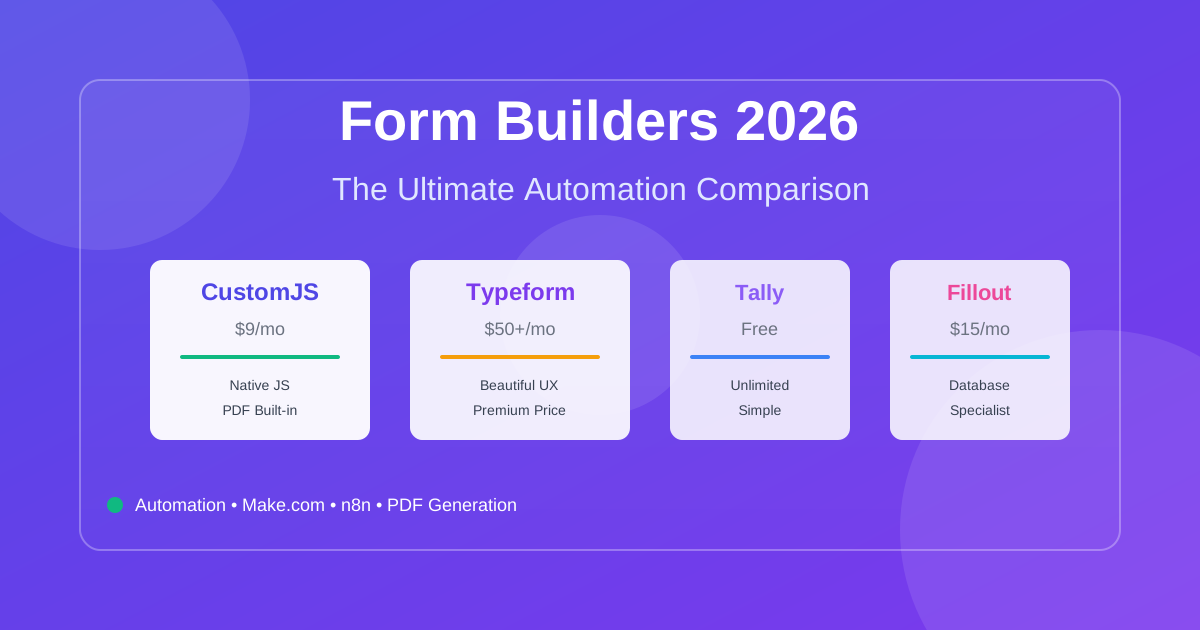
Compare the best form builders for automation in 2026. CustomJS vs. Typeform vs. Jotform vs. Tally vs. Fillout. Features, pricing, and real-world use cases. Save $420-1,056/year on automation costs.
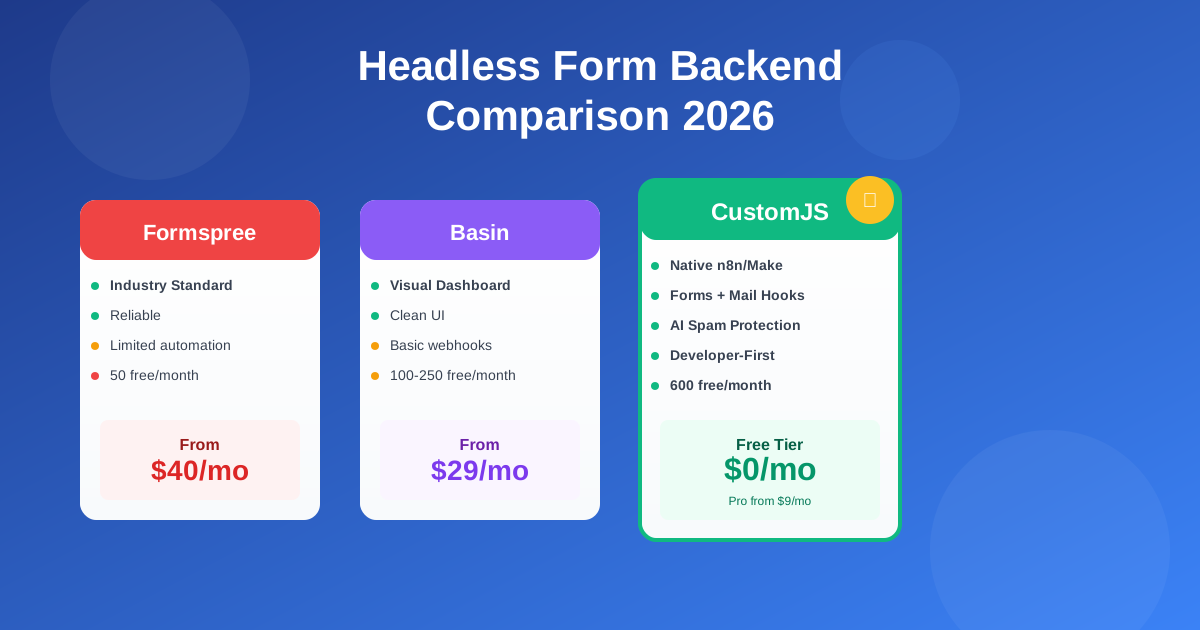
Compare the best headless form backends: Formspree vs Basin vs Getform vs CustomJS. Developer-first analysis of features, pricing, automation, and real-world performance. 600 free submissions/month.
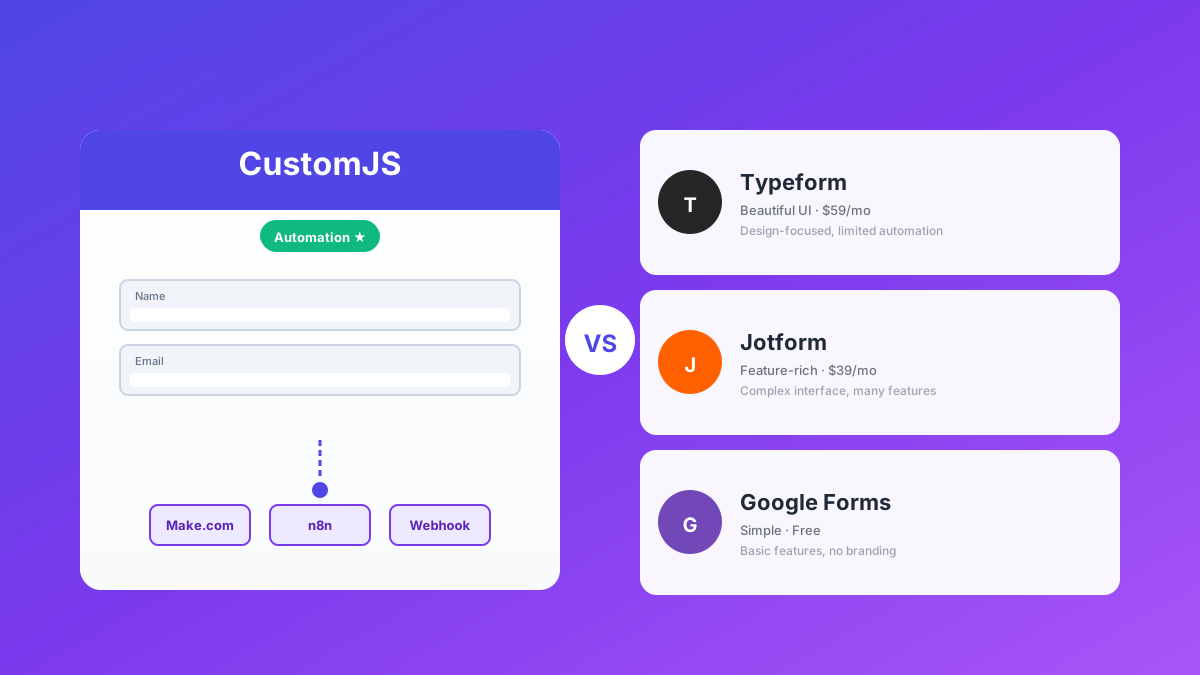
Detaillierter Vergleich: CustomJS Form Builder vs. Typeform, Jotform & Google Forms. Welcher Builder passt zu deinem Workflow? Make.com & n8n Integration, Custom Domains, Webhooks.
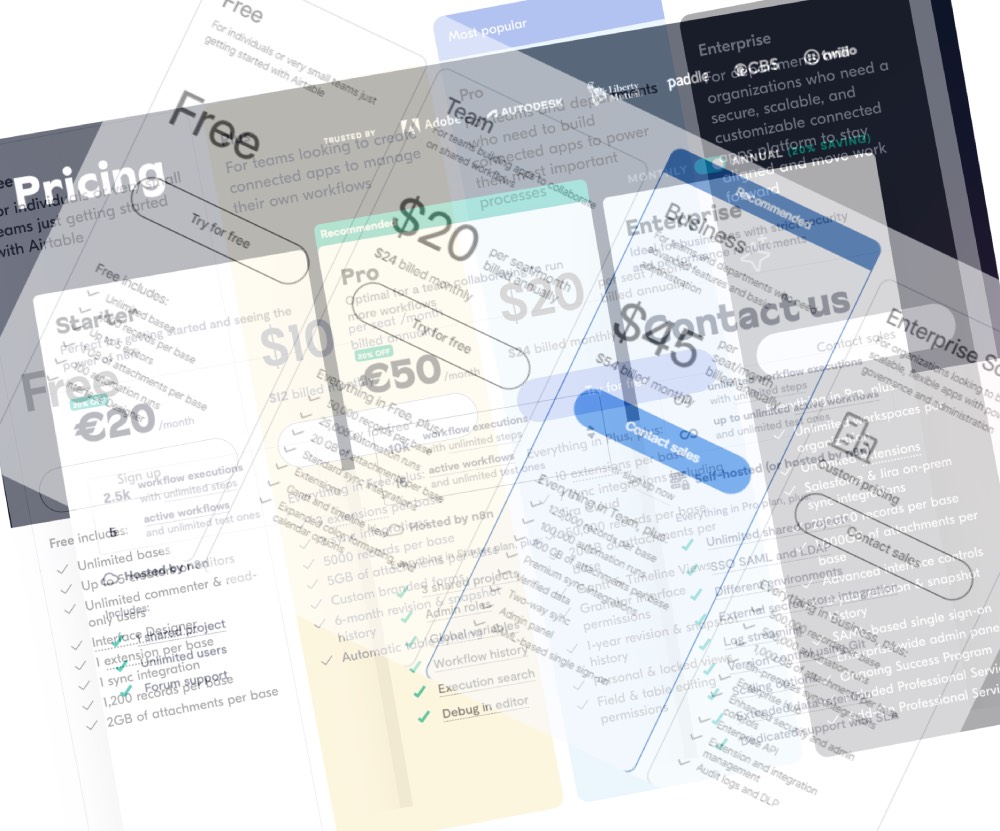
Automate complex tasks without blowing your budget! Learn how Make, Zapier, & n8n enable custom JS automation at various price points.
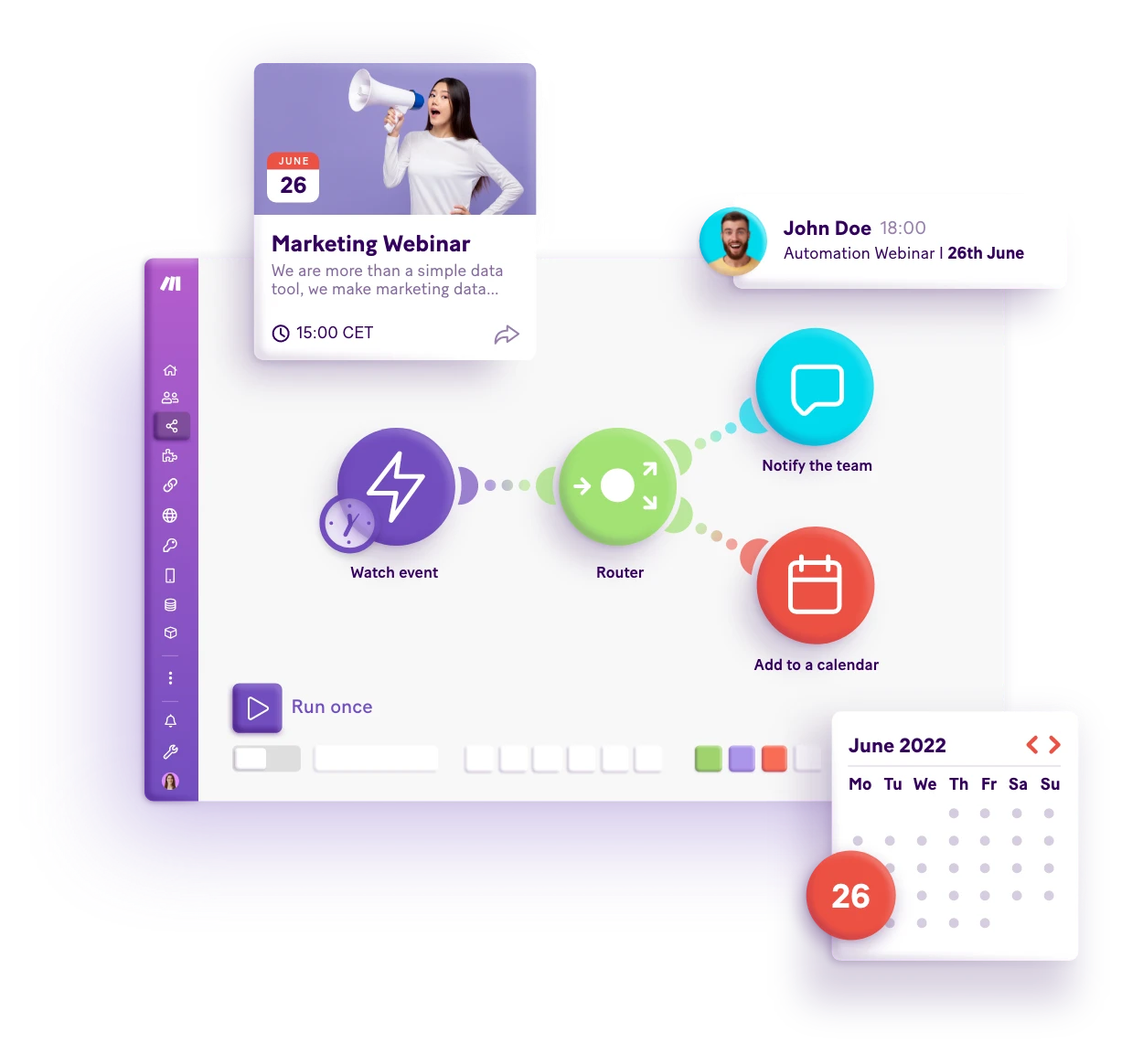
Choosing the right workflow automation tool between Make, Zapier, and n8n depends on your tech comfort, task complexity, and budget.
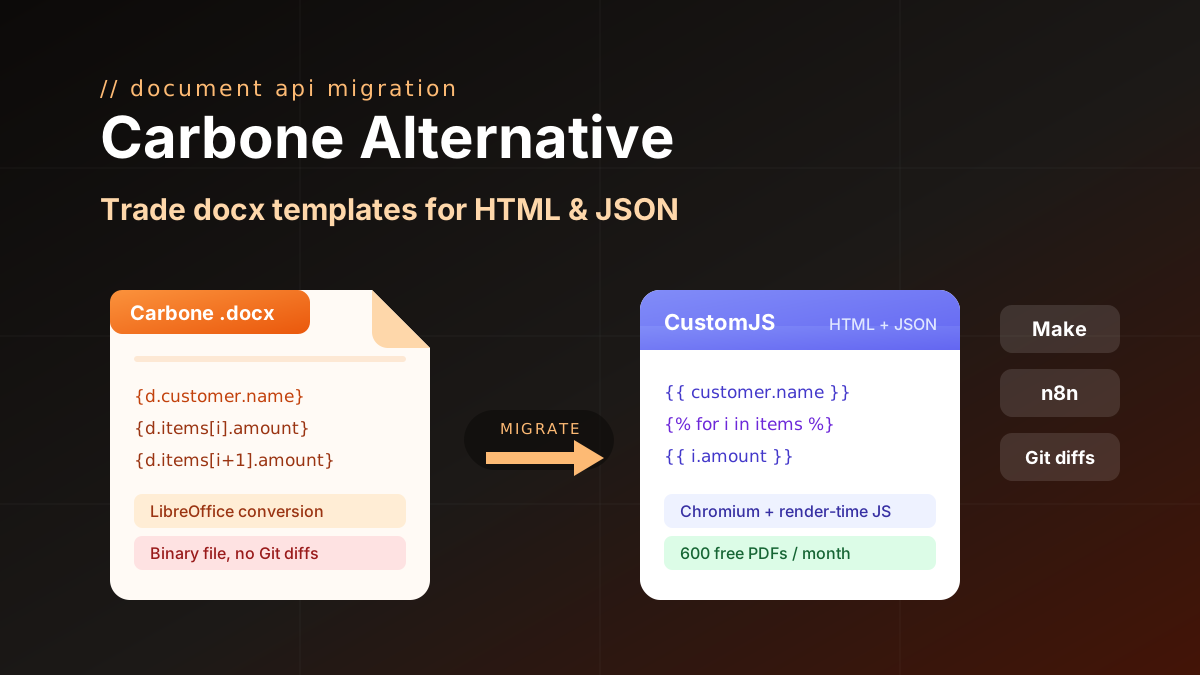
Carbone alternative compared: CustomJS vs Carbone on template model, pricing, and JS rendering, plus a docx to HTML migration guide. 600 free PDFs/month.
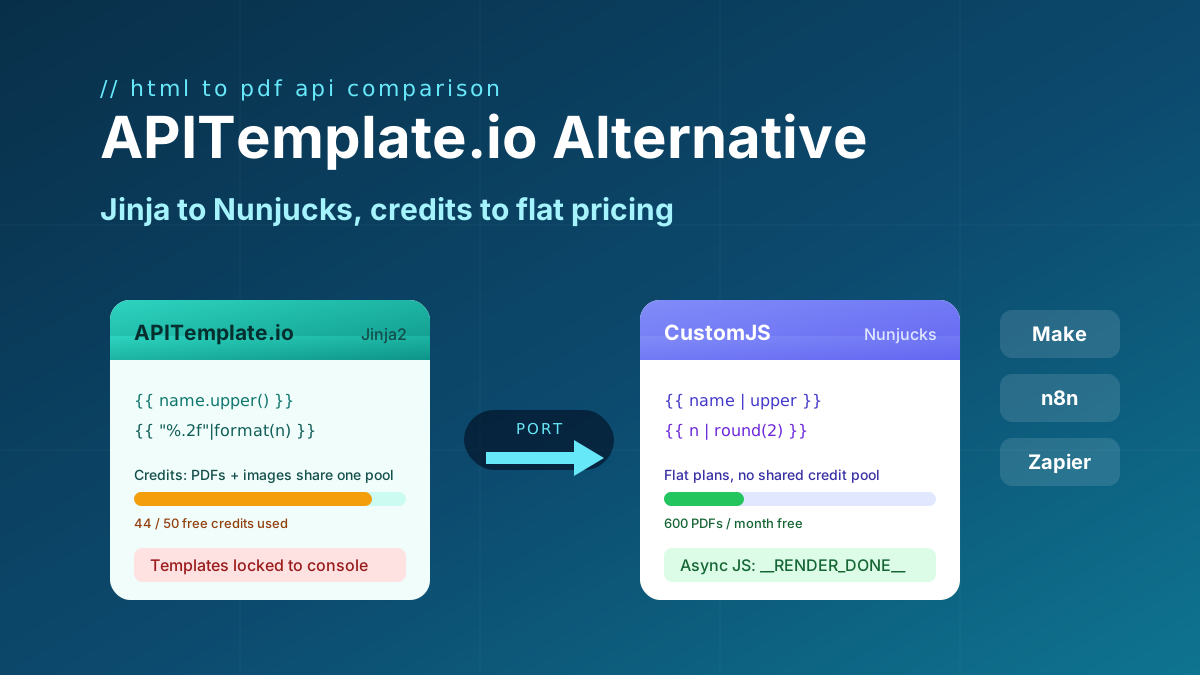
Looking for an APITemplate.io alternative? Compare pricing, Jinja vs Nunjucks templating, and JS rendering, plus a full migration guide. 600 free PDFs/month.
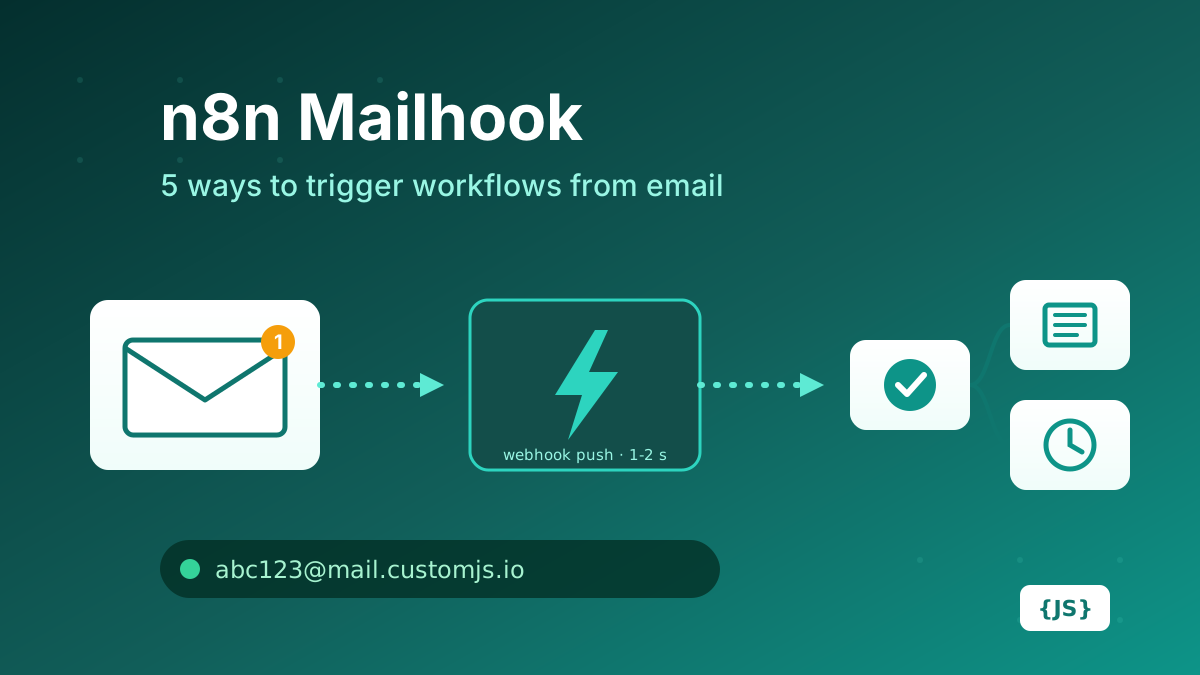
How to create a mailhook in n8n: IMAP trigger, Gmail trigger, parser services, Mailgun/SendGrid inbound parse, and CustomJS Mail Hook compared on latency, setup, attachments, and cost. 600 free emails/month.
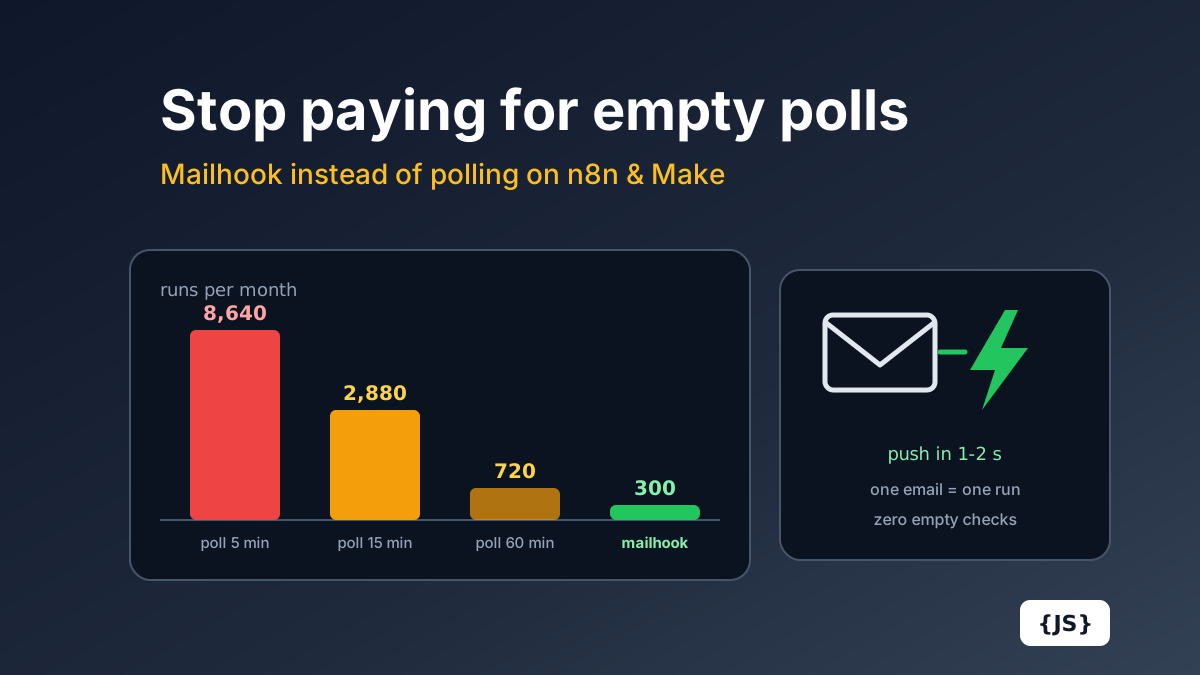
Polling a mailbox every 15 minutes costs 2,880 Make.com operations a month before processing a single email. The full cost math for Make.com and n8n Cloud, and how a push mailhook fixes cost and latency at once.
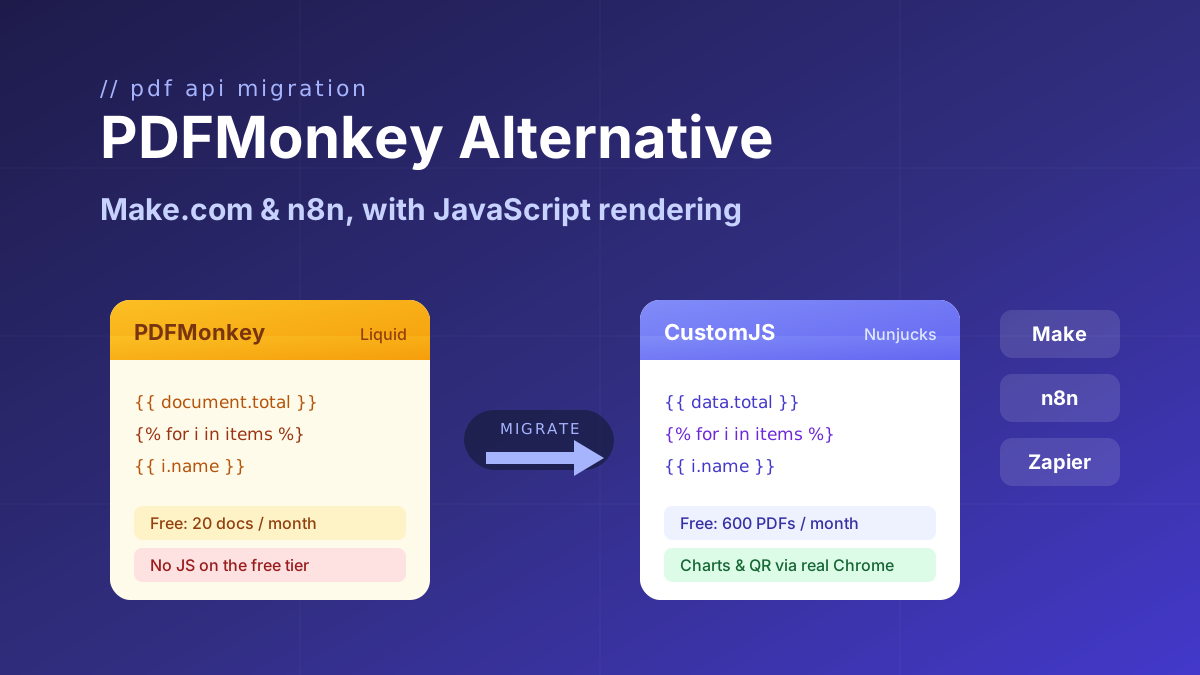
Looking for a PDFMonkey alternative? Compare PDFMonkey vs CustomJS on price, free tier, and JavaScript rendering, with a step-by-step Make.com and n8n migration guide. 600 free PDFs/month.
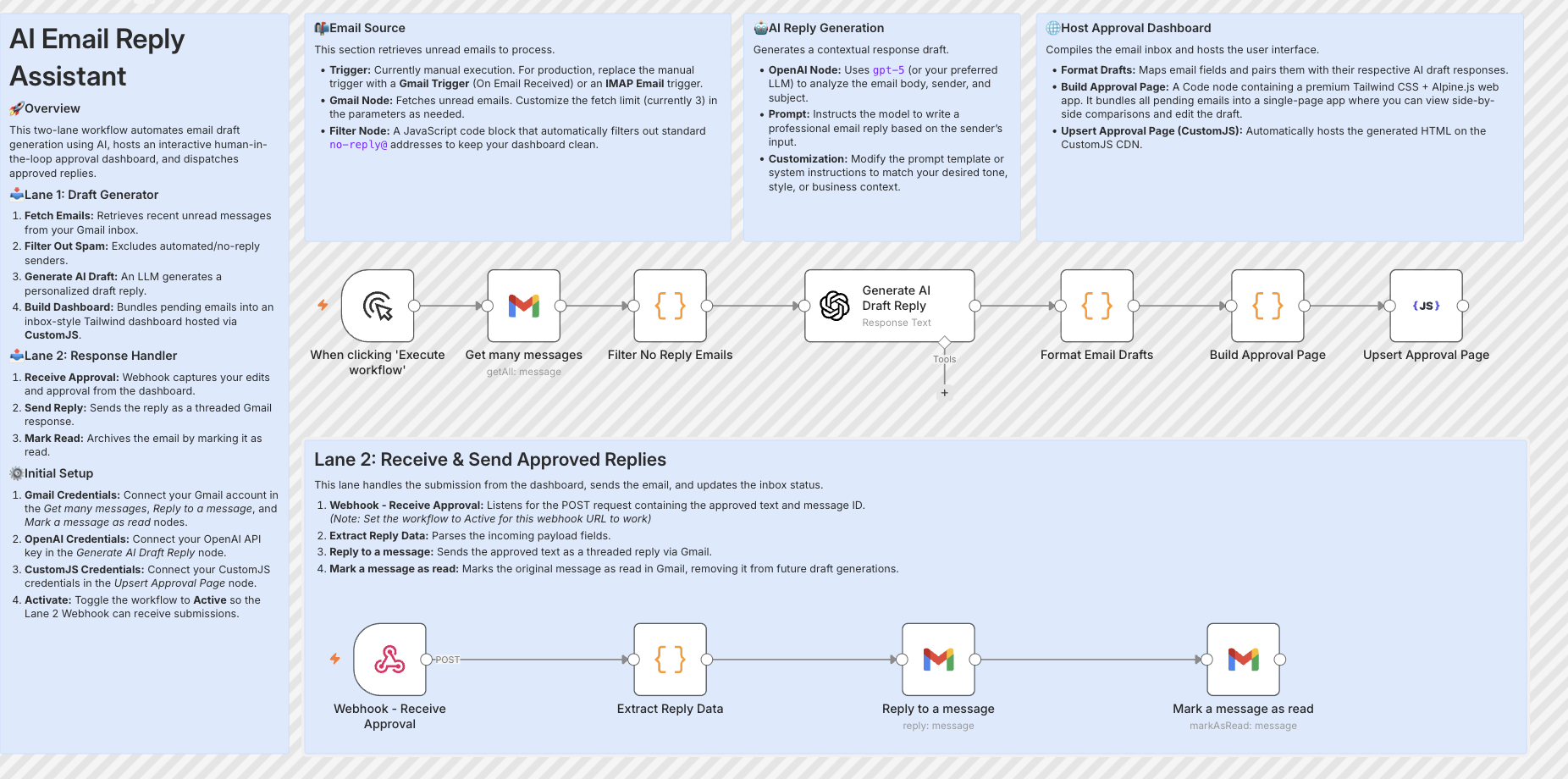
Build resilient HITL approval workflows in n8n using custom HTML forms hosted on customjs.space. The 2-workflow async architecture that survives server restarts and supports pre-filled editable review forms.
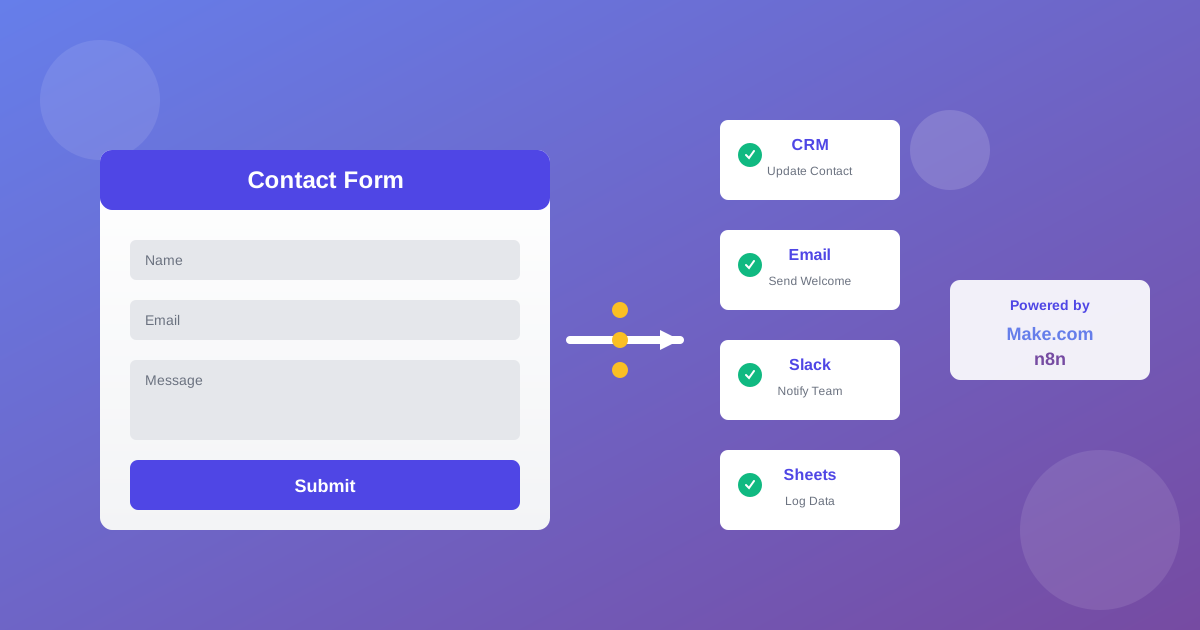
Automate lead generation and user onboarding with form webhooks. Connect forms to Make.com, n8n, and Zapier for instant CRM updates, email sequences, and team notifications. 600 free submissions/month.
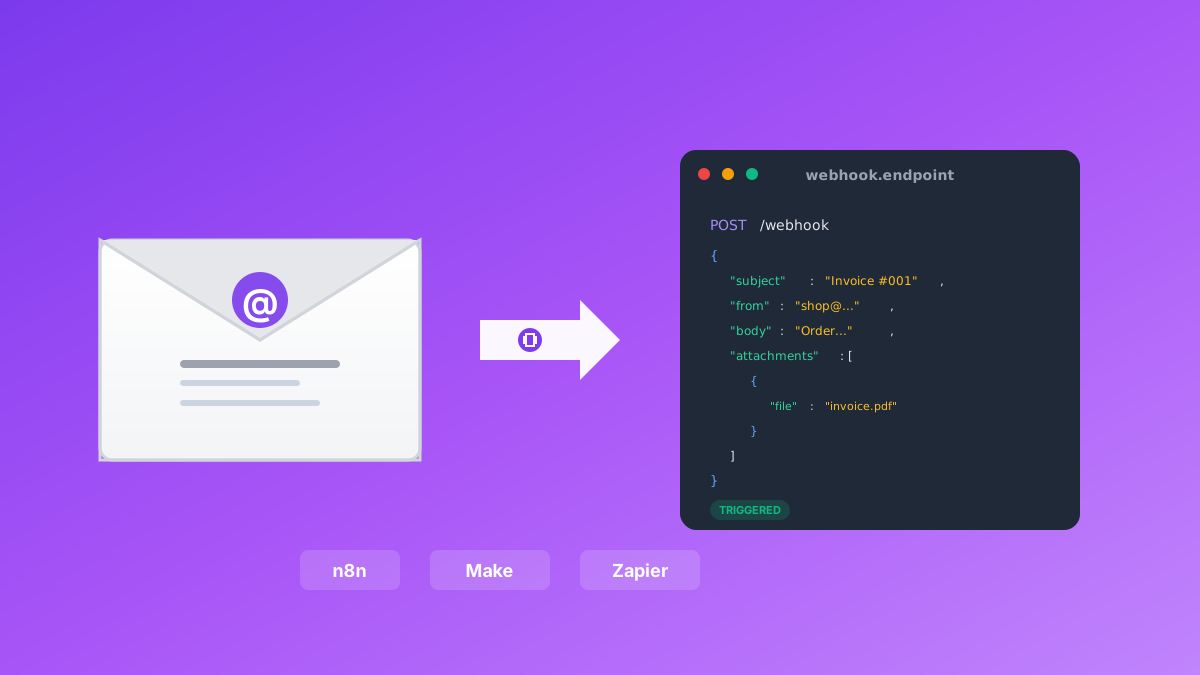
Convert emails to webhooks for Make.com, n8n, and Zapier automation. Process invoices, support tickets, orders, and alerts automatically. Native n8n module included. 600 free emails/month.
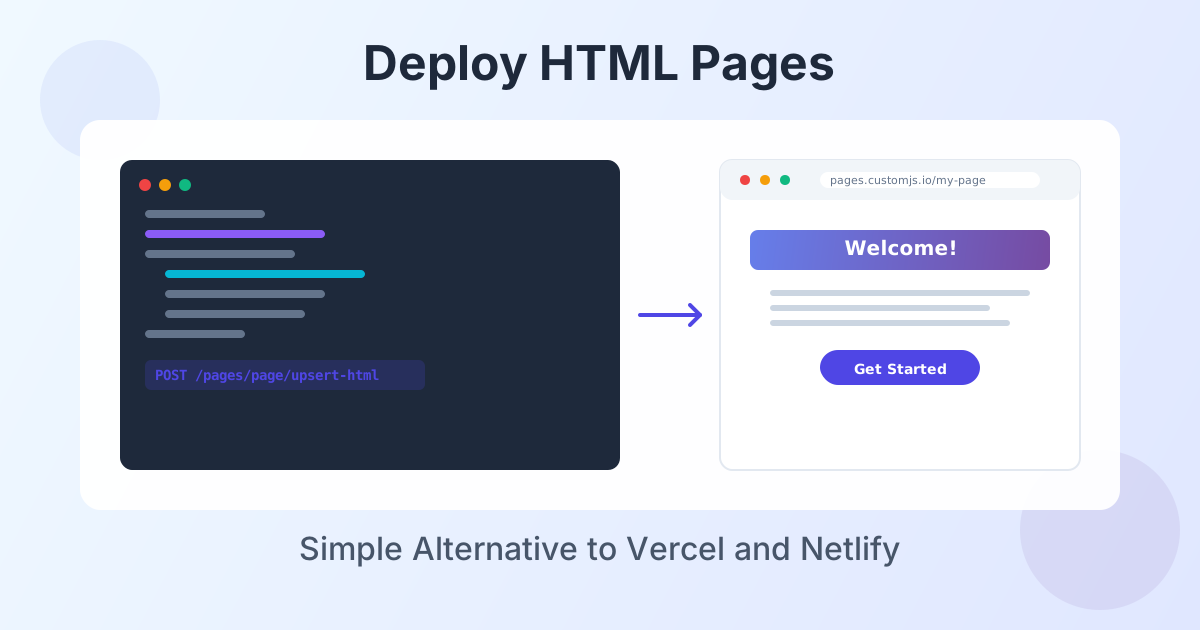
Deploy HTML landing pages with a single API call. No Git, no build steps, no complexity. Perfect for AI-generated pages, campaigns, and prototypes. 600 free deployments/month.
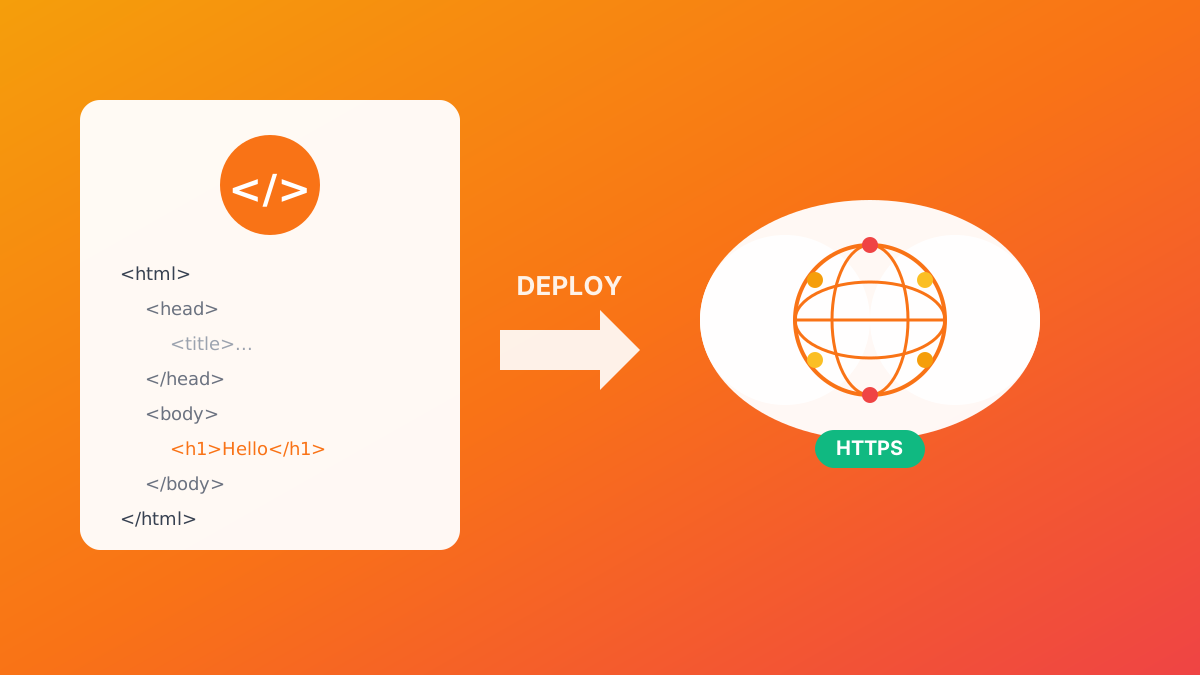
Deploy HTML pages instantly without server setup. Perfect for QR code landing pages, event forms, and promotional campaigns. Automatic HTTPS, custom domains, Make.com & n8n integration. 600 free pages/month.
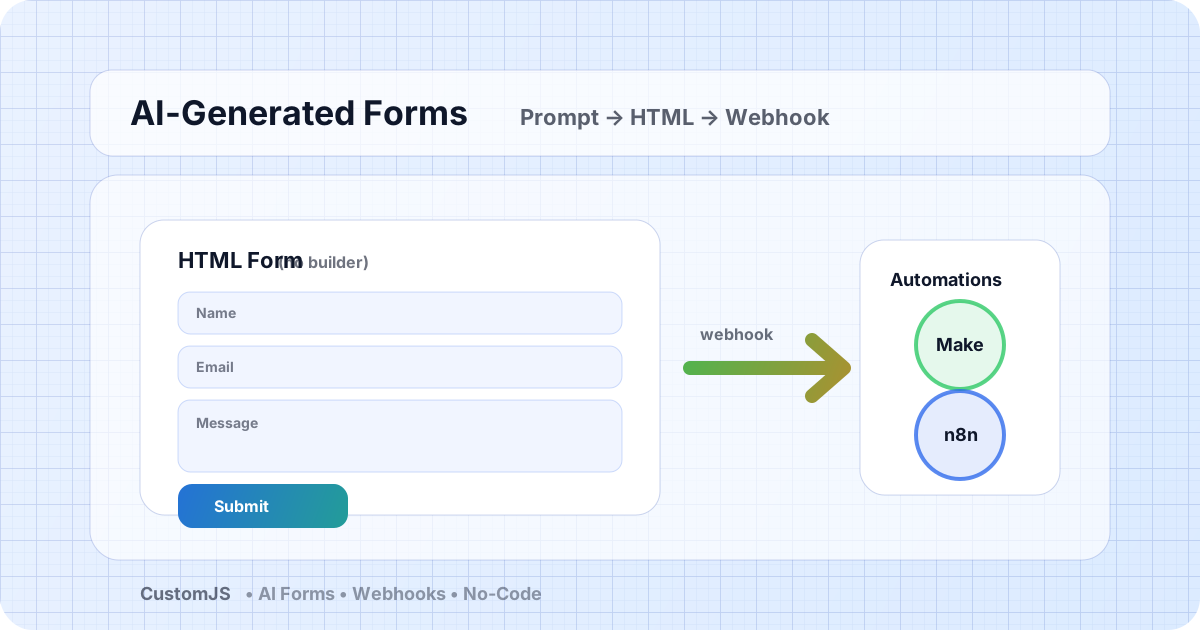
Generate HTML forms with AI (no form builder) and send submissions to webhooks that trigger Make.com and n8n workflows. Includes copy-paste code and best practices.
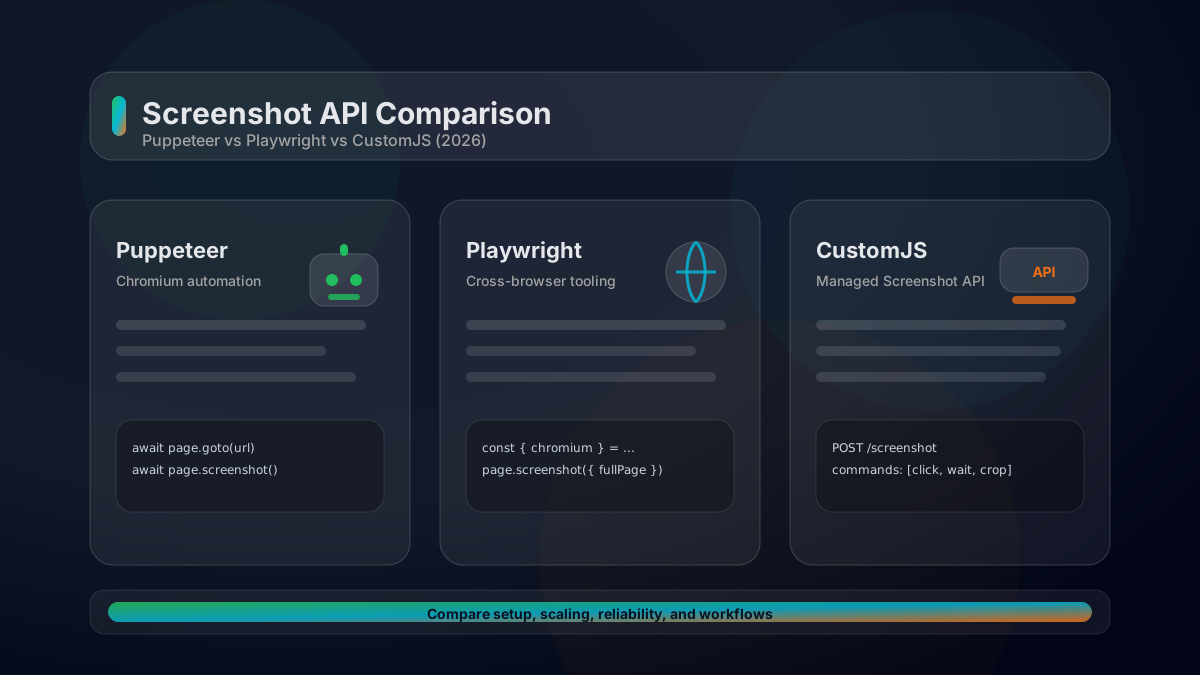
A practical comparison of Puppeteer vs Playwright vs a managed Screenshot API. Feature matrix, code examples, scaling considerations, and how to choose in 2026.
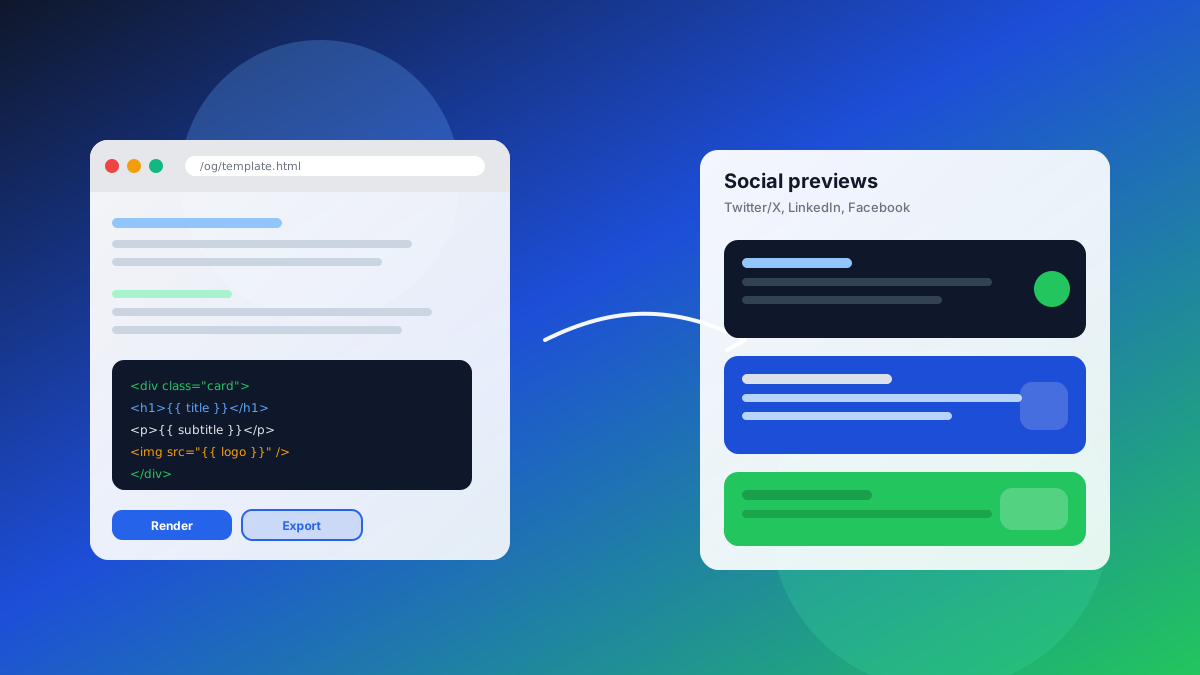
Generate automated social media screenshots and dynamic OG images from HTML templates. Includes API examples and Make.com/n8n automation workflows.
Learn how to automate PDF generation in Make.com with CustomJS. Step-by-step guide with templates for invoices, HTML to PDF, and page extraction. 600 free PDFs/month.
Execute JavaScript code directly in Power Automate. Integrate JavaScript with CustomJS in 5 minutes – no Azure Functions needed.
A deep dive into the top 5 screenshot APIs for 2025, comparing features, pricing, and performance to help you choose the best one.
Explore CustomJS as a powerful IFTTT alternative. See how it compares to IFTTT for custom and advanced automation and which tool suits your needs.
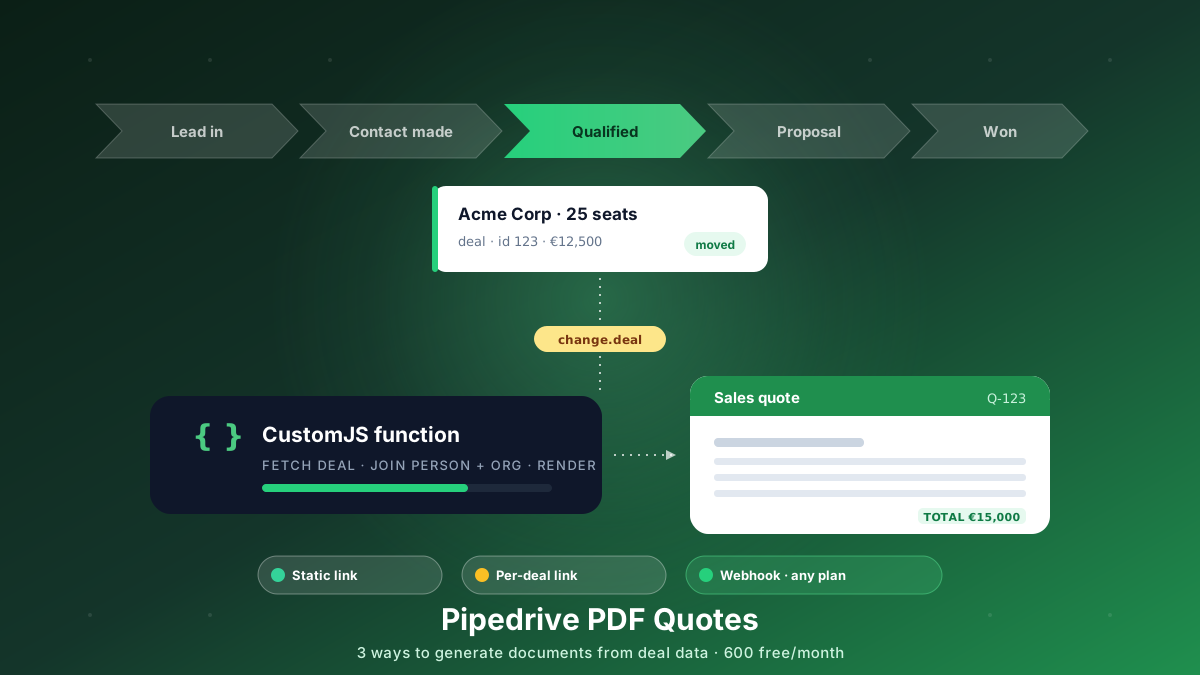
Generate branded PDF quotes, proposals, and contracts straight from Pipedrive deal data. Three approaches, from a free static link to a native webhook that works on every plan. 600 free PDFs/month.
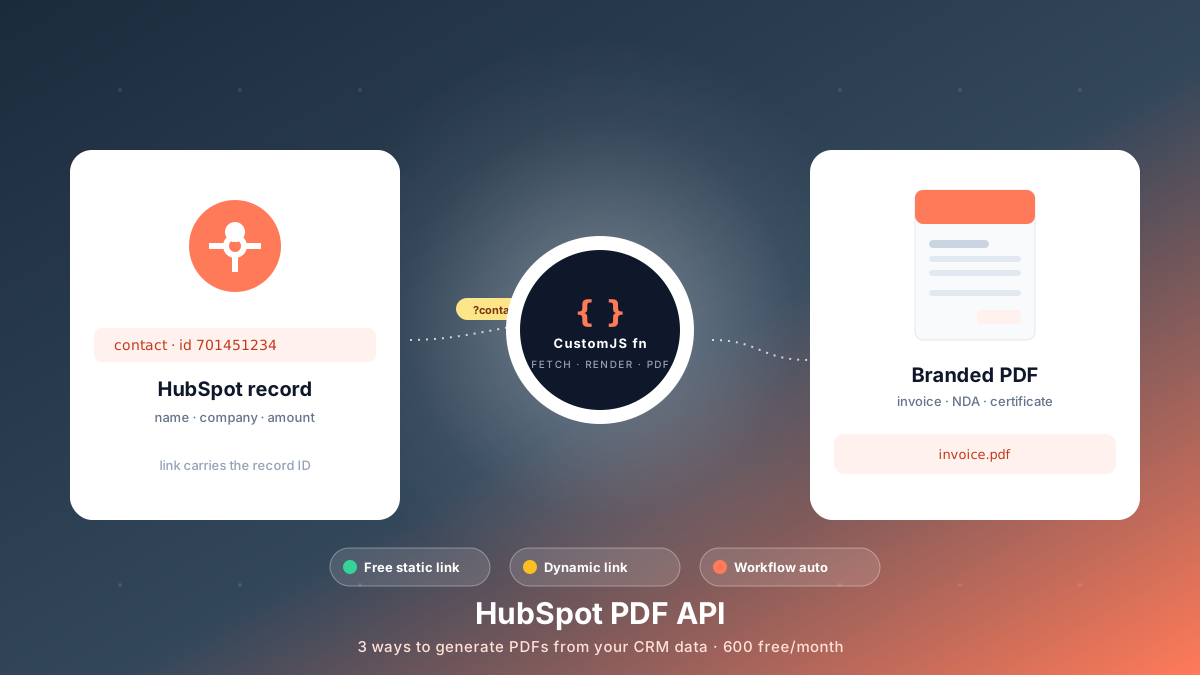
Generate branded PDFs - invoices, NDAs, quotes, certificates - straight from HubSpot data. Three approaches, from a free no-code link to fully automated workflows. 600 free PDFs/month.
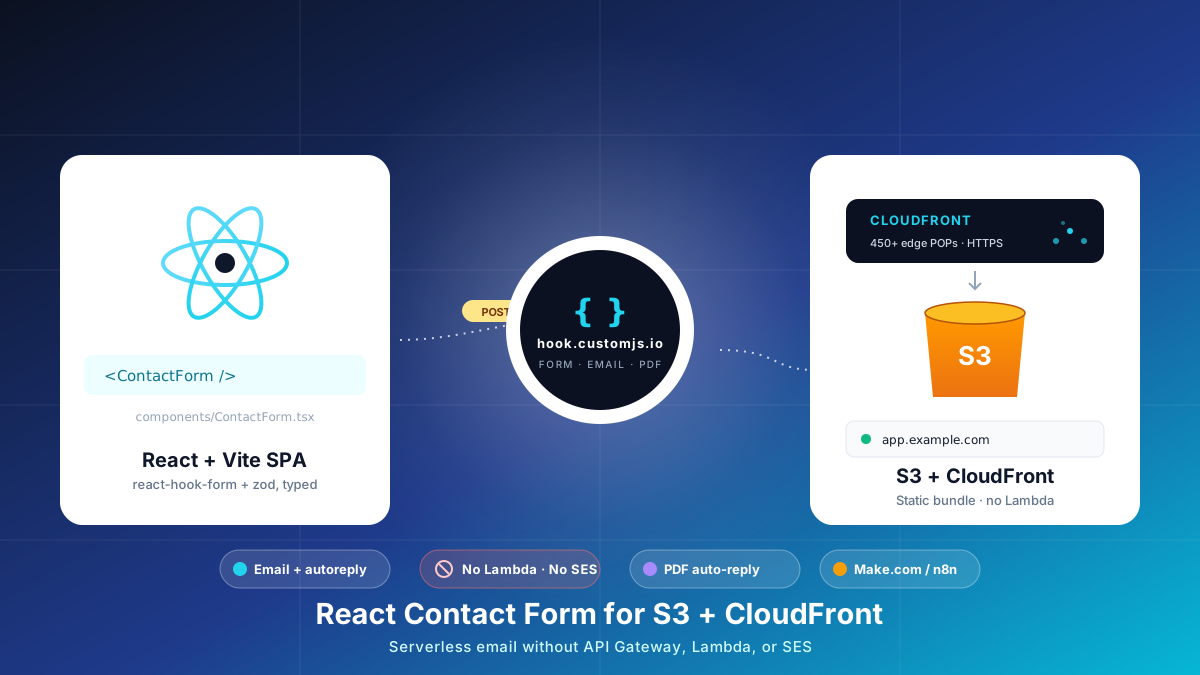
Build a React contact form on S3 + CloudFront with no AWS Lambda, API Gateway, or SES. Typed react-hook-form + Zod, PDF auto-reply, edge CORS and CSP, cost table at 1k submissions.
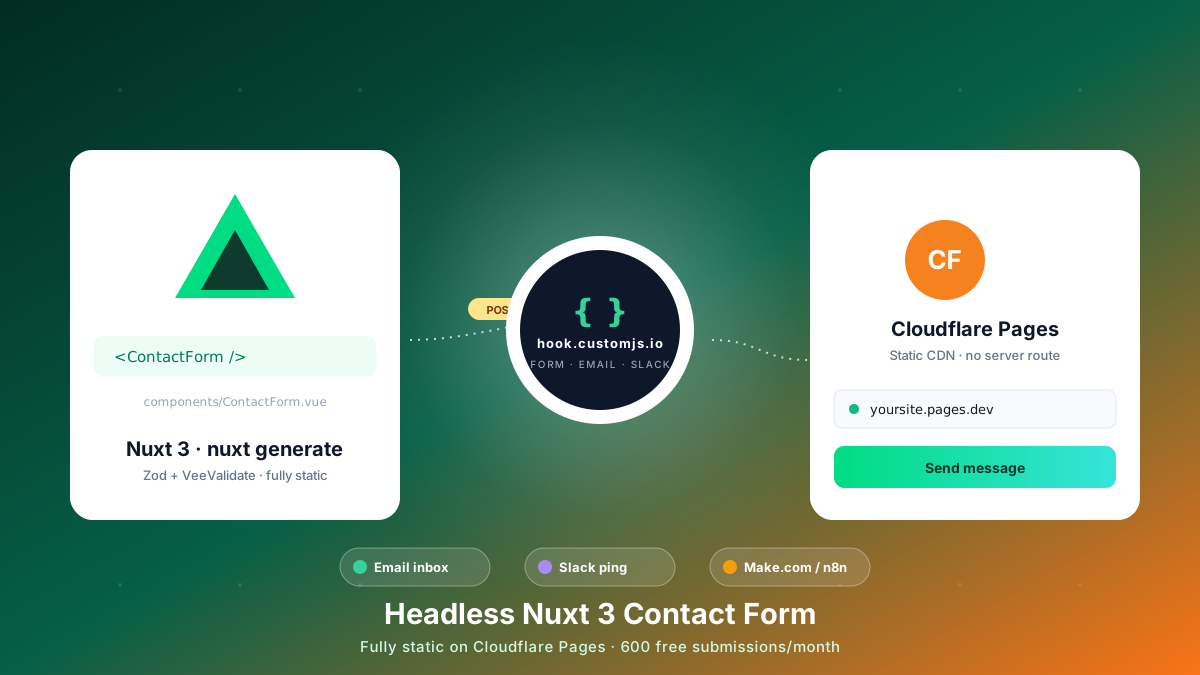
Build a Nuxt 3 contact form on Cloudflare Pages with no backend. Reusable Vue component, Zod + VeeValidate validation, email + Slack automation. 600 free submissions/month.
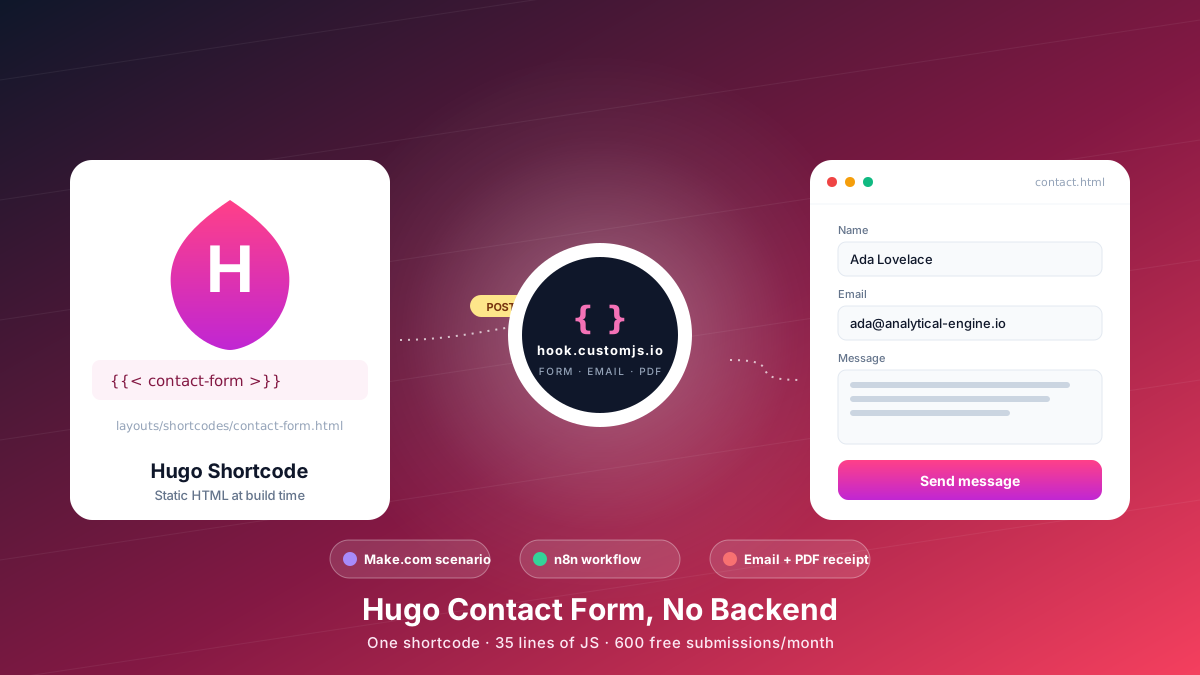
Add a Hugo contact form without a backend. Copy-paste shortcode, vanilla JS handler, spam protection, email + PDF receipt, Make.com & n8n routing. 600 free submissions/month.
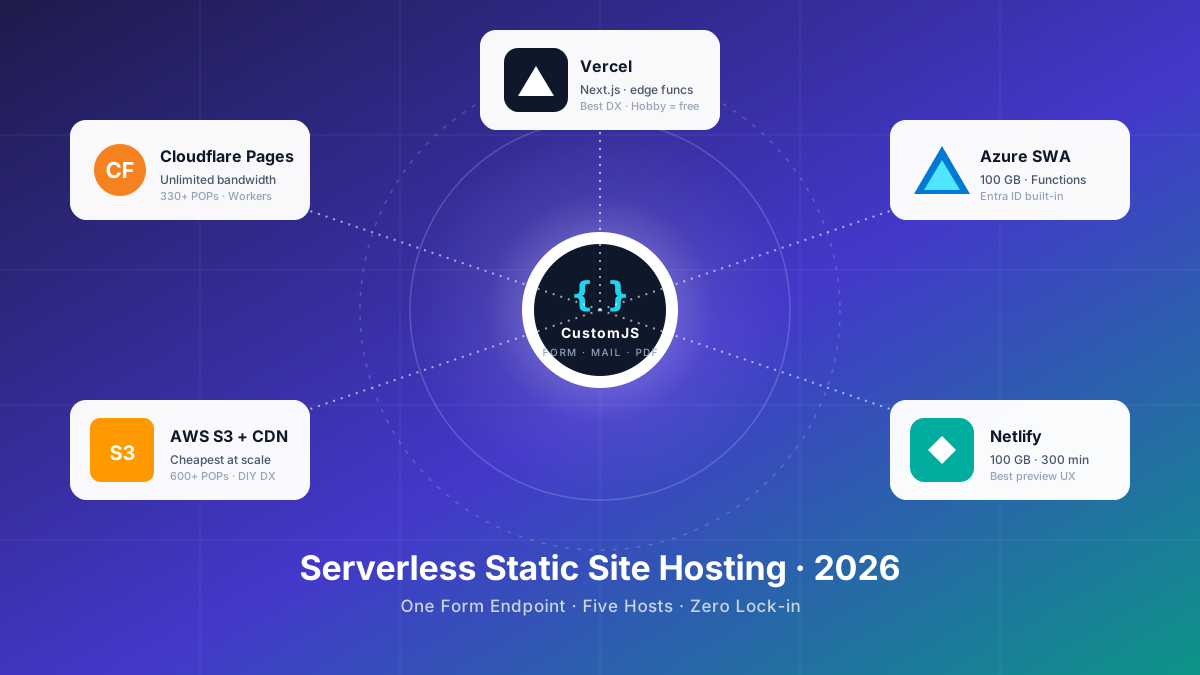
Compare the 5 major serverless static site hosts in 2026 — Cloudflare Pages, AWS S3, Azure Static Web Apps, Netlify, Vercel — across price, build limits, edge reach, and how each handles contact forms.
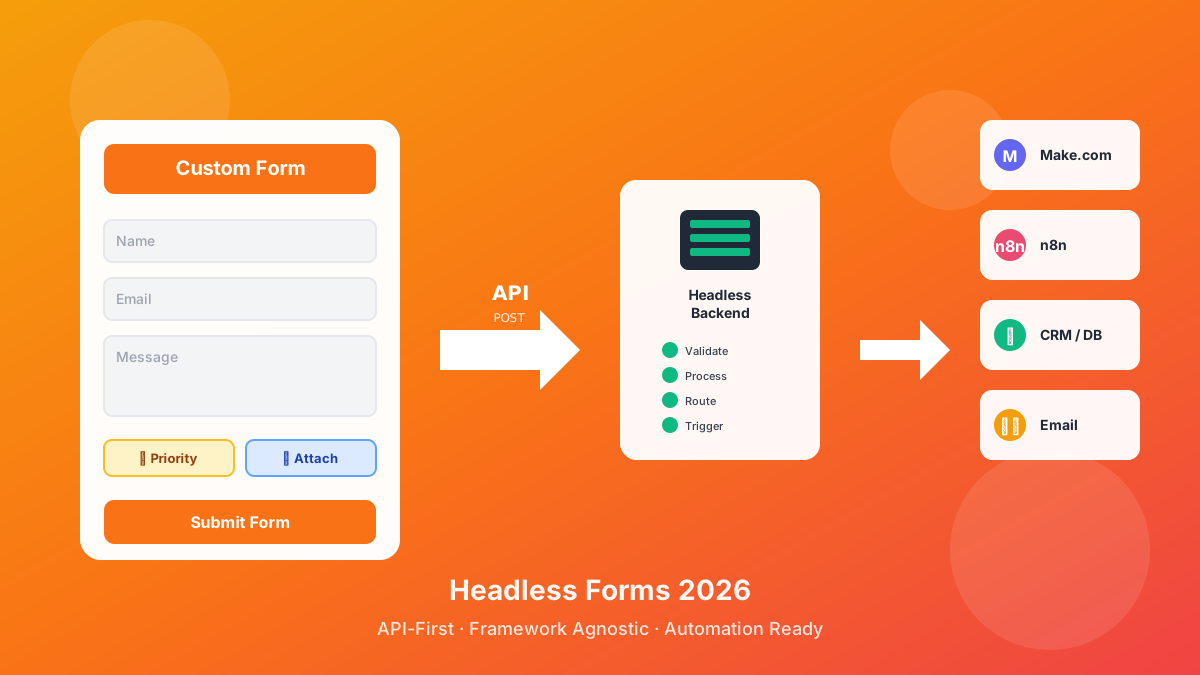
Discover what headless forms enable in 2026: pure frontend stacks, custom multi-step flows, API-first marketing automation, and programmatic form generation. 600 free submissions/month.
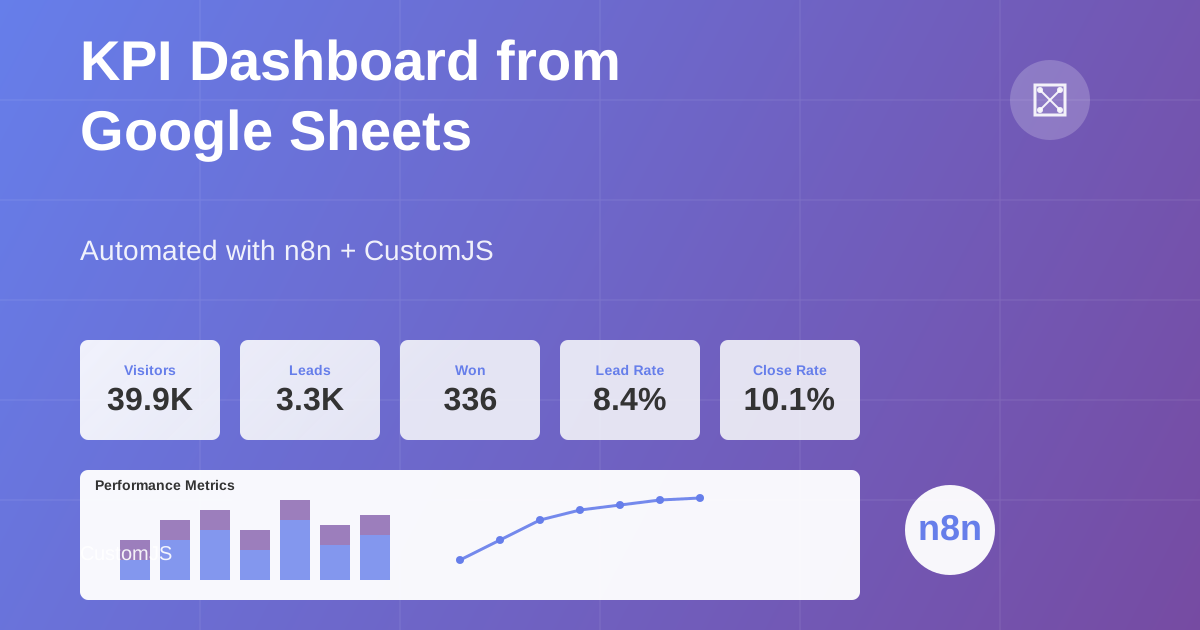
Build automated KPI dashboards from Google Sheets using n8n and CustomJS. Generate interactive charts with Chart.js, host static HTML pages, and connect custom domains. Complete workflow template included.
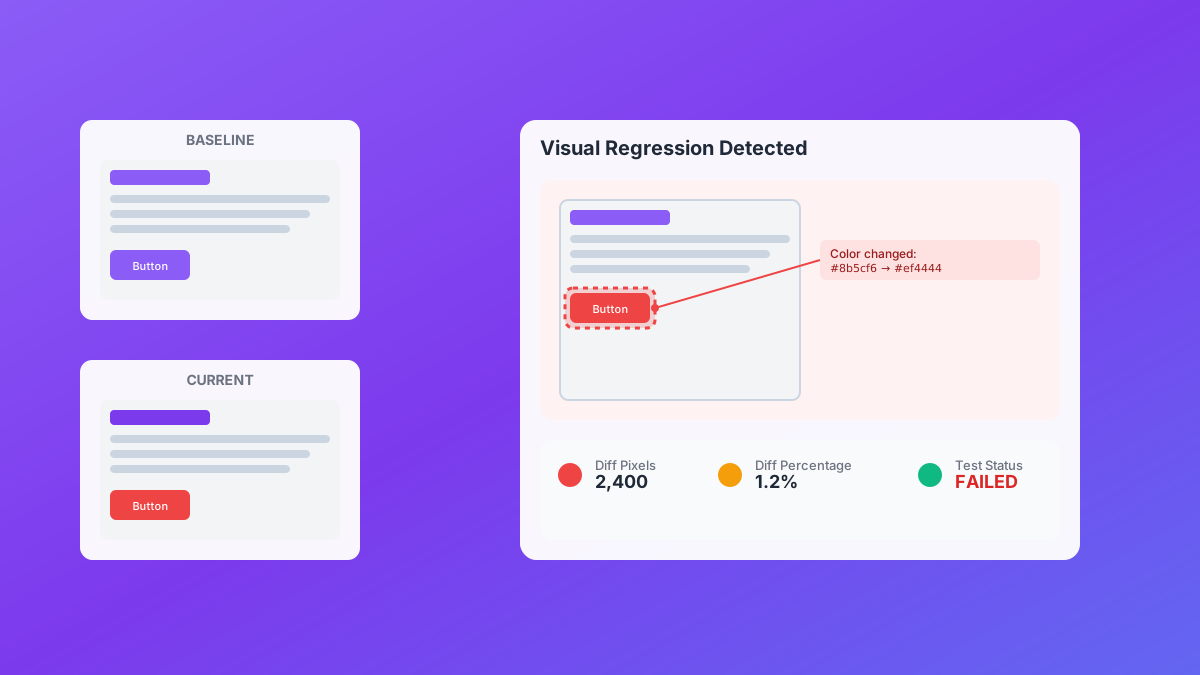
Automate visual regression testing with screenshot API. Capture screenshots, crop regions, detect visual bugs, and integrate with CI/CD. 600 free screenshots/month.
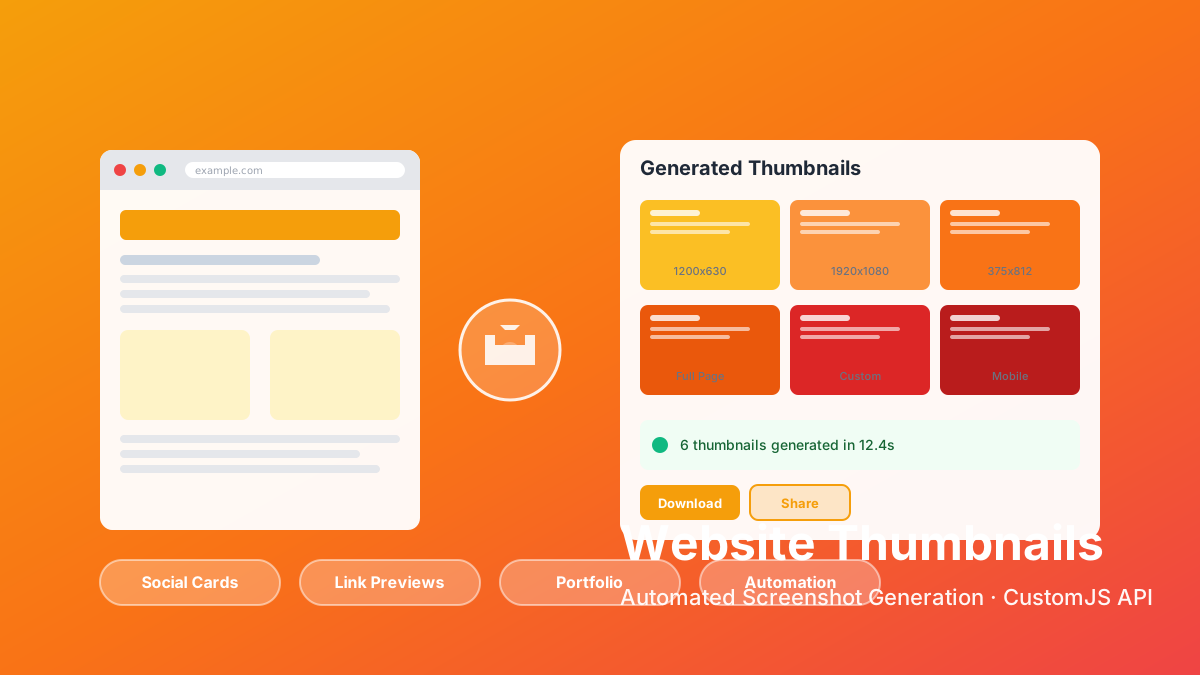
Screenshot API with interactive browser automation. Capture websites, click buttons, fill forms, crop areas. 600 free screenshots/month with Make.com & n8n integration.
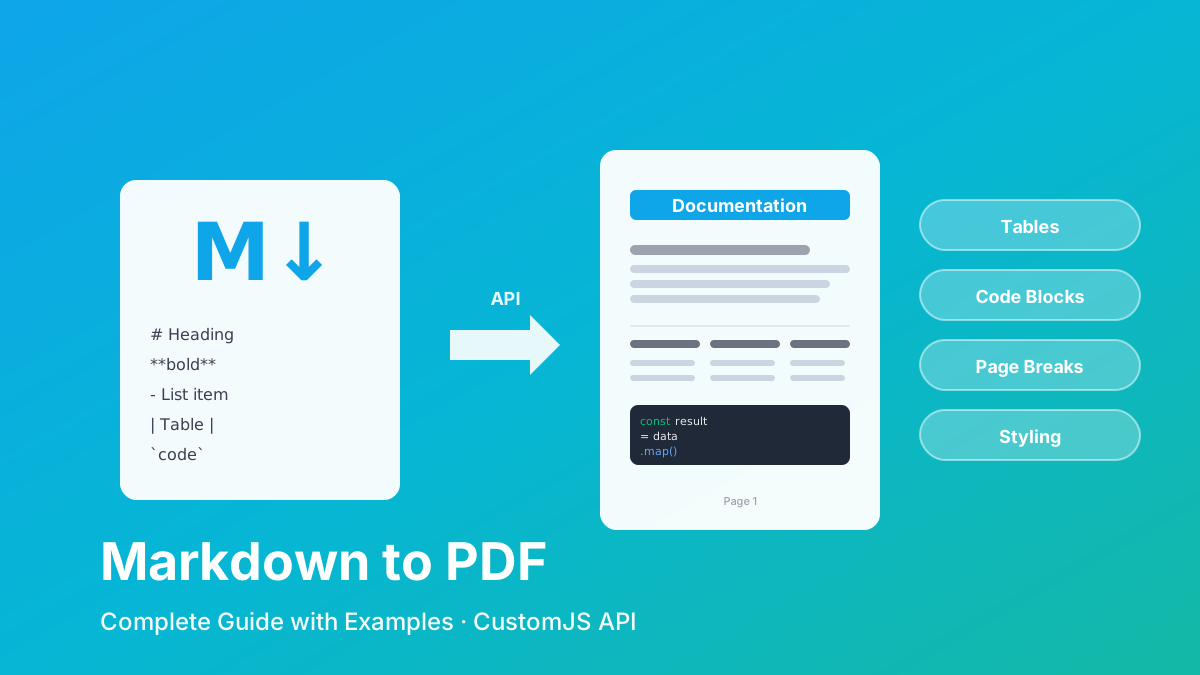
Convert Markdown to PDF with tables, code blocks, and custom styling. Complete guide with examples for API documentation, reports, and automated workflows. 600 free conversions/month.
Generate professional PDFs in Power Automate with CustomJS. Create invoices, receipts, reports, and certificates with custom HTML templates, QR codes, and advanced formatting. No Azure Functions required.
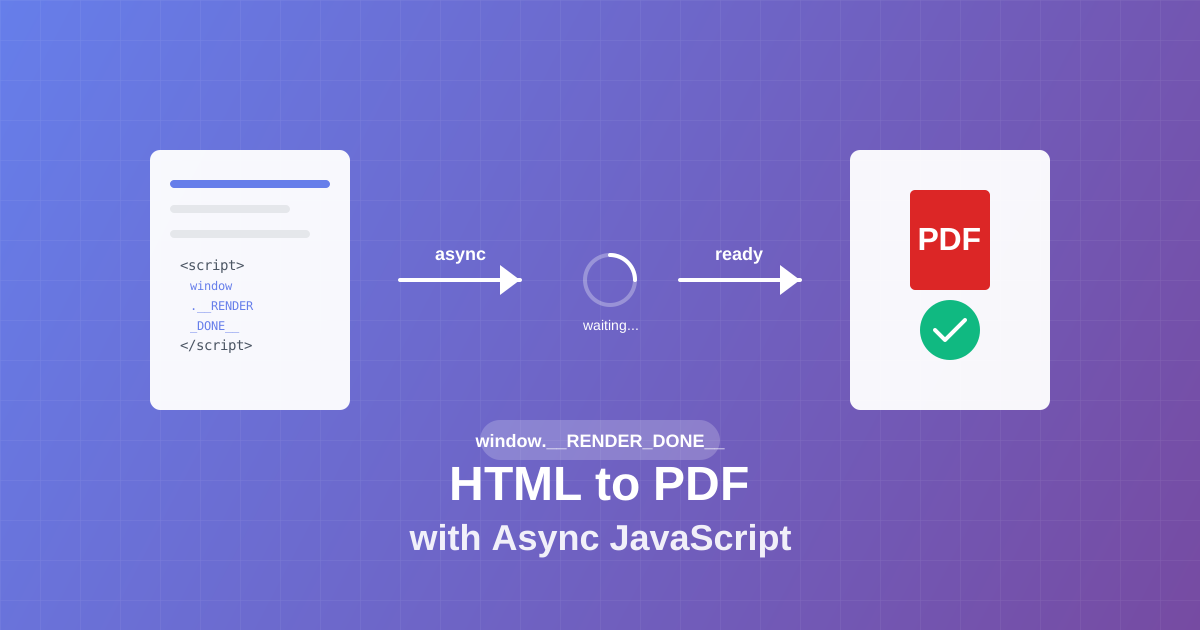
Master async JavaScript execution in PDF generation. Learn the window.__RENDER_DONE__ pattern for reliable HTML to PDF conversion with QR codes, charts, and dynamic content.
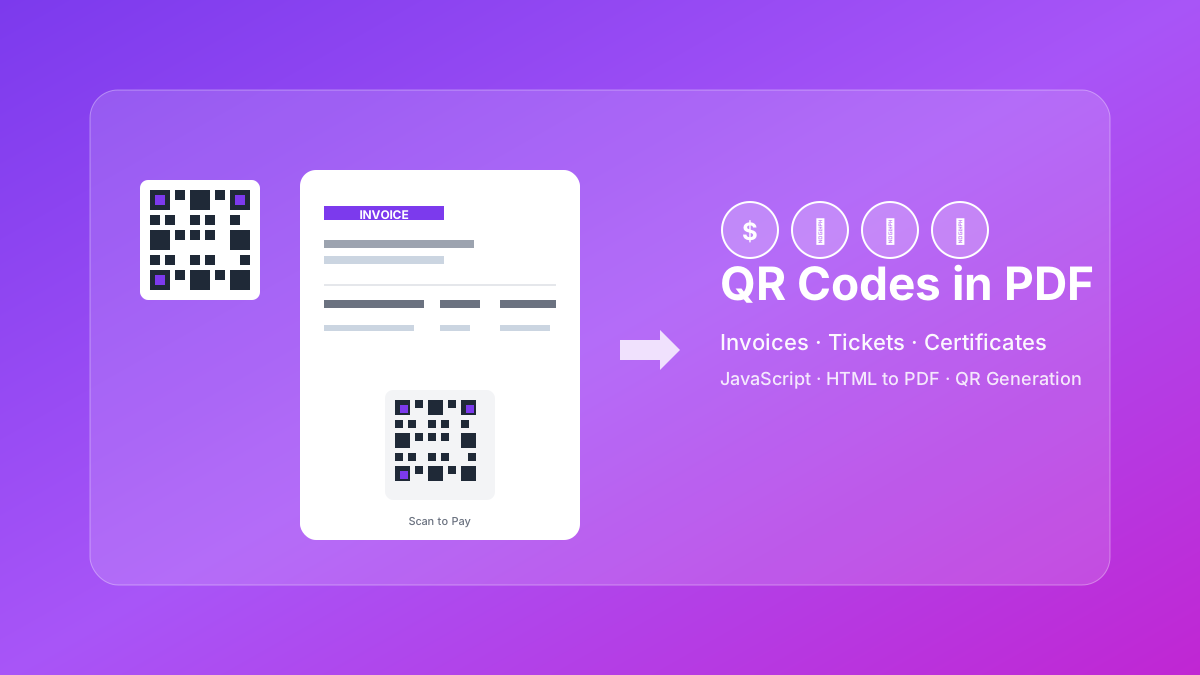
Learn how to generate QR codes in PDF documents using JavaScript. Complete guide with examples for invoices, tickets, certificates, and business cards.
Learn how to automate PDF generation in n8n workflows. Complete guide covering HTML to PDF conversion, invoice generation, and workflow templates.
Cost-effective alternative to QuickBooks & FreshBooks. Automatic PDF invoice generation with n8n, Make.com, or API integration.