Host HTML Pages Without a Server: Deploy Dynamic Landing Pages in Minutes
Need to host an HTML page without setting up a server? Whether you're creating QR code landing pages, event registration forms, or temporary promotional pages, traditional web hosting is often overkill. Server setup, domain configuration, SSL certificates, and ongoing maintenance create unnecessary complexity for simple HTML pages.
Modern HTML hosting services eliminate this complexity. Deploy static and dynamic HTML pages in minutes without servers, databases, or DevOps knowledge. Perfect for marketers, developers, and businesses who need quick, reliable hosting for landing pages, forms, and campaign sites.
This comprehensive guide shows you how to host HTML pages instantly using CustomJS's HTML hosting service. We'll cover everything from basic static pages to dynamic content with URL parameters, custom domains, and automated deployment via Make.com and n8n workflows.
TL;DR
Host HTML pages instantly without server setup, domains, or SSL configuration
Deploy static and dynamic HTML pages in under 5 minutes with CustomJS
Perfect for QR code landing pages, event forms, product launches, and A/B testing
Add custom domains and HTTPS automatically included
Automate HTML generation and hosting with Make.com and n8n workflows
600 free hosted pages per month on the free tier
Why Traditional Hosting is Overkill for Simple HTML Pages
Setting up traditional web hosting for a simple HTML page involves multiple complex steps that take hours or days to complete. You need to provision a server, configure DNS settings, install SSL certificates, set up file permissions, and maintain security updates.
For temporary campaigns, event pages, or QR code landing pages, this overhead is unnecessary. You don't need a full server infrastructure to display a simple HTML page. Modern HTML hosting services solve this by providing instant deployment with automatic HTTPS, global CDN distribution, and zero maintenance.
Traditional Hosting Challenges
Server Setup: Requires technical knowledge of Linux, Apache/Nginx, and server administration
Domain Configuration: DNS propagation takes 24-48 hours, A records, CNAME records
SSL Certificates: Manual installation and renewal of Let's Encrypt or paid certificates
Security: Constant updates, firewall rules, and vulnerability monitoring
Cost: Monthly server fees even for pages with minimal traffic
Maintenance: Ongoing updates, backups, and monitoring required
Modern HTML Hosting Benefits
Instant Deployment: Upload HTML and get a live URL in seconds
Automatic HTTPS: SSL certificates included and auto-renewed
Global CDN: Fast loading times worldwide
Zero Maintenance: No servers to update or monitor
Pay Per Use: Only pay for what you use, with generous free tiers
Custom Domains: Point your domain with simple DNS changes
Common Use Cases for Serverless HTML Hosting
HTML hosting without servers is ideal for specific scenarios where you need quick deployment, temporary pages, or simple static content. Here are the most common use cases:
1. QR Code Landing Pages
Create personalized landing pages for QR codes on business cards, product packaging, or event materials. Each QR code can link to a unique HTML page with specific content, tracking parameters, or promotional offers.
Deploy event registration pages without backend infrastructure. Collect attendee information and send it to your CRM or database via webhooks.
3. Product Launch Pages
Create temporary landing pages for product launches, beta signups, or waitlists. Deploy quickly, test different versions, and remove when the campaign ends.
4. A/B Test Variants
Host multiple versions of landing pages to test headlines, designs, or calls-to-action. Each variant gets its own URL for easy tracking and comparison.
5. Temporary Promotional Pages
Launch flash sales, holiday promotions, or limited-time offers with dedicated landing pages. Deploy instantly and remove when the promotion ends.
How to Host HTML Pages in Under 5 Minutes
CustomJS makes it easy to host HTML pages without any server setup. You can deploy your HTML through the web interface, or automate deployment using Make.com or n8n native modules. No complex configuration, no server management.
Step 1: Prepare Your HTML
Create a complete HTML document with all styles and scripts inline. External resources (images, fonts, libraries) should be loaded from CDNs or embedded as data URLs.
Step 2: Deploy Your HTML
You have three options to deploy your HTML pages:
Option 1: CustomJS Web Interface
The easiest way to get started is through the CustomJS web interface. Simply paste your HTML code, click deploy, and get your hosted URL instantly. Perfect for quick deployments and testing.
Log in to your CustomJS account
Navigate to the HTML Hosting section
Paste your HTML code
Click "Deploy" to get your live URL
Option 2: Make.com Native Module
Use the CustomJS Make.com module to automate HTML page deployment in your workflows. Perfect for generating landing pages from templates or deploying pages based on triggers.
// In Make.com CustomJS module:
// 1. Select "Execute JavaScript" action
// 2. Add your HTML generation code:

const html = `
<!DOCTYPE html>
<html>
<head>
  <title>My Landing Page</title>
  <style>
    body { font-family: Arial; text-align: center; padding: 50px; }
    .cta { background: #4f46e5; color: white; padding: 15px 30px; }
  </style>
</head>
<body>
  <h1>Welcome!</h1>
  <button class="cta">Get Started</button>
</body>
</html>
`;

// Return the HTML to be hosted
return { html };
Option 3: n8n Native Node
The CustomJS n8n node allows you to deploy HTML pages directly from your n8n workflows. Ideal for self-hosted automation and complex deployment pipelines.
// In n8n CustomJS node:
// 1. Add CustomJS node to your workflow
// 2. Select "Execute JavaScript" operation
// 3. Add your HTML code:

const html = `
<!DOCTYPE html>
<html>
<head>
  <title>Event Registration</title>
</head>
<body>
  <h1>Register for Our Event</h1>
  <form>
    <input type="text" placeholder="Name">
    <input type="email" placeholder="Email">
    <button>Register</button>
  </form>
</body>
</html>
`;

return { html };
Step 3: Get Your Live URL
After deployment, you'll receive a permanent URL where your HTML page is hosted. The URL is immediately accessible with HTTPS enabled. You can share this URL directly or point a custom domain to it.
💡 Pro Tip
Your hosted HTML pages are cached globally on a CDN for fast loading times worldwide. To update a page, simply deploy a new version - each deployment gets a unique URL, or you can use custom domains to maintain the same URL.
Dynamic Content with URL Parameters
Static HTML pages can become dynamic by reading URL parameters with JavaScript. This allows you to personalize content, track campaigns, and create unique experiences without server-side code.
Personalized Landing Pages
Create personalized experiences by passing data through URL parameters. Perfect for email campaigns, QR codes, or social media links.
Access this page with parameters: https://your-page.customjs.io?name=John&code=SPECIAL20
Fetching External Data
Use JavaScript's Fetch API to load dynamic content from external APIs, databases, or spreadsheets. This turns your static HTML page into a dynamic application.
// Fetch data from external API
fetch('https://api.example.com/data')
  .then(response => response.json())
  .then(data => {
    document.getElementById('content').innerHTML = data.message;
  })
  .catch(error => console.error('Error:', error));
Form Submissions to Webhooks
Collect form data and send it to webhook endpoints for processing in Make.com, n8n, or other automation platforms.
<form id="contactForm">
  <input type="text" name="name" placeholder="Your Name" required>
  <input type="email" name="email" placeholder="Your Email" required>
  <button type="submit">Submit</button>
</form>

<script>
document.getElementById('contactForm').addEventListener('submit', async (e) => {
  e.preventDefault();

  const formData = new FormData(e.target);
  const data = Object.fromEntries(formData);

  // Send to webhook
  await fetch('https://hooks.make.com/your-webhook-url', {
    method: 'POST',
    headers: { 'Content-Type': 'application/json' },
    body: JSON.stringify(data)
  });

  alert('Thank you for your submission!');
});
</script>
Custom Domains for Hosted HTML Pages
Point your own domain to your hosted HTML pages for professional branding. CustomJS supports custom domains with automatic SSL certificate provisioning.
Setting Up a Custom Domain
Deploy your HTML page and note the generated URL
Add a CNAME record in your domain's DNS settings pointing to the CustomJS URL
Configure the custom domain in your CustomJS dashboard
Wait for DNS propagation (usually 5-15 minutes)
SSL certificate is automatically provisioned and renewed
✅ Automatic HTTPS
All custom domains automatically receive SSL certificates from Let's Encrypt. No manual configuration or renewal required. Your pages are always served over HTTPS.
Domain Examples
Subdomain:promo.yourdomain.com
Campaign domain:summer-sale.yourdomain.com
Event domain:event2026.yourdomain.com
Product domain:launch.yourdomain.com
Automated HTML Hosting with Make.com
Automate HTML page generation and hosting using Make.com workflows. Perfect for creating landing pages from templates, generating personalized pages at scale, or deploying pages based on triggers.
Example Workflow: Birthday Discount Landing Pages
This workflow automatically generates personalized birthday discount pages for customers:
Trigger: Daily schedule checks customer database for upcoming birthdays
Generate HTML: Create personalized landing page with customer name and unique discount code
Host HTML: Deploy page using CustomJS API
Generate QR Code: Create QR code linking to the hosted page
Send Email: Email customer with QR code and landing page link
🔗 Make.com Integration
CustomJS has native Make.com modules for HTML hosting, PDF generation, and JavaScript execution. No need to configure HTTP requests manually - just drag and drop the modules into your workflow.
Automated HTML Hosting with n8n
n8n workflows can automatically generate and host HTML pages using the CustomJS native node. Perfect for self-hosted automation or complex workflows.
Example Workflow: Event Registration Pages
Automatically create event registration pages when new events are added to your calendar or database:
Trigger: New event created in Google Calendar or Airtable
Generate HTML: Create registration page with event details and form
Host HTML: Deploy using CustomJS n8n node
Update Database: Store the hosted URL in your event database
Share: Post registration link to social media or send to email list
🔧 n8n Native Node
The CustomJS n8n node is available in the n8n community nodes registry. Install it directly from your n8n instance and access all CustomJS features including HTML hosting, PDF generation, and JavaScript execution.
Security and Rate Limiting
Hosted HTML pages include built-in security features to protect your content and prevent abuse.
HTTPS by Default
All hosted pages are served over HTTPS with modern TLS encryption. SSL certificates are automatically provisioned and renewed. No configuration required.
CORS Configuration
Configure Cross-Origin Resource Sharing (CORS) headers to control which domains can access your hosted pages via JavaScript. Useful for embedding pages in iframes or making API calls from other domains.
Rate Limiting
API requests are rate-limited to prevent abuse. The free tier includes 600 hosted pages per month. Upgrade to higher tiers for increased limits and priority support.
Plan
Hosted Pages/Month
Custom Domains
Support
Free
600
1 domain
Email
Pro
10,000
10 domains
Priority Email
Enterprise
Unlimited
Unlimited
Dedicated Support
Real-World Example: Birthday Discount System
Let's build a complete system that generates personalized birthday discount landing pages for customers. This example combines HTML hosting, QR code generation, and email automation.
System Architecture
Customer Database: Airtable or Google Sheets with customer names, emails, and birthdays
Daily Workflow: Make.com or n8n checks for upcoming birthdays
Generate Discount Code: Create unique discount code for each customer
Create Landing Page: Generate personalized HTML with customer name and discount code
Host HTML: Deploy page using CustomJS API
Generate QR Code: Create QR code linking to the hosted page
Send Email: Email customer with personalized message, QR code, and landing page link
This automated birthday discount system increases customer engagement and drives sales. Personalized landing pages have 3-5x higher conversion rates than generic promotions. The QR code makes redemption effortless, especially for mobile users.
Best Practices for HTML Hosting
Follow these best practices to ensure your hosted HTML pages are fast, reliable, and maintainable.
1. Inline All Resources
Embed CSS and JavaScript directly in your HTML. This eliminates external dependencies and ensures your page loads quickly without additional HTTP requests.
2. Use CDN for External Libraries
When you need external libraries (jQuery, Bootstrap, Chart.js), load them from reliable CDNs like cdnjs.com or unpkg.com. This ensures fast loading and high availability.
3. Optimize Images
Use data URLs for small images or icons. For larger images, host them on image CDNs like Cloudinary or Imgix and reference them via URL.
4. Mobile-First Design
Most users will access your pages on mobile devices. Use responsive design with viewport meta tags and mobile-friendly layouts.
Track page views, conversions, and user behavior with analytics. Use Google Analytics, Plausible, or custom webhook tracking.
6. Test Before Deployment
Test your HTML locally in multiple browsers before deploying. Check mobile responsiveness, form submissions, and JavaScript functionality.
7. Version Control
Keep your HTML templates in version control (Git). This allows you to track changes, revert to previous versions, and collaborate with team members.
Troubleshooting Common Issues
Page Not Loading
Check that your HTML is valid and well-formed
Verify your API key is correct and has sufficient quota
Ensure the API response includes the hosted URL
JavaScript Not Executing
Check browser console for JavaScript errors
Ensure external scripts are loaded from HTTPS URLs
Verify CORS headers if making cross-origin requests
Custom Domain Not Working
Wait 15-30 minutes for DNS propagation
Verify CNAME record points to correct CustomJS URL
Check domain configuration in CustomJS dashboard
Clear browser cache and try in incognito mode
Forms Not Submitting
Check webhook URL is correct and accessible
Verify webhook endpoint accepts POST requests
Test webhook with tools like Postman or curl
Check browser console for CORS or network errors
Comparison: HTML Hosting Services
How does CustomJS compare to other HTML hosting solutions? Here's a detailed comparison:
Feature
CustomJS
Netlify
Vercel
GitHub Pages
API Deployment
✅ Yes
✅ Yes
✅ Yes
❌ Git only
Instant Deployment
✅ Seconds
⚠️ Minutes
⚠️ Minutes
⚠️ Minutes
Make.com Integration
✅ Native
⚠️ HTTP only
⚠️ HTTP only
❌ No
n8n Integration
✅ Native
⚠️ HTTP only
⚠️ HTTP only
❌ No
Free Tier
600/month
100 sites
Unlimited
1 site/repo
Custom Domains
✅ Yes
✅ Yes
✅ Yes
✅ Yes
Setup Complexity
Low
Medium
Medium
High
Conclusion
Hosting HTML pages without a server has never been easier. Modern HTML hosting services like CustomJS eliminate the complexity of traditional web hosting while providing instant deployment, automatic HTTPS, and seamless integration with automation platforms.
Whether you're creating QR code landing pages, event registration forms, or temporary promotional sites, serverless HTML hosting offers the perfect balance of simplicity, speed, and reliability. With 600 free hosted pages per month and native Make.com and n8n integration, you can automate your entire deployment workflow.
Start hosting your HTML pages today and experience the freedom of serverless deployment. No servers to manage, no SSL certificates to renew, no infrastructure to maintain - just upload your HTML and get a live URL in seconds.
Ready to Get Started?
Sign up for a free CustomJS account and start hosting HTML pages instantly. Get 600 free hosted pages per month, automatic HTTPS, and access to Make.com and n8n integrations.
Yes! All JavaScript code in your HTML pages executes normally in the browser. You can use JavaScript to fetch data from APIs, handle form submissions, read URL parameters, and create interactive experiences. The only limitation is that there's no server-side processing - everything runs client-side in the browser.
How do I update a hosted HTML page?
Hosted pages are immutable - once deployed, they cannot be changed. To update a page, deploy a new version with the updated HTML. This ensures consistency and prevents accidental modifications. For pages that need frequent updates, consider using URL parameters to pass dynamic data or fetching content from external APIs.
Can I use my own domain name?
Yes! CustomJS supports custom domains with automatic SSL certificate provisioning. Simply add a CNAME record in your DNS settings pointing to your CustomJS URL, configure the domain in your dashboard, and wait 5-15 minutes for DNS propagation. HTTPS is automatically enabled.
What's the difference between static and dynamic HTML hosting?
Static HTML hosting serves the same HTML content to all visitors. Dynamic HTML hosting uses client-side JavaScript to personalize content based on URL parameters, user data, or API responses. Both are supported - the HTML file itself is static, but JavaScript can make it behave dynamically.
How do I collect form submissions without a backend?
Use JavaScript to send form data to webhook endpoints. Services like Make.com, n8n, Zapier, and webhook.site can receive form submissions and process them (save to database, send emails, create CRM records, etc.). This eliminates the need for backend code while maintaining full functionality.
Is there a file size limit for hosted HTML pages?
HTML pages should be under 1MB for optimal performance. If your page is larger, consider moving images to external CDNs, loading libraries from CDNs instead of inline, or splitting content across multiple pages. Smaller pages load faster and provide better user experience.
Can I password-protect my hosted pages?
Basic password protection can be implemented with client-side JavaScript, though this is not secure for sensitive content. For true security, use URL parameters with unique tokens or implement authentication via external services. Enterprise plans offer server-side authentication options.
How long do hosted pages remain online?
Hosted pages remain online indefinitely as long as your account is active. There's no automatic expiration. For temporary campaigns, you can manually delete pages from your dashboard or set up automated deletion workflows using Make.com or n8n.
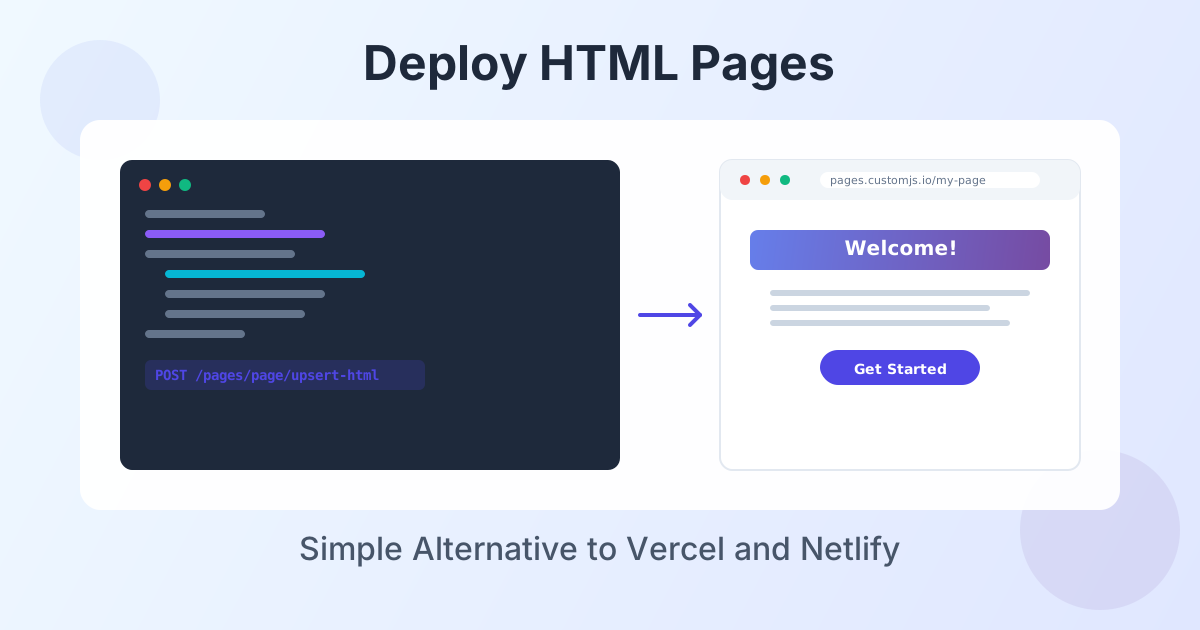
Deploy HTML landing pages with a single API call. No Git, no build steps, no complexity. Perfect for AI-generated pages, campaigns, and prototypes. 600 free deployments/month.
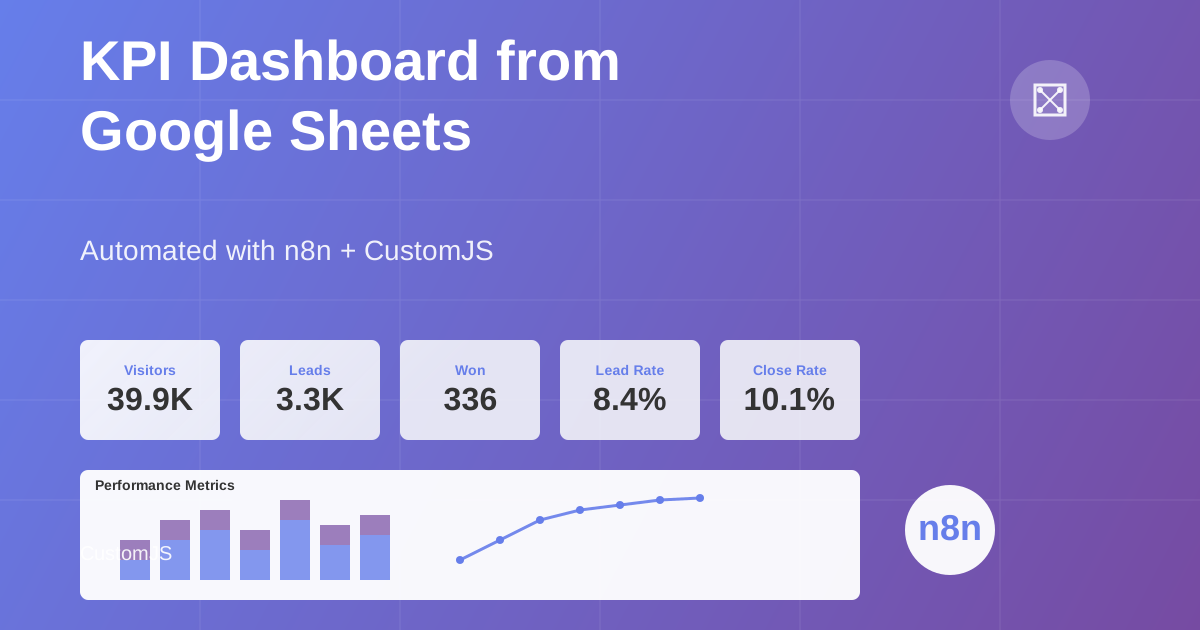
Build automated KPI dashboards from Google Sheets using n8n and CustomJS. Generate interactive charts with Chart.js, host static HTML pages, and connect custom domains. Complete workflow template included.
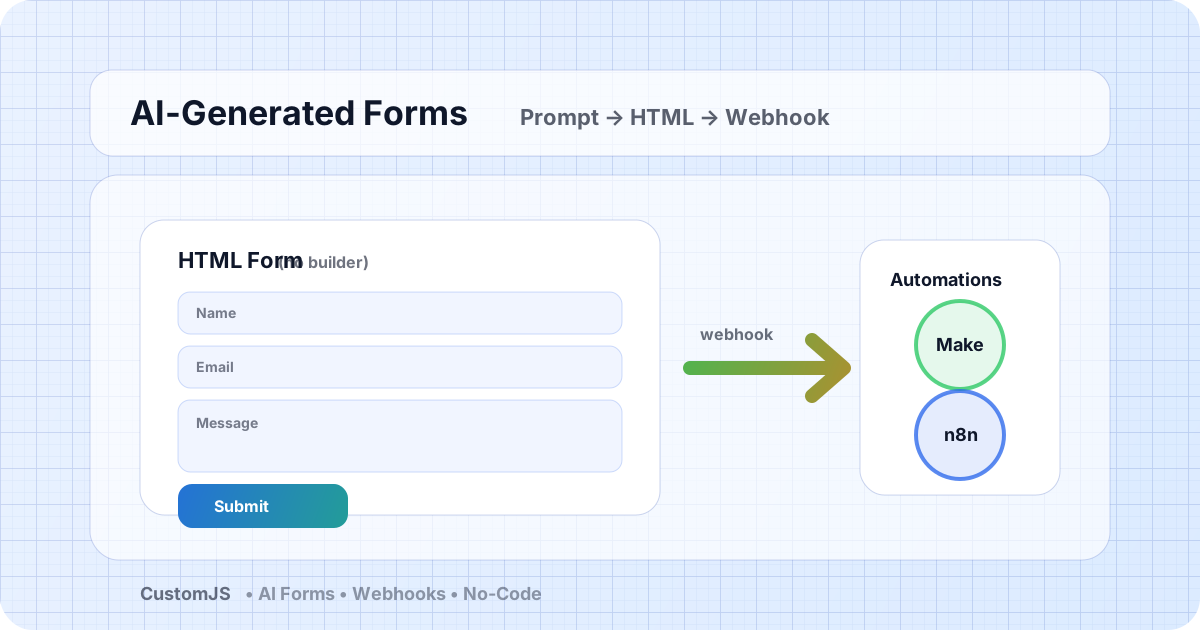
Generate HTML forms with AI (no form builder) and send submissions to webhooks that trigger Make.com and n8n workflows. Includes copy-paste code and best practices.
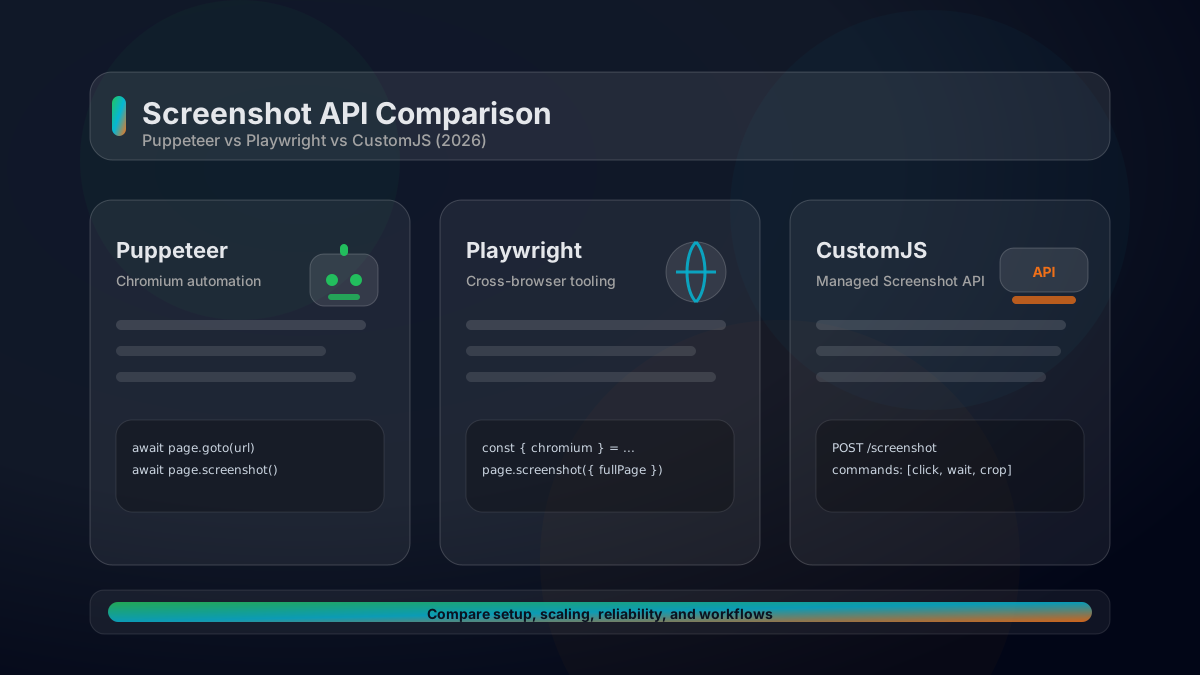
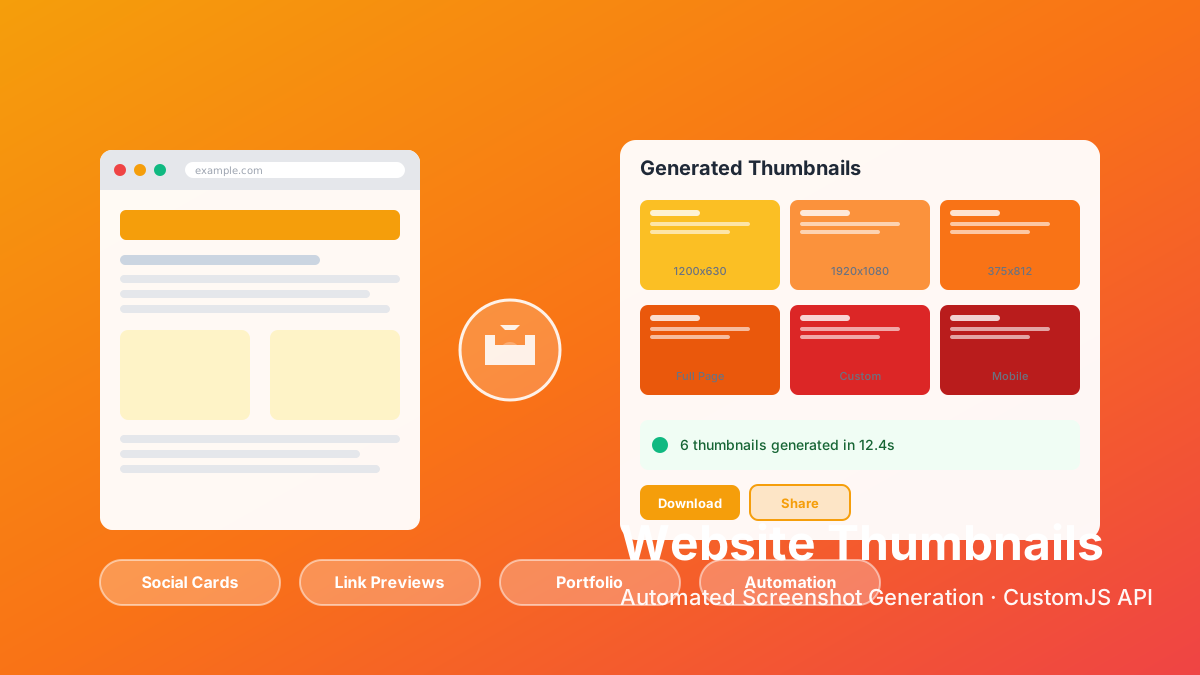
A practical comparison of Puppeteer vs Playwright vs a managed Screenshot API. Feature matrix, code examples, scaling considerations, and how to choose in 2026.
Learn how to automate PDF generation in Make.com with CustomJS. Step-by-step guide with templates for invoices, HTML to PDF, and page extraction. 600 free PDFs/month.
If you want to improve your workflow in Make with JavaScript, there are some powerful tools available. Two of the best options are 0CodeKit and CustomJS.
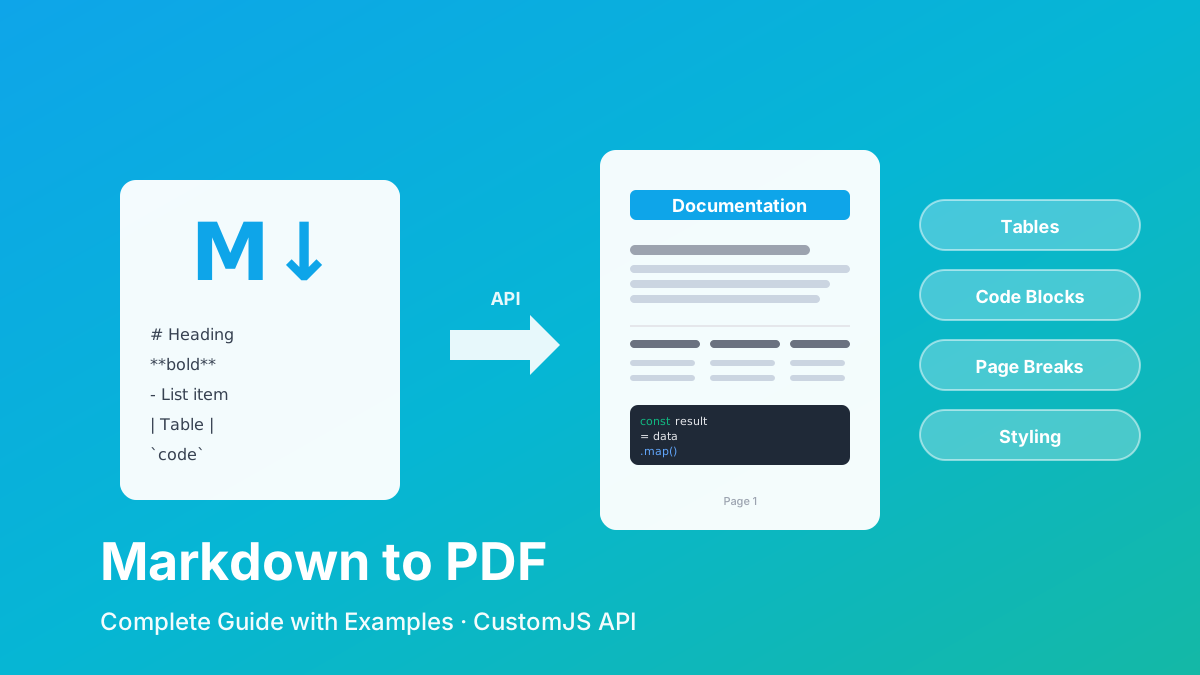
Convert Markdown to PDF with tables, code blocks, and custom styling. Complete guide with examples for API documentation, reports, and automated workflows. 600 free conversions/month.
Generate professional PDFs in Power Automate with CustomJS. Create invoices, receipts, reports, and certificates with custom HTML templates, QR codes, and advanced formatting. No Azure Functions required.
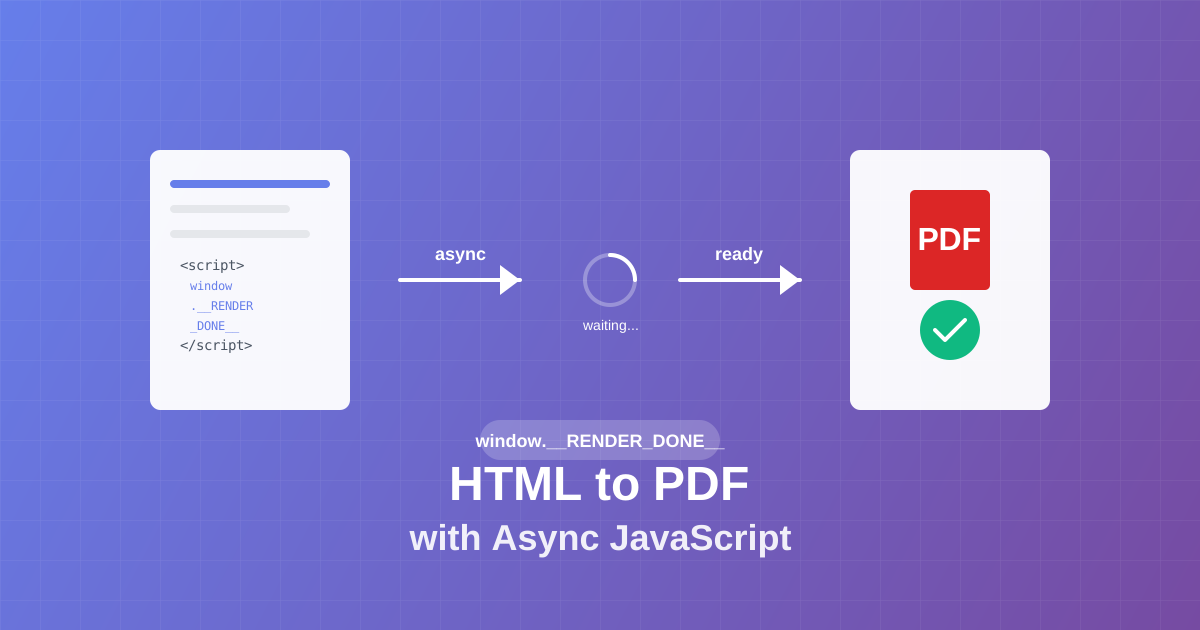
Master async JavaScript execution in PDF generation. Learn the window.__RENDER_DONE__ pattern for reliable HTML to PDF conversion with QR codes, charts, and dynamic content.
Learn how to generate QR codes in PDF documents using JavaScript. Complete guide with examples for invoices, tickets, certificates, and business cards.