Headless Form Backend Comparison: Formspree vs Basin vs CustomJS (2026)
The landscape of form backends has evolved dramatically. What started as simple contact form handlers has transformed into sophisticated data pipelines that power entire business workflows. In 2026, choosing the right headless form backend isn't just about collecting submissions—it's about building scalable, secure infrastructure that integrates seamlessly with your automation stack.
This comprehensive comparison examines the leading headless form solutions: Formspree, Basin, Getform, and CustomJS. We'll analyze their developer experience, automation capabilities, pricing models, and real-world performance to help you make an informed decision for your projects.
TL;DR
Formspree is the industry standard with proven reliability but limited workflow automation
Basin and Getform excel at visual dashboards but lack developer-first features
CustomJS offers the most comprehensive automation with native n8n/Make.com integration and combined form + mail hook capabilities
For high-volume agencies, pricing scales dramatically—CustomJS provides the best value with 600 free submissions/month
Modern headless backends must support AJAX responses, spam protection, and webhook automation
The State of Headless Forms in 2026
Beyond Simple Submissions: The Evolution of Form Backends
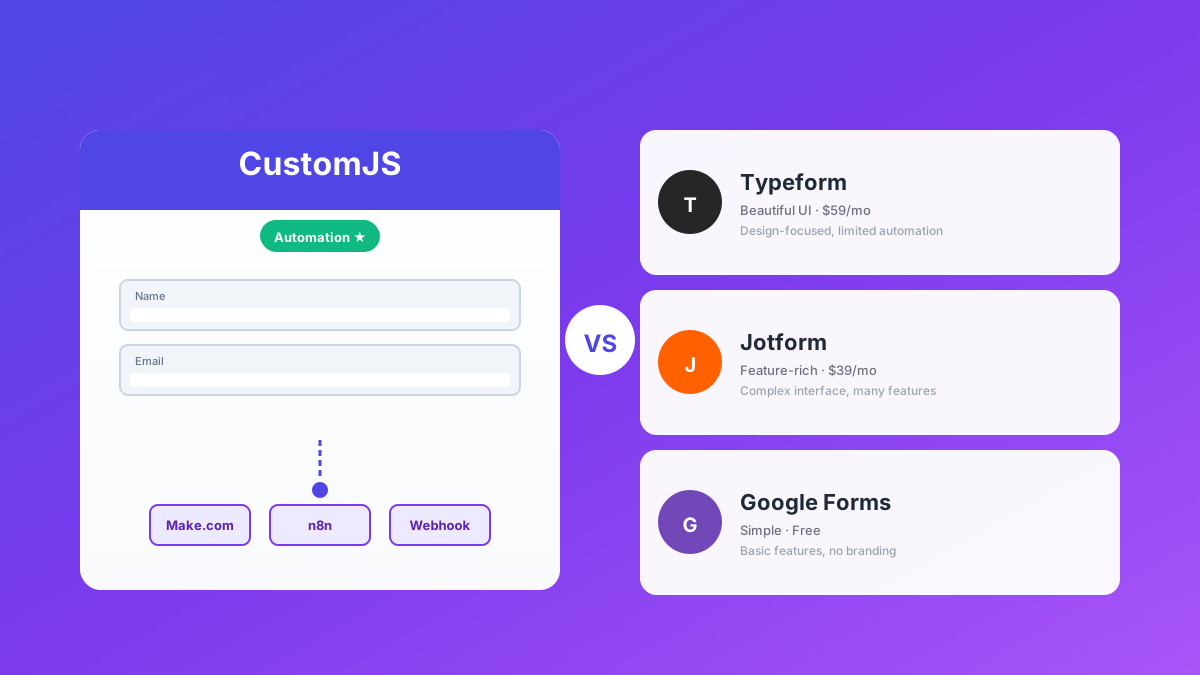
The web has moved beyond monolithic form builders. While tools like Typeform and Jotform served their purpose in the early 2020s, they now represent bottlenecks for modern developers. These platforms are heavy, rigid in styling, and lock your data into proprietary ecosystems that don't play well with automation tools.
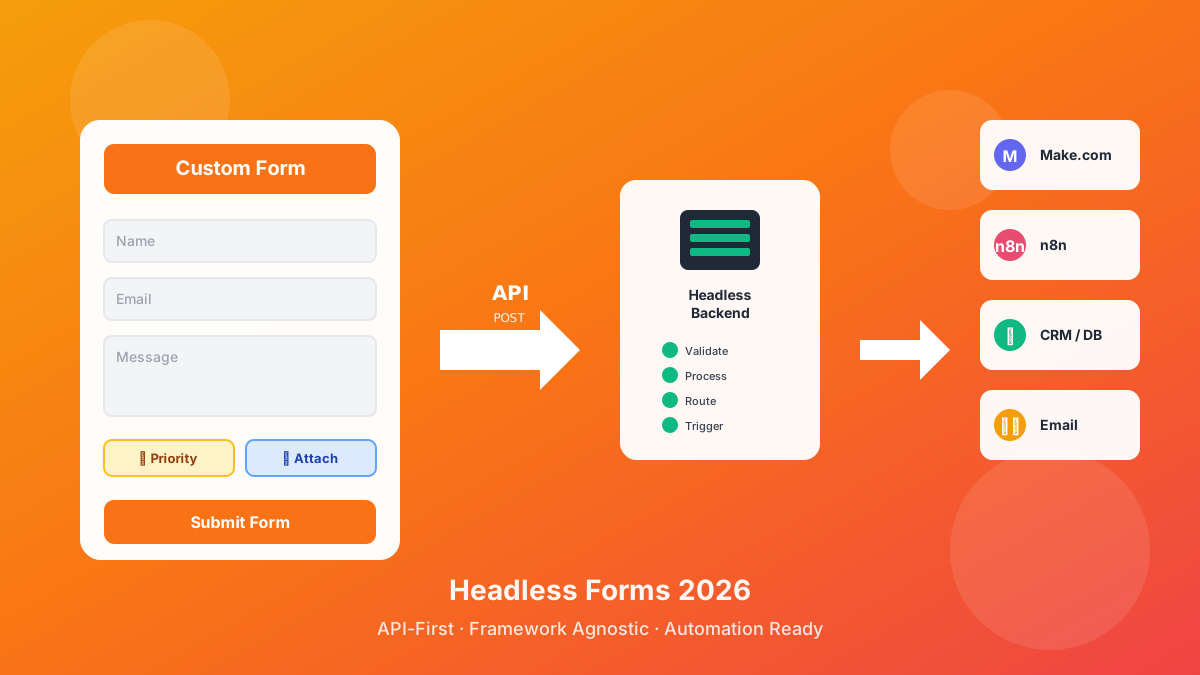
Today's developers need headless form backends—lightweight endpoints that accept form data via HTTP POST, handle validation and spam protection, then trigger downstream workflows. The form itself lives in your codebase, styled exactly how you want it, while the backend handles the infrastructure.
Why Developers Choose Headless Over Traditional Form Builders
Traditional form builders like Typeform and Jotform control both the form UI and the backend. This creates problems: you're locked into their design system, can't customize the submission flow, and pay for features you don't need. Headless form backends separate concerns—you build the frontend exactly how you want it, while the backend handles data processing.
This architecture gives you complete control over styling, validation logic, and user experience while offloading the infrastructure challenges like spam protection, rate limiting, and data storage to a specialized service.
The "Hidden Costs" of Legacy Platforms
Many older headless form providers lure you in with generous free tiers, only to hit you with unexpected limitations:
Data Throttle: Limits on how many submissions you can actually view or export
Forced Branding: "Powered by" links that ruin your professional UI and can't be removed without expensive upgrades
Weak Spam Protection: Basic captchas that sophisticated bots bypassed years ago
No Automation: Submissions sit in a database with no way to trigger workflows without third-party integrations
Direct Comparison: Formspree vs Basin vs CustomJS
To choose the right backend, you need to evaluate the developer experience (DX) and integration capabilities. Here's how the major players stack up:
Feature
Formspree
Basin
CustomJS
Spam Protection
Standard Captcha
Honeypot & Shield
AI-Driven + Custom
Response Format
HTML/JSON
Dashboard-centric
Native JSON / AJAX
Redirect Control
Basic
Standard
Advanced (Native JSON)
Automation
Plugins
Third-party only
Native n8n & Make
Data Hub
Forms only
Forms only
Forms + Mail Hooks
Free Tier
50/month
100/month
600/month
Formspree: The Industry Standard
Formspree is the "OG" of the headless form space. Launched in 2013, it's battle-tested and has a massive community. Developers trust it because it simply works—you point your form to a Formspree endpoint, and submissions flow reliably.
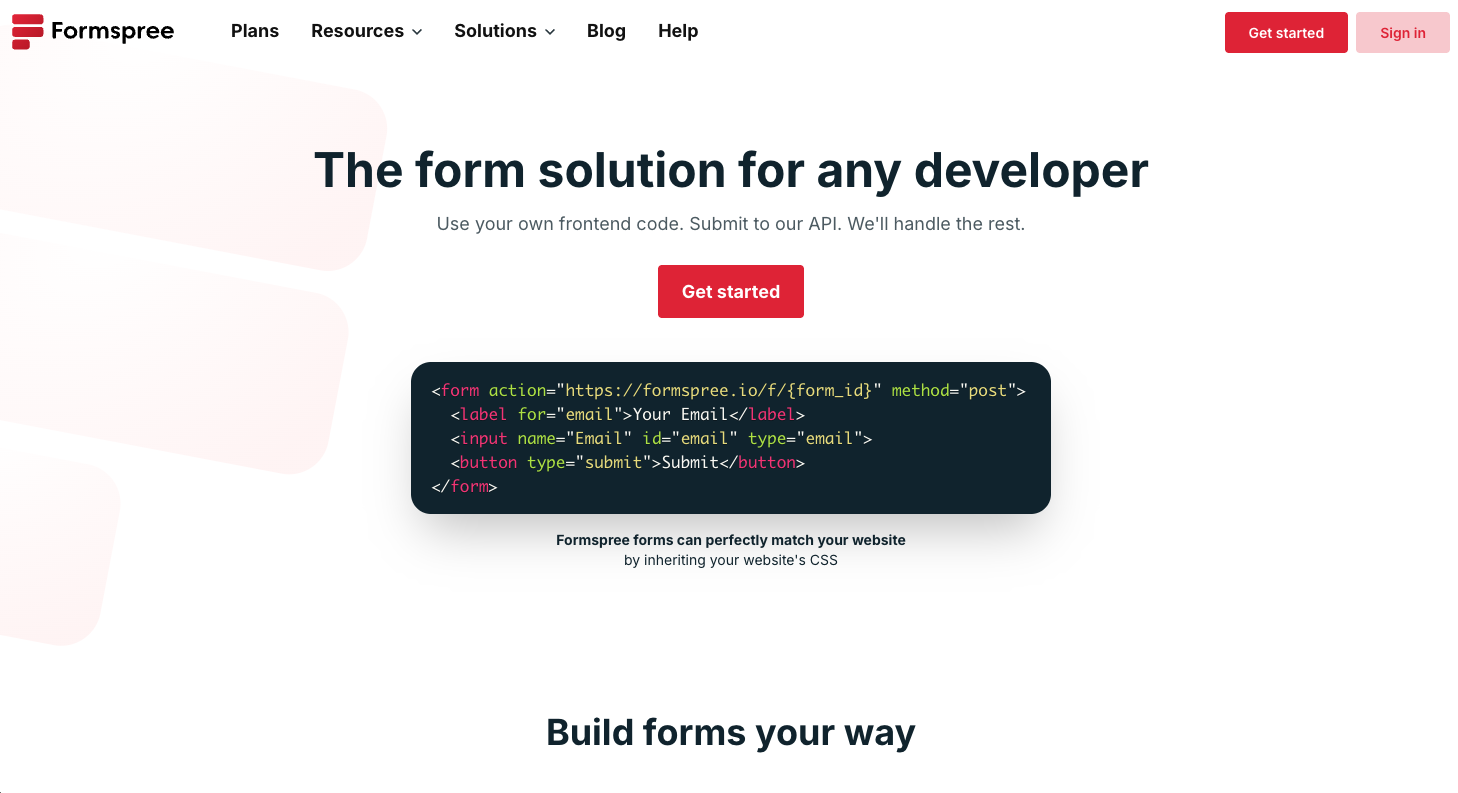
Formspree's dashboard showing form submissions and analytics
Pros:
Proven reliability with years of uptime
Extensive documentation and community support
Simple setup—add an endpoint and you're done
AJAX support for modern single-page applications
Cons:
Pricing scales poorly for high-volume agencies (50 submissions on free tier)
Limited workflow automation—you get email notifications, but triggering complex workflows requires external tools
Dashboard is functional but dated compared to newer competitors
No native integration with automation platforms like Make.com or n8n
Basin: The Visual Dashboard
Basin focuses heavily on the user interface. It's designed for designers and non-technical clients who want to log in and see a beautiful "spreadsheet-style" view of submissions.
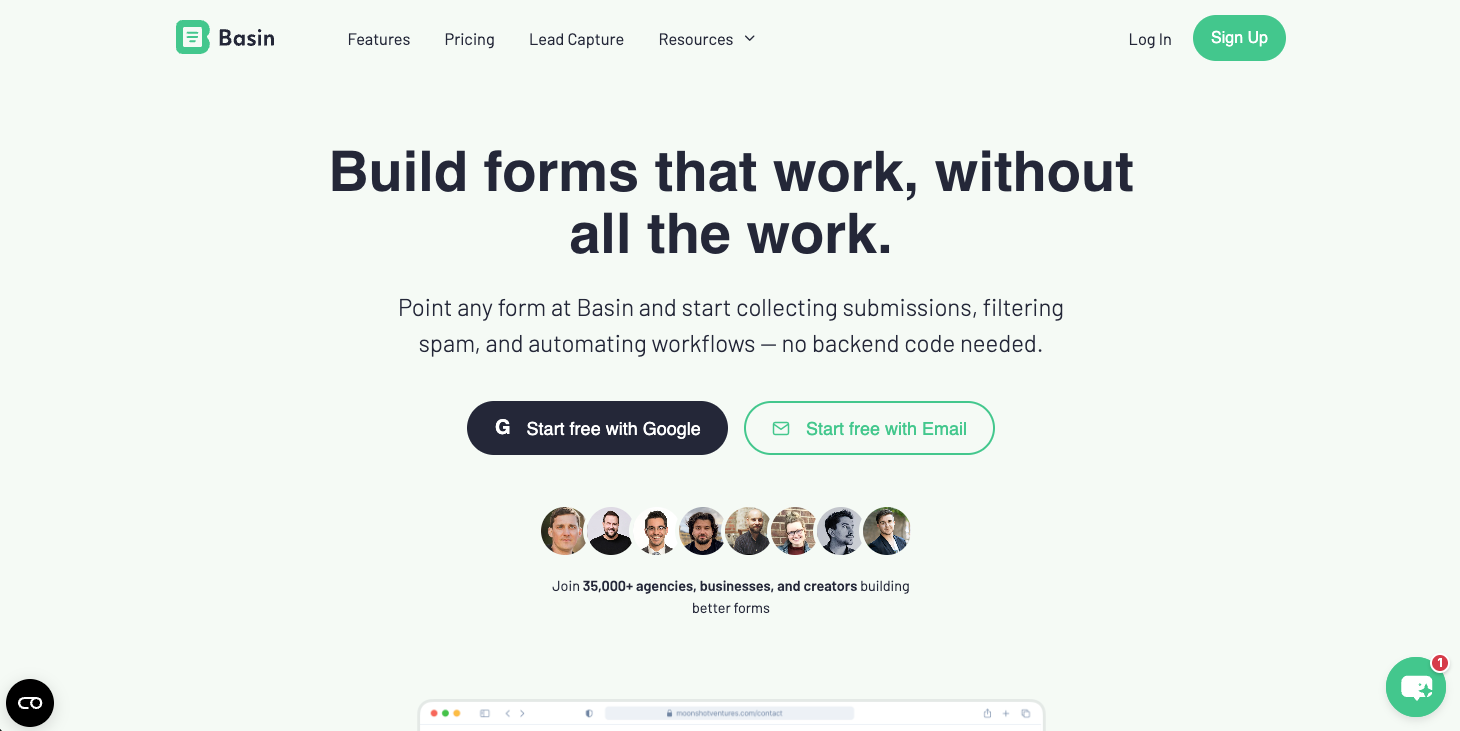
Basin's clean dashboard with submission overview
Pros:
Clean, modern dashboard that clients love
Easy for non-technical team members to access and manage submissions
Good spam filtering with honeypot techniques
Reasonable free tier (100 submissions/month)
Cons:
Feels like a "black box" for developers—customizing data payloads or handling complex AJAX logic can be frustrating
Limited API documentation compared to developer-first platforms
Webhook support exists but isn't as robust as dedicated automation platforms
No native integration with workflow tools—you're stuck with generic webhooks
Why CustomJS is the Developer's Choice
CustomJS wasn't built to be just another form endpoint—it was designed as a data bridge between your frontend and your automation workflows. Here's what sets it apart:
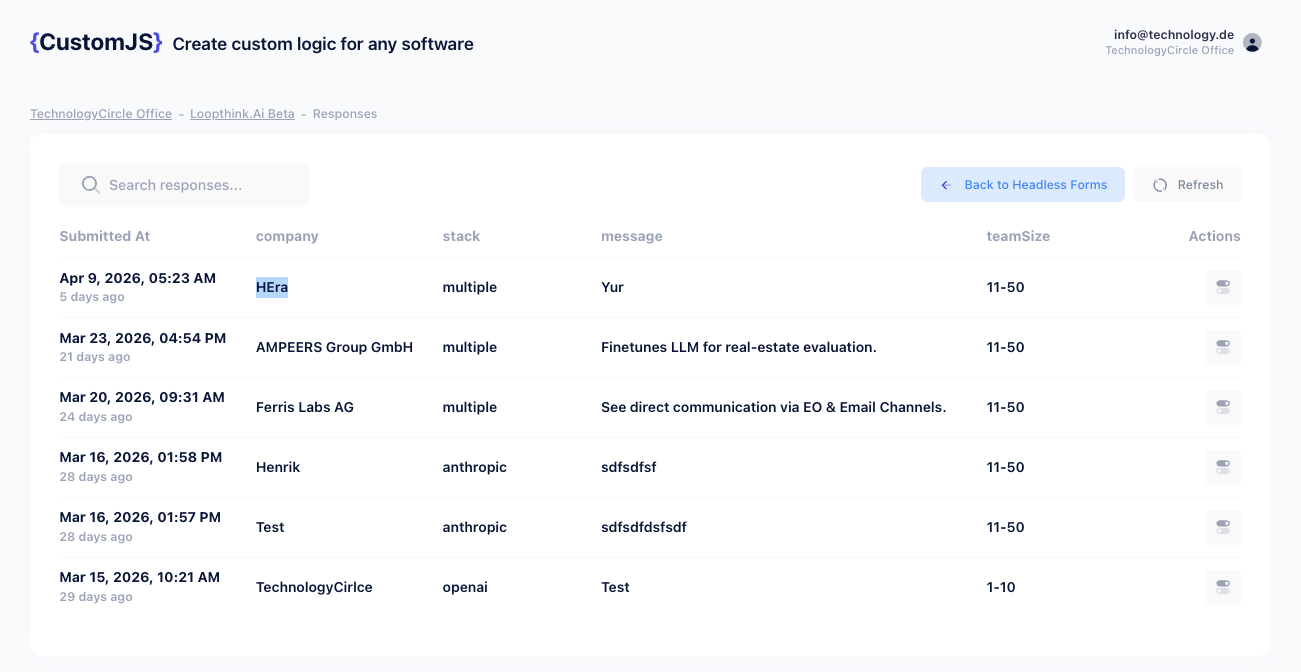
CustomJS headless forms interface with automation-first features
Ultra-Low Latency
In an era where Core Web Vitals dictate SEO rankings, the speed of your AJAX submission matters. CustomJS endpoints are optimized for edge-computing infrastructure, delivering sub-200ms response times globally. Your users get instant feedback, and your forms feel snappy and responsive.
Developer-First Experience
We don't force ugly redirects. You get clean, structured JSON responses that let you build sophisticated success states and custom animations in React, Next.js, or Vue without the browser ever leaving your page. The API is predictable, well-documented, and follows REST conventions developers expect.
Integrated Power: Forms + Mail Hooks
This is the game-changer. CustomJS is the only platform that lets you manage headless forms and mail hooks in one place. Your subscription covers both form submissions and inbound email processing, making it your central hub for every piece of data entering your ecosystem.
Need to process support emails, parse invoices from vendors, or trigger workflows from automated system emails? CustomJS handles it all without requiring separate services or subscriptions.
Native Automation Integration
While competitors offer basic webhooks, CustomJS provides native modules for n8n and Make.com. This means:
Pre-built nodes with proper authentication and error handling
Structured data payloads that automation tools can parse instantly
No need to write custom HTTP requests or parse webhook bodies
Visual workflow builders that understand your form structure
Real-World Implementation Examples
Basic Form Setup
Here's how simple it is to set up a headless form with CustomJS:
<!-- HTML Form -->
<form id="contactForm">
  <input type="text" name="name" placeholder="Your Name" required>
  <input type="email" name="email" placeholder="Your Email" required>
  <textarea name="message" placeholder="Your Message" required></textarea>
  <button type="submit">Send Message</button>
</form>

<div id="successMessage" style="display:none;">
  Thank you! We'll be in touch soon.
</div>
Here's a real-world example of how CustomJS integrates with n8n to create an automated lead qualification system:
Workflow: Automated Lead Scoring
Submission: User fills out a demo request form on your website
CustomJS: Receives the form data and triggers an n8n webhook
n8n Logic: Checks if the email domain is from a company (not Gmail/Yahoo)
Enrichment: Calls Clearbit API to get company size and industry
Scoring: Assigns a lead score based on company size and budget indicated in form
Routing: High-value leads go to Slack for immediate sales follow-up, others go to Mailchimp nurture sequence
CRM Update: All leads are logged in HubSpot with enriched data
Total time: Under 2 seconds from form submission to CRM update. All without writing a single line of backend code.
E-Commerce: Order Notification System
CustomJS mail hooks can process order confirmation emails and trigger fulfillment workflows:
// n8n Workflow triggered by CustomJS Mail Hook
// 1. Parse incoming order email from Shopify
// 2. Extract order number, customer info, and items
// 3. Check inventory in Airtable
// 4. If in stock: Send to fulfillment team via Slack
// 5. If out of stock: Create backorder ticket in Linear
// 6. Send customer confirmation email with tracking info

// All of this happens automatically when Shopify sends the order email
// to your CustomJS mail hook address
The "No-Code" Bridge: n8n & Make Integration
Most backends treat a form submission as the end of a journey—they store it in a database and maybe send an email. CustomJS treats it as the beginning.
Workflow-First Architecture
While competitors offer basic webhooks, CustomJS is built to trigger complex workflows. Whether you use n8n, Make.com, or Zapier, our payloads are structured to be instantly readable by automation nodes.
Real-World Example: SaaS Onboarding
Submission: User fills out a trial signup form
CustomJS: Triggers an n8n workflow with structured user data
Action 1: Create account in your database
Action 2: Send welcome email with login credentials
Action 3: Add to Intercom for onboarding chat
Action 4: Create task in Notion for sales team follow-up
Action 5: Schedule automated check-in email for day 3
Result: Complete onboarding automation in under 2 seconds, all triggered by a single form submission.
Native Modules vs. Generic Webhooks
The difference between CustomJS's native integration and generic webhooks is significant:
Feature
Generic Webhook
CustomJS Native Module
Setup Complexity
Manual HTTP request configuration
Drag-and-drop node
Authentication
Manual API key headers
Built-in credential management
Data Parsing
Manual JSON parsing
Structured fields ready to use
Error Handling
Custom error logic required
Built-in retry and error handling
Documentation
Generic API docs
Context-aware help and examples
Pricing Comparison: Total Cost of Ownership
When evaluating headless form backends, you need to consider the total cost of ownership, not just the monthly subscription. Let's break down a realistic scenario:
Note: CustomJS's free tier includes 600 submissions/month, which covers this scenario entirely. If you need more, the Pro plan at $9/month includes 3,000 submissions plus mail hooks, PDF generation, and JavaScript execution—features that would require multiple separate services with competitors.
Hidden Costs to Consider
Automation platform fees: If your form backend doesn't have native integration, you'll pay for Zapier or Make.com operations to process webhooks
Email deliverability: Some providers charge extra for custom SMTP or high-volume email sending
White-labeling: Removing "Powered by" branding often requires expensive enterprise plans
API rate limits: Some providers throttle API access on lower tiers, forcing upgrades
Security and Compliance
Spam Protection Strategies
Modern spam bots are sophisticated. They can solve basic captchas, bypass honeypots, and even mimic human behavior. Here's how each platform handles spam:
Formspree: Relies on reCAPTCHA v2, which is effective but adds friction to the user experience. Users must click "I'm not a robot" which can reduce conversion rates.
Basin/Getform: Use honeypot fields (hidden inputs that bots fill out). This works well for basic bots but sophisticated scrapers can detect and avoid honeypots.
CustomJS: Combines multiple strategies—honeypot fields, rate limiting by IP, behavioral analysis, and optional reCAPTCHA v3 (invisible). The AI-driven spam detection learns from patterns across all forms on the platform.
GDPR and Data Privacy
If you're collecting data from EU citizens, GDPR compliance is mandatory. Key considerations:
Data retention: How long does the provider store submissions? Can you configure automatic deletion?
Data processing agreements: Does the provider offer a DPA for GDPR compliance?
Right to deletion: Can users request deletion of their data easily?
Data location: Where are servers located? EU data should ideally stay in EU data centers
CustomJS provides GDPR-compliant data handling with configurable retention policies and automatic data deletion. All data is encrypted at rest and in transit, and we offer DPAs for business customers.
Migration Guide: Switching Form Backends
Switching form backends doesn't have to be painful. Here's a step-by-step guide to migrating from any provider to CustomJS:
Step 1: Create Your CustomJS Form
# Using the CustomJS CLI (optional)
npx customjs-cli create-form "Contact Form"

# Or create via dashboard at app.customjs.space
Step 2: Update Your Form Action
<!-- Old Formspree endpoint -->
<form action="https://formspree.io/f/OLD_ID" method="POST">
  ...
</form>

<!-- New CustomJS endpoint -->
<form action="https://api.customjs.io/forms/YOUR_FORM_ID" method="POST">
  ...
</form>
Step 3: Configure Notifications
Set up email notifications in the CustomJS dashboard, or configure webhooks to trigger your existing automation workflows.
Step 4: Test Thoroughly
Submit test forms to verify:
Submissions are received correctly
Email notifications work
Webhooks trigger properly
Spam protection is active
Success/error messages display correctly
Step 5: Export Historical Data
Most providers allow CSV export of historical submissions. Import this into your CRM or database before deactivating the old service.
Conclusion: Which Backend Wins?
The "best" headless form backend depends on your specific needs and scale:
Choose Formspree if:
You need a proven, reliable solution and don't mind paying premium prices. Best for small projects where you value stability over features.
Choose Basin/Getform if:
You're working with non-technical clients who need a beautiful dashboard to view submissions. Good for agencies where client access is important.
Choose CustomJS if:
You're building scalable business infrastructure and need automation-first features. Best for developers, agencies, and SaaS companies who want forms, mail hooks, and workflow automation in one platform.
If you're a developer building for 2026, you need more than a mailbox—you need a workflow trigger. CustomJS provides the most comprehensive solution with native automation integration, generous free tier, and developer-first features that scale with your business.
Stop collecting data. Start triggering actions.
Try CustomJS headless forms with 600 free submissions per month. No credit card required.
A headless form backend is a service that handles form submissions via API without providing a frontend form builder. You create the form HTML yourself and point it to the backend's endpoint. This gives you complete control over design and functionality while the backend handles infrastructure like spam protection, data storage, and notifications.
Why use a headless form instead of building my own?
Building your own form backend requires managing servers, handling spam, ensuring email deliverability, implementing rate limiting, and maintaining security. A headless form service handles all of this infrastructure for you, letting you focus on building features. It's also more cost-effective than maintaining your own servers.
Can I use headless forms with React, Vue, or Next.js?
Absolutely. Headless form backends work perfectly with modern JavaScript frameworks. You can use AJAX/fetch to submit forms without page reloads, handle success/error states in your component state, and create sophisticated UX patterns. CustomJS provides clean JSON responses that integrate seamlessly with React hooks and Vue composables.
How does spam protection work?
Modern spam protection uses multiple layers: honeypot fields (hidden inputs that bots fill out), rate limiting by IP address, behavioral analysis, and optional CAPTCHA. CustomJS uses AI-driven spam detection that learns from patterns across all forms on the platform, providing better protection than single-method approaches.
What's the difference between webhooks and native integrations?
Generic webhooks require manual HTTP request configuration, authentication setup, and data parsing. Native integrations (like CustomJS's n8n and Make.com modules) provide pre-built nodes with automatic authentication, structured data fields, and built-in error handling. Native integrations save hours of setup time and are more reliable.
Can I migrate from Formspree to CustomJS?
Yes, migration is straightforward. Simply update your form's action URL to point to CustomJS, configure email notifications or webhooks in the dashboard, and test thoroughly. You can export historical data from Formspree as CSV before deactivating. The entire process typically takes less than 30 minutes per form.
What happens if I exceed my submission limit?
With CustomJS, forms continue to work even if you exceed your free tier limit. You'll receive a notification to upgrade, but submissions aren't blocked. Other providers may stop accepting submissions or charge overage fees. CustomJS's approach ensures you never lose leads due to unexpected traffic spikes.
Is CustomJS GDPR compliant?
Yes. CustomJS provides GDPR-compliant data handling with configurable retention policies, automatic data deletion, and data processing agreements (DPAs) for business customers. All data is encrypted at rest and in transit, and we support the right to deletion and data portability.
Discover what headless forms enable in 2026: pure frontend stacks, custom multi-step flows, API-first marketing automation, and programmatic form generation. 600 free submissions/month.
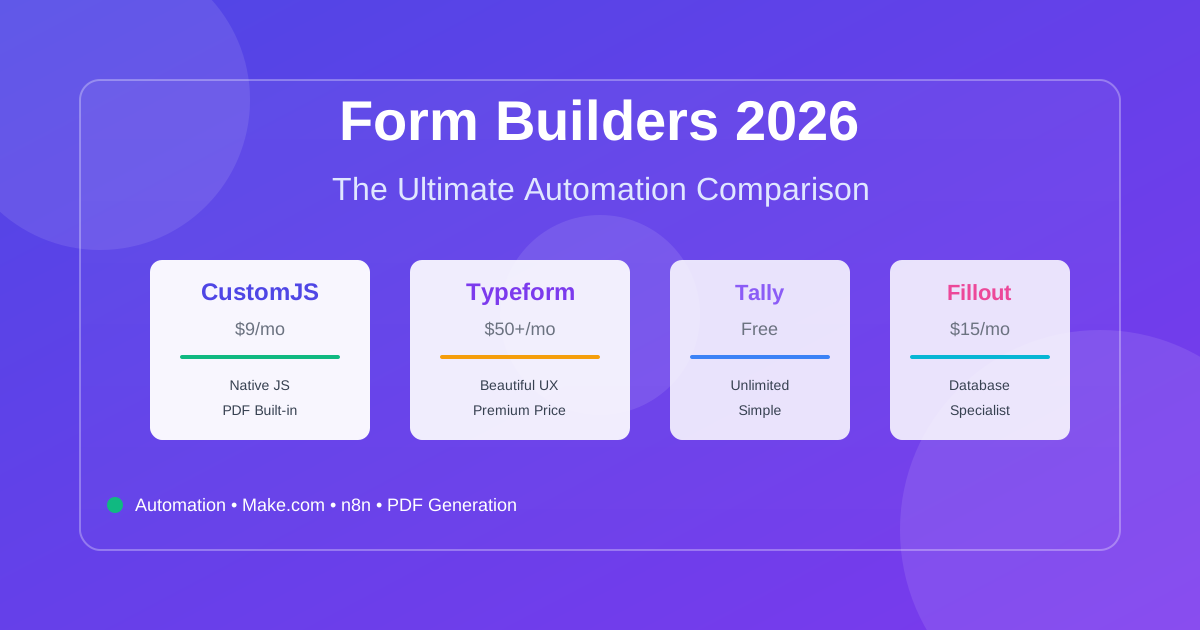
Compare the best form builders for automation in 2026. CustomJS vs. Typeform vs. Jotform vs. Tally vs. Fillout. Features, pricing, and real-world use cases. Save $420-1,056/year on automation costs.
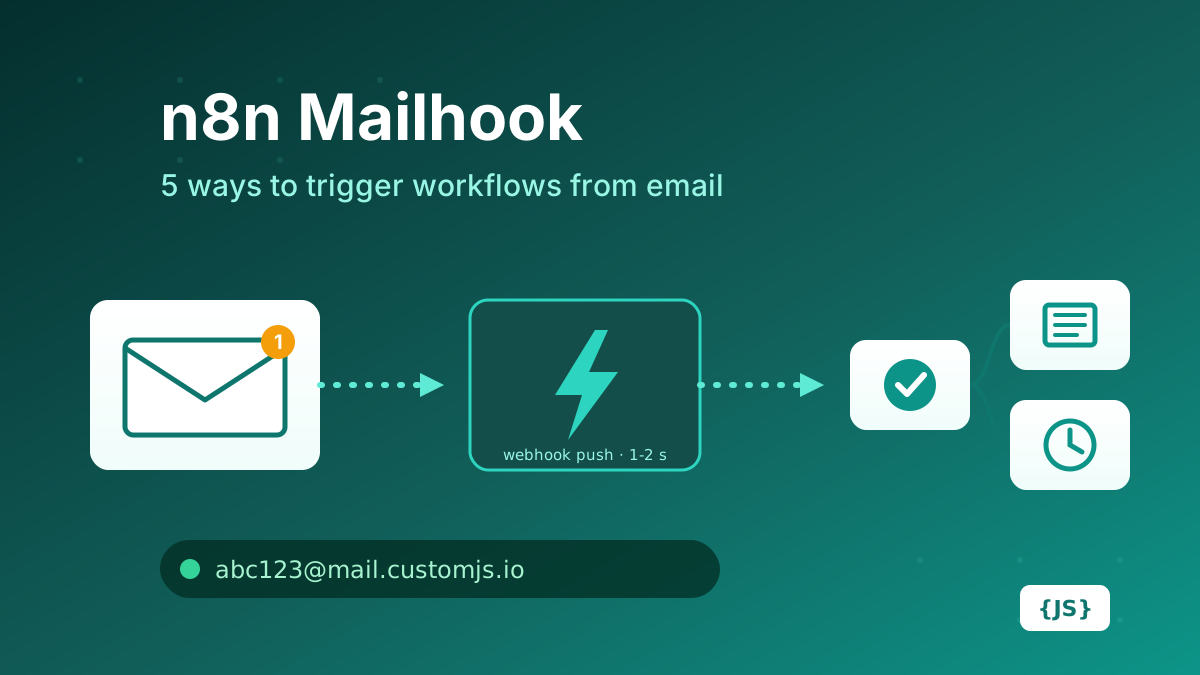
How to create a mailhook in n8n: IMAP trigger, Gmail trigger, parser services, Mailgun/SendGrid inbound parse, and CustomJS Mail Hook compared on latency, setup, attachments, and cost. 600 free emails/month.
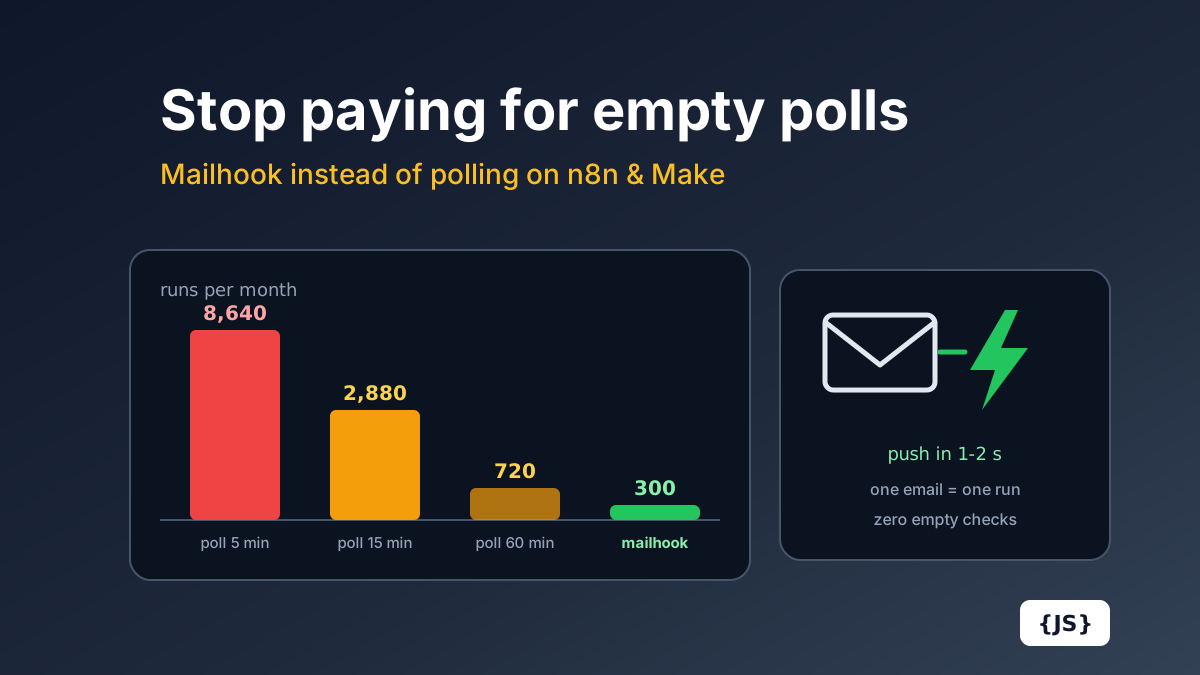
Polling a mailbox every 15 minutes costs 2,880 Make.com operations a month before processing a single email. The full cost math for Make.com and n8n Cloud, and how a push mailhook fixes cost and latency at once.
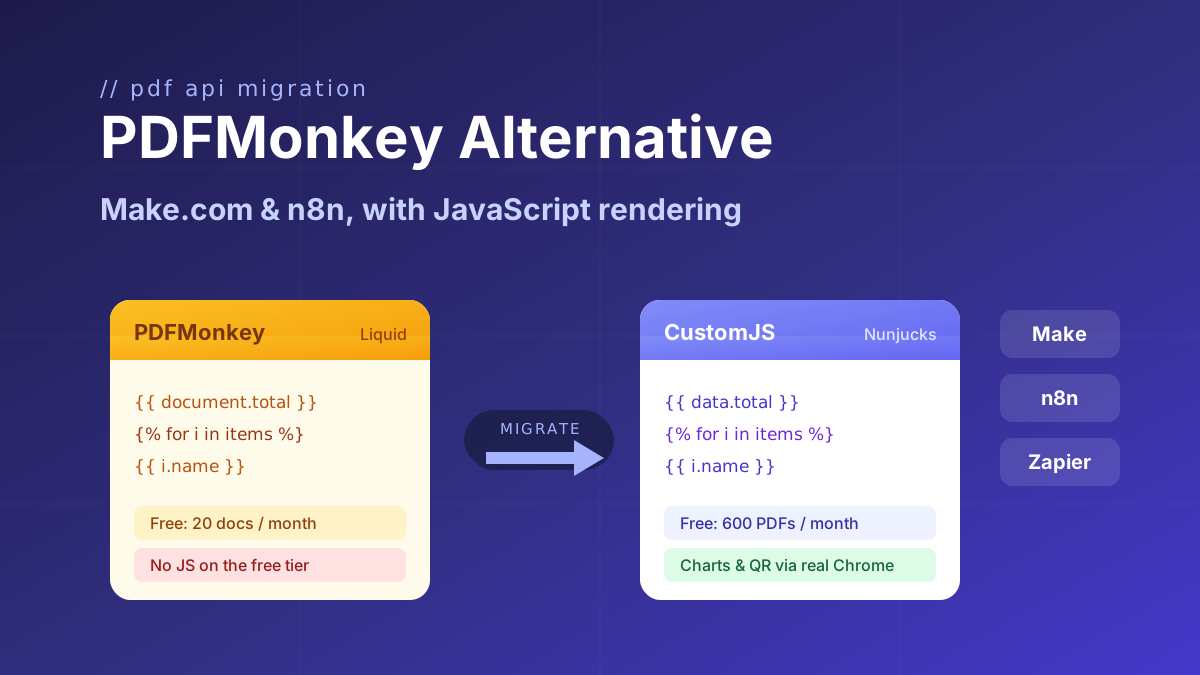
Looking for a PDFMonkey alternative? Compare PDFMonkey vs CustomJS on price, free tier, and JavaScript rendering, with a step-by-step Make.com and n8n migration guide. 600 free PDFs/month.
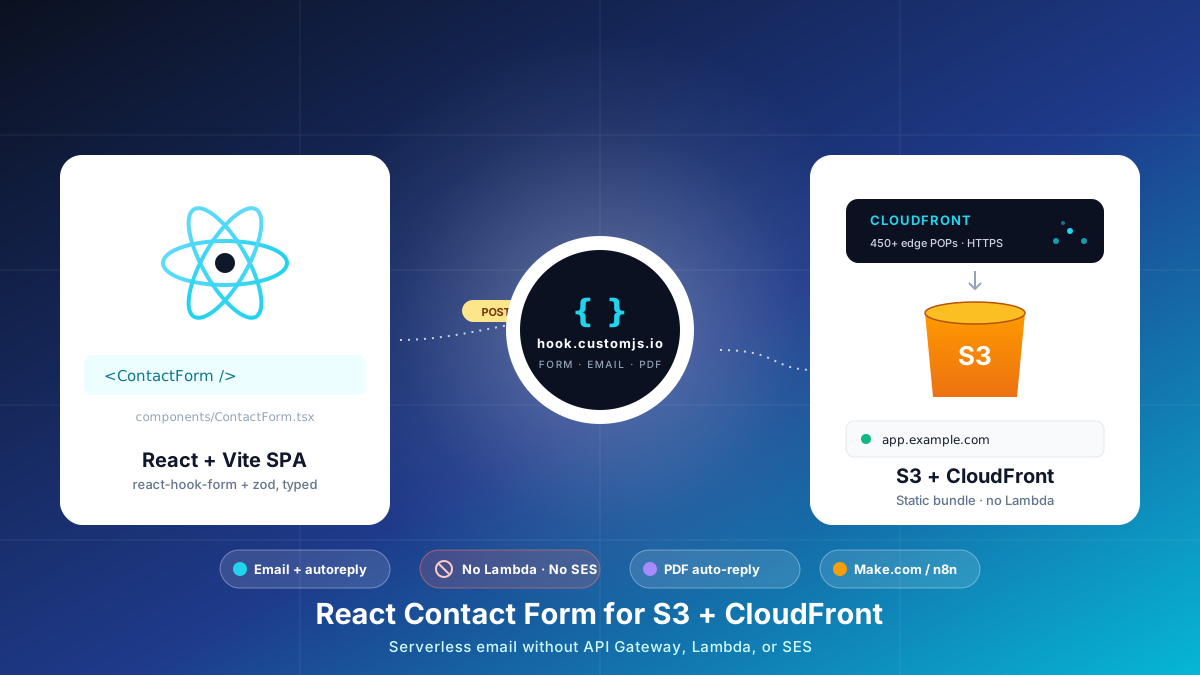
Build a React contact form on S3 + CloudFront with no AWS Lambda, API Gateway, or SES. Typed react-hook-form + Zod, PDF auto-reply, edge CORS and CSP, cost table at 1k submissions.
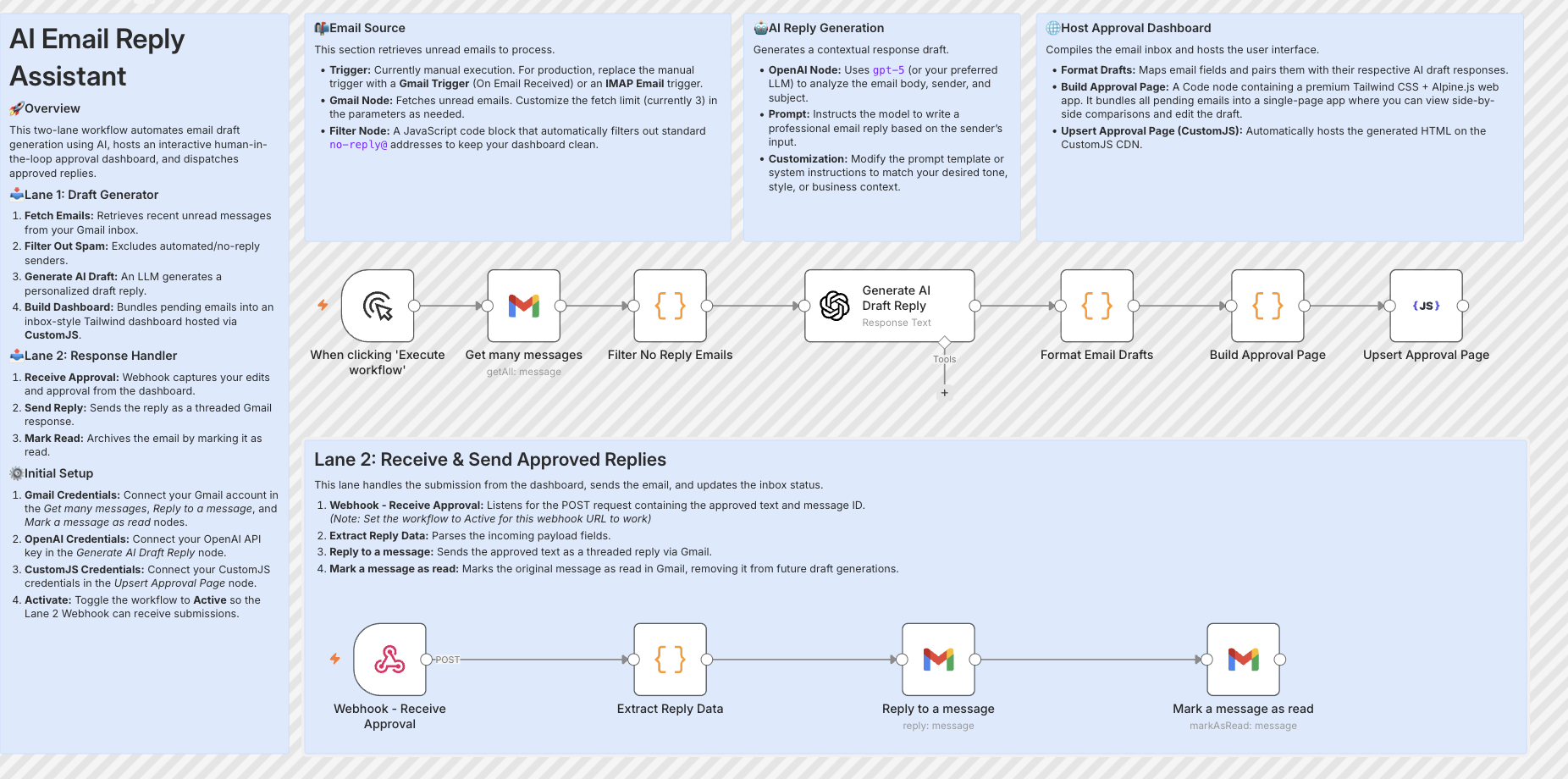
Build resilient HITL approval workflows in n8n using custom HTML forms hosted on customjs.space. The 2-workflow async architecture that survives server restarts and supports pre-filled editable review forms.
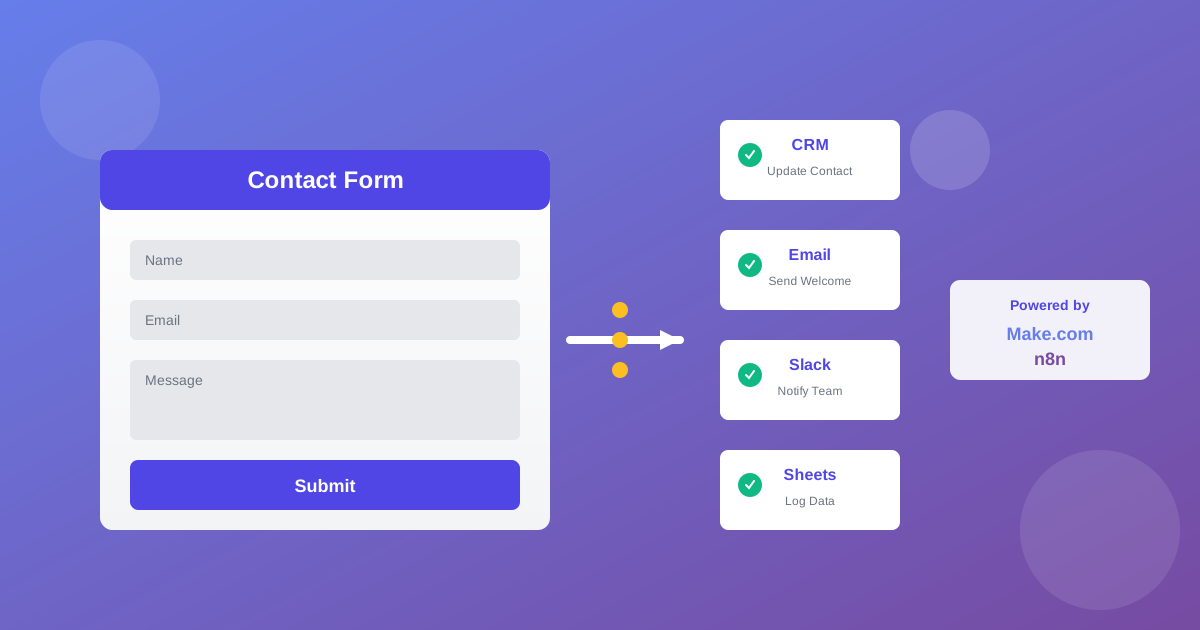
Automate lead generation and user onboarding with form webhooks. Connect forms to Make.com, n8n, and Zapier for instant CRM updates, email sequences, and team notifications. 600 free submissions/month.
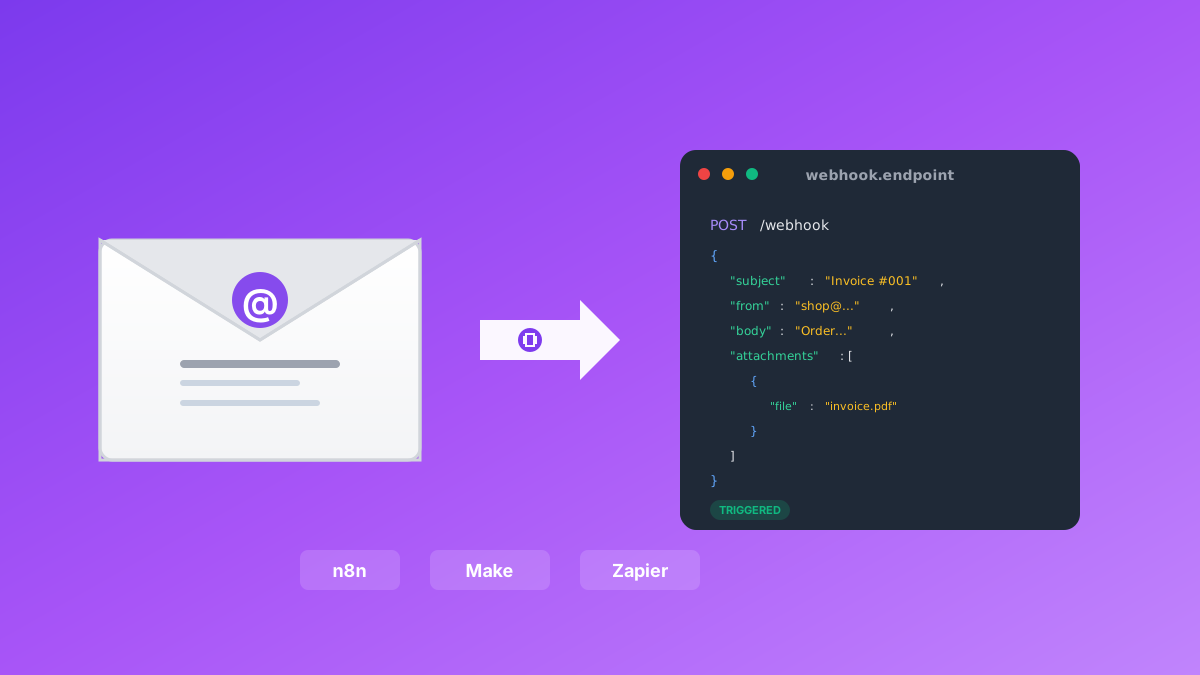
Convert emails to webhooks for Make.com, n8n, and Zapier automation. Process invoices, support tickets, orders, and alerts automatically. Native n8n module included. 600 free emails/month.
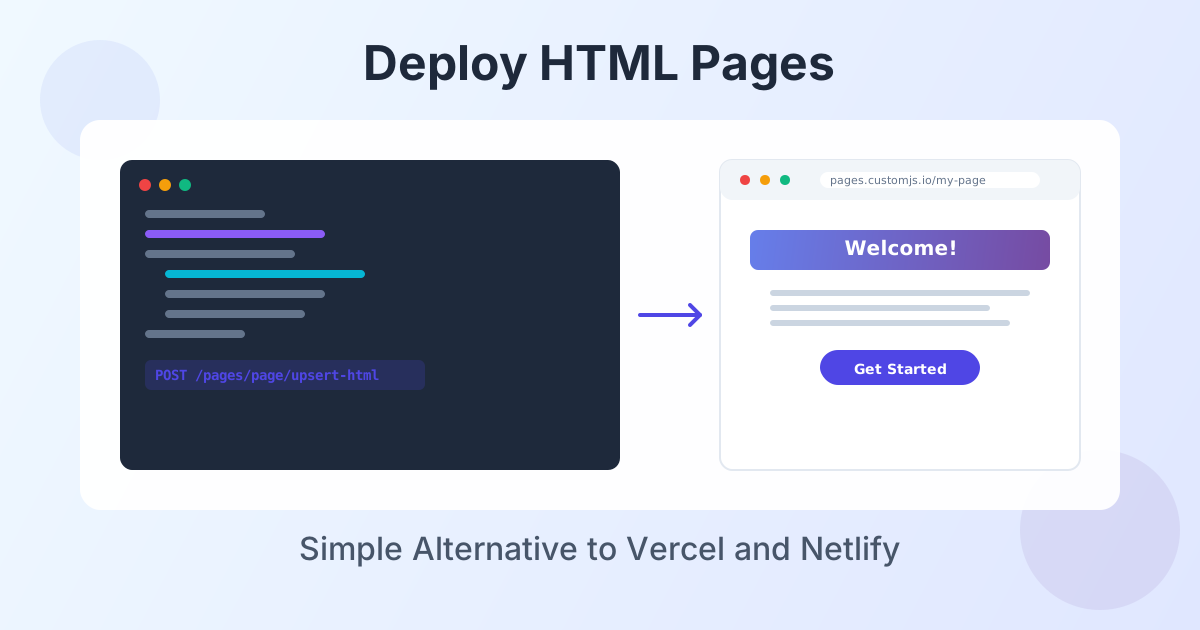
Deploy HTML landing pages with a single API call. No Git, no build steps, no complexity. Perfect for AI-generated pages, campaigns, and prototypes. 600 free deployments/month.
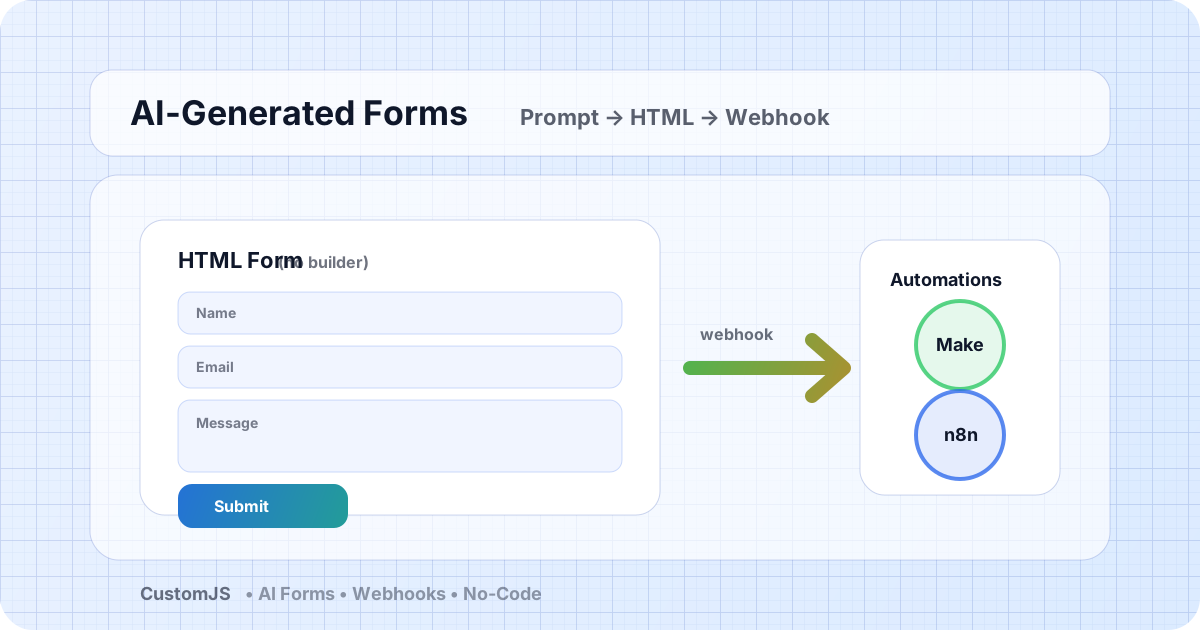
Generate HTML forms with AI (no form builder) and send submissions to webhooks that trigger Make.com and n8n workflows. Includes copy-paste code and best practices.
A practical comparison of Puppeteer vs Playwright vs a managed Screenshot API. Feature matrix, code examples, scaling considerations, and how to choose in 2026.
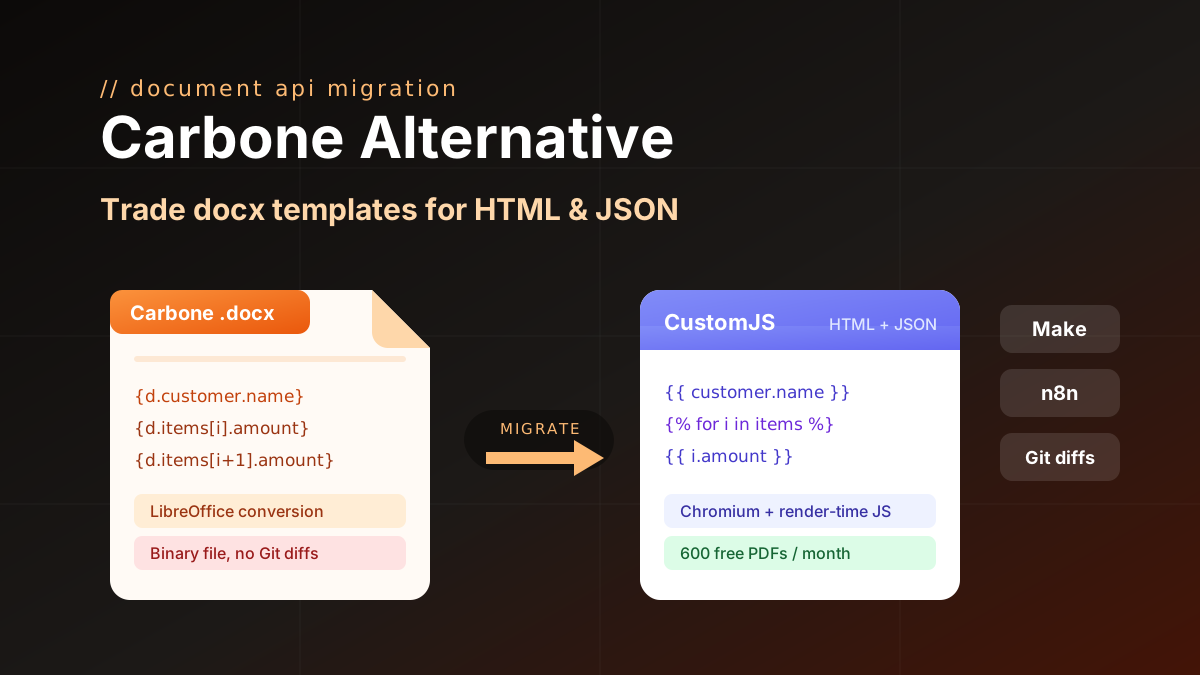
Carbone alternative compared: CustomJS vs Carbone on template model, pricing, and JS rendering, plus a docx to HTML migration guide. 600 free PDFs/month.
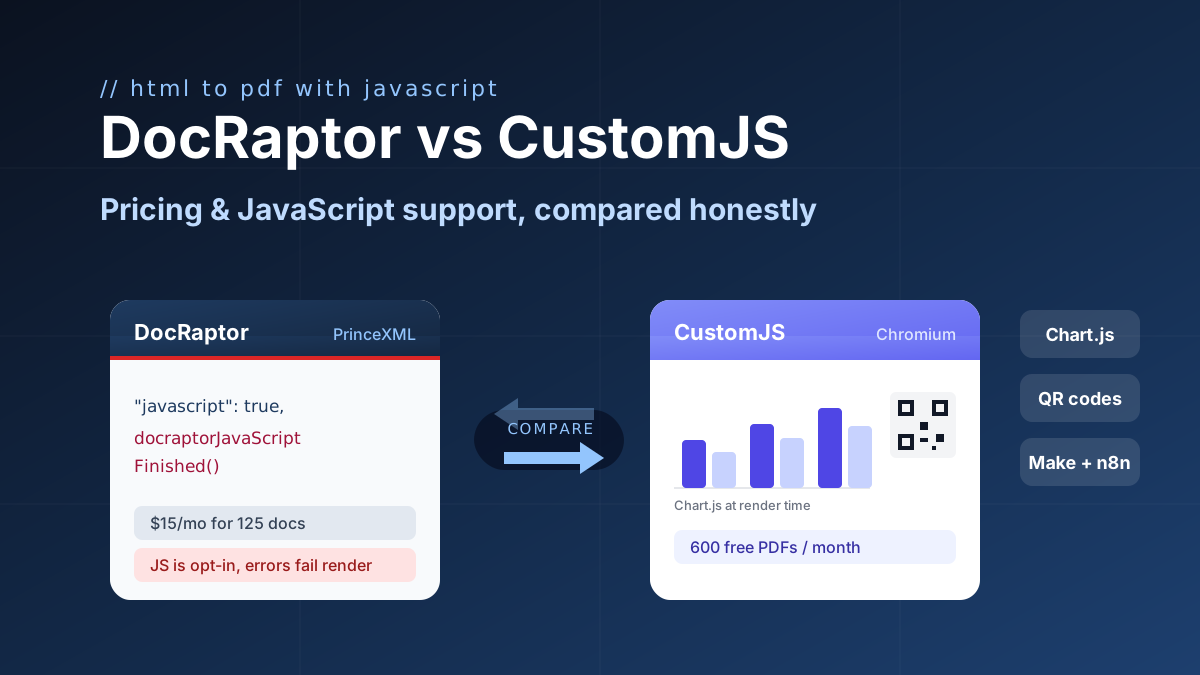
DocRaptor alternative compared: PrinceXML vs Chromium rendering, JavaScript support, and real cost per PDF at 500, 5k, and 50k docs. 600 free PDFs/month.
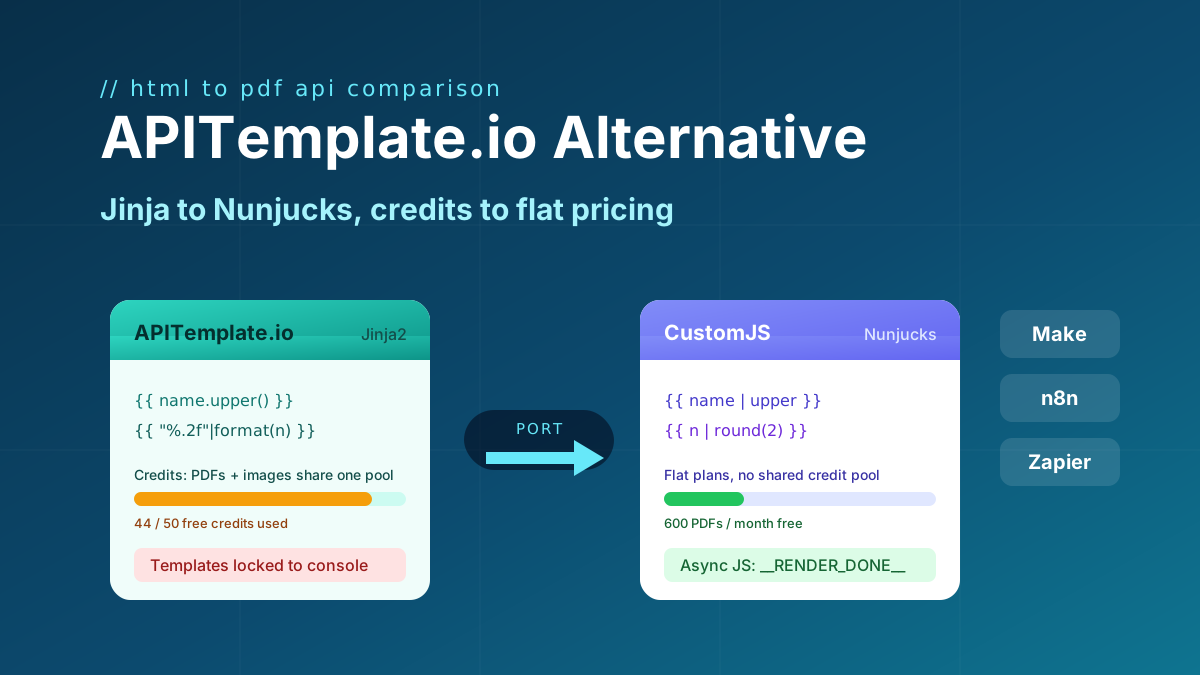
Looking for an APITemplate.io alternative? Compare pricing, Jinja vs Nunjucks templating, and JS rendering, plus a full migration guide. 600 free PDFs/month.
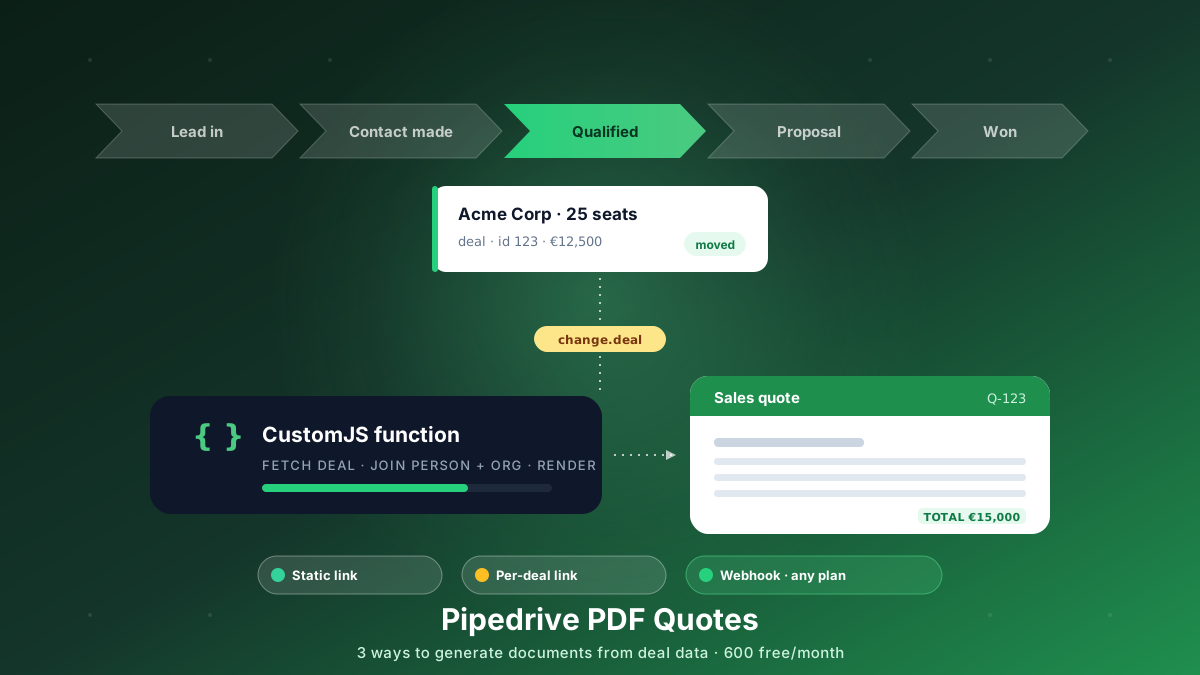
Generate branded PDF quotes, proposals, and contracts straight from Pipedrive deal data. Three approaches, from a free static link to a native webhook that works on every plan. 600 free PDFs/month.
Generate branded PDFs - invoices, NDAs, quotes, certificates - straight from HubSpot data. Three approaches, from a free no-code link to fully automated workflows. 600 free PDFs/month.
Add a Hugo contact form without a backend. Copy-paste shortcode, vanilla JS handler, spam protection, email + PDF receipt, Make.com & n8n routing. 600 free submissions/month.
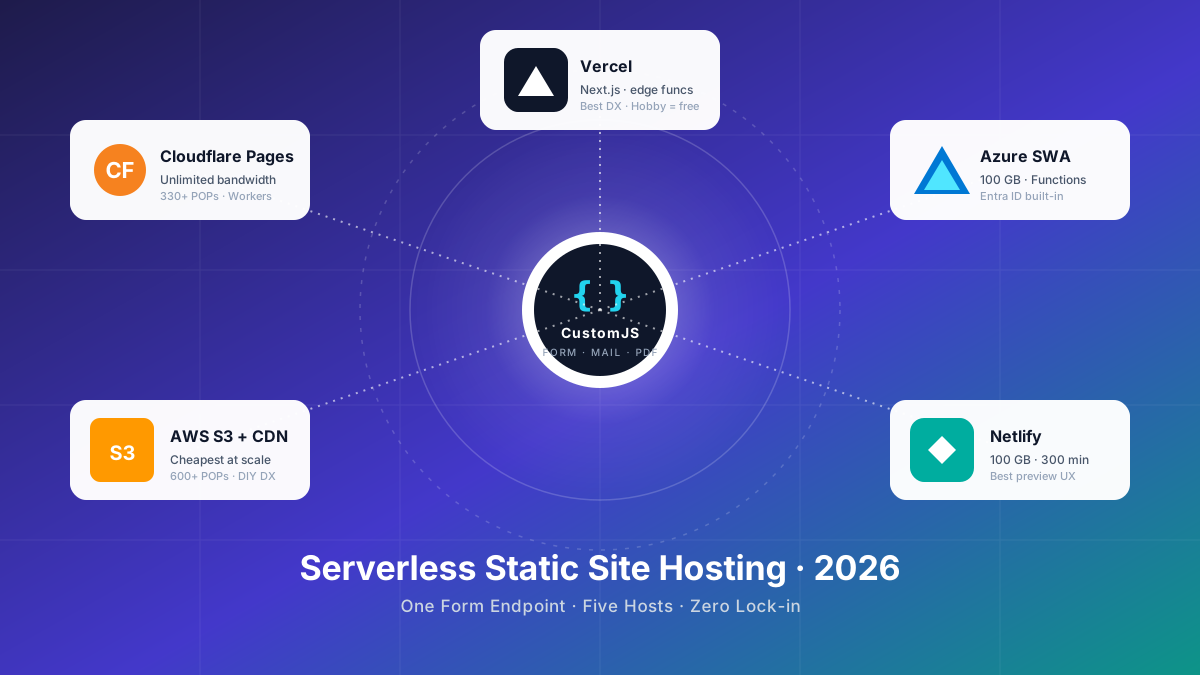
Compare the 5 major serverless static site hosts in 2026 — Cloudflare Pages, AWS S3, Azure Static Web Apps, Netlify, Vercel — across price, build limits, edge reach, and how each handles contact forms.
Deploy HTML pages instantly without server setup. Perfect for QR code landing pages, event forms, and promotional campaigns. Automatic HTTPS, custom domains, Make.com & n8n integration. 600 free pages/month.
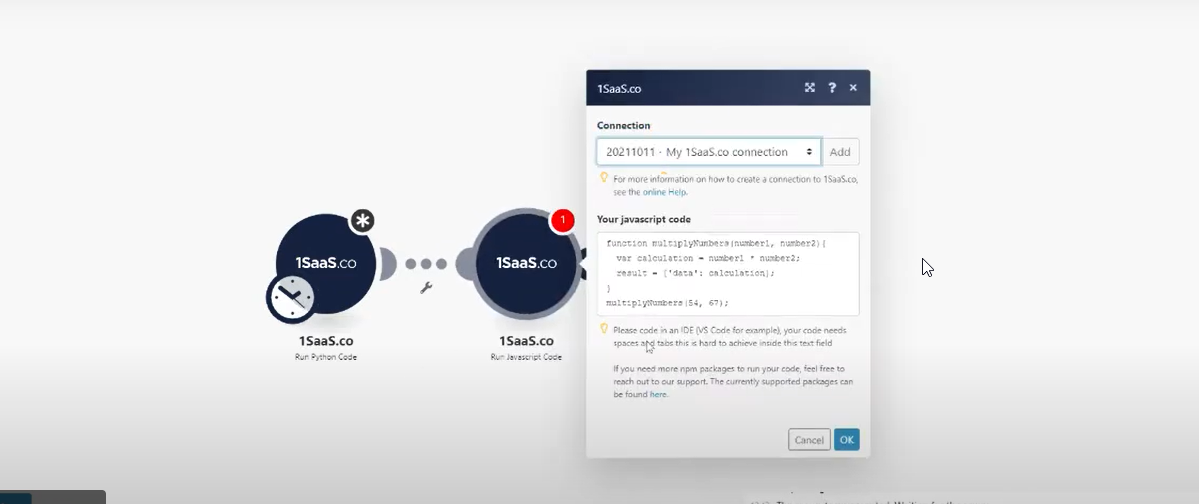
If you want to improve your workflow in Make with JavaScript, there are some powerful tools available. Two of the best options are 0CodeKit and CustomJS.
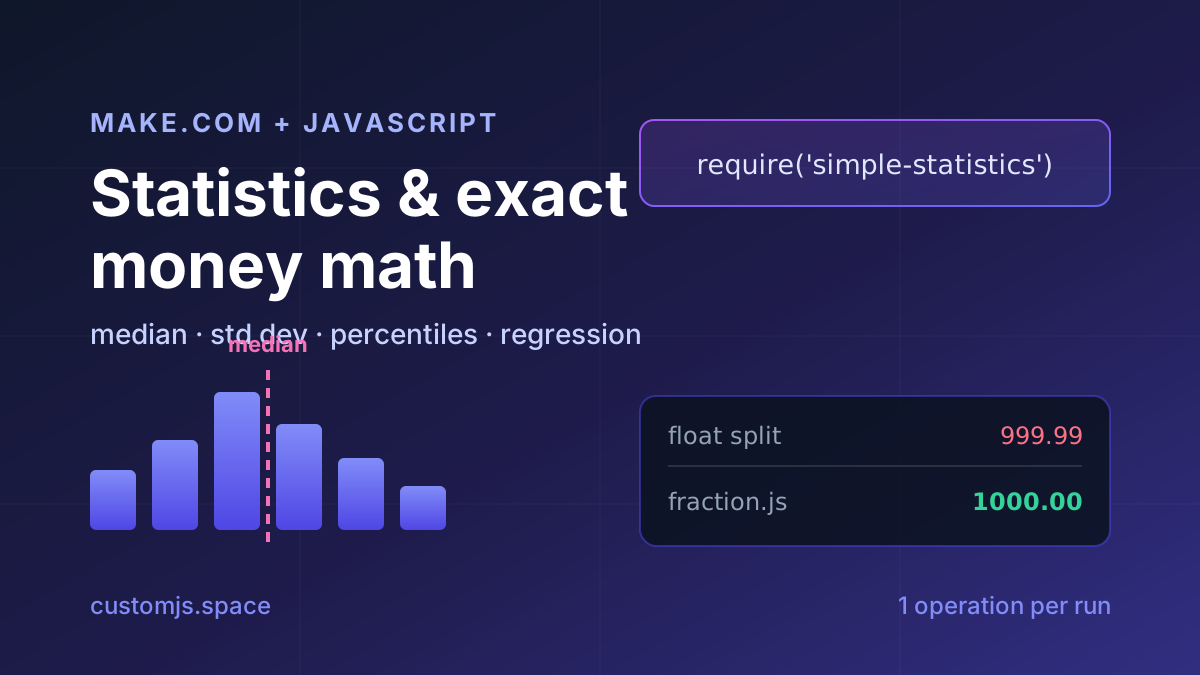
Median, standard deviation, percentiles, regression and cent-exact money splits in Make.com with one JavaScript step. No Google Sheets detour, copy-paste recipes.
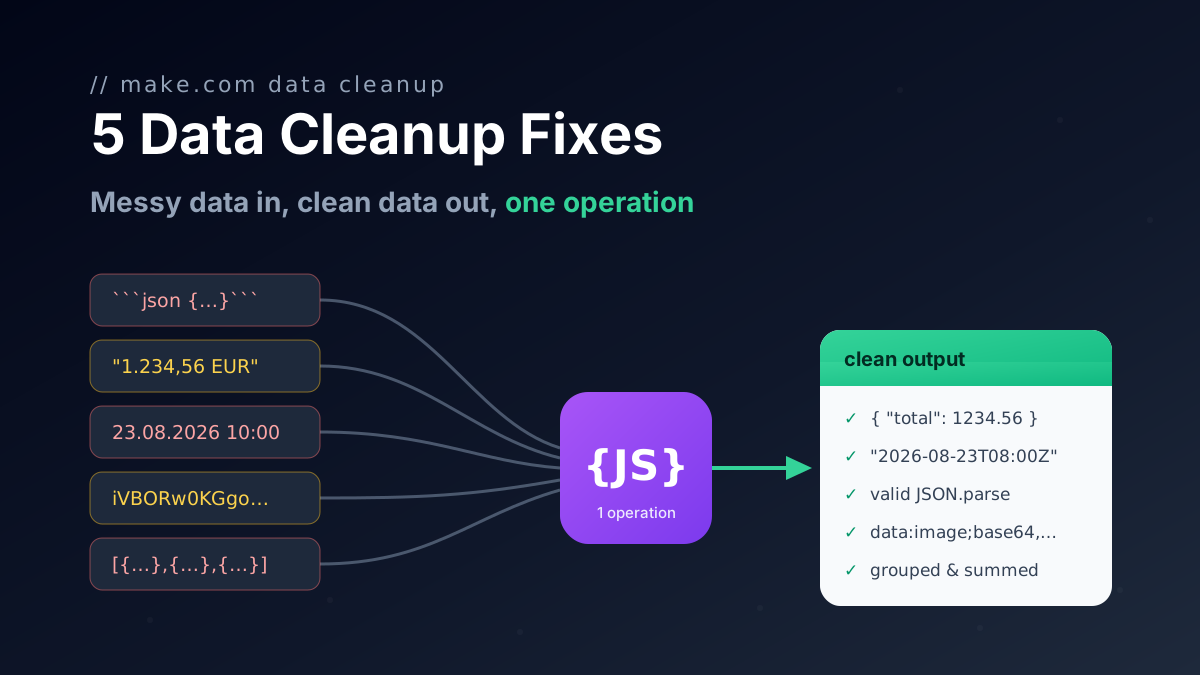
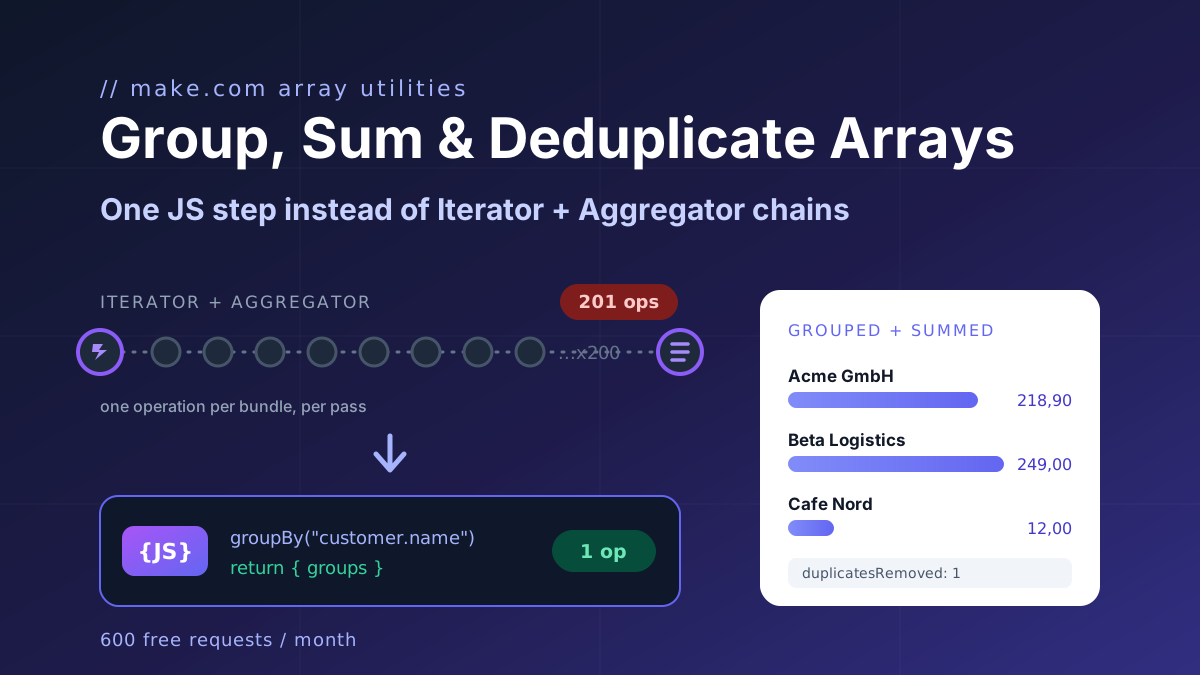
Five one-operation JavaScript fixes for Make.com data transformation: broken AI JSON, group and sum arrays, localized numbers, timezones, file to Base64.
Call any API from Make.com: WebSockets, Digest auth, OAuth 1.0 signatures, and Base64 binaries with copy-paste JavaScript that runs inside your scenario.
Build automated KPI dashboards from Google Sheets using n8n and CustomJS. Generate interactive charts with Chart.js, host static HTML pages, and connect custom domains. Complete workflow template included.
Convert Markdown to PDF with tables, code blocks, and custom styling. Complete guide with examples for API documentation, reports, and automated workflows. 600 free conversions/month.
Learn how to automate PDF generation in Make.com with CustomJS. Step-by-step guide with templates for invoices, HTML to PDF, and page extraction. 600 free PDFs/month.
Make's Numeric Aggregator computes one function per module and costs one operation per item. The twelve-line JavaScript fix for group by, max per group, count distinct, dedupe and top N, plus the no-code module.
Generate professional PDFs in Power Automate with CustomJS. Create invoices, receipts, reports, and certificates with custom HTML templates, QR codes, and advanced formatting. No Azure Functions required.