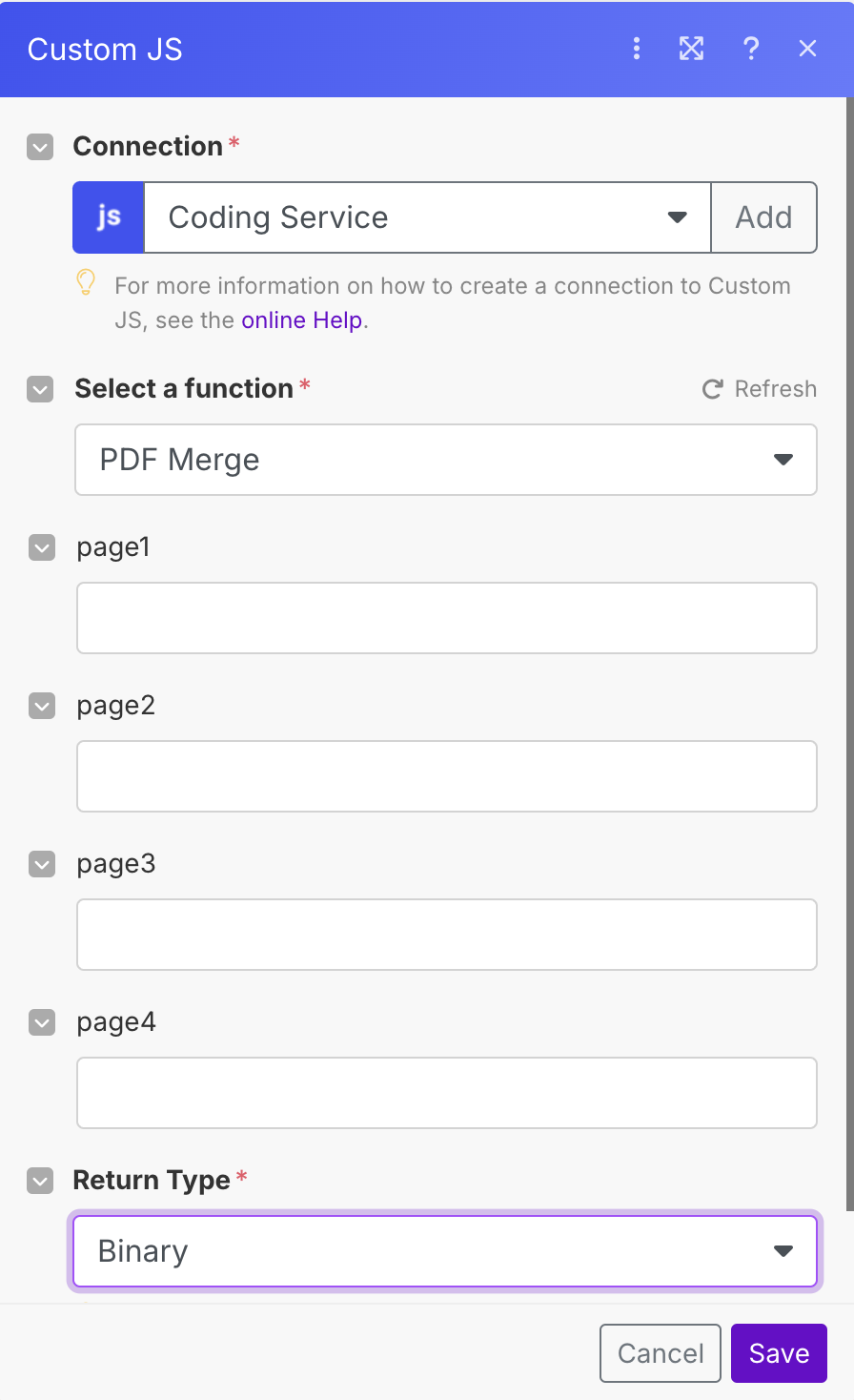
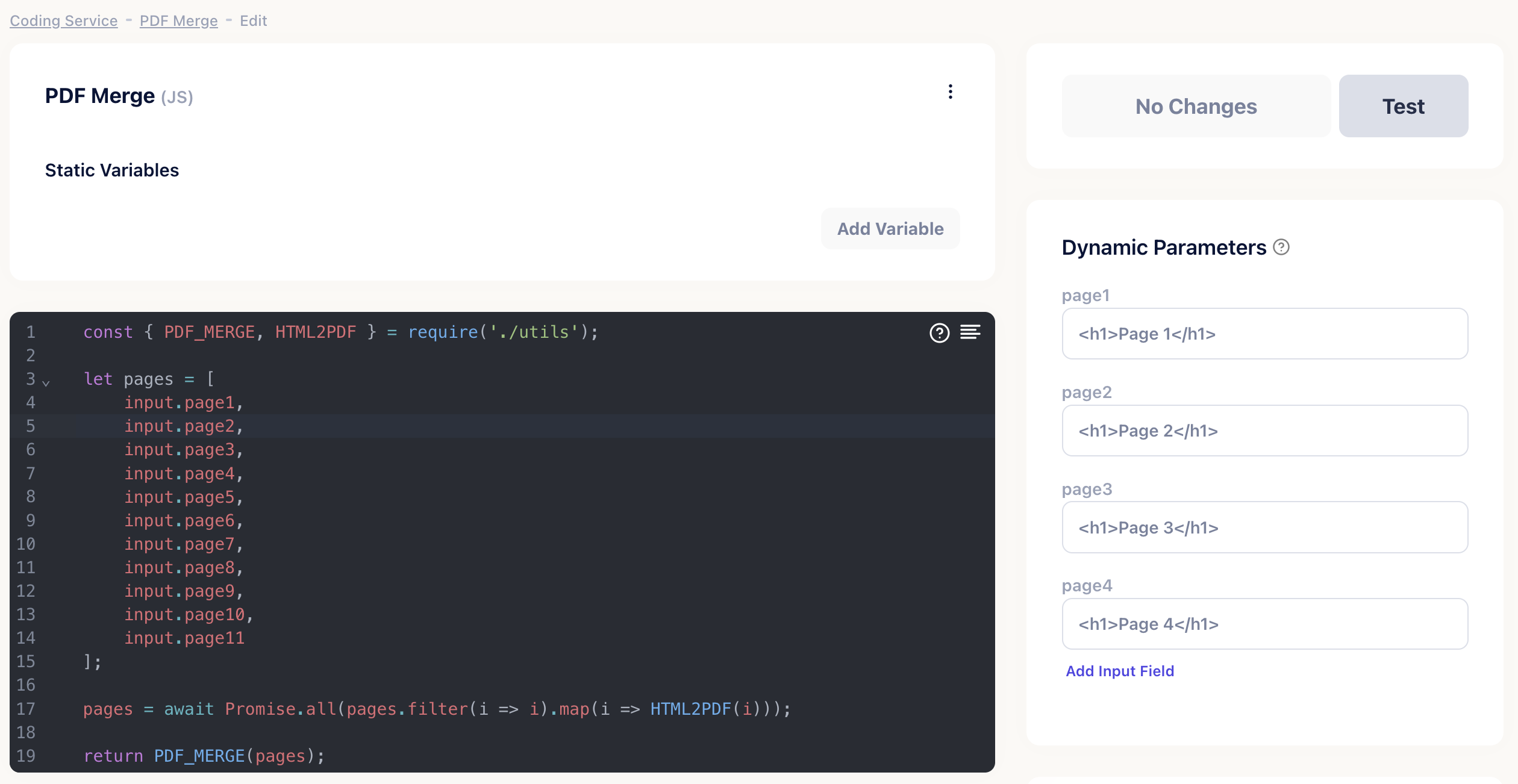
Merging multiple PDFs into a single document can be a time-consuming task, but CustomJS makes it easy and efficient. In this example, HTML strings are first converted into PDFs using the HTML2PDF function and then merged into a single document using the PDF_MERGE function.
This approach allows you to dynamically generate PDFs from HTML content and combine them seamlessly. It is perfect for automating PDF creation and merging in various workflows and saves both time and effort in your processes.
To optimize the process, we perform the merge asynchronously, to ensure that the task is completed faster, the PDFs are generated in parallel.
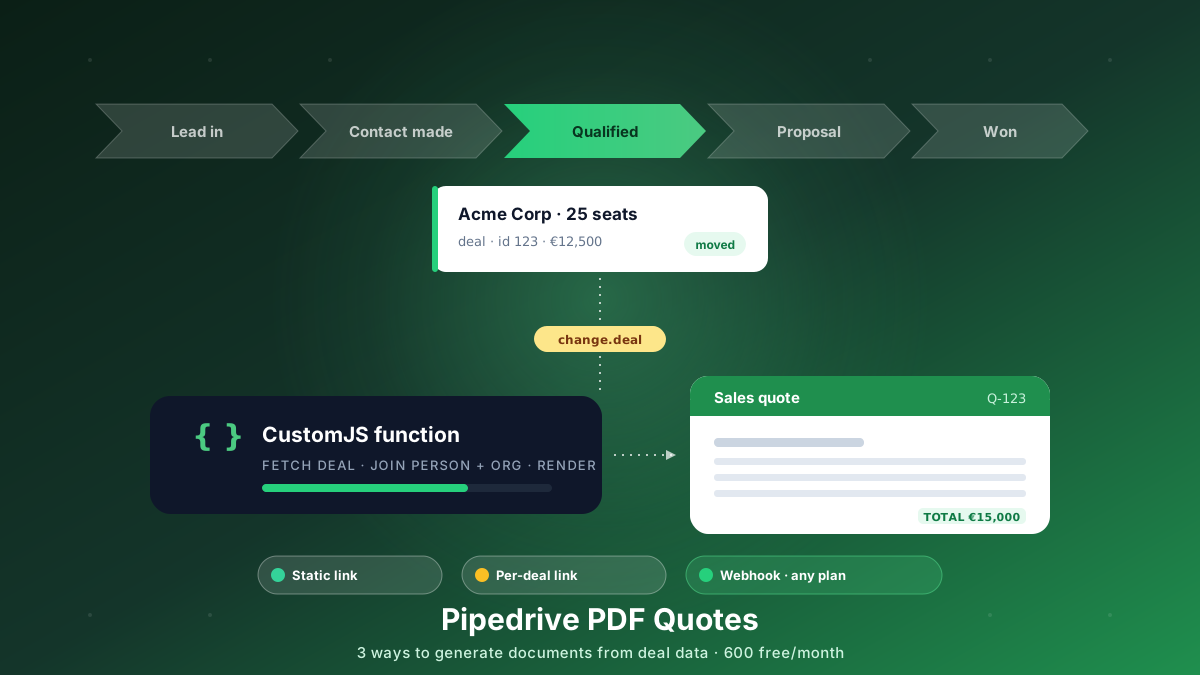
Generate branded PDF quotes, proposals, and contracts straight from Pipedrive deal data. Three approaches, from a free static link to a native webhook that works on every plan. 600 free PDFs/month.
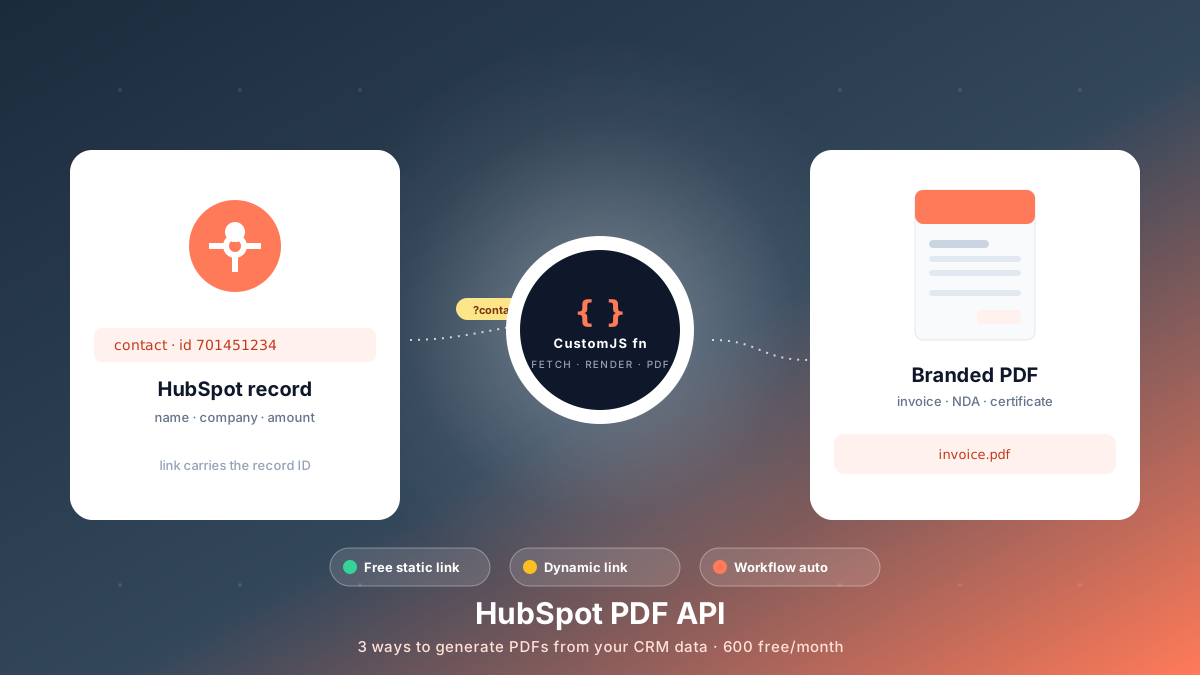
Generate branded PDFs - invoices, NDAs, quotes, certificates - straight from HubSpot data. Three approaches, from a free no-code link to fully automated workflows. 600 free PDFs/month.