Serverless Static Site Hosting in 2026: Cloudflare Pages vs S3 vs Azure vs Netlify vs Vercel
A modern marketing site, documentation portal, or AI-generated landing page does not need a server. It needs a CDN, an SSL certificate, and somewhere to drop a folder of HTML. That is exactly what serverless static site hosting gives you — for free or near-free, at edge locations on every continent, with zero patching and zero ops.
The catch nobody mentions in the marketing pages: the second a visitor wants to send you something — a contact form, a newsletter signup, a file upload, an order — you are back in backend territory. Every static host solves this differently, and the answers range from "easy but locked in" to "free but you are writing a Lambda."
This guide compares the five hosts most static sites land on in 2026 — Cloudflare Pages, AWS S3 + CloudFront, Azure Static Web Apps, Netlify, and Vercel — across price, build limits, edge reach, and developer experience. Then we look at how each one handles the forms problem, and show a host-agnostic pattern that works on all of them.
TL;DR
Cloudflare Pages and Netlify have the most generous free tiers; Vercel has the best DX for Next.js; S3 wins on raw cost at scale; Azure SWA is the right pick if you live in the Microsoft stack.
Every static host eventually forces a decision about forms, email, and file uploads — and most of the "free" answers come with vendor lock-in or hidden complexity.
A small headless backend like CustomJS keeps your form, mail, and PDF endpoints portable across all five hosts — 600 free submissions per month.
The deciding factor is rarely the host itself. It is what you bolt on next.
What "Serverless Static Site Hosting" Actually Means
A static site is a folder of pre-built files — HTML, CSS, JavaScript, images — that a CDN serves verbatim. There is no running application, no database query per request, no patching. The host's job is reduced to two things: store the files and serve them fast.
"Serverless" in this context does not mean "without servers." It means you never see one. You upload a build artifact (or wire a Git repo) and the platform handles SSL, CDN distribution, custom domains, atomic deploys, and rollbacks. The unit you pay for is bandwidth and requests, not server-hours.
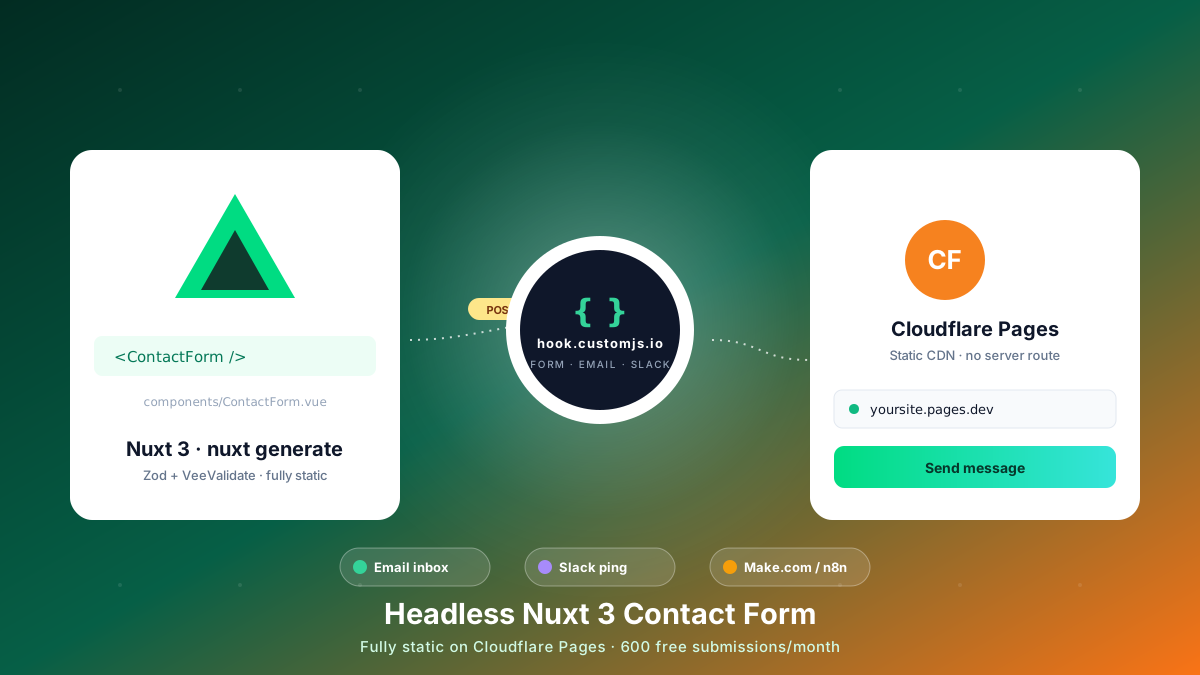
This model fits a surprising amount of the modern web: marketing sites, docs (VitePress, Docusaurus, Mintlify), blogs (Hugo, Astro, 11ty), SPAs (React, Vue, Svelte built with vite build), and the export bundles from frameworks like Next.js output: 'export', Nuxt nuxt generate, and SvelteKit's static adapter.
Why Developers Moved Away from Traditional Hosting
A decade ago, a brochure site meant a VPS, a LAMP stack, and a 3 am text from your monitoring service. Today the same site lives on a CDN, costs nothing for the first 100k visitors, and never needs a security patch. Five reasons this shift happened:
Cost collapse. Static files cost cents per million requests on object storage. Idle servers cost the same as busy ones — static hosts only charge when bytes move.
Performance. Edge POPs serve assets from the nearest data center. Time-to-first-byte drops from hundreds of milliseconds to tens.
Security. Nothing to exploit. No PHP version to keep current. No SSH keys to rotate. The attack surface is HTTPS and your own JavaScript.
Atomic deploys. Every build is immutable. You can roll back to last Tuesday's deploy by clicking a button — no database migrations to reverse.
Git as the source of truth. Push to main, the site updates. No FTP, no rsync, no scp at 11pm.
The flip side: a static host cannot, by definition, run code on the server. The moment you need to do something on submission — store data, send email, charge a card — you need an external service. That is the central trade-off this article keeps coming back to.
The Five Major Serverless Static Hosts in 2026
All five providers below solve the same core problem — serve a folder of files over HTTPS from a global CDN. The differences are in pricing model, build minutes, ecosystem fit, and what they let you do at the edge.
1. Cloudflare Pages
Cloudflare Pages sits on top of Cloudflare's CDN — 330+ POPs, the largest edge network of any provider. The free tier is the most generous in the industry: unlimited bandwidth, unlimited requests, unlimited sites. The only real limit is 500 builds per month and a 25 MB per-file cap.
Best for: high-traffic sites where bandwidth would otherwise dominate the bill, and teams that also want Workers for edge logic. The Workers integration is what makes Pages distinctive — you can co-locate edge functions next to your static assets without setting up a separate service.
Watch out for: the form-handling story is "write a Worker." That works, but it is not a checkbox feature — you are writing JavaScript, deploying it, and figuring out spam protection yourself.
2. AWS S3 + CloudFront
The original serverless static stack: drop files in an S3 bucket, put CloudFront in front of it, point Route 53 at the distribution. It is the cheapest option at scale — S3 storage runs about $0.023 per GB-month and CloudFront egress is well under a cent per GB at volume.
Best for: teams already deep in AWS, anyone serving terabytes of assets, or sites that need fine-grained IAM and VPC integration.
Watch out for: there is no built-in build pipeline. You need CodeBuild, GitHub Actions, or Amplify in front. Custom domains require ACM and a Route 53 hosted zone. The "instant deploy" experience is several services stitched together. Forms mean API Gateway + Lambda + SES + IAM — three or four AWS services for what other hosts treat as one feature.
3. Azure Static Web Apps
Microsoft's answer to Netlify, with a built-in Azure Functions runtime for API routes. The free tier covers 100 GB bandwidth per month and includes free SSL on custom domains. GitHub Actions is wired in by default; deploys feel similar to Netlify.
Best for: teams on Azure, especially when the rest of the stack runs on Entra ID, Cosmos DB, or Service Bus. The built-in auth integration with Microsoft, GitHub, and Twitter saves real work.
Watch out for: the Functions tier on the free plan is narrow — Node only, limited memory, cold starts. Once you outgrow it you are paying Azure Function consumption pricing on top of the Static Web App tier. Outside the Microsoft ecosystem, the DX falls behind Cloudflare and Vercel.
4. Netlify
The platform that popularized the JAMstack name. Drag-and-drop deploys, Git integration, deploy previews per pull request, branch deploys, atomic rollbacks — all polished and well-documented. Free tier: 100 GB bandwidth, 300 build minutes per month.
Best for: agencies, marketing teams, and anyone who values the deploy-preview-per-PR workflow. The dashboard is the easiest of any host to hand to a non-developer.
Watch out for: bandwidth overages get expensive fast ($55 per 100 GB after the free tier). Netlify Forms is the easy-mode forms feature — but it caps at 100 submissions per month on the free plan and locks your submission data inside Netlify. Moving off later means rewriting your forms.
5. Vercel
Built by the team behind Next.js, and the default deploy target for any Next.js project. The free Hobby tier covers 100 GB bandwidth and includes serverless functions, edge functions, and image optimization. Build performance is excellent — generally the fastest of any host for Next.js apps.
Best for: Next.js, SvelteKit, and any framework with deep Vercel-specific integrations. Preview deployments per PR are the gold standard.
Watch out for: the free tier prohibits commercial use — that catches a lot of people the first time they read the terms. Bandwidth overages and function invocation costs climb quickly once a site gets traction. For purely static sites with no framework lock-in, you are paying for features you do not use.
Honorable Mention: GitHub Pages
Free, simple, and tightly coupled to GitHub. Best for open-source documentation, project pages, and personal blogs where commercial use is not a factor and 100 GB monthly bandwidth is plenty. No build pipeline beyond Jekyll or whatever GitHub Actions you wire up. No edge functions, no form handling, no custom error pages — it is the bare-metal option.
Side-by-Side Comparison
The numbers below are the free-tier limits as of mid-2026. Paid plans start where the free tier ends — see each provider's pricing page for the next step up.
Host
Free Bandwidth
Builds / Limits
Edge POPs
Forms Out-of-Box
Cloudflare Pages
Unlimited
500 builds/mo
330+
Write a Worker
AWS S3 + CloudFront
1 TB/mo (free year), then pay-as-you-go
External CI
600+
DIY (API Gateway + Lambda + SES)
Azure Static Web Apps
100 GB/mo
GitHub Actions
~140
Azure Functions add-on
Netlify
100 GB/mo
300 min/mo
Global
Netlify Forms (100/mo, locked-in)
Vercel
100 GB/mo
6000 min/mo
Global
API routes (serverless)
GitHub Pages
100 GB/mo (soft)
Actions minutes
Fastly CDN
None
Numbers are approximate and shift quarterly. Always cross-check on the provider's current pricing page before committing.
The Hidden Cost: The Day You Add a Form
Every comparison post stops at the table above. Real projects do not. Three to six months in, a stakeholder will ask for one of these:
"Can we add a contact form to the about page?"
"The marketing team wants a newsletter signup in the footer."
"Can prospects upload an RFP and we get an email?"
"We need a quote form that emails the lead a PDF estimate."
Now the host's "easy" answer to forms matters more than the bandwidth tier. Below is what each path actually costs to build.
The Native Path on Each Host
Cloudflare Pages: Write a Worker (JavaScript), bind a KV namespace or D1 database, configure Turnstile for spam, wire up a Mailchannels integration for email delivery. Three or four config files, plus the Worker itself.
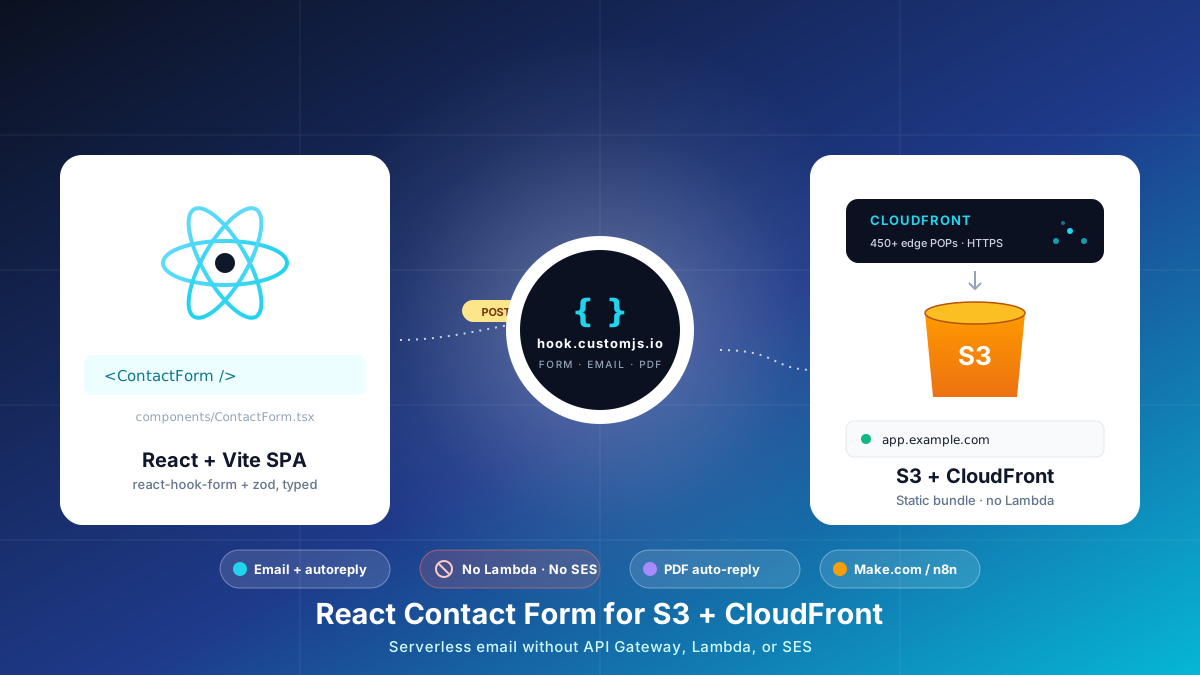
AWS S3 + CloudFront: API Gateway endpoint → Lambda function → SES (with domain verification) → optional DynamoDB for storage. Four AWS services, IAM roles for each, and a separate deploy pipeline.
Azure Static Web Apps: Add an Azure Function in /api, wire it to SendGrid (separate account), handle CORS, manage cold starts. Cleaner than AWS, still a few moving parts.
Netlify Forms: Add data-netlify="true" to your form tag. Works in 30 seconds. Caveat: capped at 100 submissions per month free, $19/mo for 1000 more, and your submission data lives in the Netlify dashboard forever.
Vercel: Write an API route in /api. Easy if you already use Next.js. Cold starts, function invocation pricing, and you still need a mail provider (Resend, Postmark, SendGrid).
GitHub Pages: Nothing native. Use a third-party service.
Two patterns emerge: either you write and deploy code (Workers, Lambdas, Functions, API routes) for what is essentially a contact form, or you accept lock-in to a host-specific feature like Netlify Forms.
The Host-Agnostic Path
The alternative is a small headless backend that exposes a single HTTPS endpoint your static form POSTs to. The backend handles validation, spam filtering, email delivery, optional PDF generation, and webhook fanout to Make.com, n8n, or Zapier. The form lives in your static site; the backend lives somewhere else; the host underneath does not care.
This is what CustomJS does. The same form code works whether the site sits on Cloudflare Pages, S3, Azure, or your laptop. If you migrate hosts six months later, the form moves with you — no Worker to rewrite, no API Gateway to reconfigure.
A Form That Works on Every Static Host
Here is a plain HTML form that POSTs JSON to a CustomJS form endpoint. Drop it into any static site — Astro, Hugo, 11ty, Next.js export, a single index.html — and it just works. No build step, no framework lock-in.
<form id="contact-form">
  <input name="name" type="text" placeholder="Your name" required />
  <input name="email" type="email" placeholder="[email protected]" required />
  <textarea name="message" placeholder="How can we help?" required></textarea>
  <!-- honeypot field — hidden from humans, bots fill it in -->
  <input name="website" type="text" style="display:none" tabindex="-1" autocomplete="off" />
  <button type="submit">Send</button>
  <p id="status"></p>
</form>

<script>
  const form = document.getElementById('contact-form');
  const status = document.getElementById('status');

  form.addEventListener('submit', async (event) => {
    event.preventDefault();
    if (form.website.value) return; // honeypot filled — silently drop

    const payload = Object.fromEntries(new FormData(form).entries());
    delete payload.website;

    status.textContent = 'Sending…';
    try {
      const response = await fetch('https://hook.customjs.io/YOUR_HOOK_ID', {
        method: 'POST',
        headers: { 'Content-Type': 'application/json' },
        body: JSON.stringify(payload),
      });
      if (!response.ok) throw new Error(response.statusText);
      status.textContent = 'Thanks — we will get back to you within one business day.';
      form.reset();
    } catch (error) {
      status.textContent = 'Something went wrong. Please email us directly at [email protected].';
    }
  });
</script>
That is the entire integration. The endpoint URL is the only host-specific value, and it has nothing to do with where the static site is hosted. On the CustomJS side, the same hook can email the submission to your inbox, push it to a Google Sheet, fire a Slack notification, trigger a Make.com or n8n scenario, and optionally render a PDF receipt — all configured from a dashboard rather than code. The full request / response shape is documented in the native API reference.
Most of the time, the right answer falls out of two questions: what framework are you using, and where does the rest of your infrastructure live?
You ship Next.js or SvelteKit → Vercel. The framework integration pays for itself in time saved on the first deploy. Watch the commercial-use clause on the free tier.
You expect high traffic or large assets → Cloudflare Pages. Unlimited bandwidth on the free tier is genuinely unique, and the Workers integration is there when you need it.
You live in AWS already → S3 + CloudFront. The DX is rougher, but the cost-at-scale story and IAM integration are unmatched.
You live in Azure already → Azure Static Web Apps. Especially if you need Entra ID auth out of the box.
You want the smoothest dashboard for non-developers → Netlify. The deploy-preview-per-PR workflow and drag-and-drop deploys are the easiest to hand to a designer or content editor.
You are publishing open-source docs → GitHub Pages. Free, integrated with the repo, no separate account.
The form-handling decision is independent. Pick the host that fits your stack, then add a host-agnostic form backend so you are not locked in if you change your mind in eighteen months.
A Note on Hybrid Approaches
Static does not have to mean limited. A common pattern in 2026 is to host the static site on whichever provider has the best free tier for the use case — Cloudflare Pages for high-traffic marketing pages, S3 for documentation — and route any dynamic interaction through a headless backend.
That separation has a side benefit: the site itself becomes trivially portable. A migration from Netlify to Cloudflare Pages is a single push to a new Git remote, because no application logic is tied to the host. If you have ever tried to migrate a WordPress site, you know how much that is worth.
The same logic applies to AI-generated landing pages. If you are spinning up campaign pages from a ChatGPT or Claude prompt, you do not need a Git repo and a build step — you can deploy raw HTML via an API call and skip the static-host configuration entirely.
Frequently Asked Questions
1. Is "serverless" the same as "static"?
Not exactly. Static means the files are pre-built and served as-is. Serverless means you do not provision or manage servers. Most serverless static hosts also offer some form of edge function or serverless function on the side (Workers, Lambda@Edge, Azure Functions, Vercel Functions) — those are serverless but not static. A pure static site uses neither.
2. Can I host a Nuxt or Next.js app on any of these?
Yes, if you build in static mode (nuxt generate for Nuxt, output: 'export' for Next.js). The output is a folder of HTML files that any of the five hosts can serve. If you need SSR or API routes, Vercel and Netlify are the simplest fits; the others require adapter packages or external functions.
3. What about Cloudflare R2 instead of S3?
R2 is Cloudflare's object storage with no egress fees. It is a legitimate alternative to S3 for storing assets, especially if you serve them through Cloudflare's CDN. For full static site hosting, Cloudflare Pages already wraps the storage + CDN + builds into a single product — R2 is more relevant when you are storing user uploads or backups.
4. How do I handle file uploads from a static site?
File uploads need a backend that can issue pre-signed URLs (or accept multipart form data and forward it). A headless form backend like CustomJS handles this directly — your form POSTs the file, the backend stores it and sends you a notification with a link. The static host never sees the file.
5. What about CORS — won't the browser block my form?
CORS is configured on the receiving endpoint, not the host. CustomJS hooks respond with permissive CORS headers by default, so a form POST from any static domain works without configuration. If you are writing your own backend (Lambda, Worker, Function), you have to set the headers yourself.
6. Are there spam-protection concerns?
Public form endpoints get scraped within hours. A honeypot field (the trick shown in the code above) catches the laziest bots. For more determined spam, layer Cloudflare Turnstile or reCAPTCHA in front of the form, or use a backend that has rate-limiting and spam scoring built in.
7. What if I outgrow the free tier?
The paid tiers of all five hosts are reasonable for what they include. Cloudflare Pages stays generous; Netlify and Vercel get expensive at high traffic; AWS and Azure scale linearly with usage. For the form side, CustomJS starts at 600 free submissions per month and the next plan up covers most small-to-mid-size sites.
8. Can I use a custom domain on all of these?
Yes, on all six (including GitHub Pages). The flow is the same everywhere: add the domain in the host's dashboard, point a CNAME (or A/ALIAS record for the apex) at the provider's hostname, wait a few minutes for the SSL certificate to provision.
Conclusion
Serverless static hosting in 2026 is a solved problem. The five major providers are all good — the right one depends on your framework, your traffic profile, and where the rest of your stack lives. Cloudflare and Netlify win on free-tier generosity; Vercel wins on framework DX; S3 wins on cost-at-scale; Azure wins inside the Microsoft world.
The piece worth thinking through before you commit is what you bolt on next. Contact forms, newsletter signups, email confirmations, PDF generation — none of these live on the static host itself. Picking a host-agnostic backend for that layer keeps your options open and your form code portable.
CustomJS gives you that backend in a single endpoint: 600 free submissions per month, native Make.com and n8n modules, email and PDF out of the box, and a form code snippet that works identically on Cloudflare Pages, S3, Azure, Netlify, and Vercel.
Build a React contact form on S3 + CloudFront with no AWS Lambda, API Gateway, or SES. Typed react-hook-form + Zod, PDF auto-reply, edge CORS and CSP, cost table at 1k submissions.
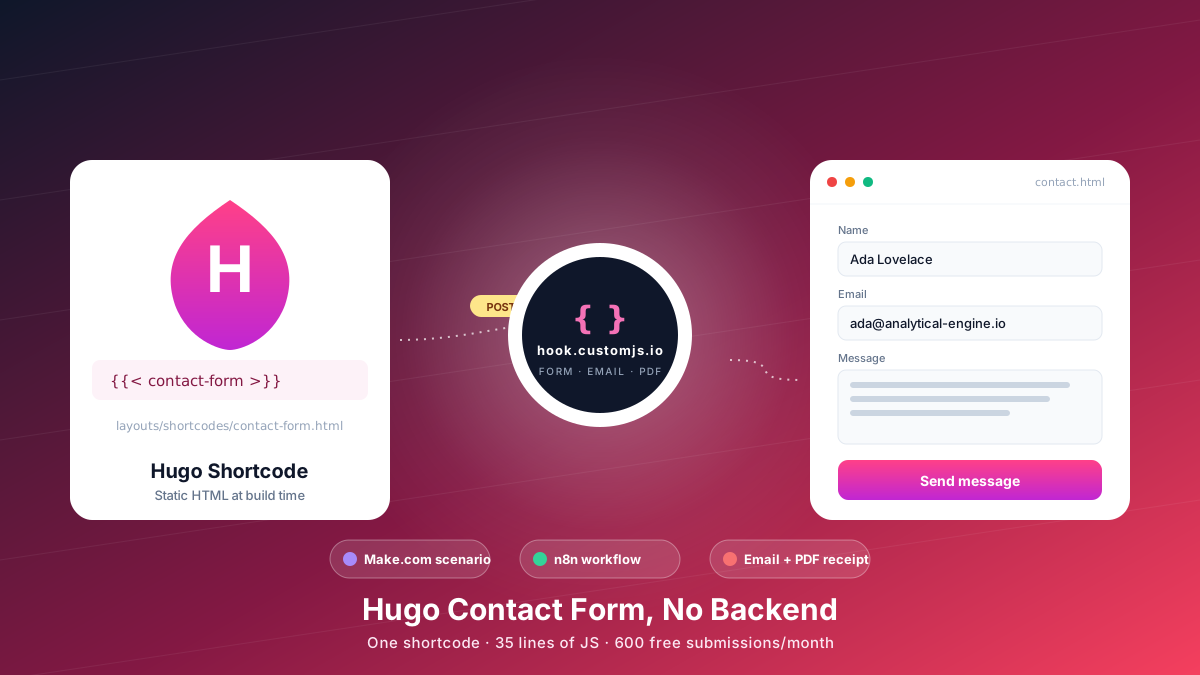
Add a Hugo contact form without a backend. Copy-paste shortcode, vanilla JS handler, spam protection, email + PDF receipt, Make.com & n8n routing. 600 free submissions/month.