Call Microsoft Graph From Make With a Code Step (Client Credentials, Batching)
Updated November 2026
To call Microsoft Graph from Make as an application (no signed-in user), request a token from https://login.microsoftonline.com/{tenant}/oauth2/v2.0/token with grant_type=client_credentials and scope https://graph.microsoft.com/.default, then send Graph calls with that bearer token. A CustomJS code step can do the token request, a $batch of up to 20 sub-requests and the flattening of the responses in one Make operation.
The example reads the group membership of a list of users, an app-only task with no native Make module. For anything a user does in their own mailbox, calendar or files, Make's Microsoft OAuth connections are the right tool and need no code.
TL;DR
Token: form-encoded POST to /{tenant}/oauth2/v2.0/token, scope https://graph.microsoft.com/.default. Response: access_token, expires_in (about 3,600 s).
Batching: up to 20 requests per POST /v1.0/$batch. Each response has its own status and may arrive out of order.
Make's HTTP OAuth 2.0 connection documents the Authorization Code flow (a user signs in). App-only needs a manual token POST plus a second request.
The code step below: 1 Make operation for 20 users instead of 20 plus an Iterator and Aggregator. Keep the secret in a Make variable.
Why can't I read group membership with Make's Microsoft 365 modules?
Make's Microsoft apps (365 Email, Calendar, Excel, SharePoint Online, Planner) cover what a signed-in user owns. Checked against Make's app documentation in October 2026, none has a module for a user's directory groups and none sends a Graph $batch. Several do have a Make an API Call module that reaches any path under https://graph.microsoft.com, but it runs under the permissions of the person who created the connection, and each call is one operation: 20 users cost 20 operations plus an Iterator and an Aggregator.
The endpoint is GET /users/{id}/transitiveMemberOf. Graph's reference lists User.Read.All as the least-privileged application permission; without a permission that can read groups (GroupMember.Read.All or Group.Read.All), group objects come back with only id and @odata.type filled in.
How do I get an app-only Graph token from Make?
In Microsoft Entra, register an application, add the Graph application permissions you need, have an admin grant consent, and create a client secret. Store tenant, client ID and secret as Make variables. The token request is a form-encoded POST, checked against Microsoft's identity platform docs in October 2026:
Make's help page for OAuth 2.0 connections in the HTTP app (checked October 2026) walks through the Authorization Code flow, which sends a person to a sign-in page. Without code, app-only access in Make means one HTTP request for the token and a second one carrying it. The code step folds both into one module.
How do I send 20 Graph requests in one Make operation?
Map your values into the Input field of Execute Inline JavaScript as a JSON object (put Make's Transform to JSON module in front if the user list is a Make array). Secret and IDs are placeholders for mapped variables:
{"tenant":"contoso.onmicrosoft.com",
"clientId":"1b2c3d4e-5f60-4a7b-8c9d-0e1f2a3b4c5d",
"clientSecret":"<mapped from a Make variable>",
"userIds":["[email protected]",
"[email protected]",
"[email protected]"]}
The code requests a token, builds one sub-request per user (the slice enforces Graph's cap of 20), posts the batch and returns one row per user. Responses may arrive out of order, so the sort on id matters. Set Return Type to Array.
[{"userId":"[email protected]",
"status":200,
"groups":["All Employees", "Sales EMEA"],
"error":null},
{"userId":"[email protected]",
"status":200,
"groups":["All Employees", "Engineering"],
"error":null},
{"userId":"[email protected]",
"status":404,
"groups":[],
"error":"Resource '[email protected]' does not exist or one of its queried
reference-property objects are not present."}]
The median CustomJS inline script finishes in 121 ms; this one makes two sequential HTTPS calls to Microsoft, so expect it toward the high end but still inside a second, and it is 1 Make operation either way. Graph throttles each sub-request individually, so a 429 on one row does not fail the others.
More than 20 users? Chunk the array in the script and send several batches, or let an Iterator feed chunks of 20. If other scenarios need the same lookup, move the code into a stored function with named parameters and call one copy from everywhere.
Use our Make App to execute JavaScript directly in Make.
Should I use the code step or Make's own Microsoft connection?
Choose by identity first. If a person should be the actor (their mailbox, their calendar, their OneDrive), use the native modules. If the application should act across the tenant, use the code step. The HTTP app sits in between.
Option
Identity
Graph endpoints
20 users cost
Native Microsoft 365 modules
Connected user (delegated)
Mail, calendar, files, Excel, SharePoint items, Planner; plus Make an API Call for the rest
20 operations plus Iterator and Aggregator
HTTP app, OAuth 2.0 or manual token
User (Authorization Code) or app via a separate token request
Any, one request per module; batch body built by hand
2 operations for the batch, then Iterator and Aggregator to flatten
CustomJS code step
App (client credentials)
Any, including $batch, delta, transitiveMemberOf, $expand
1 operation, 1 CustomJS request
When Make's built-in is enough
A user acts on their own data. Mail, events, OneDrive uploads, Excel tables: the native modules handle consent, token refresh and pagination. Do not put a client secret in a scenario for that.
One Graph call per run. A single user lookup or a single SharePoint item is one operation through Make an API Call, with no code.
The task is already a module. Planner tasks, SharePoint list items and Outlook messages have Watch, List, Create and Update modules.
You cannot get admin consent. Application permissions need a tenant admin. Without consent the token carries no roles and Graph answers 403.
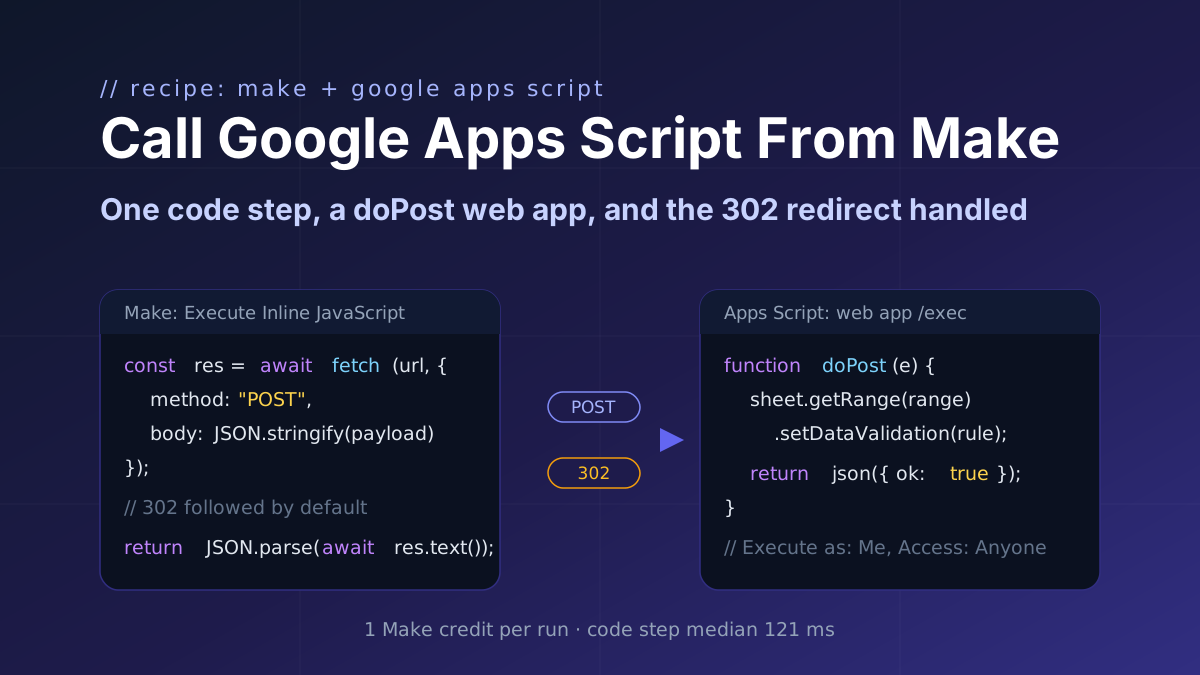
Deploy an Apps Script doPost web app and call it from one Make code step: POST the JSON payload with fetch, follow Google's 302 redirect, parse the result. Covers the access settings and the Execution API.
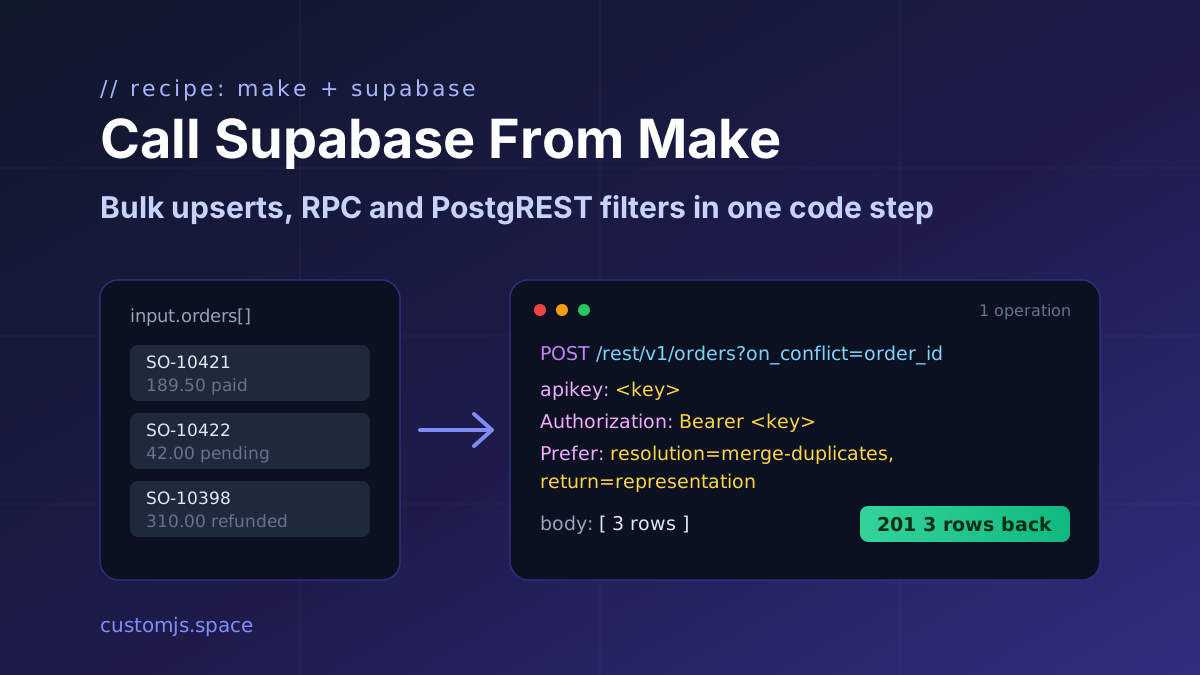
Upsert an array of rows, call a Postgres function and filter with PostgREST operators from one Make module. Plain fetch against the Supabase REST API, with the exact headers and Prefer syntax.
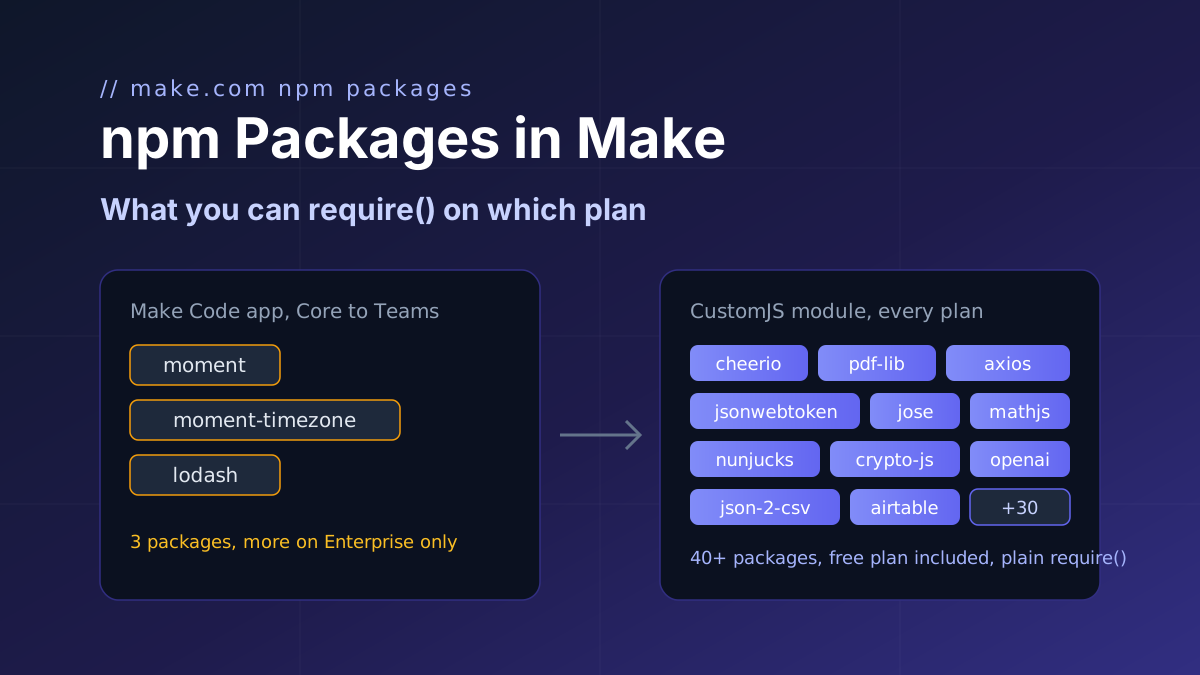
Make's Code app ships moment, moment-timezone and lodash below Enterprise. CustomJS adds more than 40 npm packages on every plan, including free. Plan-by-plan table and a working example for dates, data, HTML, PDF, tokens, HTTP and SDKs.