Call Supabase From Make With a Code Step (PostgREST, Upserts, RPC)
Updated November 2026
To upsert many rows, call a Postgres function, or filter with PostgREST operators from Make, send one fetch request to https://<project>.supabase.co/rest/v1/<table> from a code step with the apikey and Authorization: Bearer headers. Make's own Supabase app handles single rows and buckets; the moment you need an array of rows in one request, an on_conflict upsert, or /rest/v1/rpc/<fn>, the code step is the shorter path.
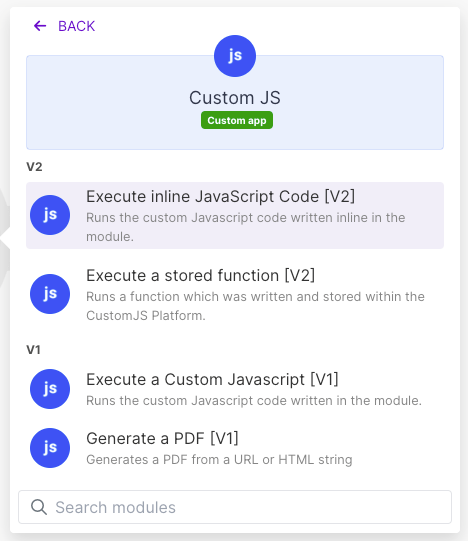
This recipe uses the Execute Inline JavaScript module from the CustomJS app for Make. It needs no npm package: Supabase's REST layer is PostgREST, so plain fetch is enough. Header names, the Prefer syntax and the Make module list below were checked against supabase.com/docs, postgrest.org and apps.make.com in October 2026.
TL;DR
Endpoint: POST https://<project>.supabase.co/rest/v1/orders?on_conflict=order_id with a JSON array as the body upserts every row in one request.
Postgres functions: POST /rest/v1/rpc/<function> with named parameters as a JSON object.
Filters go in the query string: status=eq.paid, id=in.(1,2,3), email=ilike.*northwind*.
One Make credit per call regardless of row count. Make's native Upsert a Record module costs one operation per row.
Prefer the publishable (anon) key plus RLS policies. If you must use the secret (service_role) key, keep it in a Make variable and turn on "Keep data confidential".
What does Make's Supabase app cover, and where does it stop?
Make's Supabase app (module list checked on apps.make.com, October 2026) offers Watch Events, Create a Row, Upsert a Record, Delete Rows, Search Rows, Get Rows Count, Upload a File, bucket modules, and a generic Make an API Call. Every row module works on one record per operation. Make an API Call sends any PostgREST request, but you assemble the body and query string by hand and get the raw response back.
Task
Native Supabase module
Code step
Insert or upsert one row
Create a Row / Upsert a Record, 1 operation
Works, but no reason to switch
Upsert 50 rows
Iterator + Upsert a Record, 51 operations
One request, 1 operation
Call a Postgres function
Make an API Call with a hand-built body
/rest/v1/rpc/<fn> with computed parameters
Filter with in.() or ilike.
Search Rows filter UI, or Make an API Call
Build the query string from an array, then reshape the result
Validate, dedupe, then write
Separate modules per step
Same script, same operation
How do I upsert an array of orders into Supabase from one Make module?
Put Make's Transform to JSON module in front of the code step so the array arrives as a JSON string, or parse defensively as the script does. The table has a unique constraint on order_id; on_conflict=order_id tells PostgREST which column decides whether a row is new or updated.
resolution=merge-duplicates updates existing rows; swap in resolution=ignore-duplicates to keep existing rows untouched. return=representation makes Supabase send the written rows back, so the next Make module can map count, ids or any column directly. The median CustomJS inline script finishes in 121 ms; this one adds a single round trip to Supabase, so expect a few hundred milliseconds, billed as one Make credit and one CustomJS request.
Use our Make App to execute JavaScript directly in Make.
How do I call a Postgres function or filter rows with PostgREST operators?
Both use the same headers as the upsert. A function call is a POST to /rest/v1/rpc/<function> with the named parameters as a JSON object (PostgREST docs, checked October 2026). Filters are query-string pairs of column=operator.value; ilike uses * as the wildcard.
Building the in.() list from an array of IDs is the part Make's mapping panel makes awkward; in code it is one join(","). If the IDs are text, wrap each in double quotes inside the parentheses so commas in values do not break the list.
Which Supabase key should the code step use?
Supabase has two key classes (docs checked October 2026): publishable keys (sb_publishable_…, formerly the anon JWT) that respect Row Level Security, and secret keys (sb_secret_…, formerly service_role) that bypass every RLS policy. Supabase asks that the new keys be sent on the apikey header; legacy JWT keys also accept the Bearer header, which is why the example sends both.
Use the publishable key plus an RLS policy that allows the exact insert or update the scenario performs. A leaked publishable key can then do no more than the policy permits.
If the write needs the secret key, store it in a Make scenario variable or data store and map it into the Input field. Never paste it into the code.
Turn on Keep data confidential in the scenario settings so Make does not retain bundle payloads (including the key) in execution history. Do not console.log the input.
Rotate the key in the Supabase dashboard if it ever appears in a log or a shared blueprint.
When Make's built-in is enough
Do not add a code step when:
The scenario writes one row per run. Create a Row or Upsert a Record costs one operation either way and gives you the column mapping UI.
You need a trigger. Watch Events is the only way to start a scenario from Supabase changes; a code step cannot replace it.
You read with simple equality filters. Search Rows covers eq-style lookups without any code.
You upload files to Storage. The Upload a File module handles the multipart request for you.
You need one custom request and no post-processing. Make an API Call sends it; the code step only pays off when you build the body from data or reshape the response.
The CustomJS free tier covers 600 requests per month (20 per day) with no credit card; paid plans start at $9 per month for 100 requests per day (pricing). If several scenarios write to the same tables, move the script into a stored function with table, conflictColumn and rows as parameters. For calling any other REST API from Make, see custom API calls in Make.
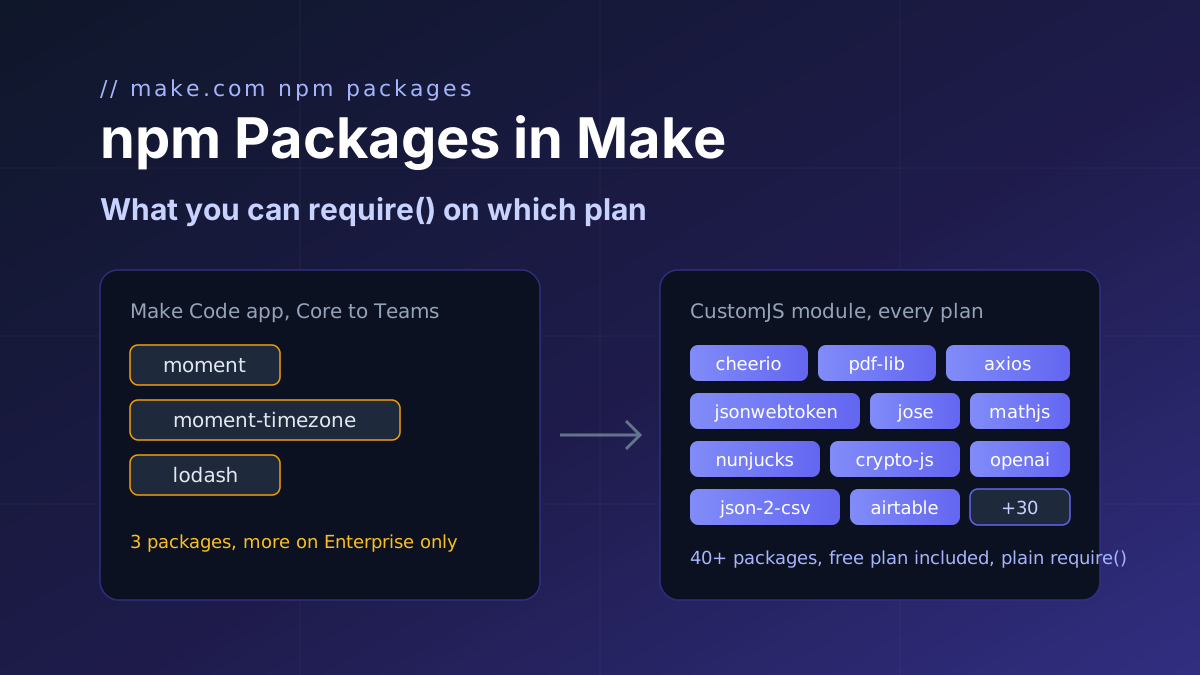
Make's Code app ships moment, moment-timezone and lodash below Enterprise. CustomJS adds more than 40 npm packages on every plan, including free. Plan-by-plan table and a working example for dates, data, HTML, PDF, tokens, HTTP and SDKs.
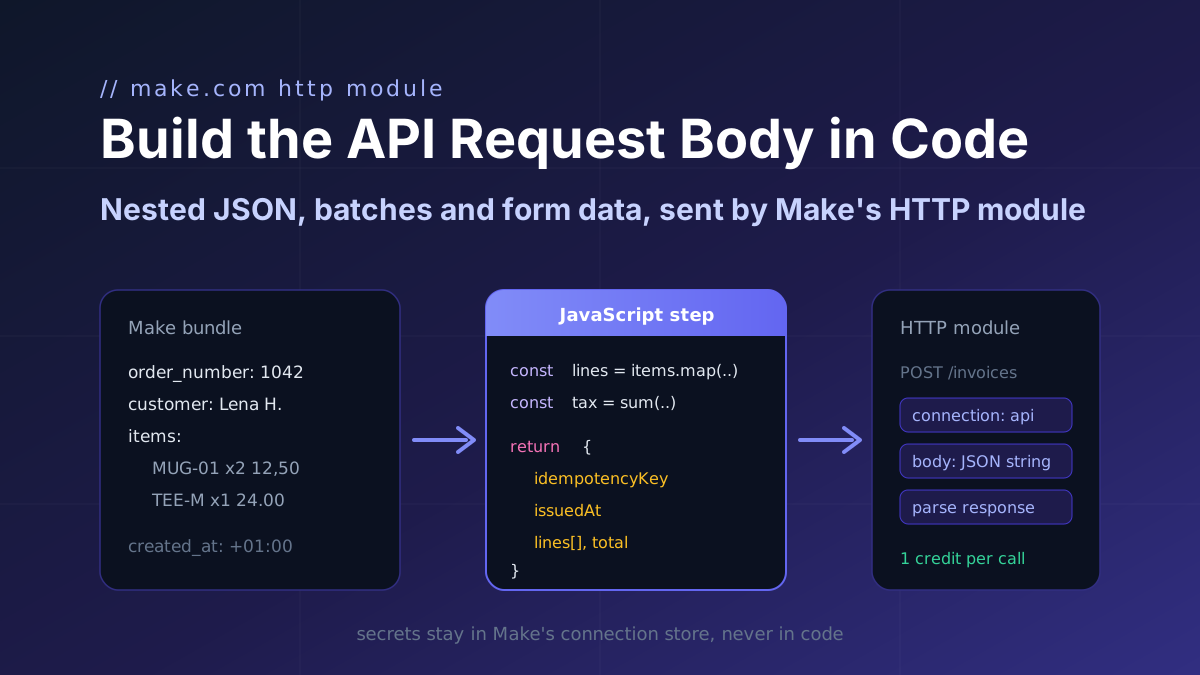
Turn a Make bundle into the exact JSON an API expects (nested arrays, computed totals, ISO timestamps, idempotency keys) in one JavaScript step, then map it into Make's HTTP module.
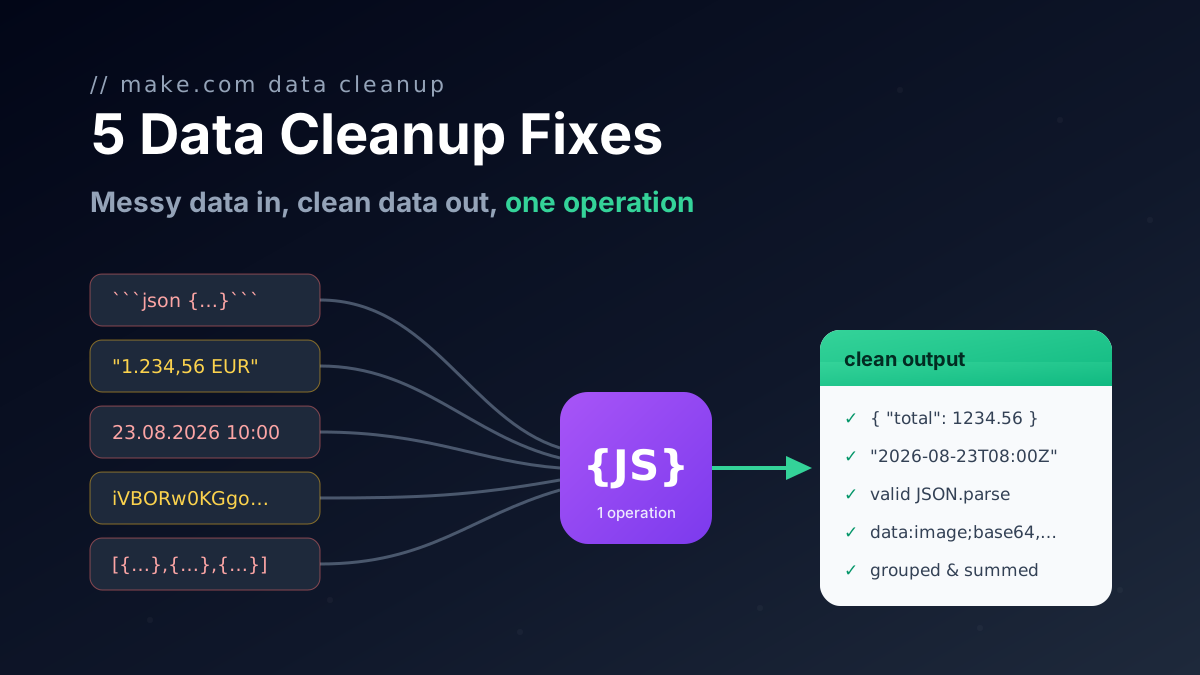
Seven JavaScript snippets for Make.com with input and output: rename keys with a mapping object, flatten nested collections to dot keys, remove nulls, coerce types and repair AI JSON.