PDFMonkey Alternative for Make.com & n8n: A Practical Migration Guide
PDFMonkey is one of the most popular ways to generate PDFs inside Make.com, Zapier, and n8n. It has a clean dashboard, a friendly visual template builder, and Liquid templating that no-code teams pick up in an afternoon. So why look for a PDFMonkey alternative at all?
For most automation users it comes down to one thing: the document ceiling. PDFMonkey's free plan stops at 20 documents per month, and that free tier cannot load external images, fonts, CSS, or JavaScript (verified on pdfmonkey.io/pricing, June 2026). The moment your webhook fires more than a handful of times a day, or your template needs a chart, a QR code, or a web font, you are on a paid plan.
This guide compares PDFMonkey and CustomJS honestly: where PDFMonkey wins, where it does not, and exactly how to port a template and a Make.com or n8n scenario from one to the other. You will get a side-by-side Liquid to Nunjucks template diff, the before and after curl payloads, and a live editor to test the migration in your browser. CustomJS gives you 600 free PDFs per month, full Chromium rendering with JavaScript, and native Make.com and n8n modules under a single API key.
TL;DR
PDFMonkey is excellent for visual, dashboard-driven PDF generation. The friction is volume and the free-tier feature lockout, not the product quality.
CustomJS is a drop-in PDF API for the same Make.com, n8n, and Zapier workflows: 600 free PDFs per month versus PDFMonkey's 20.
Migration is mostly a templating swap. PDFMonkey uses Liquid, CustomJS uses Nunjucks. The syntax overlaps almost 1:1 for data binding, loops, and conditionals.
CustomJS renders in a real headless Chrome, so charts, web fonts, and QR codes work out of the box, including on the free tier.
One API key also covers screenshots and web scraping, so you are not paying for three separate tools.
A note on honesty: pricing below was checked on June 30, 2026 against PDFMonkey's public pricing page. Plans change. If a number looks off, the live page is the source of truth. We are not here to bash PDFMonkey. It is a good tool, and for some teams it is the right one. This article exists to help you decide.
What PDFMonkey Gets Right
Any fair comparison starts with the strengths, because they are real. If these are the things you care about most, PDFMonkey may well be the better fit, and you should stay.
The dashboard. PDFMonkey's document dashboard, with live previews and a searchable history of every generated file, is genuinely nice. You can see what went out, re-download it, and debug a bad render without leaving the browser.
The visual builder. Non-developers can assemble a template with the drag-and-drop Builder and never touch HTML. That is a real advantage for teams where the person owning the template is not an engineer.
Liquid plus custom filters. Liquid is approachable, and PDFMonkey ships handy document-oriented filters like barcode and in_time_zone.
Tidy native integrations. The Make.com, Zapier, and n8n apps are polished and well documented.
None of that is in dispute. The question is whether you are paying for capability you actually use, and whether the limits get in your way.
Where Automation Users Hit the Ceiling
Here is the pattern we hear most often from people searching for a cheaper PDFMonkey alternative. None of these are deal-breakers on their own. Stacked together, they push high-volume webhook users to shop around.
1. The free tier is small, and feature-locked
PDFMonkey's forever-free plan is 20 documents per month, with 1-day file retention, and it explicitly cannot load external images, fonts, CSS, or JavaScript. That last part surprises people: a logo hosted on your CDN, a Google Font, or a chart will not render until you upgrade. For comparison, CustomJS gives you 600 PDFs per month free, with no feature lockout. Charts and QR codes render on the free tier.
2. Per-call volume is the real cost driver
Webhook-driven automations are spiky. An order surge, a campaign, or a batch import can quintuple your document count in a day. PDFMonkey's plans step up in fixed tiers, so you size for the peak, not the average. If your monthly volume sits awkwardly between two tiers, you pay for the higher one all month.
3. JavaScript rendering is limited
Modern documents are not static. Sales dashboards want a Chart.js graph, packing slips want a scannable QR code, certificates want a verification barcode. PDFMonkey can do some of this through its builder and custom filters, but it does not run your own arbitrary client-side JavaScript at render time. CustomJS converts inside a full Chromium instance, so any library that runs in a browser runs in your PDF.
4. It is one tool for one job
PDFMonkey makes PDFs. If your automation also needs to screenshot a web page or scrape a price, that is a second and third subscription. CustomJS bundles HTML to PDF, screenshots, and scraping behind a single key and a single rate limit.
Pricing: PDFMonkey vs CustomJS
PDFMonkey prices in euros, CustomJS in US dollars, so treat the cross-currency comparison as approximate. The shape is what matters: a much larger free tier and a flatter curve at the volumes most automations actually run.
Plan
PDFMonkey
CustomJS
Free
20 docs/mo, no external images, fonts, CSS or JS
600 PDFs/mo, full rendering, no feature lockout
Entry paid
Starter, €5/mo, 300 docs
Pro, $9/mo, ~3,000 PDFs (100/day)
Mid tier
Pro, €15/mo, 3,000 docs
Ultra, $29/mo, ~15,000 PDFs (500/day)
High volume
Pro+, €60/mo, 5,000 docs
Mega, $99/mo, ~150,000 PDFs (5,000/day)
Other APIs
PDF only
PDF + screenshots + scraping, one key
PDFMonkey figures from pdfmonkey.io/pricing, checked June 30, 2026. PDFMonkey measures monthly documents; CustomJS measures a daily request limit, so the monthly figures above are approximate. Always confirm current limits on each provider's pricing page.
The honest read: at the very top end PDFMonkey's Premium plan (€300/mo for 60,000 docs) is a clean managed offering, and its dashboard is part of what you pay for. At the free and mid tiers, where most automations live, CustomJS is dramatically cheaper per PDF and removes the free-tier feature lockout entirely.
Feature Comparison
Feature
PDFMonkey
CustomJS
Free documents / month
20
600
Template engine
Liquid (v4)
Nunjucks
Visual template builder
Yes (drag-and-drop)
No (HTML/CSS first)
Document dashboard / history
Yes
API-first (return URL or base64)
Arbitrary JavaScript at render
Limited
Yes, full Chromium
External images / fonts on free tier
No
Yes
Native Make.com module
Yes
Yes
Native n8n node
Yes
Yes
Screenshots & scraping
No
Yes, same key
Try the Migration Live
Below is a PDFMonkey-style invoice rebuilt as a CustomJS Nunjucks template. The left panel is the HTML template, the right is the JSON data that PDFMonkey would call document.payload. Edit either side and render the PDF in your browser. This is the same engine that powers the production API.
The variables you see, like {{ invoice_number }} and the {% for item in items %} loop, are Nunjucks. If you have ever written a PDFMonkey Liquid template, this will feel immediately familiar.
Migrating Your Template: Liquid to Nunjucks
This is the part most people overestimate. Liquid and Nunjucks share the same fundamentals: {{ }} for output, {% %} for logic, loops, conditionals, and filters with the pipe character. For a typical invoice or report, the diff is small.
The handful of things to know when you port a template:
Concern
Liquid (PDFMonkey)
Nunjucks (CustomJS)
Data root
{{ document.x }}
{{ x }} (your JSON is the root)
Filters
{{ n | times: 2 }}
{{ n * 2 }} or {{ n | round }}
Loops
{% for x in list %}
{% for x in list %} (identical)
Conditionals
{% if x %}...{% endif %}
{% if x %}...{% endif %} (identical)
Dates
| date: "%B %d"
Format in your code, or use moment
The biggest practical change is the data root. PDFMonkey nests your payload under document; with CustomJS your JSON object is the template context directly. A find-and-replace of document. for nothing handles most of it. For full template capabilities, see the HTML to PDF API reference.
The curl Migration in One Look
PDFMonkey is a two-step API: create a document from a template ID and data, then poll or wait for the generated file. CustomJS is a single synchronous call that returns the PDF.
Before: PDFMonkey
curl -X POST 'https://api.pdfmonkey.io/api/v1/documents' \
  -H 'Authorization: Bearer YOUR_PDFMONKEY_KEY' \
  -H 'Content-Type: application/json' \
  -d '{
    "document": {
      "document_template_id": "TEMPLATE_ID",
      "status": "pending",
      "payload": { "invoice_number": "INV-001", "total": "1,250.00" }
    }
  }'
# then fetch document.download_url once status is "success"
One request, one PDF, no polling loop. Send input.data and the HTML is rendered through Nunjucks before conversion. Omit it and you can pass finished HTML straight through.
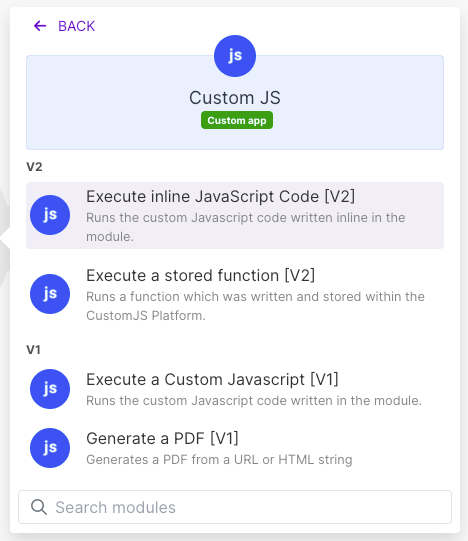
Use our Make App to execute JavaScript directly in Make.
If your Make.com scenario already uses the PDFMonkey app, swapping it for CustomJS is a one-module change. The trigger, the data mapping, and the downstream steps (email, Google Drive, Slack) all stay exactly the same.
Before (PDFMonkey app)
Trigger (Webhook / Sheets / Airtable)
   -> PDFMonkey: Create a Document
        template: Invoice
        payload:  mapped fields
   -> PDFMonkey: Find a Document (wait for "success")
   -> Email: send with download_url
After (CustomJS module)
Trigger (Webhook / Sheets / Airtable)
   -> CustomJS: HTML to PDF
        html:  your Nunjucks template
        data:  mapped fields
   -> Email: send with PDF output (no polling step)
Notice the scenario got shorter: the "Find a Document" wait step disappears because CustomJS returns the file in the same call. To set it up, add the CustomJS module, paste your API key once as a connection, and map the same fields you already mapped into PDFMonkey's payload. Full walkthrough in the Make.com integration guide and the HTML to PDF module docs.
For invoices specifically, there is also a dedicated Invoice Generator module that takes structured line-item data and skips templating entirely, closer to PDFMonkey's builder experience.
Migrating an n8n Workflow
The n8n story is the same shape. Replace the PDFMonkey node with the CustomJS node, or, if you prefer raw control, an HTTP Request node pointed at the endpoint.
Install the community node, add your API key as a credential, and pick the HTML to PDF operation. Map your template and data fields, and the node returns the PDF as binary you can attach to an email or push to storage. See the n8n HTML to PDF node docs and the installation guide.
Using Zapier instead? CustomJS works there too via a Webhooks by Zapier POST step using the same payload as the curl example above, so a PDFMonkey-on-Zapier flow ports without restructuring.
The Thing PDFMonkey Cannot Do: Render-Time JavaScript
This is the clearest reason to switch, and the hardest to work around if you stay. Because CustomJS converts in a real headless Chrome, your template can load any browser library and run it before the PDF is captured. Charts, QR codes, barcodes, and dynamic layouts all work.
The one rule: when your template does asynchronous work, set window.__RENDER_DONE__ = true when the content is ready, and the renderer waits for that flag before capturing the page.
A migration guide that pretends the other tool is never the right choice is not worth reading. Stay on PDFMonkey if:
A non-developer owns the templates. The visual Builder is a real advantage if the person maintaining the layout does not want to touch HTML or CSS.
You rely on the dashboard. If your team uses the document history, previews, and share links as part of a daily workflow, that managed experience has value an API does not replace.
You are deep into Liquid-specific filters. If your templates lean heavily on PDFMonkey's custom filters, budget a little porting time before you commit.
Your volume fits a plan cleanly and JavaScript is not needed. If 3,000 static documents a month is your steady state and you never need a chart, the difference may not justify the move.
For everyone else, especially teams that want a bigger free tier, render-time JavaScript, and one key across PDF, screenshots, and scraping, CustomJS is the leaner fit.
Conclusion
PDFMonkey is a good product with a great dashboard and a gentle learning curve. The reasons to look for an alternative are not about quality. They are about the free-tier ceiling, the per-call cost at volume, and the lack of arbitrary JavaScript at render time.
CustomJS keeps the parts you like, Liquid-style templating becomes near-identical Nunjucks, native Make.com and n8n modules, the same field mapping, and adds 600 free PDFs a month, full Chromium rendering, and a single key that also does screenshots and scraping. Migration is a templating swap and a one-module change in your scenario, not a rebuild.
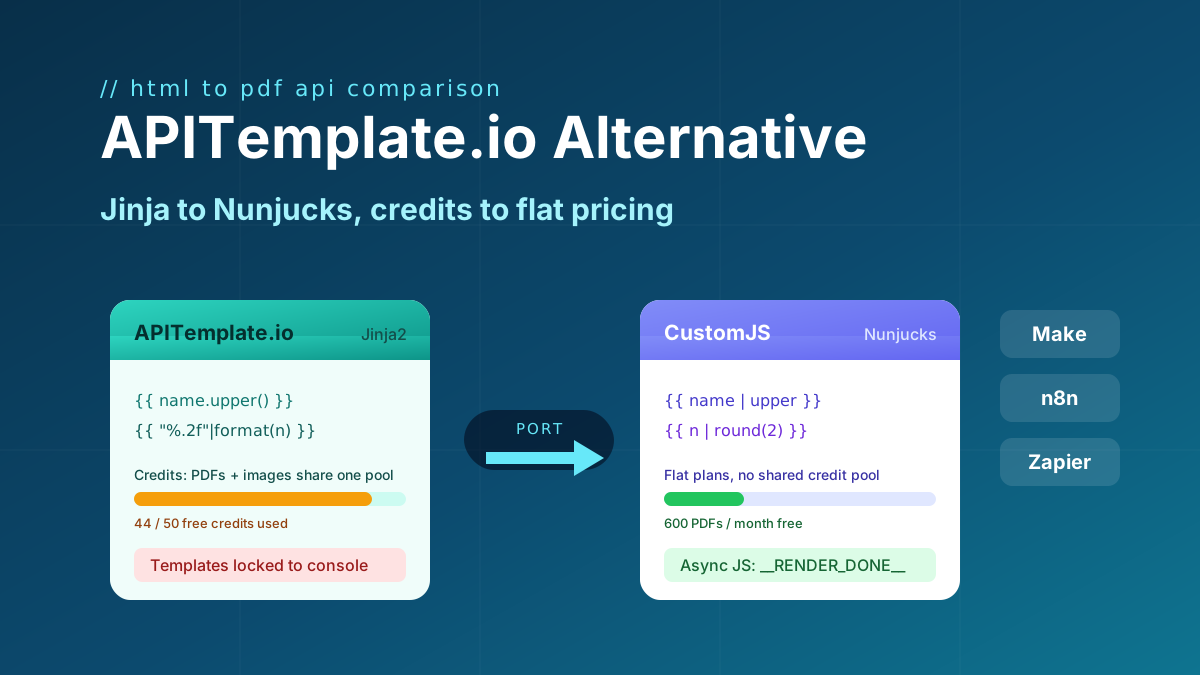
Looking for an APITemplate.io alternative? Compare pricing, Jinja vs Nunjucks templating, and JS rendering, plus a full migration guide. 600 free PDFs/month.
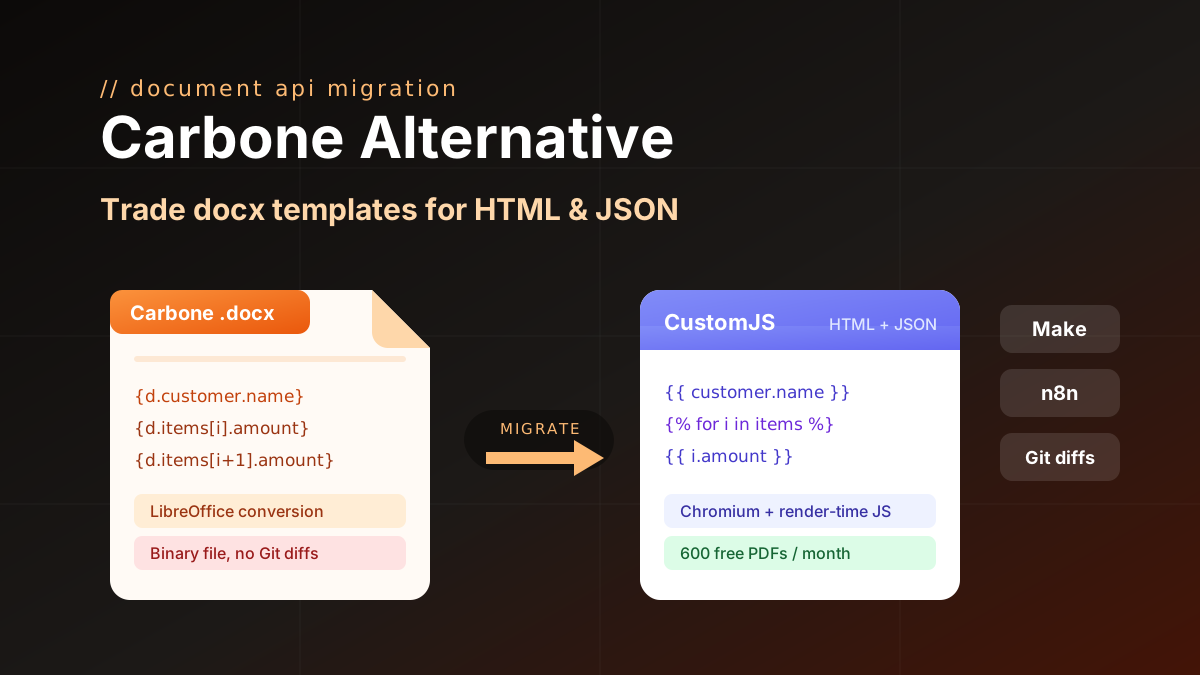
Carbone alternative compared: CustomJS vs Carbone on template model, pricing, and JS rendering, plus a docx to HTML migration guide. 600 free PDFs/month.
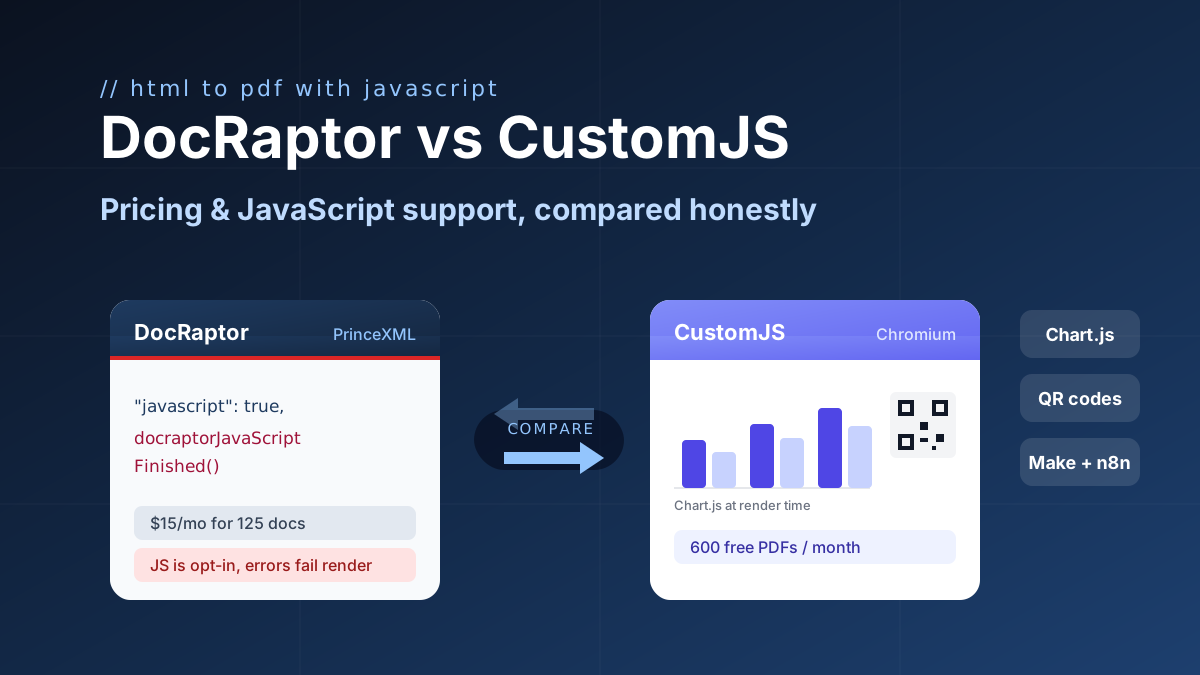
DocRaptor alternative compared: PrinceXML vs Chromium rendering, JavaScript support, and real cost per PDF at 500, 5k, and 50k docs. 600 free PDFs/month.