5 Data Cleanup Problems Every Make.com Scenario Hits (and One-Operation Fixes)
Every Make.com scenario starts the same way: a trigger fires, data arrives, and the data is not quite right. A ChatGPT module hands you JSON wrapped in markdown fences. A European supplier sends "1.234,56 EUR" and an American one sends "$1,234.56". A webhook delivers "23.08.2026 10:00" and the calendar module wants it in New York time. None of these are hard problems, but each one turns a three-module scenario into a ten-module scenario, or breaks it outright.
We run the JavaScript execution API behind the CustomJS Make module, so we get an unusual view of this: the code that thousands of automation users actually run inside their scenarios. When we analyzed those scripts, the same cleanup patterns kept surfacing. Roughly a quarter of workspaces hand-roll some form of date handling. About a fifth build group-and-sum aggregation, and a similar share wrap JSON.parse in defensive repair logic for AI output. One in seven parses localized number formats. This article is those patterns, distilled into five copy-paste snippets.
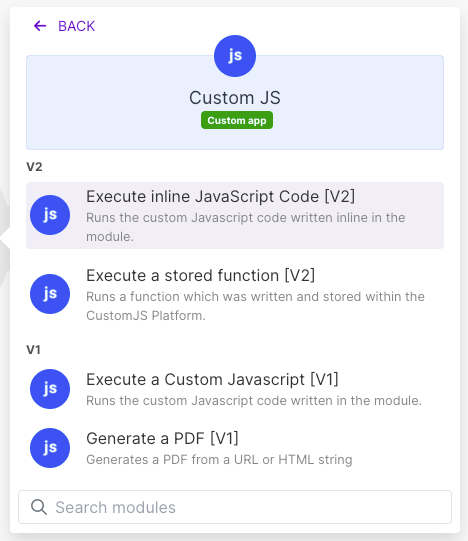
Each snippet runs in the CustomJS Execute inline JavaScript Code module: one Make operation in, clean data out. No iterator chains, no nested router branches, no regex gymnastics in the mapping panel.
TL;DR
Five data transformation problems account for most of the custom JavaScript that Make.com users run: broken AI JSON, group-and-sum, localized numbers, timezone conversion, and file-to-Base64.
Make's native tooling covers the happy path for each, then falls short on the messy real-world variants: markdown-fenced JSON, mixed decimal separators, DST-correct wall-time conversion.
Each fix below is a single JavaScript step: data maps into the input variable, the script cleans it, and whatever you return is mappable in the next module.
The aggregation fix alone replaces an iterator-plus-aggregator chain that burns one operation per array item.
All snippets are generic and copy-paste-ready for the CustomJS Make module. Free tier: 600 executions per month, no credit card.
The Two Mechanics You Need First
If you have not used a code step in Make before, there are exactly two things to know about the CustomJS module, and then every snippet below will make sense.
Data in: whatever you map into the module arrives as the input variable. Depending on how you map it, it can arrive as a JSON string instead of an object, so every script starts with the same defensive line: typeof input === "string" ? JSON.parse(input) : input.
Data out: the value you return becomes the module's output. Return an object and every field is individually mappable in the following modules.
Under the hood it is a real Node.js runtime: async/await works, fetch is global, and require() gives you Node built-ins. That matters for snippets 4 and 5, which lean on Intl and Buffer. With that settled, on to the problems.
1. AI Output That Is Almost JSON
The symptom: you ask ChatGPT or Claude to "respond with JSON only", map the answer into Make's Parse JSON module, and the scenario dies with an invalid JSON error. Run it again and it works. Run it fifty times and it fails on run thirty-one.
Why the native module falls short: Make's JSON parser is strict, and it should be. The problem is upstream: language models decorate their answers. The three failure shapes we see most in production scripts are markdown code fences (```json ... ```), prose around the payload ("Here is the extracted data: {...} Let me know if..."), and Python-flavored literals (True, False, None) when the model "thinks" in Python. Trailing commas and smart quotes round out the list. The Parse JSON module cannot repair any of these, and prompt engineering reduces the rate without ever getting it to zero.
The fix: map the AI module's text output into a JavaScript step that extracts and repairs the JSON before parsing.
// Map the raw AI message text into the module
const raw = typeof input === "string" ? input : input.text;

// 1. Strip markdown fences: ```json ... ```
let text = raw.replace(/```(?:json)?/gi, "").trim();

// 2. Cut away prose: keep the outermost {...} or [...] block
const starts = [text.indexOf("{"), text.indexOf("[")].filter((i) => i !== -1);
if (starts.length === 0) throw new Error("No JSON found in: " + raw.slice(0, 80));
const end = Math.max(text.lastIndexOf("}"), text.lastIndexOf("]"));
text = text.slice(Math.min(...starts), end + 1);

// 3. Repair the classics: smart quotes, Python literals, trailing commas
text = text
  .replace(/[“”]/g, '"')
  .replace(/[‘’]/g, "'")
  .replace(/\bTrue\b/g, "true")
  .replace(/\bFalse\b/g, "false")
  .replace(/\bNone\b/g, "null")
  .replace(/,\s*([}\]])/g, "$1");

return JSON.parse(text);
The returned object is fully mappable in the next module, exactly as if Parse JSON had succeeded. Two honest notes: the repairs in step 3 are heuristics, so a string value that legitimately contains the word "True" would get rewritten, and if the model returns two separate JSON blocks the outermost-block extraction grabs everything between the first opening and last closing bracket. In practice, for "extract fields from this email" workloads, this script takes the failure rate from a few percent to effectively zero.
2. Group and Sum an Array Without an Iterator
The symptom: you have an array of line items, orders, or time entries and want totals per category. The textbook Make solution is an Iterator module feeding an Aggregator with a group-by key. It works, and it costs one operation per array item, plus the aggregation. A 500-row order export burns over a thousand operations to produce five totals.
The fix: group and sum in a single JavaScript step. This version takes the group key and the value as dot-paths, so nested fields like customer.country work without restructuring the data first.
const data = typeof input === "string" ? JSON.parse(input) : input;
const get = (obj, path) =>
  path.split(".").reduce((o, k) => (o == null ? undefined : o[k]), obj);

const groups = {};
for (const row of data.items) {
  const key = get(row, "customer.country") ?? "unknown";
  groups[key] = (groups[key] || 0) + Number(get(row, "amount") || 0);
}

return Object.entries(groups).map(([key, total]) => ({ key, total }));
One operation, any array size. We keep this section deliberately short because we wrote a full deep-dive on the pattern, including multi-level grouping, counting, averages, and how to map the result back into Sheets and Slack: Group and sum arrays in Make.com.
The symptom: amounts arrive as text, from invoices, spreadsheets, scraped pages, or form fields, and the decimal separator depends on who typed them. parseFloat("1.234,56") silently returns 1.234. parseFloat("$1,234.56") returns NaN. Both bugs flow straight into your accounting sheet without an error.
Why the native functions fall short: Make's parseNumber() mapping function works when you tell it the decimal separator up front. That is exactly the information you do not have when one webhook delivers German-formatted amounts and the next delivers US-formatted ones. And neither variant handles currency symbols, spaces, or accounting-style negatives like (500).
The fix: detect the decimal separator per value. The rule that holds up in practice: whichever of comma or dot appears last is the decimal separator, and everything else is a thousands separator.
const data = typeof input === "string" ? JSON.parse(input) : input;

function parseLocalizedNumber(value) {
  let s = String(value).trim();

  // Accounting negatives: "(500)" means -500
  const negative = s.startsWith("-") || /^\(.*\)$/.test(s);
  // Strip currency symbols, letters, spaces, brackets; keep digits , . -
  s = s.replace(/[^0-9.,-]/g, "");

  const lastComma = s.lastIndexOf(",");
  const lastDot = s.lastIndexOf(".");
  if (lastComma > lastDot) {
    s = s.replace(/\./g, "").replace(",", ".");  // 1.234,56 -> 1234.56
  } else {
    s = s.replace(/,/g, "");                     // 1,234.56 -> 1234.56
  }

  const n = parseFloat(s);
  if (Number.isNaN(n)) throw new Error("Cannot parse number: " + value);
  return negative ? -Math.abs(n) : n;
}

const amount = parseLocalizedNumber(data.amount);
return {
  amount,                                        // 1234.56, a real number
  usd: new Intl.NumberFormat("en-US", { style: "currency", currency: "USD" }).format(amount),
  eur: new Intl.NumberFormat("de-DE", { style: "currency", currency: "EUR" }).format(amount)
};
The Intl.NumberFormat lines at the end solve the reverse problem for free: formatting the clean number back into any locale and currency for an email or invoice, without hand-building the separators. One genuine limitation to know: a bare "1,234" with no second separator is ambiguous by nature (one thousand or one and a bit), and this script reads it as a decimal. If your data source guarantees a locale, pin the logic to it instead of detecting.
Use our Make App to execute JavaScript directly in Make.
4. Dates and Timezones: Berlin Wall Time, Shown in New York
The symptom: a source system sends "23.08.2026 10:00" meaning Berlin local time, and the event must land in a calendar, message, or report as New York time. Off-by-one-hour bugs appear exactly twice a year, when one of the two zones has switched DST and the other has not, which is also exactly when nobody is looking.
Why the native functions fall short:formatDate() and parseDate() handle format tokens well, but they interpret times against the scenario's single timezone setting. Converting a wall-clock time from one arbitrary IANA timezone to another, with correct DST on both sides, is not something the mapping panel expresses. This is the pattern we see hand-rolled most often: roughly a quarter of workspaces in our analysis run some form of custom date code.
The fix: Node's built-in Intl.DateTimeFormat knows the full IANA timezone database, including every DST rule. The trick is the formatToParts round-trip: guess a UTC instant, ask Intl what wall time that instant shows in the source zone, and correct by the difference. Two iterations settle even DST boundary cases.
const data = typeof input === "string" ? JSON.parse(input) : input;

// Accepts "23.08.2026 10:00" and "2026-08-23 10:00"
const m = String(data.datetime).match(
  /(\d{1,4})[.\/-](\d{1,2})[.\/-](\d{1,4})[ T](\d{1,2}):(\d{2})/
);
if (!m) throw new Error("Unrecognized date: " + data.datetime);
const [, a, mon, b, hh, mm] = m.map(Number);
const [year, day] = a > 31 ? [a, b] : [b, a];   // YYYY-MM-DD vs DD.MM.YYYY

const opts = (timeZone) => ({
  timeZone, hourCycle: "h23", year: "numeric", month: "2-digit",
  day: "2-digit", hour: "2-digit", minute: "2-digit"
});

// Wall time in the source zone -> real UTC instant (DST-safe)
const fmt = new Intl.DateTimeFormat("en-US", opts(data.fromZone)); // "Europe/Berlin"
const wall = Date.UTC(year, mon - 1, day, hh, mm);
let utc = wall;
for (let i = 0; i < 2; i++) {
  const p = Object.fromEntries(
    fmt.formatToParts(new Date(utc)).map((x) => [x.type, Number(x.value)])
  );
  utc += wall - Date.UTC(p.year, p.month - 1, p.day, p.hour, p.minute);
}
const instant = new Date(utc);

// Format in the target zone with your own tokens
const t = Object.fromEntries(
  new Intl.DateTimeFormat("en-US", opts(data.toZone))              // "America/New_York"
    .formatToParts(instant).map((x) => [x.type, x.value])
);

return {
  iso: instant.toISOString(),
  formatted: t.month + "/" + t.day + "/" + t.year + " " + t.hour + ":" + t.minute
};
Map fromZone and toZone as IANA names like Europe/Berlin and America/New_York, never fixed offsets like UTC+1, because fixed offsets are precisely how DST bugs are born. The iso field is what you hand to APIs; the formatted line is yours to rearrange into any token order the target system wants.
5. Files to Base64: Embedding Assets Without the Binary Dance
The symptom: you are generating a PDF, an email, or an API payload that needs a file inline, a logo in an HTML-to-PDF template, a font, an image for an API that only accepts Base64 JSON. What you have is a URL. What you need is a Base64 string or a data URI.
Why the native route confuses people: Make can do this with an HTTP module set to fetch the file plus toBase64() in the mapping, but the details bite: toBase64() encodes text, binary data needs the HTTP module configured to return binary first, and building a correct data URI still means finding the MIME type somewhere. The forum threads on toBinary versus toString gymnastics are long. In Node it is three lines.
const data = typeof input === "string" ? JSON.parse(input) : input;

const res = await fetch(data.fileUrl);   // e.g. a logo URL mapped from your CRM
if (!res.ok) throw new Error("Download failed: " + res.status);

const mime = res.headers.get("content-type") || "application/octet-stream";
const base64 = Buffer.from(await res.arrayBuffer()).toString("base64");

return {
  mime,
  base64,                                   // raw, for APIs and email attachments
  dataUri: "data:" + mime + ";base64," + base64,  // for <img src> or @font-face
  sizeKb: Math.round((base64.length * 0.75) / 1024)
};
The dataUri field drops directly into an <img src> or an @font-face rule, which makes the PDF render independent of external URLs being reachable at render time. If PDF generation is where you are headed, the HTML to PDF API docs cover the embedding side of this handshake. Keep an eye on sizeKb: Base64 inflates files by a third, and a 5 MB hero image does not belong in a JSON payload.
The Pattern Behind All Five
Look back at the five snippets and they are the same move: a single JavaScript step, sitting between the module that produced messy data and the module that needs clean data, doing in one operation what a chain of parsers, iterators, routers, and text functions does in dozens. The scenario stays visual and mappable everywhere else; the one step that needs real logic gets real logic.
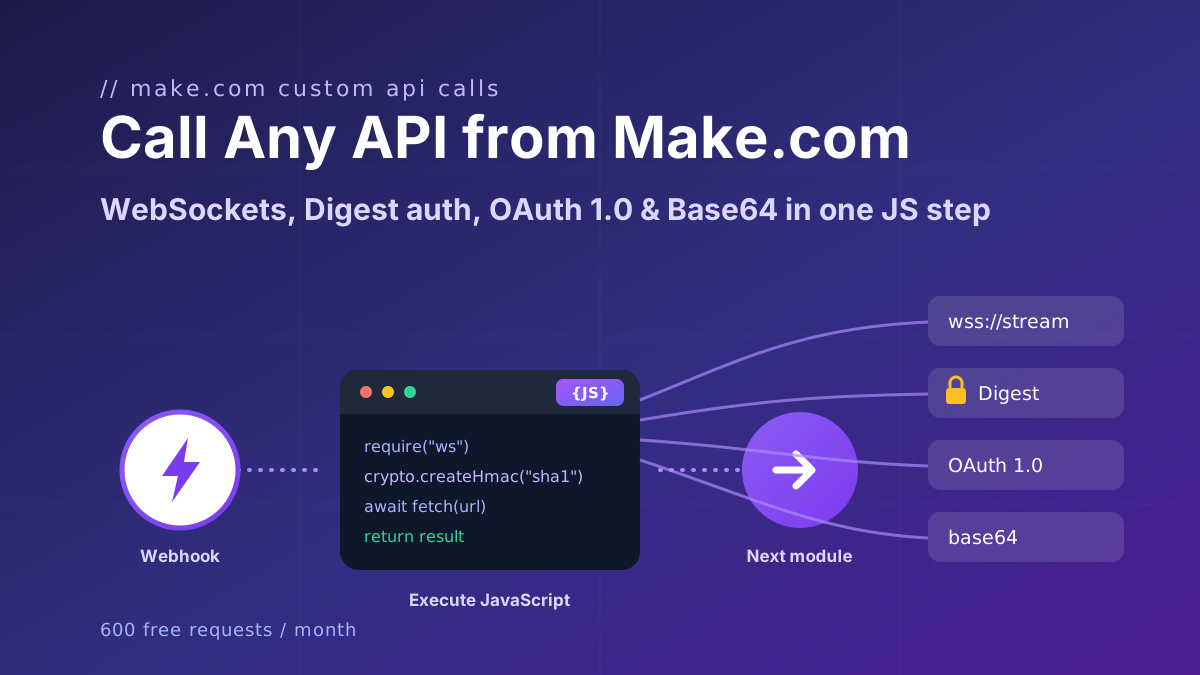
Data cleanup is the entry-level version of this pattern. The advanced version is using the same Node.js step as a full HTTP client for APIs that Make's HTTP module cannot reach at all: WebSocket endpoints, Digest authentication, OAuth 1.0 signatures. We covered those in Call Any API from Make.com.
Getting started is a one-time setup: add the CustomJS module to your scenario, paste your API key as a connection, and paste a snippet. The free tier is 600 requests per month, which covers a lot of cleanup.
Call any API from Make.com: WebSockets, Digest auth, OAuth 1.0 signatures, and Base64 binaries with copy-paste JavaScript that runs inside your scenario.
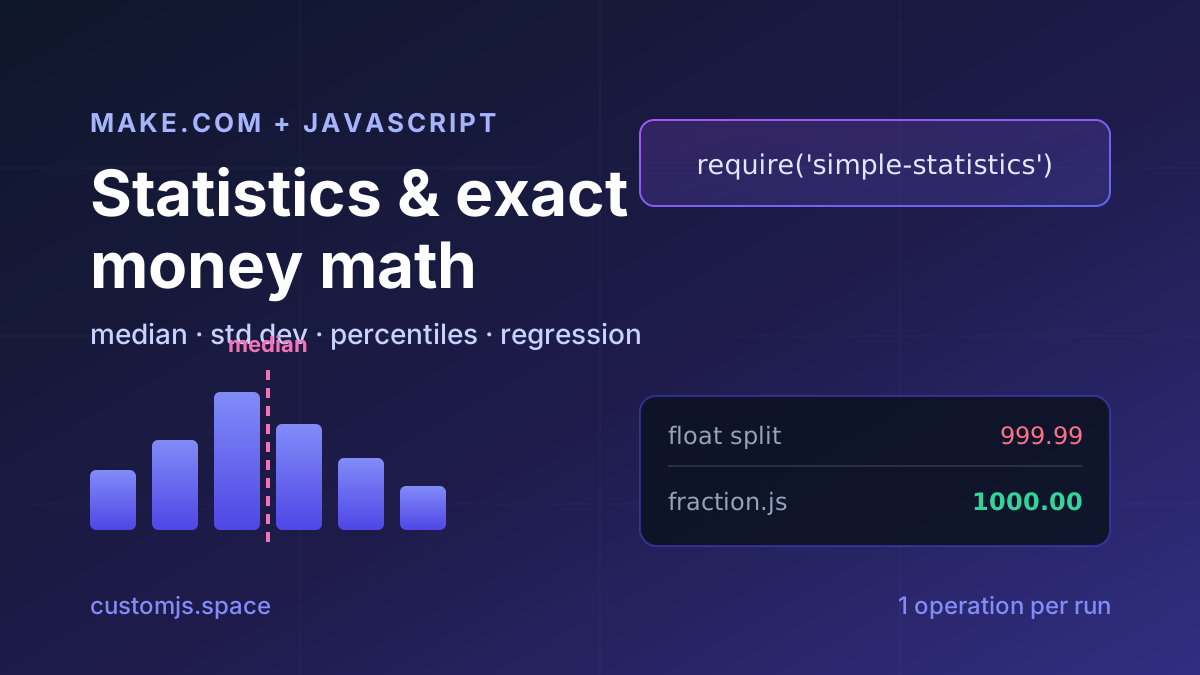
Median, standard deviation, percentiles, regression and cent-exact money splits in Make.com with one JavaScript step. No Google Sheets detour, copy-paste recipes.