Carbone Alternative for Automated Documents: From docx Templates to HTML
Carbone is an unusual document generation engine, and that is a compliment. Instead of asking you to write HTML, it takes a Word, Excel, or ODT file as the template, injects JSON data through {d.} placeholders, and converts the result to PDF with LibreOffice. If your source of truth is a docx maintained by a legal team or a government forms office, that model is genuinely hard to beat.
So why search for a Carbone alternative at all? Because the docx-first model cuts both ways. If your templates are HTML and CSS, your data arrives as JSON from webhooks, and you want JavaScript running at render time for charts and QR codes, Word's layout engine becomes the thing you fight instead of the thing that helps. Binary docx files also do not diff in Git, and LibreOffice fidelity is measured against Word, not against the browser rendering your designers actually work in.
This guide compares Carbone and CustomJS honestly: where Carbone's model wins, where it gets in your way, and how to migrate. You will see the same invoice rendered both ways, a placeholder syntax diff from {d.customer.name} to Nunjucks, the before and after curl calls, and a live editor to test the HTML version in your browser. CustomJS gives you 600 free PDFs per month, full Chromium rendering, and native Make.com and n8n modules under a single API key.
TL;DR
Carbone is excellent when a Word document owned by non-developers is the source of truth. Legal contracts and government forms are its home turf.
CustomJS is the better mental model when templates are HTML/CSS and data comes from JSON webhooks: one synchronous API call, Nunjucks templating, real Chromium rendering.
The migration is a trade: docx authoring becomes HTML authoring. Placeholders map almost 1:1, and the JSON payload stays identical.
CustomJS runs arbitrary JavaScript at render time, so charts, QR codes, and barcodes work without pre-rendering images. Carbone needs images generated ahead of time.
HTML templates are plain text: they live in Git, diff cleanly in pull requests, and never desync from a binary file on someone's desktop.
A note on honesty: pricing below was checked on August 23, 2026 against Carbone's public pricing page. Carbone does not publish per-plan document volumes on that page in a form we could verify, so where a number is uncertain we say so and link to the source. We are not here to bash Carbone. It is a well-engineered product with a real open-source edition, and for docx-centric teams it is often the right choice. This article exists to help you decide.
What Carbone Gets Right
Any fair comparison starts with the strengths, because they are real. If these describe your situation, Carbone may well be the better fit, and you should stay.
The docx is the source of truth. When a contract or a regulated form legally exists as a Word file, generating from that exact file removes a whole class of "does the PDF match the approved document" arguments.
Non-developers own the template. A paralegal or an operations manager can open the template in Word, adjust a clause, save, and the pipeline picks it up. No HTML knowledge, no deployment.
LibreOffice fidelity for Word documents. Conversion happens through LibreOffice, so Word-native constructs like numbered headings, tables of contents, and tracked layouts survive the trip to PDF far better than any HTML reconstruction would.
A real open-source community edition. The Carbone Render engine is source-available on GitHub under Carbone's CCL license, and you can self-host it with Node.js plus a LibreOffice server. Teams searching for a "carbone open source alternative" often discover Carbone itself is the open one.
Output beyond PDF. Because the engine works on office formats, it can emit docx, xlsx, odt, ods, and pptx as well as PDF. If a customer demands an editable Word file back, Carbone does that natively.
None of that is in dispute. The question is whether the docx pipeline matches how your team actually builds documents.
Where the docx Model Gets in Your Way
Here is the pattern we hear from developers searching for a carbone.io alternative. None of these are bugs. They are consequences of choosing Word as the template language, and they matter most to teams whose world is already HTML, CSS, and JSON.
1. docx is a black-box layout language for developers
A docx file is a zipped bundle of XML that only Word and LibreOffice truly understand. When a render comes out wrong, you cannot open dev tools, inspect an element, or bisect a stylesheet. You open Word, nudge an invisible table border, re-upload, and re-render. Developers who debug layouts for a living lose their entire toolbox.
2. No JavaScript at render time
Carbone injects data and converts. It does not execute code inside the document, so a Chart.js graph, a QR code, or a barcode has to be pre-rendered to an image by your own service before the render call. That is an extra system to build, host, and keep in sync. CustomJS converts inside a full headless Chromium, so any library that runs in a browser runs in your PDF, and async work is handled with a single flag: set window.__RENDER_DONE__ = true when the content is ready.
3. HTML/CSS teams fight Word's layout model
Flexbox, grid, web fonts, and media queries do not exist in Word. If your brand system is defined in CSS, every Carbone template is a manual re-creation of that system inside Word's floating anchors and section breaks. Teams that ask for a "libreoffice pdf api alternative" are usually asking for this: let the same CSS that styles the app style the document.
4. Binary templates do not belong in Git
A docx template is a binary blob. You cannot read a diff in a pull request, review a change line by line, or resolve a merge conflict. The template's real history lives in "invoice_template_final_v3(2).docx" on someone's desktop. An HTML template is plain text: it diffs cleanly, reviews like any other code, and deploys through the same CI as the rest of your stack.
Pricing: Carbone vs CustomJS
Both products price in US dollars. The structural difference matters more than any single number: Carbone's cloud plans start at a higher entry point and meter generation by data volume, while CustomJS uses flat plans with a daily request limit and a large free tier.
Plan
Carbone
CustomJS
Free
Cloud Free plan; unlimited watermarked test previews, production volume not published per plan
600 PDFs/mo, full rendering, no watermark
Entry paid
Essential, $29/mo ($26/mo billed annually)
Pro, $9/mo, ~3,000 PDFs (100/day)
Mid tier
Essential Plus, $95/mo; Advanced, $159/mo
Ultra, $29/mo, ~15,000 PDFs (500/day)
High volume
Advanced Plus, $295/mo; Advanced Ultra, $595/mo; on-premise from $1,500/yr
Mega, $99/mo, ~150,000 PDFs (5,000/day)
Other APIs
Documents only (PDF, docx, xlsx, odt, pptx)
PDF + screenshots + scraping, one key
Carbone figures from carbone.io/pricing, checked August 23, 2026. Carbone notes that cloud document generation is metered per 1 MB of injected data and that additional documents are invoiced separately; the page did not state per-plan monthly document counts we could verify, so confirm your expected volume there. CustomJS measures a daily request limit, so the monthly figures above are approximate.
The honest read: Carbone's plans buy you a managed docx pipeline, a template studio, and unlimited watermarked testing, and its self-hosted community edition is genuinely free if you run your own Node.js and LibreOffice. For webhook-driven HTML-to-PDF workloads, CustomJS is cheaper at every tier and the 600-document free tier covers many production workloads outright.
Feature Comparison
Feature
Carbone
CustomJS
Template format
docx, xlsx, odt, pptx (office files)
HTML + CSS
Template syntax
{d.} placeholders + formatters
Nunjucks
Rendering engine
LibreOffice conversion
Headless Chromium
JavaScript at render time
No (pre-render images yourself)
Yes, any browser library
Output formats
PDF, docx, xlsx, odt, and more
PDF
Templates in Git / diffable
Binary docx, no readable diffs
Plain HTML, diffs cleanly in PRs
Non-developer template editing
Yes, in Word
Requires HTML/CSS basics
API shape
Upload template, render, download
One synchronous call returns the PDF
Self-hosted option
Yes (community edition + LibreOffice)
No, managed API
Native Make.com module / n8n node
Community integrations vary
Yes, both
Screenshots & scraping
No
Yes, same key
The Same Invoice, Both Ways
The clearest way to judge the trade is to look at one document in both languages. First, here is how an invoice template reads inside a Carbone docx. These placeholders sit in the Word document's text, and the [i] / [i+1] pair on consecutive table rows tells Carbone to repeat the row for every item.
Now the identical invoice as a CustomJS HTML template. Same data, same structure, but the loop is an explicit {% for %} block and the layout is CSS you can inspect in any browser. Edit either panel below and render the PDF live. This is the same engine that powers the production API.
Notice that the JSON on the right would feed the Carbone template above without a single change. The payload is identical both ways. Only the template language moves.
Migrating Your Template: {d.} Placeholders to Nunjucks
The migration is a translation, not a rewrite of your data model. Carbone's {d.} prefix points at your JSON root; in Nunjucks the JSON payload is the template root directly, so the prefix simply disappears. Loops and conditionals become explicit blocks instead of formatter chains.
CustomJS (Nunjucks)
<h1>Invoice {{ invoice_number }}</h1>
<p>Billed to: {{ customer.name }}<br>{{ customer.address }}</p>

<table>
  {% for item in items %}
  <tr>
    <td>{{ item.description }}</td>
    <td>{{ item.qty }}</td>
    <td>${{ item.amount }}</td>
  </tr>
  {% endfor %}
</table>

<p>Total: ${{ total }}</p>
{% if is_paid %}<span class="badge">PAID</span>{% else %}DUE{% endif %}
Nunjucks filters, JS expressions, or format upstream
Layout
Word tables, anchors, section breaks
CSS: flexbox, grid, web fonts, print rules
The one honest cost: recreating the visual design of the docx in HTML and CSS is real work the first time, typically an afternoon for an invoice-class document. After that, every edit is a readable diff instead of a Word file passed around by email. For full template capabilities, see the HTML to PDF API reference, and if invoices are your main use case, building an HTML invoice generator walks through a complete template.
The curl Migration in One Look
Carbone's cloud API is a three-step flow: upload the docx template to get a template ID, request a render to get a render ID, then download the file. CustomJS is a single synchronous call that returns the PDF, because the template travels inline with the request.
Before: Carbone (carbone docx to pdf)
# 1. Upload the docx template (once per template version)
curl -X POST 'https://api.carbone.io/template' \
  -H 'Authorization: Bearer YOUR_CARBONE_KEY' \
  -F '[email protected]'
# -> { "data": { "templateId": "..." } }

# 2. Render it with your JSON
curl -X POST 'https://api.carbone.io/render/TEMPLATE_ID' \
  -H 'Authorization: Bearer YOUR_CARBONE_KEY' \
  -H 'Content-Type: application/json' \
  -d '{
    "data": { "invoice_number": "INV-2026-0117", "total": "5,000.00" },
    "convertTo": "pdf"
  }'
# -> { "data": { "renderId": "..." } }

# 3. Download the result
curl 'https://api.carbone.io/render/RENDER_ID' -o invoice.pdf
One request, one PDF, no template registry to keep in sync. The input.data object is passed through Nunjucks before conversion, so the same JSON that fed Carbone feeds this call unchanged. The mechanics of the conversion step are covered in how HTML to PDF conversion works.
Batch generation
Because each call is self-contained, batch runs are a plain loop. Here is a hundred invoices from a JSON array, no polling and no render IDs to track.
# invoices.json is an array of payloads, invoice.html is the Nunjucks template
jq -c '.[]' invoices.json | while read -r payload; do
  num=$(echo "$payload" | jq -r '.invoice_number')
  curl -s -X POST 'https://e.customjs.io/html2pdf' \
    -H 'x-api-key: YOUR_API_KEY' \
    -H 'Content-Type: application/json' \
    -d "{\"input\": {\"html\": $(jq -Rs . < invoice.html), \"data\": $payload}}" \
    -o "invoice-$num.pdf"
done
Use our Make App to execute JavaScript directly in Make.
If your automation lives in Make.com, CustomJS ships a native module, so the document step is one node instead of an upload-render-download chain. The trigger, the data mapping, and the downstream steps (email, Google Drive, Slack) stay exactly as they are.
Trigger (Webhook / Sheets / Airtable)
   -> CustomJS: HTML to PDF
        html:  your Nunjucks template
        data:  mapped fields (same JSON you sent Carbone)
   -> Email / Drive: use the PDF output directly
Add the CustomJS module, paste your API key once as a connection, and map the same fields your Carbone payload used. Full walkthrough in the Make.com integration guide and the HTML to PDF module docs.
Using It from n8n
The n8n story is the same shape. Use the CustomJS community node, or an HTTP Request node if you prefer raw control.
With the native node, install it once, add your API key as a credential, pick the HTML to PDF operation, and the node returns the PDF as binary ready to attach or upload. See the n8n HTML to PDF node docs.
The Thing the docx Pipeline Cannot Do: Render-Time JavaScript
This is the sharpest capability difference. Carbone can place an image of a chart if you generate that image first. CustomJS renders in a real headless Chromium, so the chart library itself runs inside the template and draws from live data at render time. When your template does asynchronous work, set window.__RENDER_DONE__ = true once the content is ready and the renderer waits for that flag before capturing the page.
A migration guide that pretends the other tool is never the right choice is not worth reading. Stay on Carbone if:
The Word document is legally or organizationally the source of truth. Contracts, government forms, and regulated filings that exist as approved docx files should be generated from those files. Do not rebuild them in HTML for the sake of an API preference.
Non-developers maintain the templates in Word. If the people who own the layout will never write HTML, Carbone's model keeps them productive without a developer in the loop.
You need editable office output. If customers require a docx or xlsx back, not just a PDF, Carbone produces those natively and CustomJS does not.
You want to self-host. Carbone's community edition with your own LibreOffice server is a real, free, on-premise option. CustomJS is a managed API only.
For everyone else, especially teams whose templates are already HTML and CSS, whose data arrives as JSON webhooks, and who want charts and QR codes rendered by the document itself, CustomJS is the better mental model.
Conclusion
Carbone and CustomJS are both good automated document generation APIs that made opposite bets. Carbone bet on the office document: docx templates, LibreOffice conversion, non-developer ownership. CustomJS bet on the web: HTML templates, Chromium rendering, JavaScript at render time, and templates that live in Git like the rest of your code.
The migration is exactly that trade: docx authoring becomes HTML authoring, the {d.} placeholders become Nunjucks, and the JSON payload does not change at all. In return you get a single synchronous API call, 600 free PDFs a month, native Make.com and n8n modules, and one key that also covers screenshots and scraping. If you are also evaluating dashboard-style tools, see our PDFMonkey alternative guide from the same comparison series.
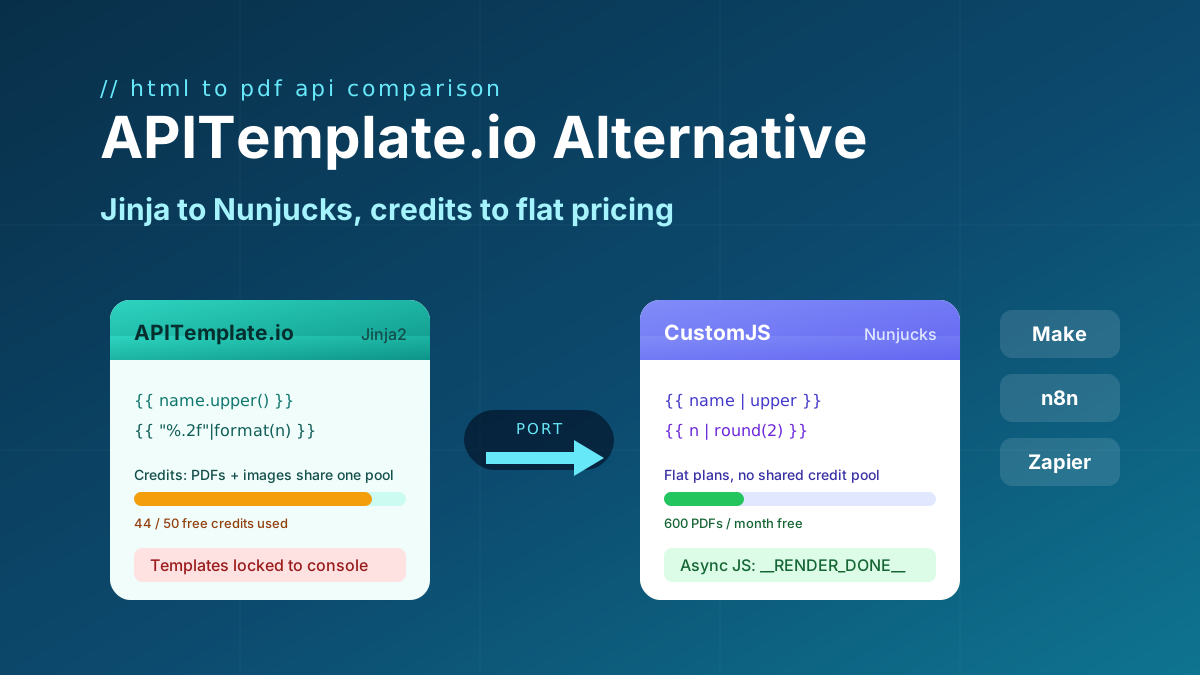
Looking for an APITemplate.io alternative? Compare pricing, Jinja vs Nunjucks templating, and JS rendering, plus a full migration guide. 600 free PDFs/month.
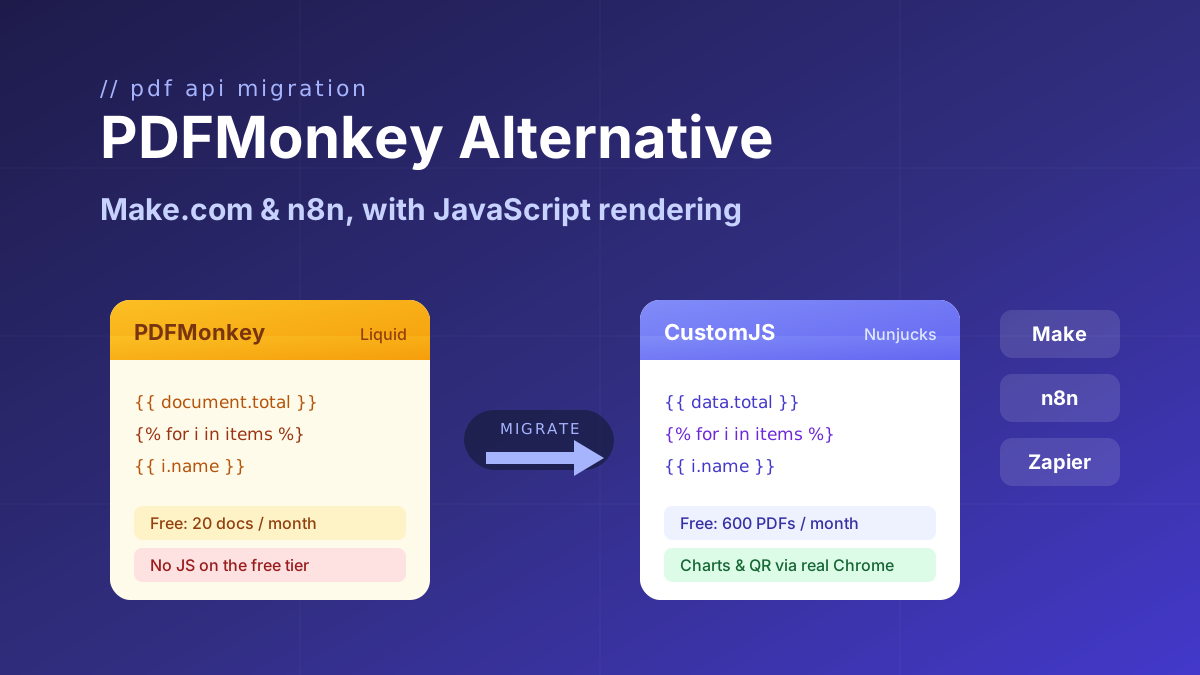
Looking for a PDFMonkey alternative? Compare PDFMonkey vs CustomJS on price, free tier, and JavaScript rendering, with a step-by-step Make.com and n8n migration guide. 600 free PDFs/month.
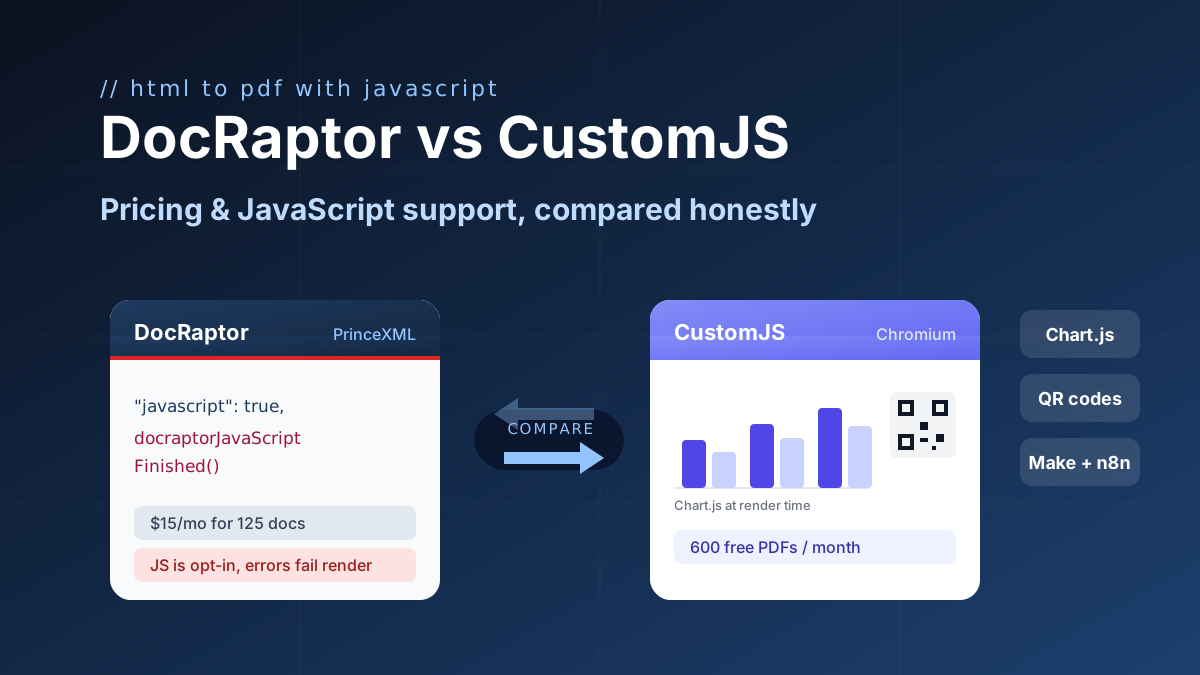
DocRaptor alternative compared: PrinceXML vs Chromium rendering, JavaScript support, and real cost per PDF at 500, 5k, and 50k docs. 600 free PDFs/month.