Call the Shopify Admin API From Make With a Code Step (GraphQL)
Updated November 2026
To call Shopify's GraphQL Admin API from Make, send a POST with fetch to https://<shop>.myshopify.com/admin/api/2026-10/graphql.json, put the Admin API access token in the X-Shopify-Access-Token header, and return a flattened array that the next module can iterate. The code step earns its place by doing what a raw API call leaves to you: checking userErrors, unwrapping edges/node, and building a batched mutation from an array.
Shopify marked the REST Admin API as legacy on October 1, 2024, and since April 1, 2025 new public apps must use GraphQL only (checked on shopify.dev, October 2026). Make's Shopify app has followed: its REST module is labeled "(legacy)" and a "Make a GraphQL API call" module exists (checked on apps.make.com, October 2026). That module returns the raw JSON. The rest of this page is about making that JSON usable in one operation.
TL;DR
Endpoint: POST /admin/api/<version>/graphql.json, header X-Shopify-Access-Token, body { query, variables }. Latest stable version: 2026-10.
GraphQL returns HTTP 200 even when a mutation fails. Check errors and data.*.userErrors and throw, so the Make run stops.
Flatten edges[].node into a plain array the next module can iterate.
50 orders with line items and customer: one Make credit, one CustomJS request. A single query may cost at most 1,000 points; the real cost is in extensions.cost.
Keep the token out of the code field. Map it from a Make variable into the Input field.
How do I fetch the last 50 orders with line items from Shopify in one Make operation?
Add the CustomJS module Execute Inline JavaScript, Return Type Object. In the Input field, map a JSON string with the shop subdomain and the token. The token comes from a Make variable (Set variable, scenario inputs, or a data store), never from a literal in the code.
The median CustomJS inline script finishes in 121 ms; this one adds Shopify's response time, so plan for a few hundred milliseconds. It is 1 Make credit either way, since CustomJS bills per request, not per second. The cost object is Shopify's own accounting: requestedQueryCost is the estimate, actualQueryCost what you were charged, and throttleStatus.currentlyAvailable what is left in the bucket. Standard plans restore 100 points per second (checked October 2026 on shopify.dev). If Shopify answers MAX_COST_EXCEEDED, lower first on lineItems, because connections are priced by requested page size. Note the ?. on customer: it is null for guest and POS orders.
How do I run a Shopify mutation for a whole array in one call?
The common case is "write one value onto each of these records". metafieldsSet takes an array, so one code step replaces an Iterator plus one Shopify module per item. Shopify caps it at 25 metafields per call and the operation is atomic: if one entry fails, none are written. The example takes { orderId, key, value } objects from an Array Aggregator and stamps a warehouse reference onto each order.
The userErrors check is the part people skip. A failed mutation comes back as HTTP 200 with an empty metafields array, so nothing watching the status fires. Throwing turns it into a module error Make's error routes can catch. The same shape works for inventoryAdjustQuantities, with one caveat: from API version 2026-04 it requires an @idempotent directive, so read its reference page first.
Use our Make App to execute JavaScript directly in Make.
Should I use Make's Shopify module or a code step?
Task
Native Shopify module
Code step
Authentication
Stored Make connection, OAuth handled for you
Token from a Make variable in the Input field
Get one order, create one product
Dedicated module, fields in the mapping panel
Works, but no advantage
50 orders with nested line items and customer
"Make a GraphQL API call" returns raw edges/node JSON
Flat array, one operation
Write a value onto 25 records
Iterator + 25 module calls, 26 credits
One metafieldsSet call, 1 credit
Failed mutation (userErrors)
HTTP 200, run continues unless you add a filter
throw stops the run
Query cost and throttle status
In the raw response, if you dig for it
Returned as a field, can gate a retry
If several scenarios need the same query, save it as a stored function with shop and token as parameters, so the API version changes in one place (setup guide).
When Make's built-in is enough
Watching for new orders. The Shopify "Watch orders" trigger is the right tool. A code step cannot be a trigger.
Single-record reads and writes. Get an Order, Create a Product, Update a Customer: one module, one credit, fields in the mapping panel. Code adds nothing.
A query with no nesting. If the top-level fields from "Make a GraphQL API call" are enough and map() can read them, stay native.
Reach for the code step when the response is nested, when a mutation takes an array, or when a silent userErrors response has already cost you a bad run. The general pattern is in building an API request body in Make.
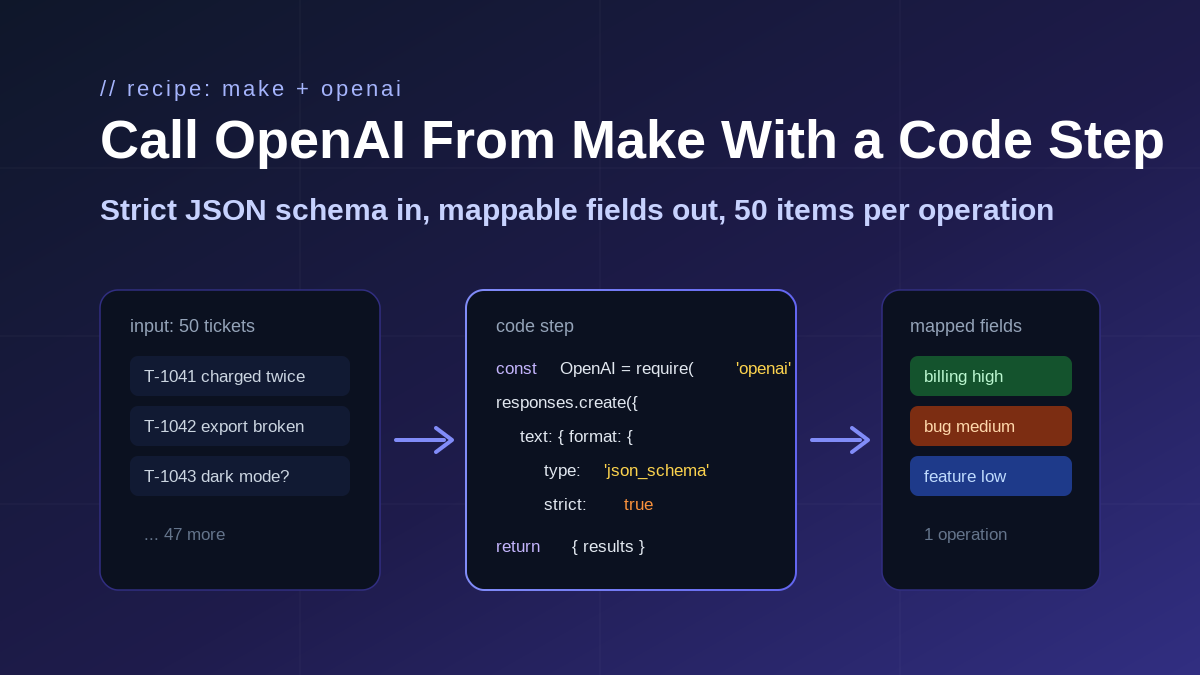
Call OpenAI from a Make code step with a strict JSON schema: classify 50 tickets in one operation, validate the batch, retry 429s with backoff, and map the result fields in the next module.
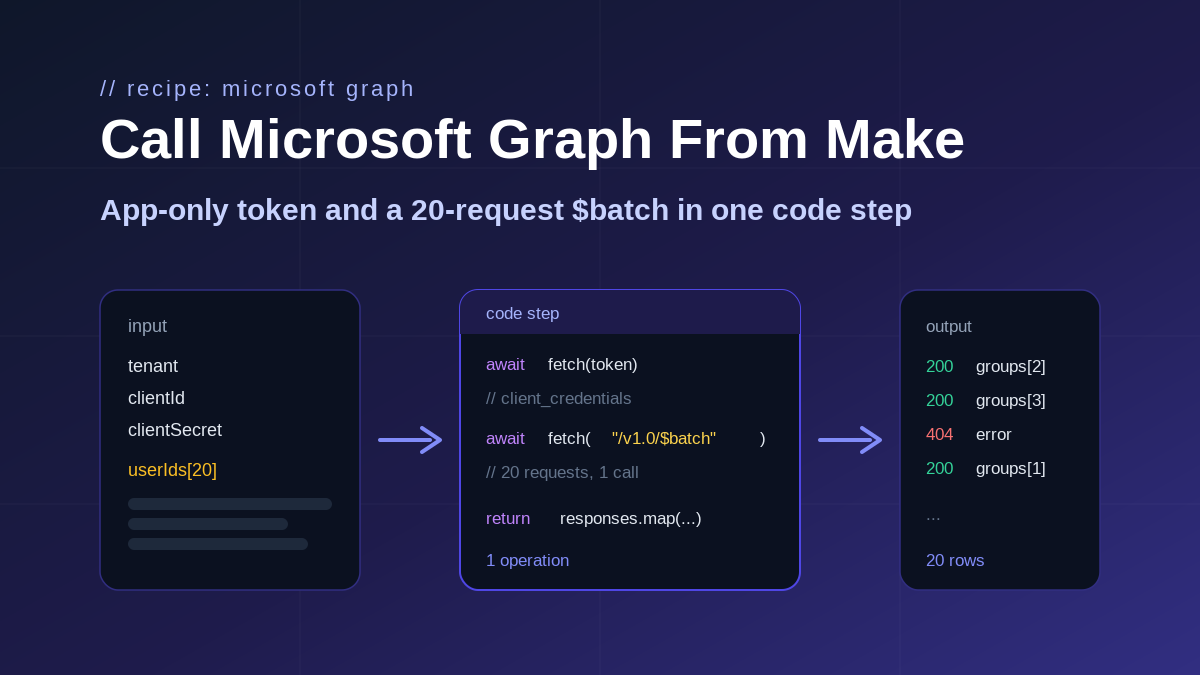
Get an app-only Microsoft Graph token with the client-credentials flow and send a 20-request $batch from one Make code step. Input, output, limits and when Make's own modules are enough.
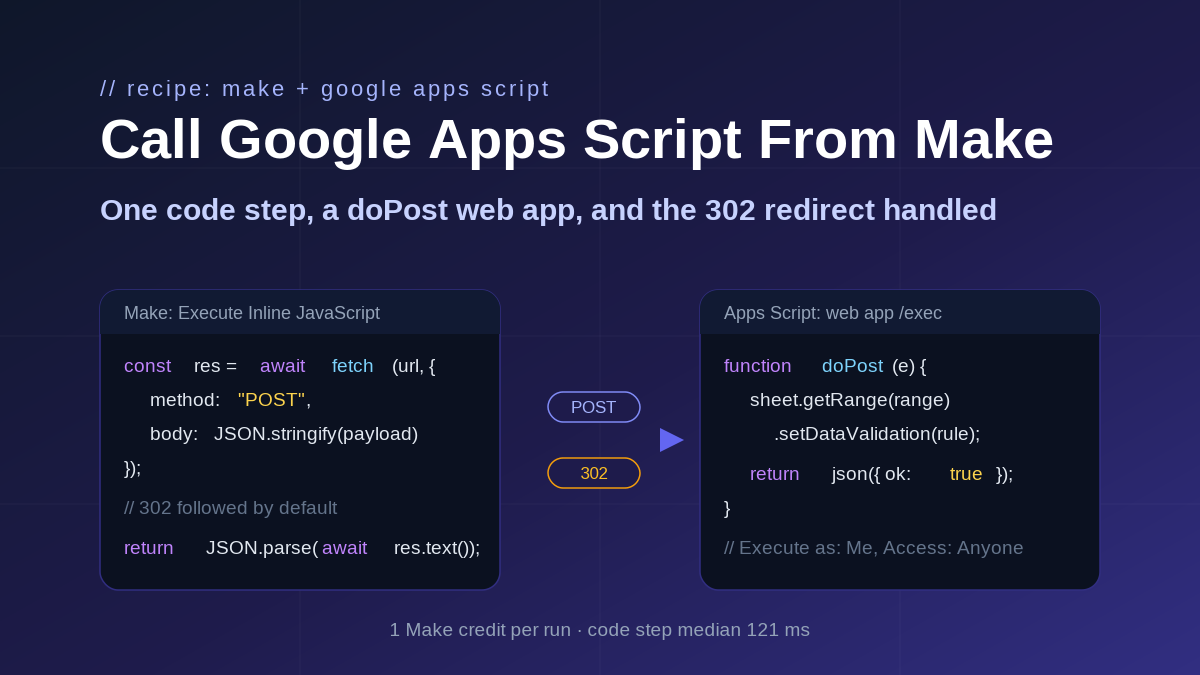
Deploy an Apps Script doPost web app and call it from one Make code step: POST the JSON payload with fetch, follow Google's 302 redirect, parse the result. Covers the access settings and the Execution API.