APITemplate.io Alternative: HTML to PDF API Compared
APITemplate.io is a solid, well-documented way to generate PDFs and images from templates. It ships a genuinely good WYSIWYG editor, a large template gallery, SDKs in half a dozen languages, and regional endpoints in the US, EU, Singapore, and Australia. So why search for an APITemplate.io alternative at all?
For developers it usually comes down to three things: credit-based pricing where PDFs and images pull from the same pool, templates that live in their console behind a template_id instead of in your repo, and Jinja2 templating with no documented way to make the renderer wait for asynchronous JavaScript. The free plan gives you 50 credits and 3 templates per month (verified on apitemplate.io/pricing, August 2026), which runs out fast once a real automation is wired up.
This guide compares APITemplate.io and CustomJS honestly: where APITemplate.io genuinely wins, where power users hit its limits, and exactly how to port a Jinja template to Nunjucks, swap the curl call, and move a Make.com or n8n scenario over. You get a side-by-side cost table at 1,000, 10,000, and 100,000 PDFs per month, a template diff, and a live editor to test the migration in your browser. CustomJS gives you 600 free PDFs per month, full Chromium rendering with arbitrary JavaScript, and native Make.com and n8n modules under a single API key.
TL;DR
APITemplate.io is excellent for template-gallery-driven work: a clean visual editor, image generation, SDKs, and regional endpoints. The friction is credit-based pricing, per-plan template caps, and console-locked templates.
CustomJS is a developer-first HTML to PDF API: 600 free PDFs per month versus APITemplate.io's 50 shared credits, and your template travels in the request body instead of living behind a template ID.
The template migration is the easiest in this category. Nunjucks was modeled on Jinja2, so loops, conditionals, and most filters port unchanged.
CustomJS renders in a full headless Chromium and waits for window.__RENDER_DONE__ = true, so charts, QR codes, and async data fetches finish before capture. APITemplate.io supports custom JS but documents no equivalent render-done signal.
One API key also covers screenshots and web scraping, which replaces APITemplate.io's separate image credits for most use cases.
A note on honesty: pricing below was checked on August 23, 2026 against APITemplate.io's public pricing page. Plans change. If a number looks off, the live page is the source of truth. We are not here to bash APITemplate.io. It is a well-built product, and for some teams it is the right one. This article exists to help you decide.
What APITemplate.io Gets Right
Any fair comparison starts with the strengths, because they are real. If these are the things you care about most, APITemplate.io may well be the better fit, and you should stay.
The visual editor and template gallery. The drag-and-drop editor with a live side-by-side preview is one of the best in this space, and the gallery of ready-made invoice, certificate, and social-image templates gets a non-developer productive in minutes.
Image generation as a first-class API. Banners, social cards, and QR images from templates with per-object overrides. Most PDF APIs do not offer this at all.
Regional endpoints. Four regions (US, EU, Singapore, Australia) with in-region processing. If you have data-residency requirements, this matters.
Async generation with webhooks. Fire a batch, get notified when each document is done. The webhook flow is well documented.
SDK coverage. Official libraries for Python, JavaScript, PHP, C#, Java, and UIPath, plus polished Zapier, Make.com, n8n, Airtable, and Bubble integrations.
None of that is in dispute. The question is whether the pricing model and the template workflow fit how developers actually ship documents.
Where Power Users Hit the Ceiling
Here is the pattern behind most searches for an APITemplate.io alternative. None of these are deal-breakers alone. Together, they push high-volume and code-first teams to shop around.
1. Credit-based pricing, and images share the pool
The free plan is 50 PDFs or images per month. On the combined plans, every image you generate eats a credit that a PDF could have used, so a workflow that makes one PDF and one social image per order burns credits twice as fast as you budgeted. Plans step up in fixed tiers, so a spiky webhook-driven workload gets sized for its peak month, not its average.
2. Template caps, and templates live in their console
Free allows 3 templates, PDF Basic 20, PDF Standard 180. More important than the number is where templates live: in APITemplate.io's web console, referenced by a template_id. That means no version control, no code review on a template change, and no spinning up a variant per customer without touching the dashboard. With CustomJS the HTML template is a string in your request body, so it lives in your repo next to the code that fills it.
3. No documented way to wait for async JavaScript
APITemplate.io does support custom CSS and JavaScript in PDF templates, which is more than many competitors. But if your script fetches data, draws a Chart.js canvas, or renders a QR code asynchronously, there is no documented signal to tell the renderer "wait, I am not done yet". CustomJS has exactly that: set window.__RENDER_DONE__ = true when your async work finishes and the capture waits for it.
4. Two-step delivery
The REST API returns a JSON body with a download_url pointing at S3, so most integrations make two round trips per document: create, then fetch. There is a direct file mode, but it is capped at 4 to 6 MB depending on region. CustomJS returns the PDF bytes in the same synchronous call.
Pricing: APITemplate.io vs CustomJS
APITemplate.io meters monthly credits per plan; CustomJS meters requests per day. The comparison below uses APITemplate.io's annual-billing prices (monthly billing runs roughly 20 to 30 percent higher) and approximates CustomJS daily limits as monthly volume.
Plan
APITemplate.io
CustomJS
Free
50 PDFs or images/mo, 3 templates
600 PDFs/mo, full rendering, no template cap
Entry paid
PDF Basic, $19/mo (annual), 3,000 PDFs, 20 templates
Pro, $9/mo, ~3,000 PDFs (100/day)
Mid tier
PDF Standard, $69/mo (annual), 12,000 PDFs
Ultra, $29/mo, ~15,000 PDFs (500/day)
High volume
PDF Enterprise, $139/mo (annual), 25,000 PDFs
Mega, $99/mo, ~150,000 PDFs (5,000/day)
Images
Combined plans from $29/mo, images and PDFs share credits
Screenshots and scraping included, same key
What it costs at three real volumes
Volume
APITemplate.io
CustomJS
1,000 PDFs/mo
PDF Basic, $19/mo (free plan's 50 credits do not cover it)
Pro, $9/mo (fits within 100/day)
10,000 PDFs/mo
PDF Standard, $69/mo
Ultra, $29/mo (fits within 500/day)
100,000 PDFs/mo
Above the listed plans (Enterprise tops out at 25,000); needs a custom or pay-as-you-go arrangement, see their pricing page
Mega, $99/mo (fits within 5,000/day)
APITemplate.io figures from apitemplate.io/pricing, checked August 23, 2026, annual billing. APITemplate.io meters monthly credits; CustomJS meters a daily request limit, so the monthly CustomJS figures are approximate and a very spiky load must still fit the daily cap. Always confirm current numbers on each provider's pricing page.
The honest read: if you specifically want managed image templates with a visual editor, APITemplate.io's combined plans buy you something CustomJS does not replicate one-to-one. For pure HTML to PDF volume, CustomJS is cheaper at every tier and dramatically cheaper at the top, and the 600-PDF free tier covers what many small automations need forever.
Feature Comparison
Feature
APITemplate.io
CustomJS
Free volume / month
50 PDFs or images (shared credits)
600 PDFs
Template engine
Jinja2
Nunjucks (Jinja2-compatible syntax)
Where templates live
Their console, referenced by template_id, capped per plan
In your request body, so in your repo, no cap
Visual template editor
Yes, WYSIWYG with live preview
No (HTML/CSS first)
Custom JS in templates
Yes
Yes, full Chromium
Wait for async JS before capture
Not documented
Yes, window.__RENDER_DONE__ flag
Custom fonts
Yes, via CSS
Yes, any web font or @font-face, free tier included
Async generation + webhooks
Yes
Synchronous single call (no polling needed)
Image generation
Yes, image templates with overrides
Screenshot endpoint renders any HTML or URL
Regional endpoints
US, EU, Singapore, Australia
Single global endpoint
Native Make.com module / n8n node
Yes / Yes
Yes / Yes
Web scraping
No
Yes, same key
Try the Migration Live
Below is an APITemplate.io-style delivery note rebuilt as a CustomJS Nunjucks template. The left panel is the HTML template, the right is the JSON data you would have POSTed to APITemplate.io's create endpoint. Edit either side and render the PDF in your browser. This is the same engine that powers the production API.
The variables you see, like {{ delivery_number }} and the {% for item in items %} loop, are Nunjucks. If you have written a Jinja2 template for APITemplate.io, this is the same syntax family, on purpose.
Migrating Your Template: Jinja2 to Nunjucks
This is the easiest template migration in the PDF API space, because Nunjucks was explicitly modeled on Jinja2. Output tags, loops, conditionals, loop.index, whitespace control, and most filters are identical. What changes is Python-flavored details: method calls become filters, and printf-style formatting becomes arithmetic or a filter.
The handful of things to know when you port a template:
Concern
Jinja2 (APITemplate.io)
Nunjucks (CustomJS)
Data root
POST body JSON is the context
Same: input.data is the context
Loops & conditionals
{% for %}, {% if %}
Identical, including loop.index
Python method calls
{{ x.upper() }}
{{ x | upper }}
Number formatting
{{ "%.2f"|format(n) }}
{{ n | round(2) }}, or format in your data
Tests
{% if n is divisibleby 3 %}
{% if n % 3 == 0 %}
Where the template lives
Console, via template_id
In the request (keep it in your repo)
The structural change is bigger than the syntax change: instead of editing a template in APITemplate.io's console and referencing its ID, you send the HTML with each request. Store it as a file in your codebase, load it, and pass it as input.html. For full template capabilities, see the HTML to PDF API reference, and for a general grounding in the conversion pipeline, the HTML to PDF conversion guide.
The curl Migration in One Look
APITemplate.io's create call returns JSON with a download_url on S3, so you typically make a second request to fetch the file. CustomJS is a single synchronous call that returns the PDF bytes.
Before: APITemplate.io
curl -X POST 'https://rest.apitemplate.io/v2/create-pdf?template_id=YOUR_TEMPLATE_ID' \
  -H 'X-API-KEY: YOUR_APITEMPLATE_KEY' \
  -H 'Content-Type: application/json' \
  -d '{
    "delivery_number": "DN-2026-0815",
    "customer": { "name": "Northwind Trading GmbH" },
    "items": [ { "sku": "CJ-100", "name": "Widget", "qty": 4, "unit_weight": 1.2 } ]
  }'
# response: { "download_url": "https://...s3.amazonaws.com/...", "status": "success" }
# then fetch download_url to get the actual PDF
One request, one PDF, no second fetch. The template moves from the query string's template_id into input.html, and your data payload stays almost byte-for-byte the same, just nested under input.data.
Migrating the Image API: Overrides to Screenshots
APITemplate.io's image API generates PNGs and JPEGs from stored image templates using per-object overrides. CustomJS approaches the same jobs differently: the screenshot endpoint at https://e.customjs.io/screenshot renders any HTML or live URL in the same headless Chromium and captures it as an image, on the same API key and the same quota as your PDFs.
In practice that means a social card or banner becomes a small HTML file with CSS instead of a console-managed image template. You lose the visual override editor, and you gain the full power of CSS layout, web fonts, and JavaScript in your images, plus one less credit pool to watch. If your image workflow is built around non-developers editing templates visually, this is the one migration step that changes how people work, so weigh it honestly.
Use our Make App to execute JavaScript directly in Make.
If your Make.com scenario uses the APITemplate.io app, swapping it for CustomJS is a one-module change. The trigger, the field mapping, and the downstream steps (email, Google Drive, Slack) stay exactly the same.
Before (APITemplate.io app)
Trigger (Webhook / Sheets / Airtable)
   -> APITemplate.io: Create a PDF
        template: Delivery Note (template_id from console)
        data:     mapped fields
   -> HTTP: Get a file (fetch download_url)
   -> Email: send attachment
After (CustomJS module)
Trigger (Webhook / Sheets / Airtable)
   -> CustomJS: HTML to PDF
        html:  your Nunjucks template
        data:  mapped fields
   -> Email: send PDF output (no download step)
The scenario gets one module shorter: the extra HTTP step that fetched the S3 download URL disappears because CustomJS returns the file in the same call. Add the CustomJS module, paste your API key once as a connection, and map the same fields you already mapped into APITemplate.io's data payload. Full walkthrough in the Make.com integration guide and the HTML to PDF module docs.
Migrating an n8n Workflow
The n8n story is the same shape. Replace the APITemplate.io node with the CustomJS community node, or, if you prefer raw control, an HTTP Request node pointed at the endpoint.
Install the community node, add your API key as a credential, and pick the HTML to PDF operation. Map your template and data fields, and the node returns the PDF as binary you can attach to an email or push to storage. See the n8n HTML to PDF node docs and the installation guide.
Using Zapier instead? CustomJS works there too via a Webhooks by Zapier POST step using the same payload as the curl example above, so an APITemplate.io-on-Zapier flow ports without restructuring.
The Thing APITemplate.io Does Not Document: Waiting for Async JavaScript
APITemplate.io deserves credit here: it does let you put custom JavaScript in a PDF template, which already beats most template-based competitors. The gap is asynchrony. Charts render on the next animation frame, QR libraries draw asynchronously, and fetch calls take however long they take. Without a way to tell the renderer "capture now", you are betting that your script finishes before the snapshot happens.
CustomJS makes that contract explicit. Because conversion happens in a full headless Chromium, any browser library runs at render time, and when your template does asynchronous work you set window.__RENDER_DONE__ = true once the content is ready. The renderer waits for that flag before capturing the page.
A migration guide that pretends the other tool is never the right choice is not worth reading. Stay on APITemplate.io if:
Non-developers own your templates. The WYSIWYG editor with live preview and the ready-made gallery are real advantages if the person maintaining layouts does not want to touch HTML.
Your image workflow is template-driven. Visually managed image templates with per-object overrides have no direct CustomJS equivalent. The screenshot endpoint covers the output, not the editing experience.
You need in-region processing. If EU, Singapore, or Australia data residency is a hard requirement, APITemplate.io's regional endpoints are the safer answer today.
You depend on webhook-driven async batches. If your architecture is built around fire-and-forget generation with webhook callbacks, budget time to restructure before switching to a synchronous API.
For everyone else, especially developers who want templates in version control, render-time JavaScript with an explicit done signal, and flat request-based pricing instead of shared credits, CustomJS is the leaner fit.
Conclusion
APITemplate.io is a polished product with the best visual editor and the broadest template gallery in its class. The reasons to look for an alternative are not about quality. They are about credit-based pricing that images and PDFs share, templates locked to a console ID, and the missing contract for asynchronous JavaScript at render time.
CustomJS keeps what matters for developers: Jinja2 templating becomes near-identical Nunjucks, the same Make.com and n8n workflows keep their field mappings, and the API collapses create-then-download into a single call. On top you get 600 free PDFs a month, full Chromium rendering with the __RENDER_DONE__ async signal, and one key that also covers screenshots and scraping. The migration is a filter-level template diff and a one-module swap, not a rebuild.
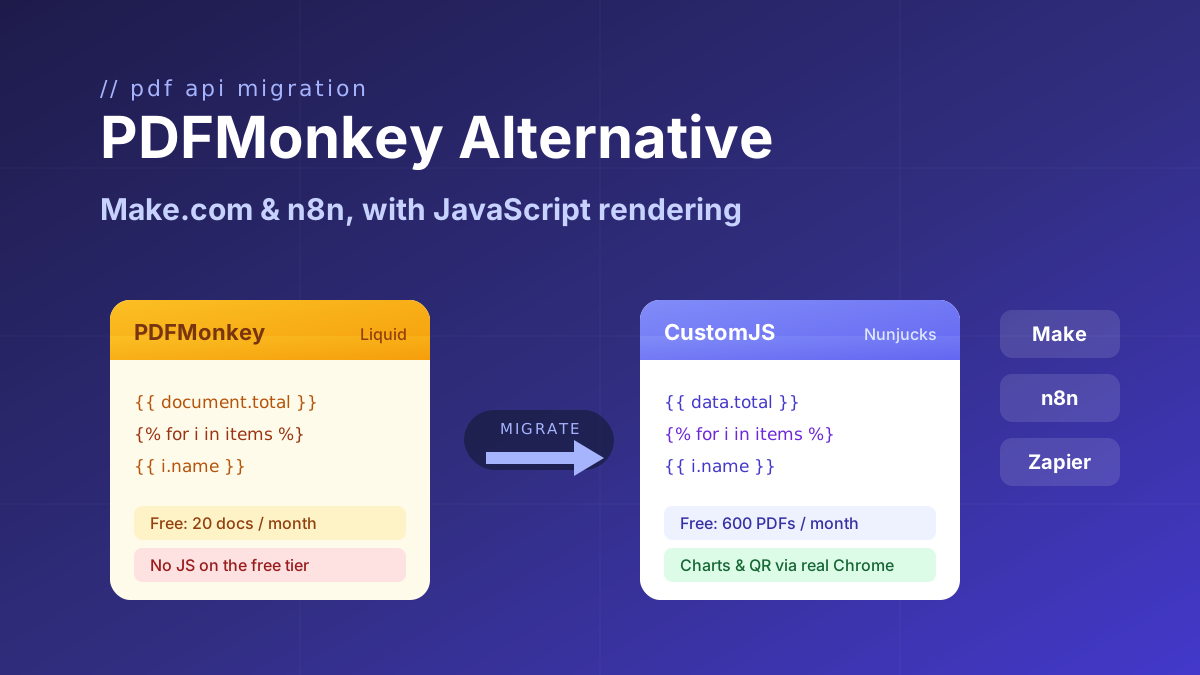
Evaluating more than one option? We wrote the same honest breakdown for PDFMonkey in our PDFMonkey alternative guide.
Looking for a PDFMonkey alternative? Compare PDFMonkey vs CustomJS on price, free tier, and JavaScript rendering, with a step-by-step Make.com and n8n migration guide. 600 free PDFs/month.
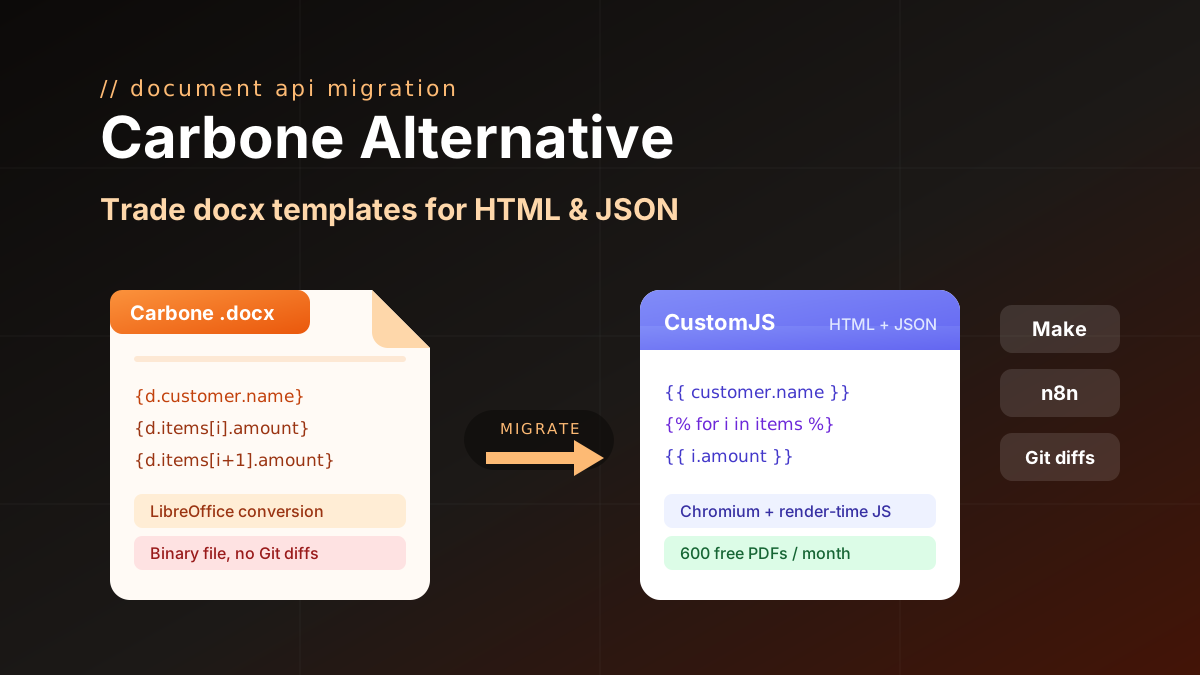
Carbone alternative compared: CustomJS vs Carbone on template model, pricing, and JS rendering, plus a docx to HTML migration guide. 600 free PDFs/month.
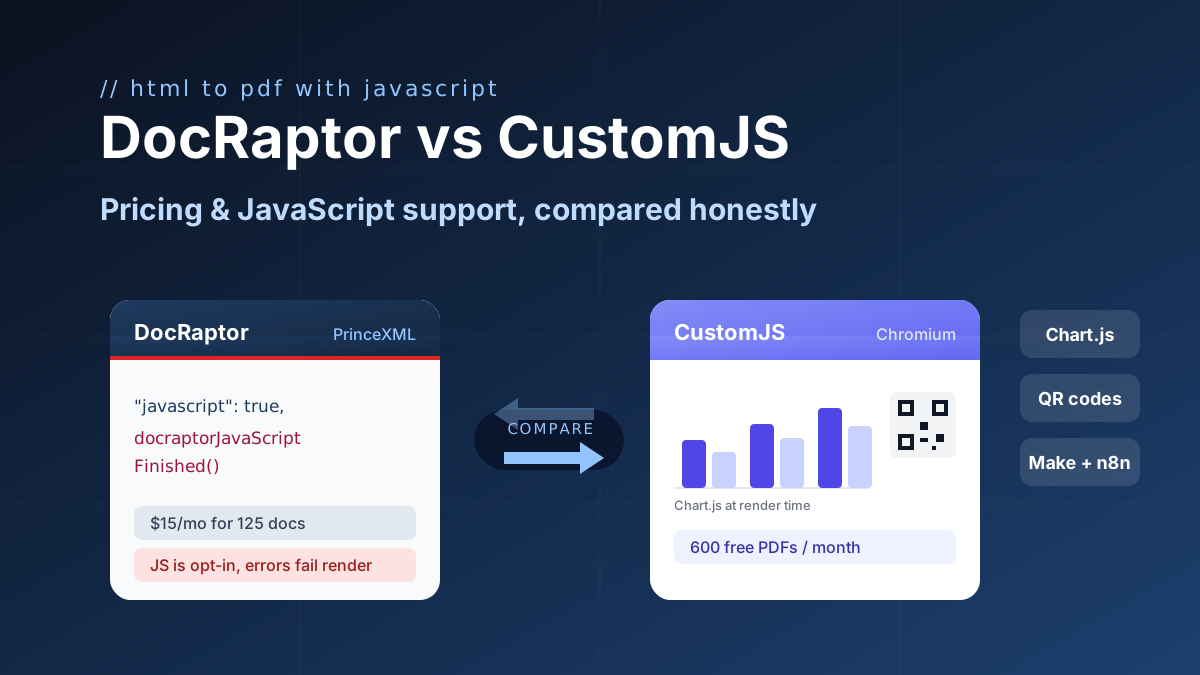
DocRaptor alternative compared: PrinceXML vs Chromium rendering, JavaScript support, and real cost per PDF at 500, 5k, and 50k docs. 600 free PDFs/month.