Make Code App Pricing: The 2 Credits per Second Rule, Explained
Make's native Code app lets you run JavaScript or Python inside a scenario without installing anything. It is a genuinely useful module, and if you are on a paid Make plan and your scripts finish fast, it can also be the cheapest way to run code in Make. But its billing works differently from every other module: instead of 1 credit per operation, the Code app consumes 2 credits for every second of execution time (verified on apps.make.com/code, August 2026).
That one sentence changes the math for a lot of scenarios. A script that waits 5 seconds on an external API costs 10 credits per run. Run it 1,000 times a month and one code step has consumed 10,000 credits, which is the entire monthly allowance of Make's Core plan. Meanwhile an external code module like CustomJS bills like any other Make app: 1 credit per call, flat, no matter how long the code runs.
This article does the math honestly in both directions: when Make Code is cheaper, when a flat-rate module is cheaper, and what Make Code cannot do at any price below Enterprise.
TL;DR
Make Code bills 2 credits per second of runtime. Every other Make module, including external code apps like CustomJS, costs 1 credit per operation.
If you are on a paid Make plan and your scripts finish in under about 2 seconds, Make Code is the cheaper option. Use it.
The moment your code waits on anything (an API call, a big payload, retries), per-second billing turns against you: a 5 second script costs 10x more credits than a flat call.
On Make's Free plan the Code app is not available at all. An external module is the only way to run code without upgrading to a paid Make plan.
Make Code ships only moment, moment-timezone, and lodash (Python: pendulum, toolz, requests). No pdf-lib, no QR codes, no cheerio, no custom libraries below Enterprise. PDF generation is simply not possible in it.
A note on honesty: all Make prices and limits below were checked on August 27, 2026 against Make's public pricing and the official Code app documentation. Plans change, and Make's per-credit price depends on your plan and billing cycle. If a number looks off, the live pages are the source of truth. Make Code is a well-built feature, and for a real class of workloads it is the right choice. This article exists to show you which class yours is in.
How Make Code billing works
Three facts from Make's own documentation define the cost model:
2 credits per second of execution. Every other trigger, action, or filter in Make costs 1 credit. The Code app is the documented exception: it meters actual runtime.
Paid plans only. The Code app is available to customers on paid Make plans. On the Free plan it does not appear at all.
Fixed sandbox. 1 CPU, 512 MB RAM, and a 30 second execution cap on standard plans. Enterprise raises that to 2 CPUs, 1 GB, and 300 seconds, and is also the only tier that can import third-party libraries.
The included libraries on standard plans are moment, moment-timezone, and lodash for JavaScript, and pendulum, toolz, and requests for Python. Everything else, from pdf-lib to cheerio to any npm package you actually need, is Enterprise territory.
How the flat-rate alternative works
An external code module such as the CustomJS app for Make is, from Make's billing perspective, just another module: 1 credit per call, regardless of runtime. The execution itself happens on CustomJS infrastructure and is metered there, in requests per day:
Plan
Price
Requests
Cost per request
Free
$0
20 per day (about 600 per month)
$0
Pro
$9 per month
100 per day (about 3,000 per month)
about $0.003
Ultra
$29 per month
500 per day (about 15,000 per month)
about $0.002
Mega
$99 per month
5,000 per day (about 150,000 per month)
under $0.001
For the dollar side of the Make comparison we use a per-credit price of roughly $1 to $2 per 1,000 credits, which covers Make's Core and Pro plans across annual and monthly billing as of August 2026.
The break-even: it is all about runtime
Per run, the comparison is simple. Make Code costs 2 x seconds credits. The external module costs 1 credit plus one CustomJS request.
Script runtime
Make Code, credits per run
CustomJS, credits per run
Cheaper option
Under 1 second (pure data transformation)
2
1 + one request
Make Code, once you are past the CustomJS free tier
About 2 seconds
4
1 + one request
Roughly break-even
5 seconds (script calls an external API)
10
1 + one request
CustomJS, by roughly 3x to 5x
15 seconds (retries, large payloads)
30
1 + one request
CustomJS, by roughly 10x
So the honest rule of thumb: fast, self-contained transformations belong in Make Code. Anything that waits belongs in a flat-rate module. The catch is that "anything that waits" describes most of the interesting use cases: calling an API that Make has no module for, fetching and parsing a page, processing a large payload, or generating a document.
There is a second, less obvious cost: predictability. A flat call costs the same on a good day and a bad day. A per-second script costs double when the upstream API is slow, and you find out on the invoice. If a scenario runs thousands of times a month, that variance is real money and, worse, it is money taken from the same credit pool every other module in your account depends on.
Three worked examples
1. You are on Make's Free plan
The Code app does not exist for you. The cheapest way to run code natively is to upgrade to a paid Make plan, which starts at roughly $10 to $13 per month. The CustomJS module works on Make Free and gives you 600 requests per month at $0, each consuming 1 of your 1,000 free Make credits. Cost of running code: $0 instead of a plan upgrade. This is the one case with no trade-off at all.
2. A fast lookup formula, 1,000 runs per month, paid Make plan
A lodash groupBy over a few hundred records finishes well under a second. Make Code: about 2,000 credits per month, roughly $2 to $4. CustomJS: 1,000 credits plus a Pro plan at $9, because 1,000 runs exceed the free tier. Make Code wins this one, and we would rather tell you that here than have you discover it on your invoice. If the same workload fits inside 600 runs per month, the free CustomJS tier flips the result.
3. A code step that calls an external API, 5 seconds, 2,000 runs per month
Make Code: 2,000 runs x 10 credits = 20,000 credits per month. That is two entire Core plans consumed by a single code step, before any other module in your account has run once. In dollars: roughly $20 to $40, plus the plan upgrades it forces. CustomJS: 2,000 credits plus a $9 Pro plan, so roughly $11 to $13 all-in, with the runtime capped at CustomJS instead of metered. The flat-rate module wins by 2x to 3x, and the gap widens with every extra second and every extra run.
What Make Code cannot do below Enterprise
Price aside, there is a capability line that no amount of credits moves:
No third-party libraries. moment, moment-timezone, and lodash is the whole JavaScript list. No pdf-lib, no QR code generation, no docx, no cheerio, no crypto beyond Node built-ins. Custom imports are an Enterprise feature.
No PDF generation. Without a rendering engine or a PDF library, generating an invoice or report in Make Code is not slow or expensive, it is impossible. A dedicated PDF module renders full HTML in Chromium for 1 credit plus one request. Note that PDFs on the CustomJS free tier carry a watermark; paid plans remove it.
30 second cap. Anything that legitimately needs longer, like polling an API until a job finishes, hits the wall on every standard plan.
No reusable functions. Make Code is inline per scenario. If ten scenarios share the same logic, you maintain ten copies. Stored functions live in one place and every scenario calls the latest version.
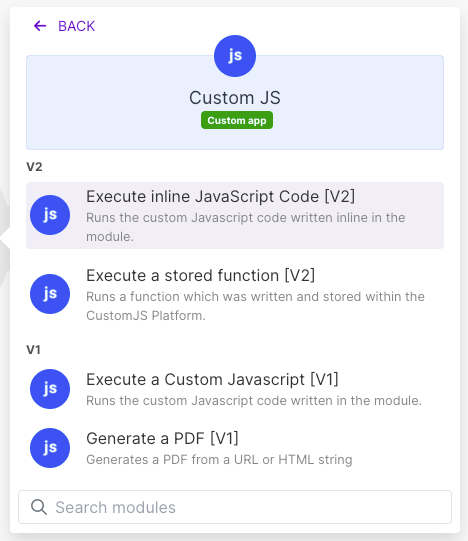
Use our Make App to execute JavaScript directly in Make.
Paid plan, script finishes under 2 seconds, volume above the free tier? Make Code.
Script waits on anything, or runs at high volume? Flat rate wins, usually by a multiple.
Need a library, a PDF, more than 30 seconds, or one function shared across scenarios? Make Code is not an option below Enterprise.
If you want to see what the flat-rate side looks like in practice, the CustomJS Make integration covers JS execution, PDF generation, and screenshots under one API key, and the free tier needs no credit card.
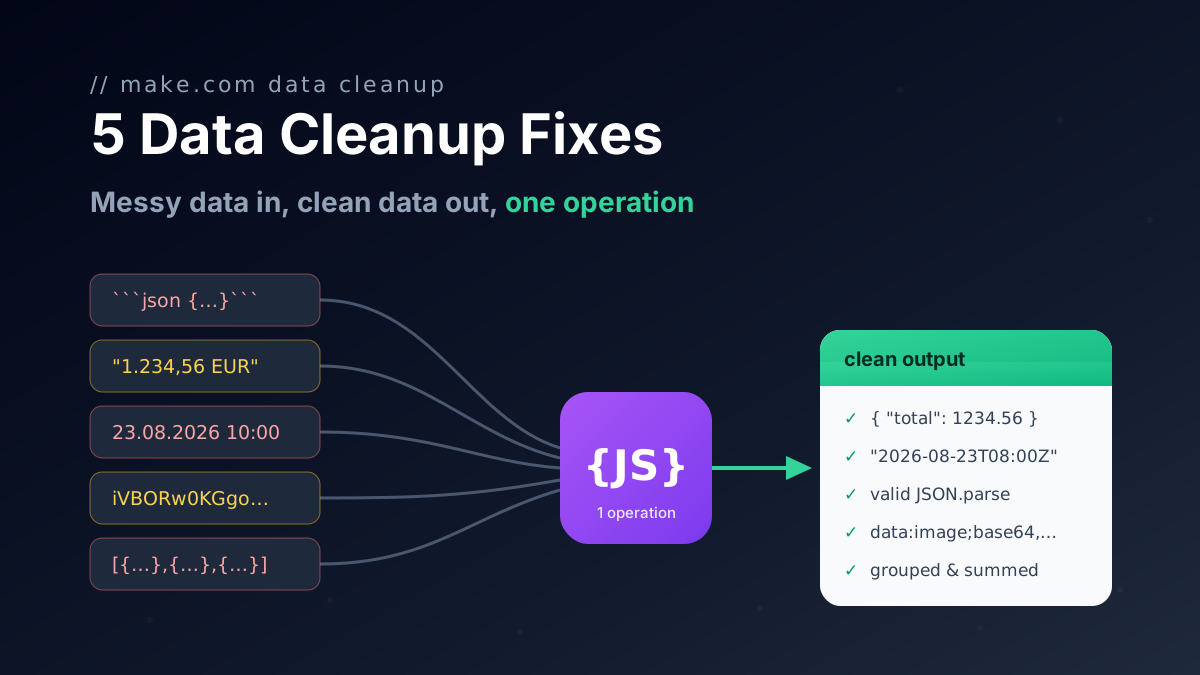
Five one-operation JavaScript fixes for Make.com data transformation: broken AI JSON, group and sum arrays, localized numbers, timezones, file to Base64.
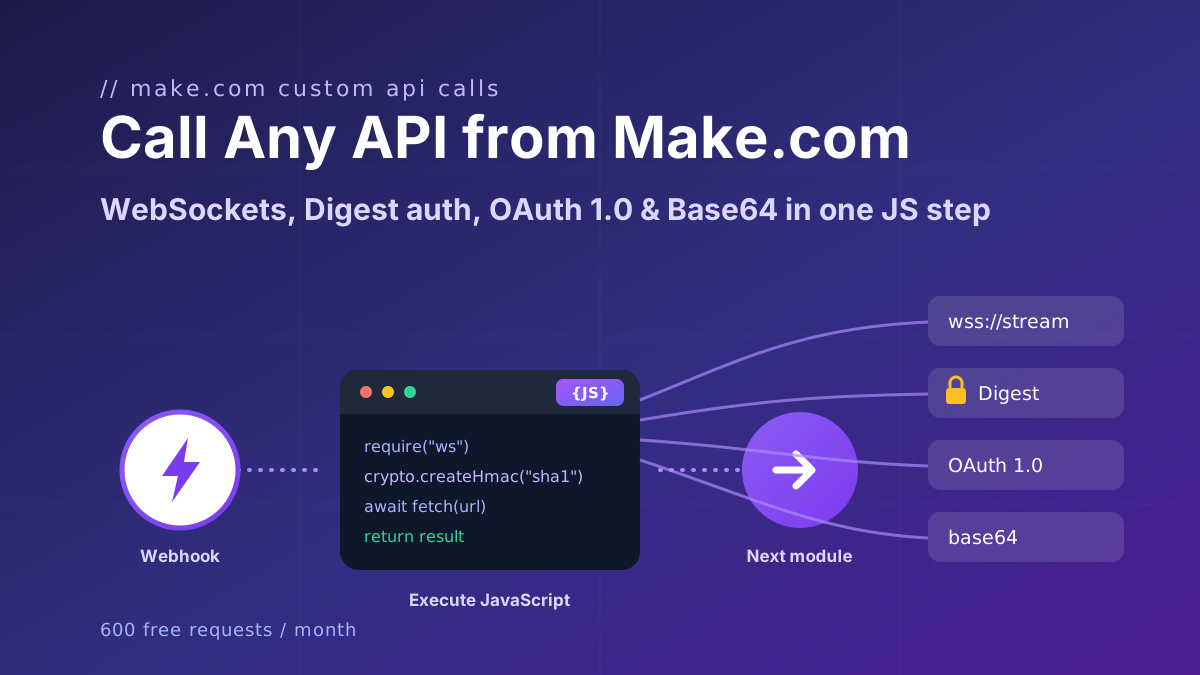
Call any API from Make.com: WebSockets, Digest auth, OAuth 1.0 signatures, and Base64 binaries with copy-paste JavaScript that runs inside your scenario.
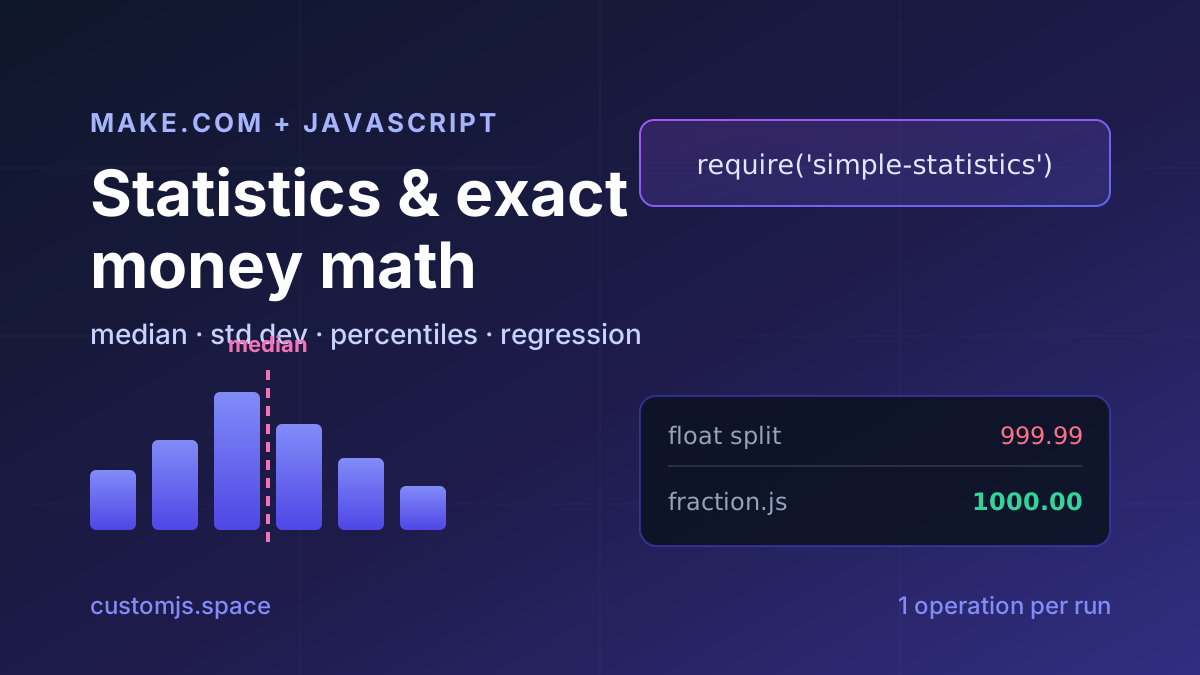
Median, standard deviation, percentiles, regression and cent-exact money splits in Make.com with one JavaScript step. No Google Sheets detour, copy-paste recipes.