DocRaptor vs CustomJS: Pricing & JavaScript Support
DocRaptor is the managed API for PrinceXML, and Prince is, without much argument, the gold standard for print-quality PDF. Running headers that repeat a chapter title, footnotes, cross-references, hyphenation, real CSS Paged Media: if your document needs typography that would make a book designer nod, Prince delivers it and Chromium does not.
So why do teams search for a DocRaptor alternative? Two reasons come up again and again: the bill, and JavaScript. DocRaptor's paid plans start at $15/month for 125 documents (verified on docraptor.com/plans, August 2026), which works out to roughly 12 cents per PDF. And because Prince is not a browser, JavaScript execution is an opt-in flag with its own engine, its own async signaling function, and a hard rule that any JS error fails the whole render.
This guide compares DocRaptor and CustomJS honestly: what Prince genuinely does better, what a full Chromium renderer does better, what each costs at 500, 5,000, and 50,000 PDFs per month, and how to migrate a Make.com or n8n workflow if you decide to switch. The short version: if your documents are invoices, reports, certificates, and dashboards, you are likely paying Prince prices for capability you never touch.
TL;DR
DocRaptor's engine is PrinceXML: the best print typography money can buy. Running headers, margin boxes, footnotes, and advanced page breaks that Chromium simply cannot match.
The trade-off is cost and JavaScript. DocRaptor starts at $15/mo for 125 docs; JavaScript is off by default, uses a custom engine, and a single JS error fails the render.
CustomJS renders in full headless Chromium, so Chart.js, QRCode.js, and any other browser library run at render time with no opt-in flag.
At 5,000 PDFs/month, DocRaptor costs about 3 cents per document (Max plan, $149/mo). CustomJS is about 0.6 cents (Ultra, $29/mo). At 50,000 the gap widens to roughly 10x.
Stay on DocRaptor if you use Prince-only features: running elements, CSS margin boxes, footnotes, strict typographic control. For the other 95% of documents, Chromium rendering is enough and dramatically cheaper.
A note on honesty: pricing below was checked on August 23, 2026 against DocRaptor's public plans page. Plans change. If a number looks off, the live page is the source of truth. We are not here to bash DocRaptor. Prince is a genuinely excellent engine, DocRaptor is a well-run service, and for some documents it is the only right answer. This article exists to help you figure out whether yours is one of them.
What DocRaptor Gets Right
Any fair comparison starts with the strengths, because they are substantial. DocRaptor is not overpriced Chromium; it is a different class of renderer.
PrinceXML typography. Prince implements CSS Paged Media the way the spec authors dreamed it. Hyphenation, widows and orphans control, baseline grids, footnotes. If you produce academic papers, legal filings, or books, this is the standard.
Running headers and footers from content. With position: running() and margin boxes like @top-center, Prince can lift a live element (say, the current chapter title) into every page's header. Chromium has no equivalent.
Precise page break control.page-break-before, named pages, break-inside: avoid that actually behaves, and page counters that just work.
Unlimited free test documents. Watermarked test renders are unlimited on every plan, including the free one. That is a genuinely developer-friendly policy and great for CI.
A mature, stable API. DocRaptor has been converting HTML to PDF since 2010. Versioned pipelines let you pin a Prince version so an engine upgrade never silently changes your layout.
None of that is in dispute. The question is whether your documents use any of it, and what you pay if they do not.
Where DocRaptor Costs You
1. The per-document price
DocRaptor's free plan includes 5 documents per month. The first paid tier is $15/month for 125 documents, about 12 cents each. Even at the $149/month Max plan you pay roughly 3 cents per PDF. That is a fair price for Prince output. It is a lot for an invoice that any browser could render. For comparison, CustomJS includes 600 PDFs per month free, and the $29 Ultra plan works out to well under a cent per document at typical volumes.
2. JavaScript is opt-in, and fragile by design
Prince is not a browser, so DocRaptor bolts JavaScript on. You set "javascript": true in the request (it is off by default), and your code runs in DocRaptor's custom JS engine, with Prince's own engine as a second option for cases like canvas drawing. Their docs recommend one engine for most libraries and the other for specific cases, which means you are testing your template against a JS runtime that is neither Node nor a real browser. Two more rules to know: if any JavaScript error occurs, the document creation fails entirely, and asynchronous code requires you to define a docraptorJavaScriptFinished() function that returns true when your code is done. It works, and plenty of Highcharts users ship with it. But it is a compatibility layer, not a browser.
3. You may be paying for typography you never use
Here is the uncomfortable math. Most business documents are invoices, order confirmations, reports, packing slips, and certificates. They need a logo, a table, a total, maybe a chart or a QR code. They do not need footnotes, hyphenation dictionaries, or running elements. If your templates contain none of the Prince-only CSS, the premium you pay per document buys capability that never appears in the output.
Pricing: DocRaptor vs CustomJS
DocRaptor prices by documents per month with per-document overage; CustomJS prices by requests per day. The table maps the closest tiers.
DocRaptor figures from docraptor.com/plans, checked August 23, 2026. DocRaptor also sells per-document overage at plan-dependent rates; check the live page for those. CustomJS measures a daily request limit, so monthly figures are approximate.
Cost per PDF at real volumes
Plan tables hide the number that matters: what one document actually costs you at your volume. Here is the fit-to-plan math at three common monthly volumes.
PDFs / month
DocRaptor plan & cost per PDF
CustomJS plan & cost per PDF
500
Premium, $75/mo: 15.0¢ per PDF
Free tier covers it: $0
5,000
Max, $149/mo: ~3.0¢ per PDF
Ultra, $29/mo: ~0.6¢ per PDF
50,000
Silver, $1,000/mo + overage above 40k: ~2¢ or more per PDF
Mega, $99/mo: ~0.2¢ per PDF
DocRaptor rows use the smallest plan whose included documents cover the volume; overage pricing can shift the picture slightly, so confirm rates on their plans page. CustomJS rows assume volume spread within daily limits (500/mo fits the free tier's 600; 5,000/mo averages ~167/day on Ultra's 500/day; 50,000/mo averages ~1,667/day on Mega's 5,000/day).
The honest read: DocRaptor's per-document price is the cost of running Prince, and if you use Prince features it is money well spent. If you do not, the same volume runs 5x to 25x cheaper on Chromium-based rendering.
Feature Comparison
Feature
DocRaptor (PrinceXML)
CustomJS (Chromium)
Rendering engine
PrinceXML (versioned pipelines)
Full headless Chromium
Free documents / month
5 (plus unlimited watermarked tests)
600, no watermark
JavaScript execution
Opt-in flag, custom JS engine, errors fail the render
Always on, real browser runtime
Async JS signal
docraptorJavaScriptFinished()
window.__RENDER_DONE__ = true
Running headers / margin boxes
Yes, full CSS Paged Media
No running elements; workarounds needed
Footnotes, hyphenation, typography
Yes, best in class
Browser-level only
Modern CSS (flexbox, grid, custom properties)
Partial, improving per Prince release
Everything Chrome supports, today
Templating
Bring your own (render HTML first)
Built-in Nunjucks, JSON payload is the template root
Native Make.com module / n8n node
HTTP request only
Yes, both
Screenshots & scraping
No, PDF only
Yes, same API key
The JavaScript Deep-Dive: Same Chart, Two Models
The clearest way to feel the difference is to render the same Chart.js dashboard in both. Here is the DocRaptor request. Note the two things you must do: switch JavaScript on, and define the polling function so DocRaptor knows when your async chart is done.
<script>
  var chartReady = false;
  new Chart(ctx, {
    type: "bar",
    data: chartData,
    options: {
      animation: {
        onComplete: function () { chartReady = true; }
      }
    }
  });
  // DocRaptor polls this until it returns true
  function docraptorJavaScriptFinished() {
    return chartReady;
  }
</script>
Remember the constraints: this runs in DocRaptor's custom JS engine (or Prince's, for canvas-heavy work), and a single uncaught error anywhere fails the whole document. Library compatibility is something you verify per library, not something you assume.
There is no JavaScript flag because there is nothing to opt into: the page renders in a full headless Chromium, so Chart.js, QRCode.js, D3, web fonts, and anything else that runs in Chrome runs here, exactly as it does in your dev tools. The renderer waits for window.__RENDER_DONE__ before capturing. The pattern is covered in depth in HTML to PDF with async JavaScript.
Try It Live: Chart.js + QR Code Dashboard
Below is the classic "you need JavaScript for this" document: a sales dashboard with a Chart.js bar chart and a QR code, both drawn at render time by real browser libraries loaded from a CDN. Edit the HTML and render the PDF in your browser. This is the same engine that powers the production API.
Note the last lines of the template: the chart's onComplete callback sets window.__RENDER_DONE__ = true, with a timeout fallback. That is the entire async contract. QR generation is synchronous, so it needs nothing at all. More QR patterns in generating QR codes in PDFs.
The curl Migration in One Look
Both APIs are a single synchronous POST that returns the PDF, so the migration is mechanical: move your HTML from doc.document_content to input.html, swap the auth, and drop the JavaScript flag.
One practical upgrade in the move: CustomJS templates through Nunjucks server-side, with your JSON payload as the template root. DocRaptor expects finished HTML, so most DocRaptor users run a template step (ERB, Handlebars, string interpolation) before the API call. With CustomJS you can send the raw template plus input.data and delete that step. Full reference in the HTML to PDF API docs, and a broader engine comparison in HTML to PDF conversion approaches.
Use our Make App to execute JavaScript directly in Make.
DocRaptor has no native Make.com app, so DocRaptor scenarios run through a generic HTTP module. That actually makes migration easier: you are replacing a hand-built HTTP call with a purpose-built module.
Before (HTTP module)
Trigger (Webhook / Sheets / Airtable)
   -> Tools: build HTML string from mapped fields
   -> HTTP: POST api.docraptor.com/docs
        body: user_credentials, doc.document_content, javascript: true
   -> Email: send with returned file
After (CustomJS module)
Trigger (Webhook / Sheets / Airtable)
   -> CustomJS: HTML to PDF
        html:  your Nunjucks template
        data:  mapped fields (no HTML string building)
   -> Email: send with PDF output
The string-building step disappears because the module takes template and data separately. Add the CustomJS module, paste your API key once as a connection, and map the same fields. Full walkthrough in the Make.com integration guide.
Migrating an n8n Workflow
Same story in n8n: DocRaptor workflows use the HTTP Request node, and you can either keep that pattern pointed at the CustomJS endpoint or switch to the native community node.
Install the community node, add your API key as a credential, and pick the HTML to PDF operation. The node returns the PDF as binary you can attach to an email or push to storage. See the n8n HTML to PDF node docs.
The Honest Caveat: What You Give Up Leaving Prince
A migration guide that hides the downsides is an ad. Here is what Chromium-based rendering genuinely cannot do as well as Prince.
Running elements and margin boxes. Chromium does not support position: running() or @top-center style margin boxes. Repeating headers with page-specific content need workarounds: fixed-position elements, table header tricks, or the native header/footer templates.
Page numbers in flowing content. "Page 3 of 12" inside the document body is trivial in Prince, and a known workaround dance in Chromium.
Footnotes and advanced typography. No CSS footnotes, weaker hyphenation, no baseline grids.
For the header, footer, and page-number cases we maintain two dedicated workaround guides: pagination and footers in HTML PDFs and the print CSS cheatsheet. They cover what Chromium can do reliably and where the hard limits are. If after reading those your document still needs Prince features, stay on DocRaptor. That is the honest answer.
When You Should Stay on DocRaptor
Run your templates through this checklist. Stay on DocRaptor if any of these are true:
Your CSS uses Prince-only features.position: running(), margin boxes, CSS footnotes, named pages with different headers, target-counter() cross-references. There is no Chromium equivalent, only approximations.
Typography is the product. Academic publishing, legal documents with strict formatting rules, books, anything a professional typesetter would otherwise touch.
You depend on pinned Prince pipelines. If layout stability across years matters more than cost, DocRaptor's versioned pipelines are a real feature.
Compliance requires the vendor. If DocRaptor is already through your procurement and security review and volume is low, the switching cost may exceed the savings.
If none of those boxes are ticked, your bill is paying for capability your documents never use. That is the whole case, and it is a spreadsheet decision, not a loyalty one.
Conclusion
DocRaptor gives you PrinceXML as a service, and Prince remains the finest print engine you can point HTML at. The reasons to leave are not about quality. They are about paying 3 to 15 cents per document for typography features most business documents never invoke, and about a JavaScript model that treats the modern, chart-heavy document as an edge case instead of the default.
CustomJS flips those defaults: a full Chromium renderer where every browser library just works, Nunjucks templating built into the API call, native Make.com and n8n modules, 600 free PDFs a month, and a top tier at $99 that covers volumes DocRaptor prices in four figures. The same key also handles screenshots and scraping. If you came from a smaller tool instead, see our PDFMonkey migration guide for the same treatment of that comparison.
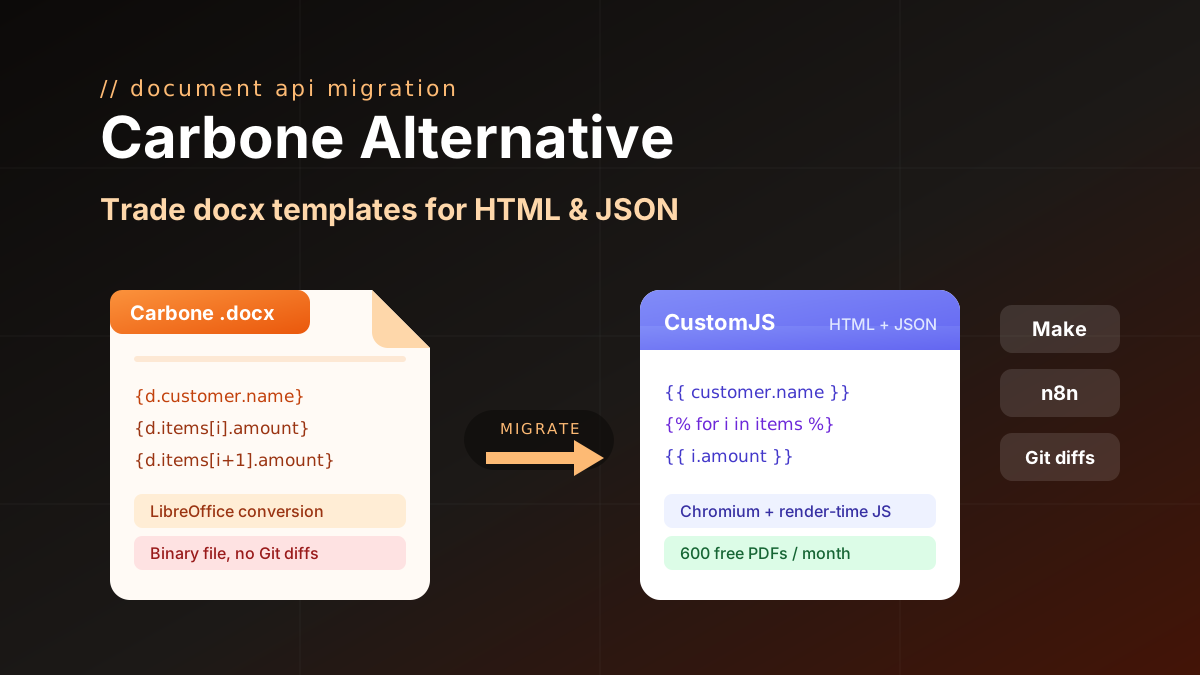
Carbone alternative compared: CustomJS vs Carbone on template model, pricing, and JS rendering, plus a docx to HTML migration guide. 600 free PDFs/month.
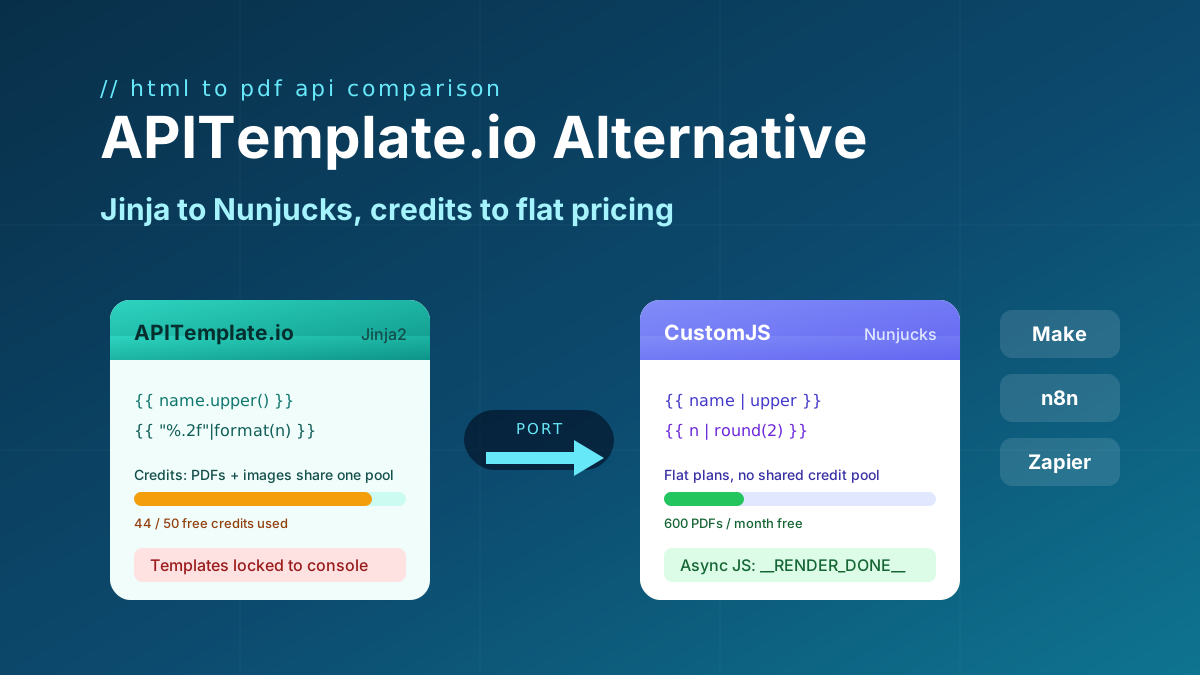
Looking for an APITemplate.io alternative? Compare pricing, Jinja vs Nunjucks templating, and JS rendering, plus a full migration guide. 600 free PDFs/month.
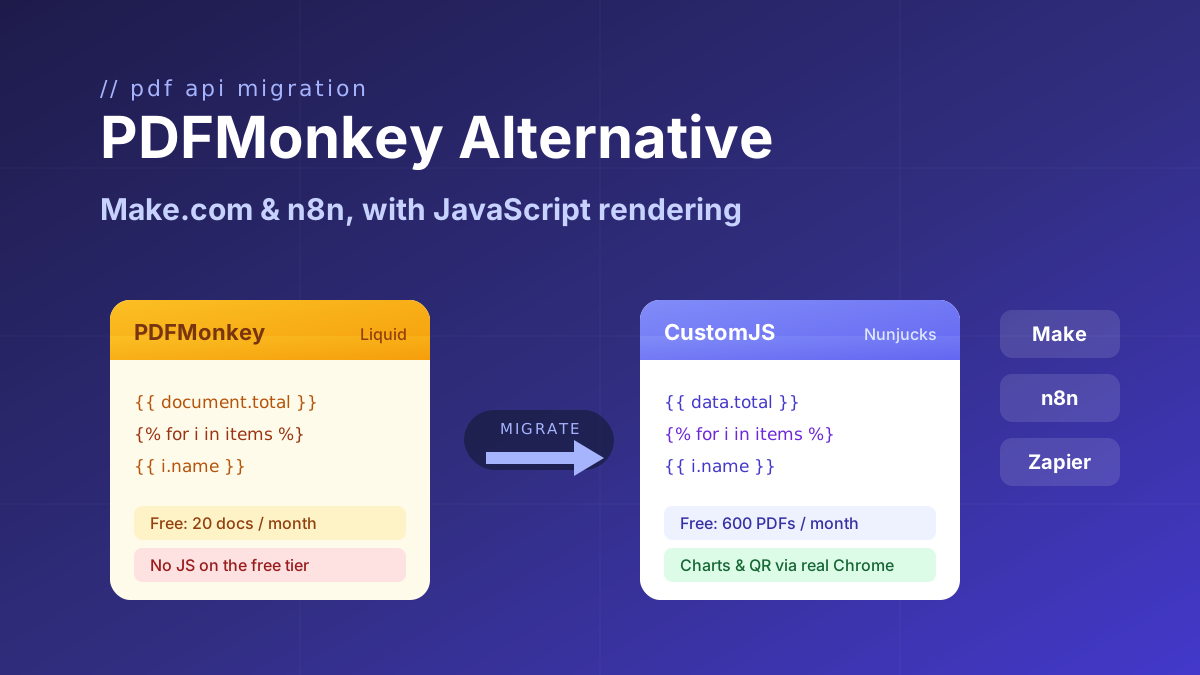
Looking for a PDFMonkey alternative? Compare PDFMonkey vs CustomJS on price, free tier, and JavaScript rendering, with a step-by-step Make.com and n8n migration guide. 600 free PDFs/month.