Building a Headless Contact Form with Nuxt 3 on Cloudflare Pages
A Nuxt 3 site built with nuxt generate is a folder of static HTML, CSS, and JavaScript. It deploys to Cloudflare Pages in seconds, serves from 330+ edge locations, and costs nothing on the free tier. Then you add a contact form, reach for useFetch('/api/contact') the way every Nuxt tutorial shows, and it breaks in production, because there is no server route in a static build to receive the POST.
You have two ways out. Bolt an edge function onto the deployment (now you are maintaining server code again, and the "static site" label is a polite fiction), or post the form straight to a hosted API from the browser and keep the bundle 100% static. This guide takes the second path. We build a reusable <ContactForm /> component with typed validation, real success and error states, honeypot spam filtering, and an automated email plus Slack notification on the other end, without adding a single server route.
The same component drops into a Vue 3 SPA on S3 or Azure Static Web Apps unchanged. This is the Nuxt-specific implementation of the pattern from our pillar guide on serverless static site hosting.
TL;DR
nuxt generate emits a static bundle with no server runtime, so a Nuxt server route (server/api/*) silently does nothing once deployed to Cloudflare Pages.
The fix is a browser-side fetch to a hosted form endpoint, wrapped in a useContactForm() composable and a single <ContactForm /> SFC.
Validation is typed end-to-end with Zod + VeeValidate, so the same schema guards the form and documents the payload.
One CustomJS workflow fans the submission out to email, Slack, and a Make.com or n8n scenario, all configured outside the Nuxt build.
600 submissions per month are free, no credit card, and the component works identically on Cloudflare Pages, S3 + CloudFront, Azure Static Web Apps, and GitHub Pages.
Why useFetch to a Server Route Fails on a Static Nuxt Build
Nuxt 3 has three rendering modes, and the confusion starts because they share the same code. With ssr: true and a Node server, a server/api/contact.post.ts route runs on every request. With an edge preset, that route is bundled into a Cloudflare Worker. But with nuxt generate, the output is pre-rendered HTML and there is nothing running to handle a runtime POST. The route file is simply not deployed.
So this, the canonical Nuxt example, works perfectly in nuxt dev and then 404s on Cloudflare Pages:
<script setup lang="ts">
// Works in 'nuxt dev', 404s after 'nuxt generate' on Cloudflare Pages
async function onSubmit(values) {
  await useFetch('/api/contact', {  // <- no server route exists in a static build
    method: 'POST',
    body: values,
  })
}
</script>
Here is the honest comparison of your options once you have committed to a static deploy.
Approach
Stays fully static?
Server code to maintain
Portable across hosts?
Nuxt server route + Node server
No (needs a running server)
Yes
Tied to a Node host
Cloudflare Pages Function / Worker
Hybrid (edge function)
Yes (Worker + secrets)
Cloudflare-specific
Browser fetch to hosted API
Yes
None
Any static host
The bottom row is what we build. The form lives in your Nuxt components, looks exactly the way you design it, and posts to a URL that does not care whether you ship to Cloudflare Pages, S3, or Azure.
Architecture in One Diagram
Every dynamic concern lives behind the endpoint, so the Nuxt build never has to know about your CRM, your inbox, or your Slack channel.
[ Nuxt 3 app ]  ->  nuxt generate
      |  (static HTML/JS, served from Cloudflare Pages CDN)
      v
<ContactForm />  ->  useContactForm()  ->  fetch POST (JSON)
      |
      v
[ https://hook.customjs.io/<hook-id> ]
      |  validates, stores, returns 200
      |--> Email to your inbox (+ optional autoresponder)
      |--> Slack notification
      `--> Make.com / n8n scenario (CRM, PDF receipt, ...)
Change the autoresponder copy, add a Slack step, or swap the CRM, and you never rebuild or redeploy the Nuxt site. The contract between the browser and the endpoint is a single JSON POST.
Step 1: The Submission Composable
Keep the network logic out of the component. A small composable gives you a typed submit function and a reactive status you can drive the UI from. Note that it uses the native fetch, not useFetch, because this call happens in the browser at submit time, not during server rendering.
The endpoint is read from runtime config rather than hardcoded, so the same component points at a staging hook locally and a production hook in CI. More on that in the deploy section.
Step 2: Type-Safe Validation with Zod
One schema should validate the form and describe the payload. Zod does both. Define it once and reuse the inferred type everywhere the data travels.
// schemas/contact.ts
import { z } from 'zod'

export const contactSchema = z.object({
  name: z.string().min(2, 'Please enter your name'),
  email: z.string().email('Enter a valid email address'),
  message: z.string().min(10, 'Your message is a little short'),
  // Honeypot: must stay empty (real users never see it)
  company: z.string().max(0).optional(),
})

export type ContactInput = z.infer<typeof contactSchema>
The company field is a honeypot: a real visitor never sees it, so it must stay empty. We hide it with CSS and reject any submission that fills it. Install the validation stack with:
npm install vee-validate @vee-validate/zod zod
Step 3: The Reusable <ContactForm /> Component
Now wire the schema and the composable into a single-file component. VeeValidate's useForm consumes the Zod schema through toTypedSchema, so field errors are typed and per-field, and the submit handler only runs once the input is valid.
That is the whole component: typed fields, inline error messages, a disabled state while submitting, distinct success and error panels, and a hidden honeypot. Drop it into any page with one line:
The widget below posts the same shape of payload to the same kind of endpoint. Submit it to watch the submitting, success, and reset states without leaving the page.
Step 4: Configure the Endpoint Without Hardcoding It
Hardcoding the hook URL into a committed component is the kind of thing that bites you the first time you need a separate staging inbox. Use Nuxt's runtimeConfig with a public key so the value is injected at build time from an environment variable.
// nuxt.config.ts
export default defineNuxtConfig({
  // Static prerender for Cloudflare Pages
  nitro: { prerender: { crawlLinks: true, routes: ['/'] } },

  runtimeConfig: {
    public: {
      // Overridden by NUXT_PUBLIC_CONTACT_ENDPOINT at build time
      contactEndpoint: '',
    },
  },
})
Then set the variable locally in .env and, later, in the Cloudflare Pages dashboard. Anything prefixed NUXT_PUBLIC_ overrides the matching public config key automatically.
# .env (local)  -  set the same key in the Cloudflare Pages dashboard
NUXT_PUBLIC_CONTACT_ENDPOINT=https://hook.customjs.io/abc123def456
Step 5: Deploy to Cloudflare Pages
For a fully static bundle, generate the site and point Cloudflare Pages at the output directory. No Pages Functions, no Workers, no wrangler.toml — the form needs none of them.
# Produces a fully static site in .output/public
npm run generate

# Preview the static output locally before deploying
npx serve .output/public
In the Cloudflare Pages dashboard, connect the repository and use these build settings:
Setting
Value
Framework preset
Nuxt (or "None")
Build command
npm run generate
Build output directory
.output/public
Environment variable
NUXT_PUBLIC_CONTACT_ENDPOINT
Because the POST goes to a third-party HTTPS endpoint that already returns permissive CORS headers, you do not need a _headers file or any edge configuration. The browser talks to the API directly.
Step 6: Email + Slack Notification on Every Submission
The endpoint accepts the JSON, then runs a workflow you define once. A minimal setup notifies your inbox and a Slack channel the moment a lead lands. The {{ ... }} tokens are filled from the submitted payload.
{
  "trigger": { "type": "form-submission", "hookId": "abc123def456" },
  "steps": [
    {
      "type": "email",
      "to": "[email protected]",
      "subject": "New contact from {{ source }}",
      "html": "<h2>{{ name }}</h2><p>{{ email }}</p><p>{{ message }}</p>"
    },
    {
      "type": "http",
      "name": "Slack notification",
      "method": "POST",
      "url": "https://hooks.slack.com/services/T000/B000/XXXXXXXX",
      "body": { "text": ":email: New lead from {{ name }} ({{ email }})" }
    }
  ]
}
Anything that speaks HTTP can subscribe to the same submission. Most teams start with email plus Slack, then add a CRM step in Make.com or n8n as the pipeline matures. For the deeper routing patterns — autoresponders, lead scoring, conditional branches — see Build Smart Forms with Webhooks.
Same Component, Different Host: Vue 3 SPA on S3 or Azure
Nothing about <ContactForm /> is Cloudflare-specific. The composable, the schema, and the component are plain Vue 3. To ship the exact same form as a Vite-powered Vue SPA on S3 + CloudFront or Azure Static Web Apps, you change the build target, not the form.
# Vue 3 + Vite SPA -> S3 + CloudFront or Azure Static Web Apps
npm run build          # outputs static assets to dist/
aws s3 sync dist/ s3://your-bucket --delete

# Same <ContactForm />, just read the endpoint from Vite:
#   const endpoint = globalThis._importMeta_.env.VITE_CONTACT_ENDPOINT
In a Vite project, swap useRuntimeConfig() for globalThis._importMeta_.env.VITE_CONTACT_ENDPOINT and the component is portable as-is. The host comparison across Cloudflare Pages, S3, Azure, Netlify, and Vercel lives in the pillar guide.
Stopping Spam Without a Captcha Wall
Two cheap layers stop the overwhelming majority of bots with zero friction for real users.
1. Honeypot field (already wired)
The company field from the Zod schema is hidden with CSS, not type="hidden", because bots skip hidden inputs but happily fill labelled ones. The submit handler drops any submission that fills it.
Bots submit in milliseconds. Record when the component mounts and silently reject anything submitted faster than a human could type. Reject quietly so the bot learns nothing.
For most marketing sites these two layers are enough. Add reCAPTCHA v3 only after you see real spam volume, and validate its score server-side in the workflow.
Common Pitfalls
Using useFetch instead of fetch
useFetch and $fetch are designed for data loading during rendering and dedupe across the SSR/hydration boundary. For a user-triggered POST in a static app, reach for the plain browser fetch inside the event handler, as the composable above does.
Reading window during prerender
nuxt generate runs your components in Node to prerender them, where window does not exist. Only touch window.location inside the submit handler (which runs in the browser), never at the top level of setup.
Forgetting the env var in CI
If the form posts to undefined in production, the NUXT_PUBLIC_CONTACT_ENDPOINT variable is missing from the Cloudflare Pages build environment. Public runtime config is baked in at build time, so add it before the deploy, not after.
Wrong output directory
nuxt generate writes the static site to .output/public, not dist. Point Cloudflare Pages at the right folder or you will deploy an empty site.
Where This Goes Next
The same component pattern scales to newsletter signups, quote requests, demo bookings, and support intake. Three follow-ups worth reading once the contact form is live:
What Headless Forms Enable in 2026 covers multi-step flows, conditional logic, and the API-first patterns that grow out of this exact setup.
1. Can a static Nuxt 3 site handle a contact form without a backend?
Yes. The site stays static and the form posts from the browser to an external HTTPS endpoint that handles storage, email, and webhooks. You never run or maintain a server.
2. Why not just add a Cloudflare Pages Function?
You can, but then you are maintaining edge code and secrets, and the integration is Cloudflare-specific. The browser-fetch approach keeps the deploy fully static and portable to any host.
3. Should I use useFetch or fetch for the submission?
Use the native fetch inside the submit handler. useFetch is for data fetched during rendering, not for user-triggered POSTs in a prerendered app.
4. Does this work the same on Vercel or Netlify?
Yes. Because the POST goes to an external API, the host is irrelevant. The identical component runs on Cloudflare Pages, Vercel, Netlify, S3 + CloudFront, Azure Static Web Apps, and GitHub Pages.
5. Is the free tier really 600 submissions per month?
Yes, per account rather than per site, with no credit card. If you maintain several Nuxt sites under one account, the 600 is shared across all of them.
6. Can I add file uploads, like a CV or a screenshot?
Yes, with a small change. Upload the file directly to S3 or Cloudinary first, then include the resulting URL in the JSON payload. The endpoint stays JSON-only, which keeps the downstream webhook schema clean.
Wrap-up
A Nuxt 3 contact form on Cloudflare Pages does not need a server route, an edge function, or a vendor host lock-in. It needs a typed composable, a reusable component, and one URL to point the request at. Everything dynamic — the email, the Slack ping, the CRM update, the autoresponder — lives in a workflow you can change without rebuilding the site.
The free tier covers 600 submissions a month with no credit card, which is plenty for marketing sites, portfolios, and SaaS landing pages. When you outgrow it, the same endpoint keeps working and your Nuxt build never changes.
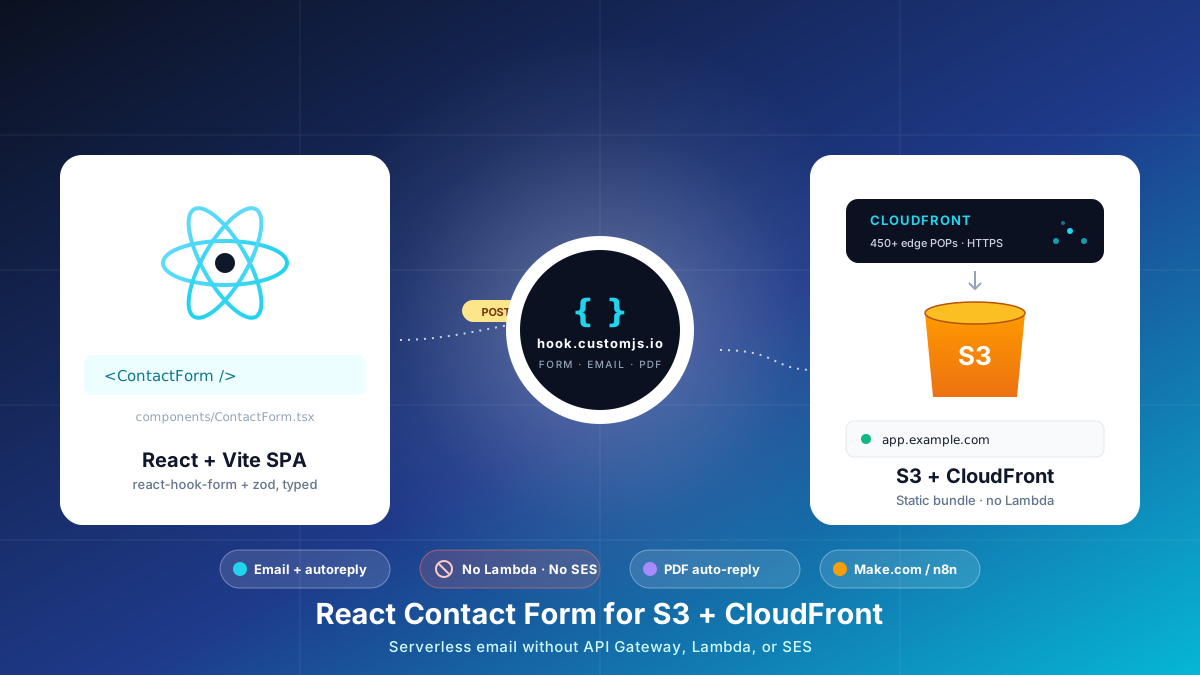
Build a React contact form on S3 + CloudFront with no AWS Lambda, API Gateway, or SES. Typed react-hook-form + Zod, PDF auto-reply, edge CORS and CSP, cost table at 1k submissions.
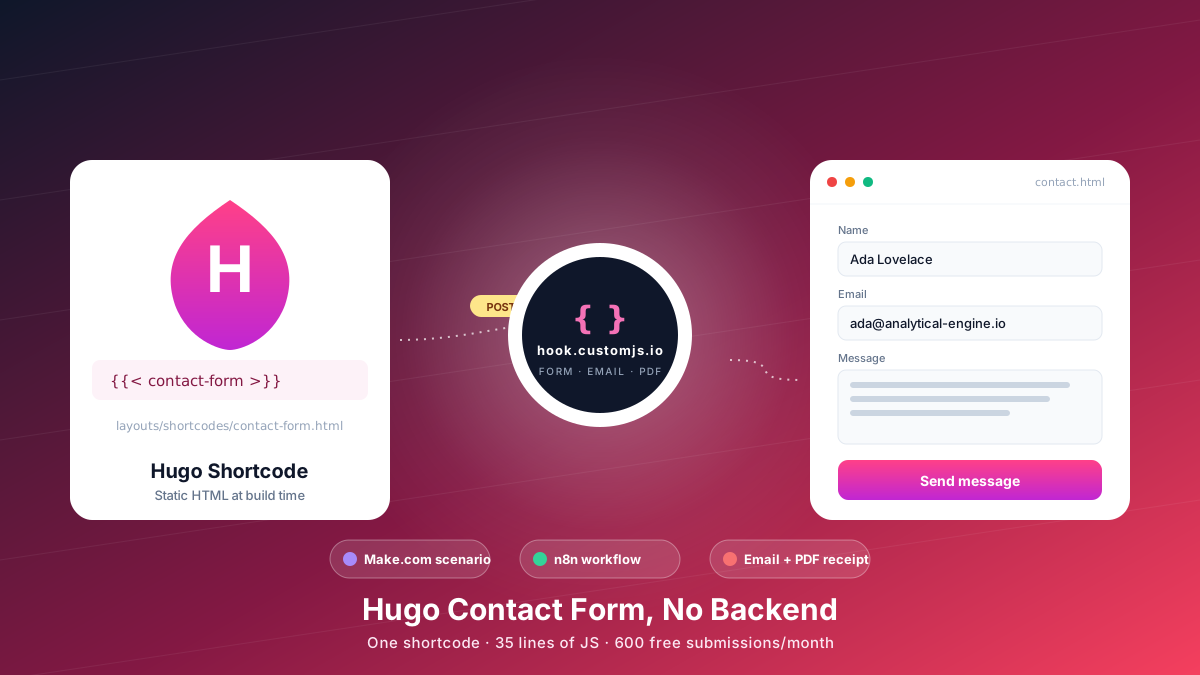
Add a Hugo contact form without a backend. Copy-paste shortcode, vanilla JS handler, spam protection, email + PDF receipt, Make.com & n8n routing. 600 free submissions/month.
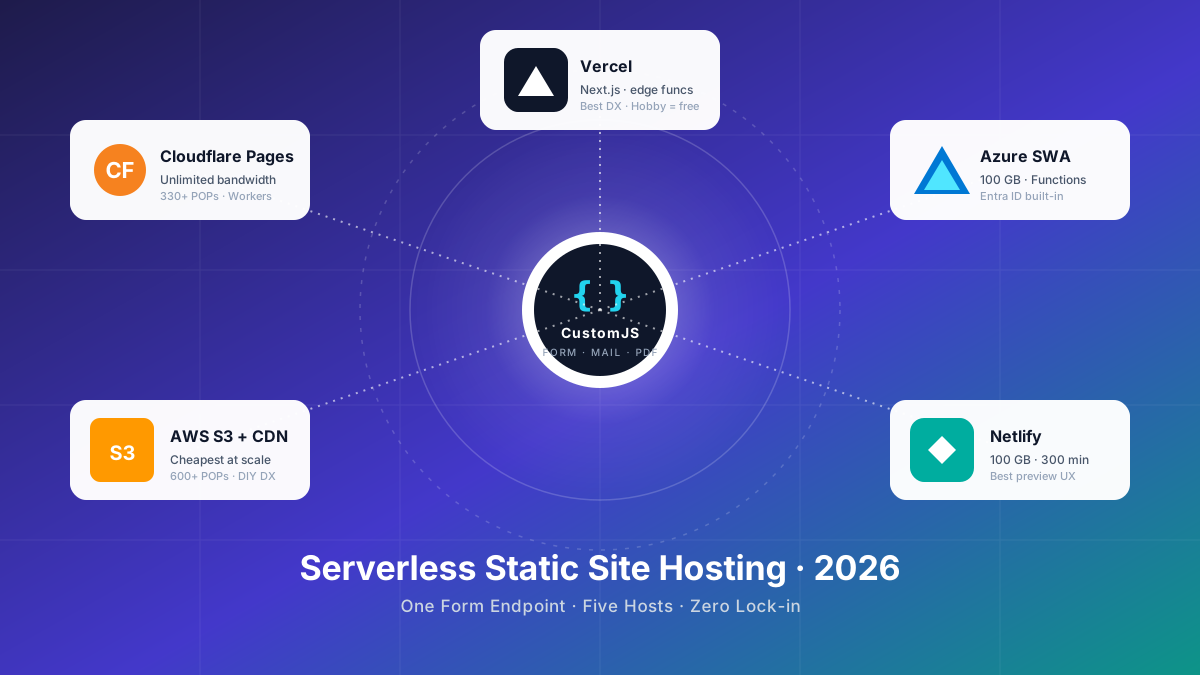
Compare the 5 major serverless static site hosts in 2026 — Cloudflare Pages, AWS S3, Azure Static Web Apps, Netlify, Vercel — across price, build limits, edge reach, and how each handles contact forms.