Parse CSV and Delimited Text Inside a Make or n8n Scenario (Semicolons, Quoted Fields, Header Rows)
Updated October 2026
To parse CSV in Make, use the built-in CSV app, module "Parse CSV" when the file has a fixed number of columns and a known delimiter, and use a 25-line JavaScript step when it does not. The code version below autodetects comma or semicolon, handles quoted fields with embedded delimiters, escaped quotes and line breaks, uses the header row as object keys, drops trailing empty lines and strips a UTF-8 BOM, then returns a plain array that an Iterator or the next module can map directly.
Parsing or building delimited text is the second most common job in our customers' inline scripts (43% of them do one or the other). Most started with the built-in module and hit one of four walls: the column count changes between files, the exporter writes semicolons and a BOM, the output fields are named col1, col2 instead of the header names, or the numbers arrive as "9,50". This guide covers both directions in Make and in n8n.
TL;DR
Make's Parse CSV module (CSV app) wants a declared number of columns and a fixed delimiter (comma, tab or "other"), skips the header row when told to, but names the output fields col1, col2, ... rather than using the header names (checked against Make's module and community reports, October 2026).
The code version autodetects comma versus semicolon from the first line, honors RFC 4180 quoting (embedded delimiters, doubled quotes, multi-line cells), removes a BOM and trailing blank lines, and returns an array of objects keyed by the header row.
Set Return Type to Array. Put an Iterator after the module to get one bundle per row, or map 1.price style paths directly if you only need a few values.
European numbers like 1.249,00 become real numbers with a six-line coercion helper, so the next module can sum them.
The reverse direction (array to CSV for an email or an upload) is one json2csv call with the json-2-csv package, available on every CustomJS plan, or nine lines of hand-rolled join with proper quoting.
The same parser pastes unchanged into n8n's free Code node. n8n also ships an "Extract From File" node that reads CSV from binary data.
What does Make's built-in Parse CSV module do, and where does it stop?
Make ships a CSV app with three modules: Parse CSV (a transformer that turns CSV text into one bundle per row), Create CSV (an aggregator that joins bundles into CSV text) and Create CSV (advanced), which uses a Make data structure to define the columns. Parse CSV has four settings: Number of columns, CSV contains headers, Delimiter (comma, tab, or "other" with a character you type, which is how you get semicolons) and, under advanced settings, Preserve quotes inside unquoted field. Facts in this section were checked in October 2026 against the module configuration and Make community threads, since Make's help page for the CSV app has moved and now redirects.
For a clean file it does the job: quoted cells with commas inside are handled, the header row is skipped when you tick the box, and every row comes out as its own bundle. Where it stops:
The column count is a contract. You declare it up front. A file with an extra column, a trailing delimiter, or a metadata line above the header fails with Number of columns on line 1 does not match header and the whole run stops.
Output fields are positional. Even with "CSV contains headers" on, the fields are called col1, col2, col3. The header row is skipped, not used. You map by position, and when the exporter reorders columns your mapping silently points at the wrong data.
One delimiter per module. Comma from one source and semicolon from another means two modules and a router, or a text replace in front.
A UTF-8 BOM is a quote error. Files saved by Excel start with an invisible byte-order mark. Community reports since September 2024 show Parse CSV rejecting it as Invalid Opening Quote on col1 unless you enable "Preserve quotes inside unquoted field".
Every row is a bundle. A 2,000-row file means the next module runs 2,000 times, at one operation each. That is right when you want to act on every row, and expensive when you only need the array (to count, filter, sum, or forward it as JSON).
Numbers stay text."9,50" is a string with a comma in it. Make's math functions need a number with a dot.
How do I parse a semicolon or comma CSV into objects with one code step?
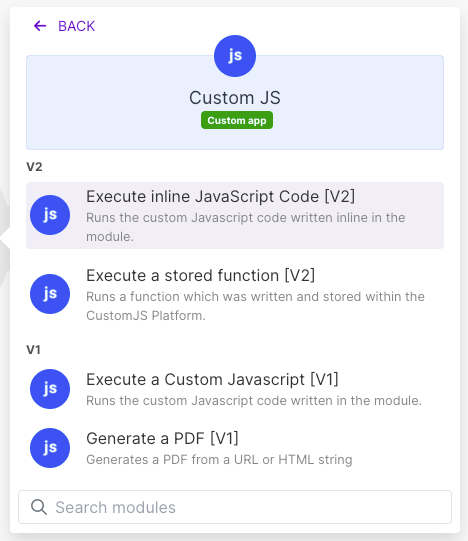
Add the CustomJS module Execute Inline JavaScript, map the raw CSV text into Input (the body of a Fetch a File module, an email attachment converted with toString(), or a webhook field), set Return Type to Array, and paste this into the code field. The text arrives in the script as the input variable.
Sample input, the kind of export a European shop system produces: semicolons, a BOM at the very start, a product name with commas and a quoted word inside, a multi-line cell, and two blank lines at the end.
The delimiter guess compares the count of semicolons and commas on the first line; a header row almost never contains the other character. If your source is tab-separated, replace the ternary with const delim = "\t";. The character loop is the actual CSV state machine: inside quotes everything is literal, a doubled quote becomes one quote, and a delimiter or newline outside quotes ends the cell or the row. Windows \r\n line endings are handled, and the final filter drops any line where every cell is blank, which covers trailing newlines and the empty padding rows Excel leaves behind.
The module call finishes in about 120 ms end to end for a file this size (the median inline script across our customers runs in 121 ms), and because the parser is a single pass over the text a 5,000-row file still stays under a second. Make bills one operation for the module call regardless of the row count.
How do I turn the result into an array the next module can iterate?
With Return Type set to Array, Make sees the module output as one bundle holding an array of collections. From there you have two routes:
Iterator. Add Flow Control, Iterator, and map the module's array into its Array field. You get one bundle per row, with sku, name, price and qty as named fields. Choose this when every row needs its own action, such as an upsert into Airtable or a Google Sheets row. Cost is one operation per row for the Iterator plus one per row for each module after it, the same as after Parse CSV.
Direct mapping. If you only need a handful of values, skip the Iterator and reference them by index with Make's get(3.array; 1).sku, or length(3.array) for the row count. No per-row operations at all.
Keep it as JSON. If the array goes straight into an HTTP request body, a data store, or another code step, do not iterate. Pass it through as is, or return JSON.stringify(...) with Return Type Text when the receiver wants a string.
If the step after parsing is a group-by or a sum, you do not need the Iterator either: group and sum arrays in Make shows how to do that inside the same code step, or with the no-code Group & Aggregate Array module.
How do I convert "9,50" and "1.249,00" into real numbers?
The parser above deliberately leaves every cell as text. Coercing is a second, explicit step, because a SKU like 00123 must stay a string while a price must become a number. Append this to the end of the parser (replace the final return with const rows = ..., then add):
The rule is the same one a human uses: the last separator is the decimal mark unless exactly three digits follow it, in which case it is a thousands separator. So 9,50 becomes 9.5, 1.249,00 becomes 1249, 1,249.00 also becomes 1249, and anything that is not shaped like a number is returned untouched. The one ambiguous case is a bare 1.249 with no decimal part, which this treats as 1249; if your file never has thousands separators, drop the !== 3 check. For single values outside a code step, the Parse Localized Number module applies the same logic with an explicit format selector.
Output after coercion, ready for sum() or a Numeric Aggregator:
How do I build a CSV from an array for an email or an upload?
The reverse direction comes up when a scenario collects rows (from an API, a data store, an Array Aggregator) and has to hand someone a file: a daily CSV attached to an email, an upload to SFTP or Google Drive, an import file for a shop. Map the array into Input (if it is a Make array rather than a JSON string, put the JSON app's Transform to JSON module in front, or rely on the defensive parse in line 3), set Return Type to Text, and use the json-2-csv package, which is on the npm module list for every plan including free:
json2csv quotes only the cells that need it (the ones containing the delimiter, a quote or a line break), doubles embedded quotes, and takes the header from the object keys. Version 5.6 of the package returns the string synchronously, so no await is needed. If you would rather not depend on a package, the hand-rolled version is nine lines and produces the same output with Windows line endings:
To attach the result to an email, map the text into the attachment's Data field with toBinary() and give it a .csv file name. For an upload module that expects binary data, set Return Type to Binary instead and return Buffer.from(csv, "utf8").
Does the same parser work in n8n?
Yes. n8n's built-in Code node is free and runs JavaScript, so the parser pastes in with two changes: read the text from $input.first().json.data (or whichever field holds the CSV) instead of input, and return the rows as n8n items, return rows.map(r => ({ json: r }));, so each row becomes its own item for the following node. Use the "Run Once for All Items" mode. External npm packages such as json-2-csv are only available in the Code node on self-hosted n8n after you allow them with an environment variable, so on n8n Cloud use the hand-rolled builder above or call the CustomJS REST endpoint from an HTTP Request node.
To be fair to n8n: you may not need code at all. Its core Extract From File node has an "Extract From CSV" operation that reads a binary CSV file into items, with a header row toggle, and the matching Convert to File node has "Convert to CSV" for the other direction (both checked in n8n's documentation, October 2026; they replace the deprecated Spreadsheet File node). They work from binary data, so CSV that arrives as plain text in a webhook field either goes through "Move Base64 String to File" first or straight into the Code node. Delimiter autodetection, European number coercion and BOM handling are where the Code node still earns its place.
Built-in Parse CSV versus a code step: which handles what?
Requirement
Make CSV app (Parse CSV)
Inline JavaScript step
n8n Extract From File
Fixed columns, comma, clean file
Yes, zero code
Yes, but unnecessary
Yes, zero code
Semicolon or tab delimiter
Yes, via Delimiter "other"
Yes, autodetected
No delimiter option documented
Column count varies between files
No, run fails
Yes
Yes
Header names as field names
No, col1, col2, ...
Yes
Yes, with Header Row on
Quoted cells with delimiters or line breaks
Yes
Yes
Yes
UTF-8 BOM from Excel
Error unless "Preserve quotes" is on
Stripped in line 3
Not documented
"1.249,00" to 1249
No, stays text
Yes, six-line helper
No, stays text
Output shape
One bundle per row
One array (iterate if you want bundles)
One item per row
Operations for a 2,000-row file, parse only
1 plus 2,000 for whatever follows
1 (plus 1 CustomJS request)
1 execution
When Make's built-in is enough
Do not add a code step when the built-in module already does the job. Parse CSV is the right choice when:
The file comes from one system you control and always has the same columns in the same order. Declare the count once and it will not drift.
You want one bundle per row anyway, because every row triggers an action (create a contact, append a sheet row, send a message). Parse CSV gives you that shape for free, and a code step would only add an Iterator.
Positional mapping is fine. If the file has four columns and will have four columns next year, mapping col3 as the price is not a maintenance burden.
Values are already in Make-friendly formats: dot decimals, ISO dates, no thousands separators.
Building a CSV from bundles. Create CSV after an Iterator or any module that emits bundles is a single aggregator with an "Include headers in the first row" toggle. Reach for json-2-csv only when the rows exist as one array already, when you need a semicolon delimiter plus a BOM for Excel, or when the column set is not known up front.
The code step is for the other cases: several sources with different delimiters, files whose column set changes, header names you want to keep, European number formats, a BOM, and large files where you need the array rather than two thousand bundles. One module, one operation, and the parser is the same 25 lines every time, which is why many customers save it as an Execute Stored Function named parseCsv and call it from every scenario that receives a file.
The CustomJS free tier (600 requests per month, no credit card) covers a daily import comfortably. Create an API key, add the Make connection, paste the parser, and your next CSV is an array.
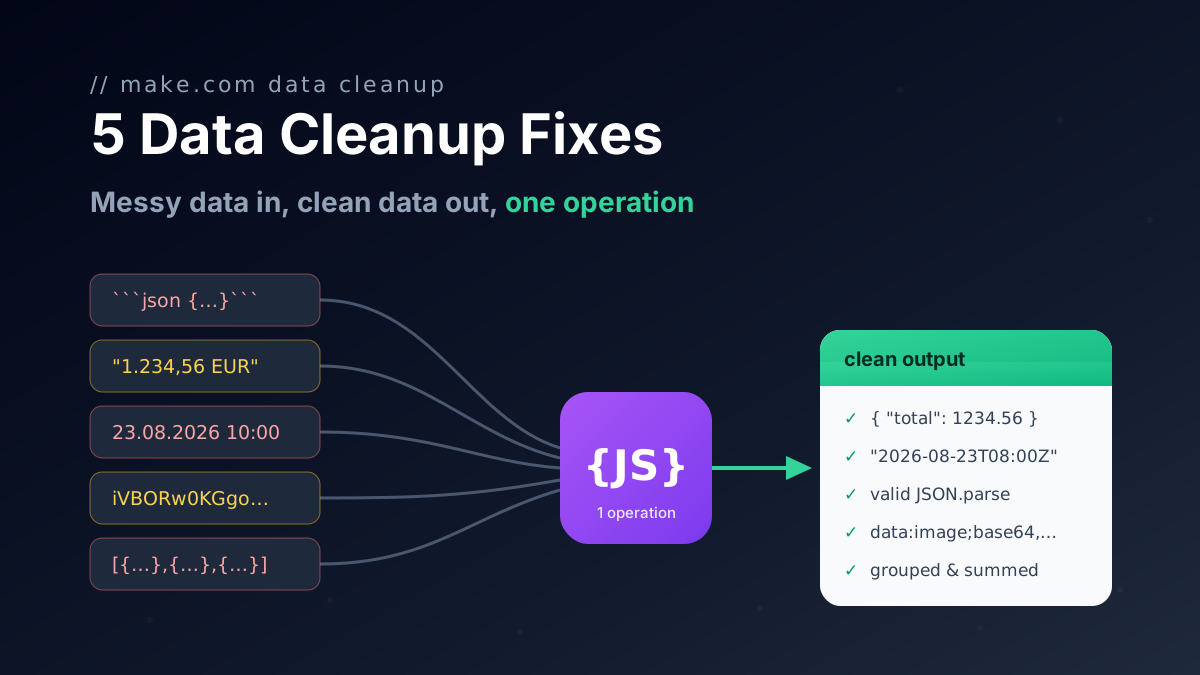
Five one-operation JavaScript fixes for Make.com data transformation: broken AI JSON, group and sum arrays, localized numbers, timezones, file to Base64.
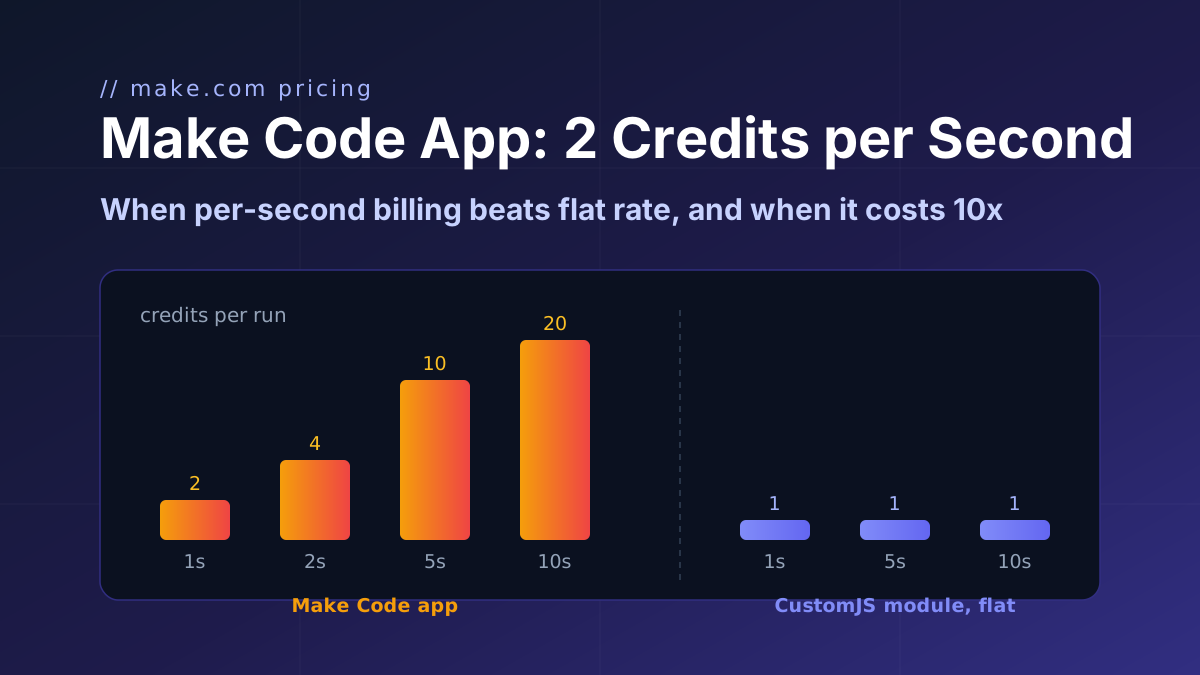
Make's Code app bills 2 credits per second, caps at 30 s and ships npm only on Enterprise. CustomJS bills 1 credit per call with npm and stored functions on every plan. Break-even at 1 to 15 s.
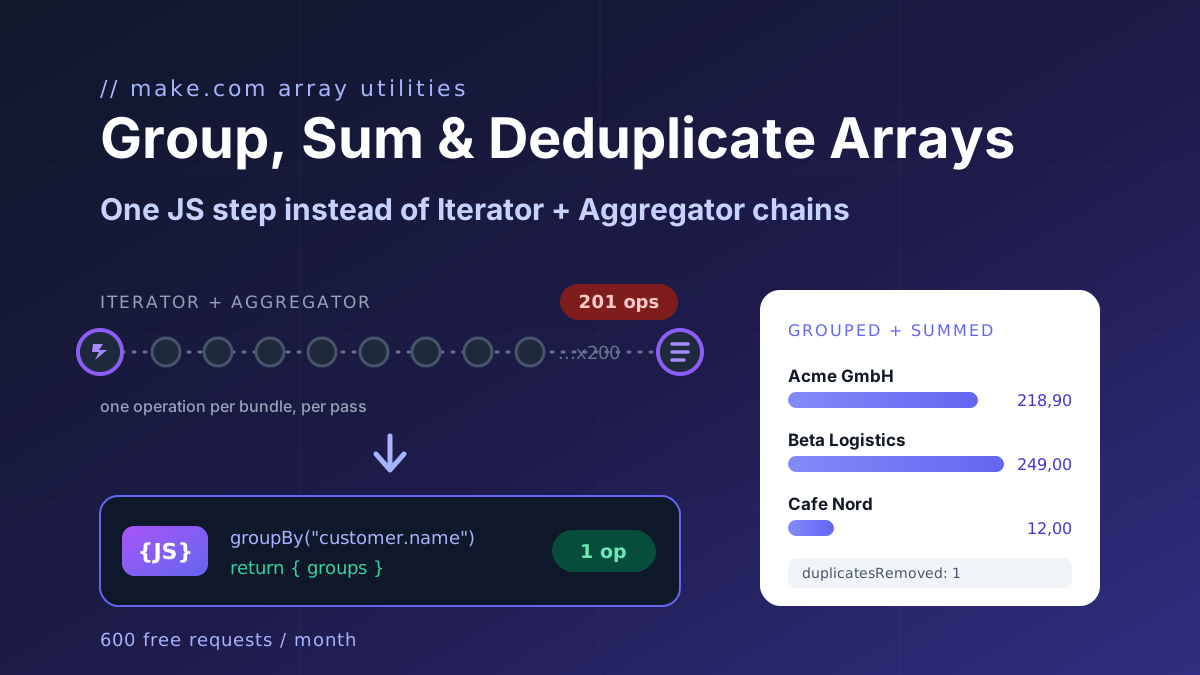
Make's Numeric Aggregator computes one function per module and costs one operation per item. The twelve-line JavaScript fix for group by, max per group, count distinct, dedupe and top N, plus the no-code module.