Dates and Timezones in Make Scenarios That Actually Come Out Right
Updated November 2026
Make's formatDate, parseDate and addDays handle formatting, parsing and calendar arithmetic, and both of the first two accept an IANA timezone as a third argument. They stop at business days, holiday lists, "last working day of the month", recurring weekly slots and anything that has to resolve a daylight saving gap on purpose, and for those a 10 to 25 line JavaScript step with Intl.DateTimeFormat or moment-timezone is the shortest fix.
Dates are the most common reason people write code inside Make: 24% of the inline scripts that run on CustomJS format a date or convert a timezone. This guide covers what the built-in functions do (checked against Make's documentation in October 2026), where they run out, and five copy-paste scripts with input and output shown.
TL;DR
Make has no scenario-level timezone. Without a third argument, formatDate and parseDate use the organization timezone from Profile, Time zone options. Pass an IANA name such as Europe/Berlin to override it per call.
formatDate can output the ISO week (WW), the ISO week-year (GGGG) and the quarter (Q). You do not need code for a week number.
There is no built-in for business days, holidays, the last working day of a month, or weekly slots that survive a DST switch. Each is 10 to 25 lines of JavaScript.
Intl.DateTimeFormat with timeZone needs no library and formats correctly for de-DE and en-US. moment-timezone is clearer for zone-to-zone conversion and month or quarter boundaries, and it is available on every CustomJS plan, including the free one.
Each script here finishes well under a second; the median inline script on CustomJS takes 121 ms and costs 1 Make credit.
No code needed for the single most common case: the Format Date & Convert Timezone module parses, converts and formats in one step.
What do formatDate, parseDate and addDays do in Make, and which timezone do they use?
Make's date functions, as documented in October 2026, are formatDate(date; format; [timezone]), parseDate(text; format; [timezone]), the arithmetic family addSeconds through addYears, and the setters setSecond through setYear, including setDay (day of week) and setDate (day of month). Three facts about timezones decide most bugs:
There is no scenario timezone. Make's "Manage time zones" page documents an organization timezone and a user timezone, nothing per scenario or module. The organization timezone "defines scenario execution and functions such as formatDate and parseDate"; the user timezone only changes how the execution log displays times. Both live under Profile, Time zone options.
The third argument wins.formatDate(1.created_at; "DD.MM.YYYY HH:mm"; "Europe/Berlin") renders the instant in Berlin time regardless of the organization setting, and parseDate(text; "DD.MM.YYYY HH:mm"; "America/Los_Angeles") reads the text as a Los Angeles wall-clock time. The argument takes TZ database names, not abbreviations like "CET".
Make date values are instants, not wall-clock times.addDays shifts the instant. That is right for "24 hours later" and surprising for "same time tomorrow" across a DST switch, where the local clock reading moves by an hour.
The formatting tokens follow moment's convention and go further than most people expect: dddd for the weekday name, E for the ISO weekday number, WW for the ISO week, GGGG for the ISO week-year, Q for the quarter, Z for the offset and X for the Unix timestamp. Where the functions stop: no business-day arithmetic, no holidays, no "last working day of the month", no series of recurring slots, no locale-aware output (month names are English only), and no documented behavior for wall-clock times that do not exist or exist twice on a DST switch day.
How do I convert a customer's local appointment time to my zone with correct DST?
The trap is not the conversion itself but the weeks where only one side has switched. The US moves to summer time on March 8, 2026, the EU on March 29, so a booking for 09:30 Los Angeles time on March 10 is 17:30 in Berlin, not the usual 18:30. Adding a fixed 9 hours is wrong for three weeks in spring and one in autumn every year.
In Make, the correct chain is formatDate(parseDate(text; "YYYY-MM-DD HH:mm"; "America/Los_Angeles"); "YYYY-MM-DD HH:mm"; "Europe/Berlin"), which works as long as both zones are fixed strings and the input format never varies. When the zone comes from the record, or you also need the offset difference and the UTC instant for a calendar API, the code version is easier to read. The input is what Make's Transform to JSON module produces from a collection.
const moment = require("moment-timezone");
const data = typeofinput === "string" ? JSON.parse(input) : input;
// Read the wall-clock time AS a Los Angeles time (not as UTC, not as org time).const local = moment.tz(data.appointment, "YYYY-MM-DD HH:mm", data.customerZone);
if(!local.isValid()){return{ error: "Unparseable appointment: " + data.appointment };
}// Same instant, shown in the scheduler's zone. DST is resolved per date.const remote = local.clone().tz(data.schedulerZone);
return{
customerLocal: local.format("YYYY-MM-DD HH:mm z"),
schedulerLocal: remote.format("YYYY-MM-DD HH:mm z"),
utc: local.toISOString(),
offsetDifferenceHours: (remote.utcOffset() - local.utcOffset()) / 60,
};
Output, with Return Type set to Object so every field shows up in the mapping panel of the next module:
Change the appointment to 2026-11-12 09:30 and the same script returns 18:30 CET with an offset difference of 9, because by then both zones are on standard time. moment.tz(text, format, zone) reads the wall-clock time in that zone, .tz(otherZone) re-expresses the same instant, and the bundled tz database (2026e at the time of writing) decides the offset per date. For a time that does not exist (02:30 on the spring-forward day) moment-timezone moves forward to 03:30; for a time that exists twice in autumn it picks the first occurrence. Make's documentation does not say what its functions do in either case.
To display an instant in one zone without a library, Intl.DateTimeFormat does it in Node with no dependency:
The script above returns in about 121 ms, which is the median for inline scripts on CustomJS; none of the five scripts in this article touches the network, so none of them gets near the 30 second request limit of the free plan.
How do I add business days in Make, skipping weekends and holidays?
Make's addDays counts calendar days. You can check the result's weekday with formatDate(date; "E") and nudge it inside an if, but that handles one weekend, not five business days that cross two weekends and a public holiday. A loop is the honest tool. This version works on date strings in UTC, so no timezone can shift the day; the holiday list comes from your data store or a short array.
Five business days from Friday, December 18 land on Tuesday, December 29, because two weekends and three holidays are skipped on the way. Pass a negative days value for "three business days before the deadline". The skipped array shows in the execution log why a date moved.
How do I get the ISO week number in Make?
You usually do not need code for this one. formatDate(1.date; "WW") returns the ISO 8601 week with a leading zero and formatDate(1.date; "GGGG") returns the ISO week-year, which differs from the calendar year around New Year (January 1 to 3, 2027 belong to week 53 of 2026). Use GGGG, not YYYY, next to a week number. The lowercase ww token is the locale week starting on Sunday, which is not what a European report means by "KW 45".
Code becomes useful when you need the week as a number for arithmetic, a label such as 2026-W45, or the Monday-to-Sunday range of the week. Fifteen lines, no library:
// Input: { "date": "2027-01-03" }const data = typeofinput === "string" ? JSON.parse(input) : input;
const d = newDate(data.date + "T00:00:00Z");
const day = d.getUTCDay() || 7; // Monday = 1 ... Sunday = 7
d.setUTCDate(d.getUTCDate() + 4 - day); // jump to the Thursday of this weekconst weekYear = d.getUTCFullYear(); // the Thursday decides the ISO yearconst yearStart = Date.UTC(weekYear, 0, 1);
const week = Math.ceil(((d - yearStart) / 86400000 + 1) / 7);
const monday = newDate(d);
monday.setUTCDate(d.getUTCDate() - 3);
const sunday = newDate(monday);
sunday.setUTCDate(monday.getUTCDate() + 6);
return{
week,
weekYear,
label: weekYear + "-W" + String(week).padStart(2, "0"),
from: monday.toISOString().slice(0, 10),
to: sunday.toISOString().slice(0, 10),
};
The trick is the standard one: shift the date to the Thursday of its week, and that Thursday's year is the ISO week-year. Verified against moment.isoWeek() for the edge dates 2024-12-30 (2025-W01), 2021-01-03 (2020-W53) and 2027-01-03 (2026-W53).
Use our Make App to execute JavaScript directly in Make.
How do I get the start and end of the current month or quarter in a timezone?
"This month's invoices" means from midnight on the 1st to the last millisecond of the last day, in the business's own zone, as UTC instants an API filter accepts. In Make you can assemble the start with setDate(setHour(setMinute(now; 0); 0); 1), but the result is in the organization timezone, the end needs addMonths plus addSeconds(...; -1), and the quarter needs an if on the month. moment-timezone has startOf and endOf for both, and the last working day of the month is a four-line loop on top.
Note the offsets: November 1 in New York is still -04:00 and November 30 is -05:00, so the month is one hour longer than 30 times 24 hours. The UTC fields go into a "created after" filter. Replace month with isoWeek for weekly reports.
The same library handles recurring slots. "Every Tuesday at 09:00 Berlin time for the next four weeks" has to step in calendar weeks, not 168 hour blocks, because one of those Tuesdays sits on the other side of the October switch:
How do I format one date for a German and a US audience?
Make's formatDate can produce 12.11.2026 and 11/12/2026 from two format strings, but month and weekday names come out in English only. Intl.DateTimeFormat takes a locale and a zone and gets the order, separators, names and clock convention right at once, with no library:
{"de":"Donnerstag, 12. November 2026 um 18:30",
"deShort":"12.11.2026, 18:30 MEZ",
"us":"Thursday, November 12, 2026 at 11:30 AM",
"usShort":"11/12/2026, 11:30 AM CST"}
One detail worth knowing: the short zone abbreviation depends on the locale, not only on the zone. For Berlin, de-DE prints MEZ, en-GB prints CET and en-US prints GMT+1. If the abbreviation matters, use moment.format("z"), which always returns the tz database abbreviation.
Make function vs code: which task needs what?
Task
Make built-in (October 2026)
Code
Show an instant in one zone
formatDate(d; "HH:mm"; "Europe/Berlin"). Done.
Not needed
Read text as a wall-clock time in a zone
parseDate(t; fmt; "America/Los_Angeles"), one fixed format
moment.tz(t, [formats], zone) when the format or the zone varies per record
Nested setDate/setHour, organization zone only, quarter needs an if
moment.tz(...).startOf("quarter")
Last working day of the month
No function
4-line loop in the period example
Weekly slots across a DST switch
No series generation; addDays(d; 7) keeps the UTC instant, so the local hour shifts
.add(1, "week") in the zone
German or US formatted output
Numeric formats yes; names in English only
Intl.DateTimeFormat("de-DE", ...)
When Make's built-in is enough
Do not add a code module for these. A mapping function costs nothing extra and keeps the scenario readable:
Formatting an instant for one zone.formatDate(d; "DD.MM.YYYY HH:mm"; "Europe/Berlin") is the whole job.
Parsing text in one known format.parseDate with a format and a zone covers a date column from a form or a CSV that always looks the same.
Calendar arithmetic. Due date in 14 days, reminder 2 hours before, first of next month: addDays, addHours, addMonths and setDate are correct and cheap.
Week number, quarter, weekday, Unix timestamp.WW, GGGG, Q, E, dddd and X are all formatting tokens.
Single zone-to-zone conversion with fixed zones.formatDate(parseDate(...; zoneA); fmt; zoneB) is fine when the zones never change and the input is never on a DST switch day. If you would rather not nest the two calls, the Format Date & Convert Timezone module does the same in one step and also accepts epoch values and DD/MM/YYYY input, still without code.
A one-off weekend check.if(formatDate(d; "E") > 5; addDays(d; 8 - formatDate(d; "E")); d) moves a single date to the next Monday. It only stops being enough when holidays or counting enter.
Reach for code when the zone or the format is data instead of a constant, when a loop is involved (business days, slot series, last working day), when the output has to be in a language other than English, or when the same date logic is needed in several scenarios. For the last case, put it in a stored function with named parameters and call it by name, so a changed holiday list is edited once.
How do I run these scripts inside a Make scenario?
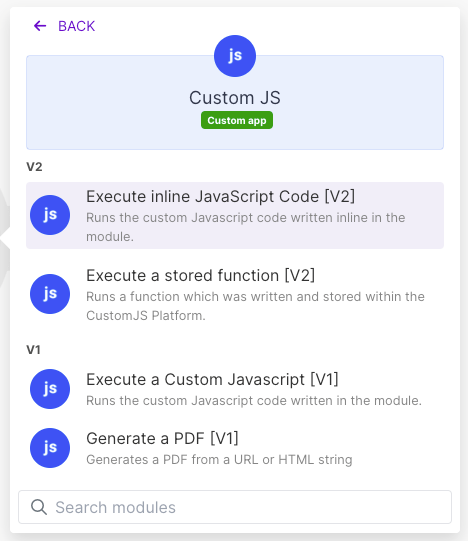
Add the CustomJS Execute Inline JavaScript module. Map the values into the Input field as a JSON string (for a Make collection, put the JSON app's Transform to JSON module in front; the typeof input === "string" line in every script handles both a string and a parsed object). Paste the script into JavaScript Code, set Return Type to Object (Array for the slots example), and run once to populate the mapping panel. Each call costs 1 Make credit and one CustomJS request; the free plan includes 600 requests per month (20 per day) with a 30 second timeout, paid plans start at $9 per month for 100 per day with 60 seconds. moment-timezone is among the preinstalled packages on every plan.
On n8n the same scripts run unchanged in the built-in Code node (read the fields from $json instead of input). Make's own Code app also ships moment-timezone on paid Make plans, billed at 2 credits per second; the pricing comparison covers when that is the better deal.
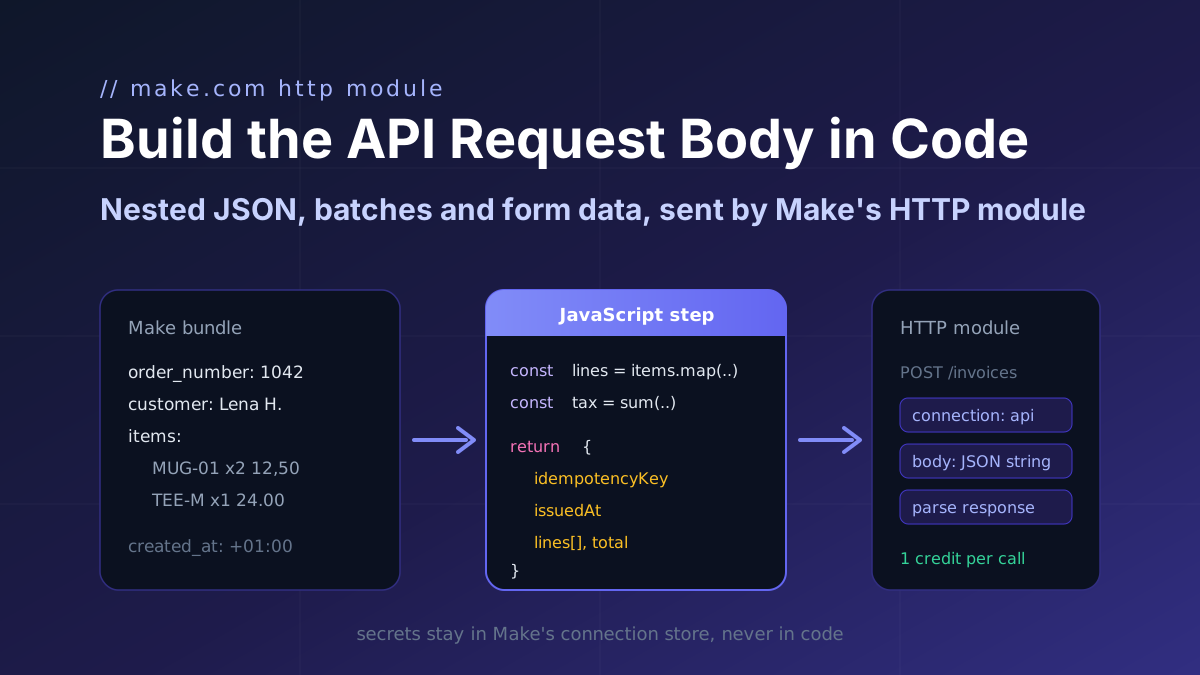
Turn a Make bundle into the exact JSON an API expects (nested arrays, computed totals, ISO timestamps, idempotency keys) in one JavaScript step, then map it into Make's HTTP module.
Seven JavaScript snippets for Make.com with input and output: rename keys with a mapping object, flatten nested collections to dot keys, remove nulls, coerce types and repair AI JSON.
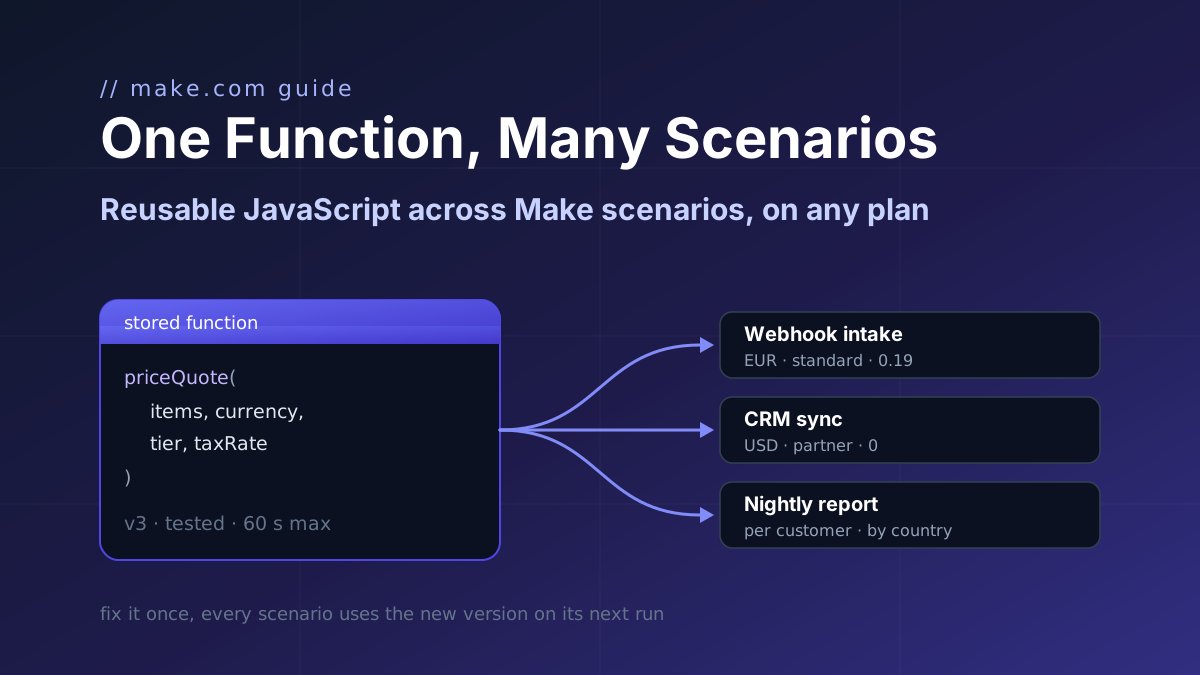
Make's Code app has no shared library and Custom Functions are Enterprise-only. Store one JavaScript function with parameters and call it from a webhook intake, a CRM sync and a nightly report.