Build an API Request Body in Code and Send It With Make's HTTP Module
Updated November 2026
The shortest way to get a nested JSON body into Make's HTTP module is to build the whole object in one JavaScript step, return it as an object, and map that output into the HTTP module's body field. Leave the request itself to the HTTP module, because the connection, the credentials, the error handling and the response parsing already live there.
That split is what people actually do. In our logs 9% of inline scripts exist to build an API payload, and because they sit in high-volume scenarios they account for 30% of all executions. Only 2.4% of inline scripts make the HTTP call themselves. This guide covers the three payload shapes that cover almost every case (a nested object from one bundle, a batch body from an array, and form-encoded or multipart data) and the HTTP module settings to pair them with.
TL;DR
Build the body in a code step, send it with Make's HTTP module. Credentials stay in Make's connection store and never appear in code or execution logs.
Put Make's Transform to JSON module in front of the code step so the bundle arrives as a parsed object, then return a plain object with Return Type Object.
In the HTTP module choose Body content type application/JSON, Body input method JSON string, and map the code output with Make's toString(), or return a string from JSON.stringify() with Return Type Text. Set Parse response to Yes.
A batch body of 100 records costs 1 Make credit for the code step and 1 for the HTTP call, instead of 100 HTTP operations.
The code step only needs to make the HTTP call itself for request signing (HMAC, OAuth 1.0), Digest auth or WebSockets.
The main example below runs in about 120 ms. The median inline script in our logs takes 121 ms.
Why build the body in code but send it with the HTTP module?
Make's HTTP module does four things you would otherwise rewrite in every script. It holds the API key, Basic Auth or OAuth 2.0 token in a connection, so the secret is stored once and never shows up in the code or the execution history. It stops the scenario on 4xx and 5xx responses when Return error if HTTP request fails is Yes, so Make's error handlers (Break with incomplete executions, Resume, Ignore) work as they do for any other module. It parses the JSON response into mappable fields when Parse response is Yes. And it has a configurable timeout and redirect handling. None of that is hard to write in JavaScript, but it is already there and maintained by Make.
What the HTTP module does not do well is shape the body. Its Data structure mapping handles flat objects and one level of nesting. Once the API wants an array of line items with renamed keys, computed totals, an ISO timestamp and an idempotency key, you end up with an Iterator, a Text aggregator, string concatenation and a JSON that breaks the first time a product name contains a quote. A code step builds the same body in one operation and JSON.stringify escapes everything correctly.
Make's native Code app (paid Make plans, Node 20, can make HTTP calls too) can build the same body. The differences are billing, 2 credits per second of runtime versus 1 credit per call for an external module, and the lack of a shared function library; Make Code app pricing has the numbers. The JavaScript below runs unchanged in either.
How do I turn a Make bundle into the exact JSON body an API expects?
The scenario: a Shopify-style order bundle with nested line items has to become an invoice request for a third-party billing API. The API wants different key names, amounts in integer cents, a per-line total, a tax sum, an ISO 8601 timestamp in UTC and a unique idempotency key so a retried scenario run does not create a second invoice.
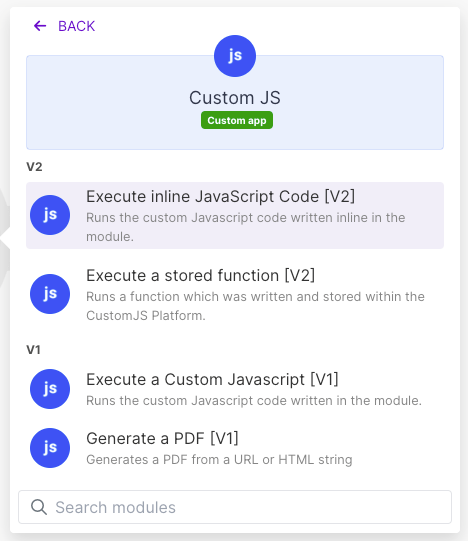
Three modules: the order trigger, Make's JSON > Transform to JSON module (mapped to the whole order collection), and the CustomJS Execute Inline JavaScript module with the Transform to JSON output in its Input field. A collection mapped directly into the Input field arrives as text that Make has already flattened, so the Transform to JSON step is the part people skip and then wonder why input.items is undefined.
Details worth copying: toCents accepts both "12.50" and "12,50", because European shops send numbers as text with a comma more often than you would expect (the Parse Localized Number module does the same without code). All money math happens in integer cents. new Date(order.created_at).toISOString() turns the shop's local timestamp with its offset into UTC. crypto.randomUUID() comes from Node's built-in crypto module, no package needed. The defensive first line keeps the script working if someone later removes the Transform to JSON step.
The script finishes in about 120 ms per run, in line with the 121 ms median for all inline scripts in our logs. It costs 1 Make credit and 1 CustomJS request (600 per month on the free plan, 100 to 5,000 per day on paid plans).
JSON.stringify or Return Type Object: which one feeds the HTTP module?
Both work, and the choice depends on what you want to see in Make's mapping panel. The HTTP module's field labels below were checked on Make's documentation at apps.make.com/http in October 2026. In the current HTTP > Make a request module the body is configured with Body content type (application/JSON, multipart/form-data, application/x-www-form-urlencoded, Custom) and, for JSON, a Body input method of either Data structure or JSON string. Scenarios built on the older HTTP module show the same thing as Body type Raw, Content type JSON (application/json) and a Request content text field.
Option
Code step returns
HTTP module setting
Pick it when
A. Return Type Object
return { ... }, Make shows every field in the mapping panel
Body input method JSON string, map the code module's whole output wrapped in toString()
You also need single fields later (the idempotency key for a data store, the total for a Slack message)
B. Return Type Text
return JSON.stringify(body), one opaque string
Body input method JSON string, map the text output directly
The body is the only thing you need, and you want byte-for-byte control (key order, no re-serialization)
C. Return Type Object, Data structure
return { ... }
Body input method Data structure, map each key one by one
Only for flat bodies; nested arrays have to be redeclared in the data structure, which defeats the purpose
Option B is the most predictable: what you stringify is what goes over the wire. Option A is more convenient because one module output serves the HTTP body and any later module. Option C is the one to avoid for anything with arrays. In both A and B, set Parse response to Yes. Without it the API's answer is one text blob in the HTTP module's Data field, and you would need a Parse JSON module just to read the invoice ID the API returns. With it, Make offers every response field in the mapping panel after one run.
In n8n the pattern is the same: build the object in the built-in Code node ($input.first().json), then in the HTTP Request node set Body Content Type to JSON, Specify Body to Using JSON, and reference the Code node's output as an expression.
Use our Make App to execute JavaScript directly in Make.
How do I send 100 records in one request instead of 100 HTTP calls?
Most APIs have a bulk endpoint that accepts an array of records, and most Make scenarios ignore it because Iterator plus HTTP module is the pattern everyone learns first. That pattern costs one operation per record, so 100 Google Sheets rows mean 100 HTTP operations plus 100 Iterator operations. Building the batch body in code costs two operations: one for the code step, one for the HTTP call.
Collect the rows with Make's Array aggregator (or take the array a search module already returns), run Transform to JSON on it, and pass that to the code step. The input is an array of row objects with the column names as keys.
BATCH_SIZE is whatever the API documents as its limit per request. The script returns an array of ready-to-send bodies, so 230 rows give three batches. Map batches into a Make Iterator and the HTTP module after it runs once per batch, three operations instead of 230. The skipped count lets the scenario alert someone when rows without an email address were dropped. 100 rows take about 5 ms of work inside the script; the fixed overhead of the request dominates, so expect the same roughly 120 ms as above.
What do I return for form-urlencoded and multipart bodies?
Not every API takes JSON. OAuth token endpoints, many payment gateways and older PHP backends want application/x-www-form-urlencoded, and file uploads want multipart/form-data. The HTTP module has a key-value editor for both, which is enough when the keys are fixed. When the keys are dynamic (items[0][sku], items[1][sku] and so on), build the string in code with Node's URLSearchParams, which percent-encodes every value for you.
The output is the string items%5B0%5D%5Bsku%5D=MUG-01&items%5B0%5D%5Bqty%5D=2&items%5B1%5D%5Bsku%5D=TEE-M&items%5B1%5D%5Bqty%5D=1¬e=Deliver+before+9am, returned with Return Type Text. In the HTTP module pick Body content type Custom, enter application/x-www-form-urlencoded as the content type, and map the string as the body. The module's own form-urlencoded option expects key-value pairs, not a prebuilt string, which is why Custom is the right choice here.
For multipart, do not assemble the boundary and parts in code. Use the HTTP module's multipart/form-data option, add the text fields as key-value pairs (mapped from the code step's object output if they are computed), and map Make binary data into the File field. The binary can come from any Make module that outputs a file, or from the File to Base64 (from URL) module when you only have a link. The code step's job here is the metadata JSON many upload APIs want next to the file, returned as a string with JSON.stringify.
When should the code step make the HTTP call itself?
The code step runs full Node.js with fetch, axios and crypto, so it can send the request. The 2.4% of scripts that do fall into a few categories where the HTTP module cannot help:
Request signing. HMAC signatures over the exact body and timestamp (AWS SigV4 style, many exchange and payment APIs), or OAuth 1.0. The signature depends on the serialized body, so the code that builds the body is the only place that can sign it.
Digest authentication. The HTTP module offers No auth, API key, Basic Auth and OAuth 2.0 (checked October 2026). Digest needs a challenge round-trip that only code can do.
WebSocket or other non-HTTP transports. A request/response exchange over ws is a few lines in code and impossible in the HTTP module.
Several dependent calls in one step. Fetch a token, call the API, poll a job status: one code operation instead of four modules, when the whole sequence fits inside the request timeout (30 s free, 60 s paid).
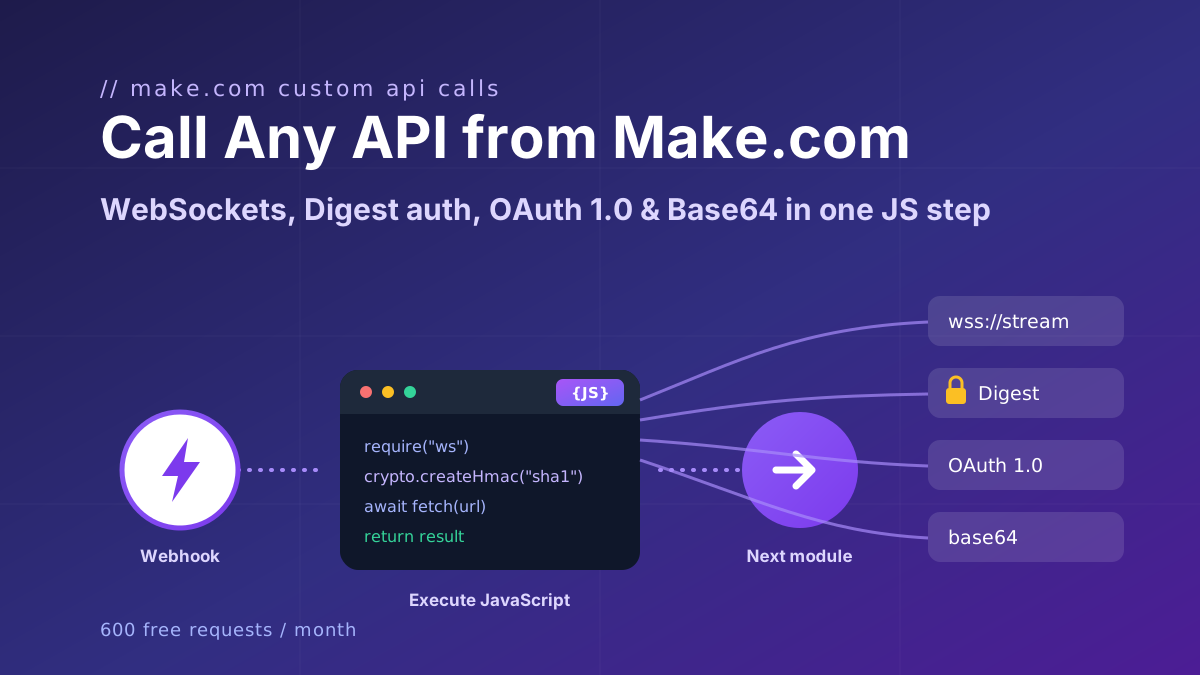
Complete scripts for Digest, OAuth 1.0 and WebSocket are in Call Any API from Make.com. Even then, map the signing secret in from a Make data store or variable rather than writing it into the code, so a blueprint export does not carry it.
When Make's built-in is enough
A code step is one more module to maintain. Skip it in these cases:
Flat body, fixed keys. If the API wants { "name": ..., "email": ..., "plan": ... }, use the HTTP module's Data structure input method or the JSON module's Create JSON with a data structure. Make escapes quotes in values for you.
One level of nesting with static shape. A customer collection inside the body is still a data structure job. Define the nested collection once and map into it.
A simple array of one field.{ "ids": [1, 2, 3] } works with Make's map() function on an array of bundles, no code required.
A native Make app exists for the service. HubSpot, Pipedrive, Airtable and hundreds of others have Make modules that build the body for you and handle pagination. Reach for code or the HTTP module only for endpoints the app does not cover.
You are debugging a one-off. Paste the JSON into the HTTP module's JSON string field by hand, get the call working, then decide whether it needs to be dynamic at all.
The code step earns its place when the body has arrays of objects with transformed fields, computed values, or a shape that changes with the input. Those are the 9% of scripts, and because they sit in order, sync and import scenarios they run more than anything else we host.
How do I reuse the body builder across scenarios?
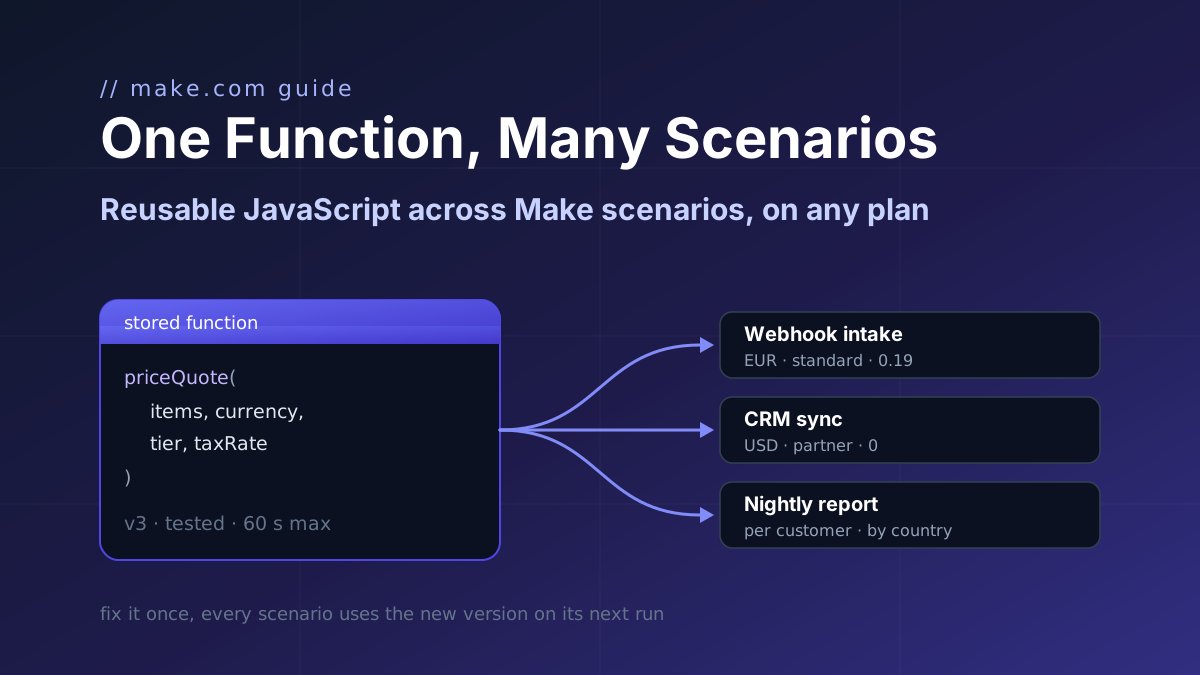
If three scenarios send invoices to the same API, the mapping logic should exist once. Store the script as a function at app.customjs.space with order as a named parameter and call it with the Execute Stored Function module. When the API renames a field, you change one function and every scenario picks up the new version. Stored-function users are our longest-tenured customers (median tenure 15 months). The npm packages on the npm modules page, including moment-timezone for shops that send timestamps without an offset, are available on every plan.
Call any API from Make.com: WebSockets, Digest auth, OAuth 1.0 signatures, and Base64 binaries with copy-paste JavaScript that runs inside your scenario.
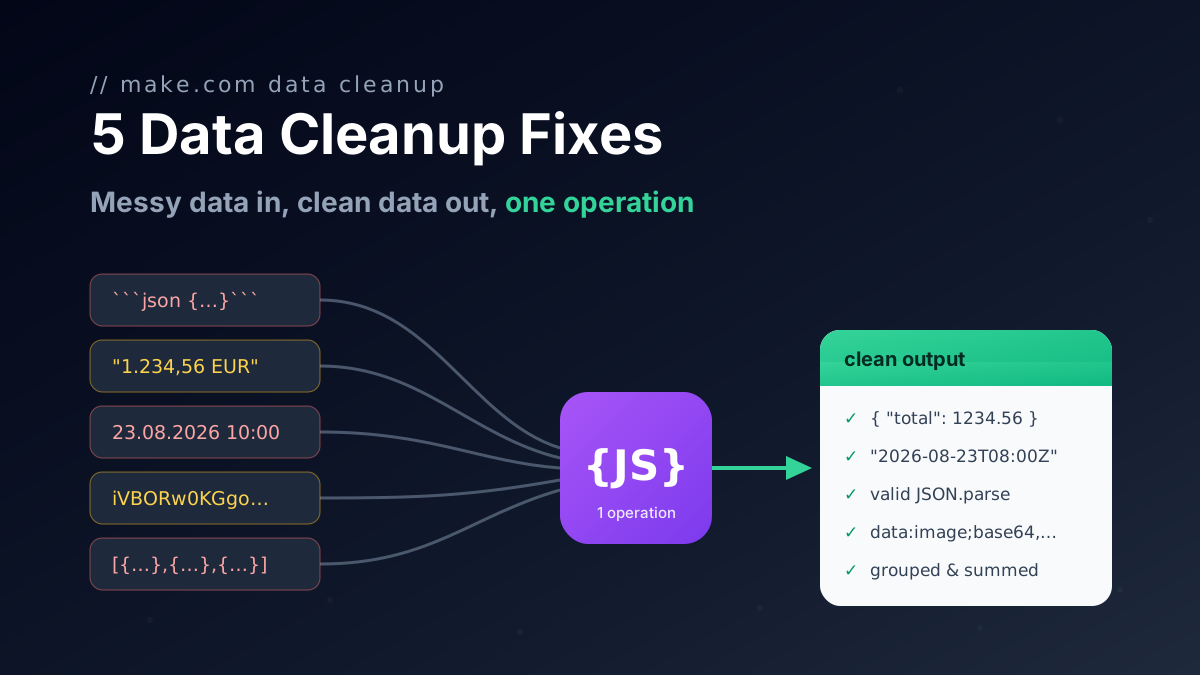
Seven JavaScript snippets for Make.com with input and output: rename keys with a mapping object, flatten nested collections to dot keys, remove nulls, coerce types and repair AI JSON.
Make's Code app has no shared library and Custom Functions are Enterprise-only. Store one JavaScript function with parameters and call it from a webhook intake, a CRM sync and a nightly report.