Email Polling Is Quietly Eating Your n8n Executions and Make Operations
Here is a bill nobody plans for: a Make.com scenario that checks a mailbox every 15 minutes performs 2,880 checks per month. If 300 of those checks actually find an email, the other 2,580 operations bought you nothing. On the Core plan with 10,000 operations, more than a quarter of your monthly quota went to asking an inbox "anything new?" and hearing "no".
The same pattern hits n8n Cloud users who build mailbox checks with a Schedule Trigger, where every run counts against the plan's execution limit whether an email arrived or not. A 5-minute schedule burns 8,640 executions per month. The Starter plan includes 2,500.
The fix is architectural, not a bigger plan: stop polling and let the email push. A mailhook gives the sending system a dedicated address, and your workflow runs exactly once per real email, seconds after it arrives. This article does the math for both platforms, shows the before and after workflows, and is honest about the cases where polling remains the right call.
TL;DR
On Make.com, every scheduled check of a mailbox consumes at least one operation, even when it finds nothing. Polling every 15 minutes costs 2,880 operations per month before processing a single email.
On n8n Cloud, Schedule-Trigger-based mailbox checks count as executions on every run. Native polling triggers avoid the empty-run cost but keep the latency and the mailbox babysitting.
A mailhook inverts the model: one workflow run per real email, delivered in 1 to 2 seconds instead of on the next polling cycle.
With a CustomJS Mail Hook the swap is a trigger change, not a rebuild. The rest of your scenario or workflow stays identical.
600 emails per month are free, which covers the entire email volume many polling setups were built to catch.
Why Polling Costs More Than It Looks
Polling means your automation platform wakes up on a schedule and asks the mailbox whether anything new arrived. Push means the email itself triggers the workflow. The difference sounds academic until you look at how both major platforms meter usage.
There is also a second cost that never shows up on the invoice: latency. A 15-minute polling cycle means an urgent alert, an approval request, or a customer order waits up to 15 minutes before your automation even notices it exists. Teams usually respond by polling more often, which makes the metering problem worse. That treadmill is the whole story of this article.
The Make.com Math: Every Empty Check Is an Operation
Make.com bills in operations, and a scheduled scenario run consumes at least one operation even when the trigger module finds no new data. The Email and Gmail trigger modules are polling triggers, so the schedule you pick is a fixed monthly baseline cost that exists independent of your email volume:
Polling interval
Checks per month
Share of Core plan (10,000 ops)
Every 60 min
720
7%
Every 15 min
2,880
29%
Every 5 min
8,640
86%
Every 1 min
43,200
432% (4x the whole plan)
Mailhook (push), 300 emails
300 runs
3%
Baseline trigger cost only; each email an automation actually processes still consumes operations for the downstream modules on both models. Plan sizes checked July 2026 on make.com/en/pricing.
Read the last two rows together. At a realistic volume of 300 emails per month, the push model uses 300 trigger operations. The 5-minute polling model uses 8,640, and it is still up to 5 minutes slow. Polling faster than that on Make is not economically sane on the lower plans, which is why so many scenarios silently sit at 15 minutes and everyone accepts the delay.
The n8n Cloud Math: Scheduled Checks Are Executions
n8n Cloud plans are metered in workflow executions. Here the picture has an important nuance, so let us be precise about both patterns people actually build:
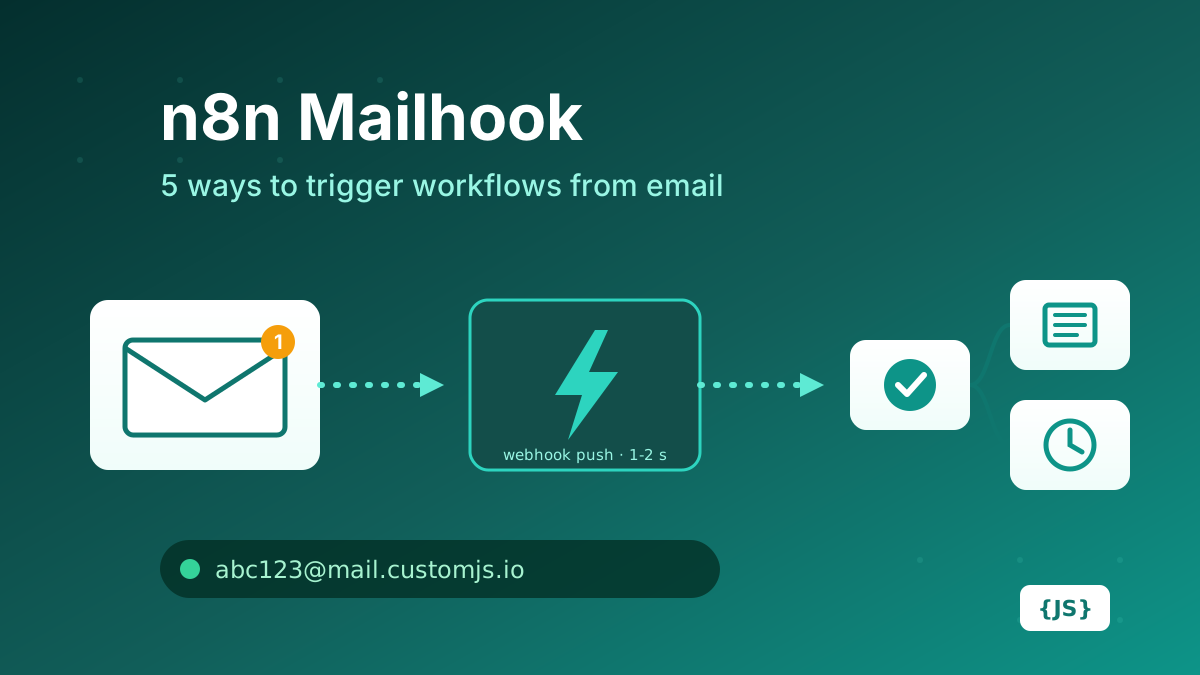
n8n's built-in polling triggers only create an execution when they find new data. An empty poll does not count against your plan. The costs here are not execution-based: they are the polling latency, the mailbox and credentials you have to maintain, and IMAP connections that die silently. We compared those pain points in detail in n8n Mailhook: 5 Ways to Trigger a Workflow from an Email.
Pattern B: Schedule Trigger plus a fetch step
The moment the built-in trigger does not fit (an Exchange mailbox behind Graph API, a shared inbox that needs custom filtering, a mail provider the IMAP node dislikes), people reach for the universal workaround: a Schedule Trigger followed by an HTTP Request or IMAP fetch. Now every scheduled run is a real execution, found mail or not:
Schedule
Executions per month
vs. Starter plan (2,500 executions)
Every 60 min
720
29%
Every 15 min
2,880
115% (over the plan)
Every 5 min
8,640
346%
Mailhook (push), 300 emails
300
12%
n8n Cloud plan sizes checked July 2026 on n8n.io/pricing; confirm current numbers there.
One scheduled mailbox check every 15 minutes is already more executions than the entire Starter plan, before any real work happens. Self-hosted n8n dodges the invoice but not the waste: thousands of empty executions per month still fill your execution log database and bury the runs you actually care about when debugging.
The Push Model: One Email, One Run
A mailhook removes the schedule entirely. A CustomJS Mail Hook gives you a dedicated address such as [email protected]. When an email arrives, CustomJS parses it (sender, subject, text and HTML body, attachments) and POSTs it to your webhook within 1 to 2 seconds. Your workflow runs exactly as often as real email arrives:
Zero empty runs. No email, no execution, no operation. Your quota scales with your actual volume.
Seconds instead of cycles. The alert, order, or approval is in your workflow 1 to 2 seconds after it was sent, not on the next quarter-hour.
No mailbox to babysit. The address exists only to trigger the webhook. No IMAP credentials, no OAuth scopes, no silently dead connections.
Delivery is supervised. Failed webhook calls are retried with exponential backoff, and stored emails can be replayed from the dashboard, which no DIY polling loop gives you for free.
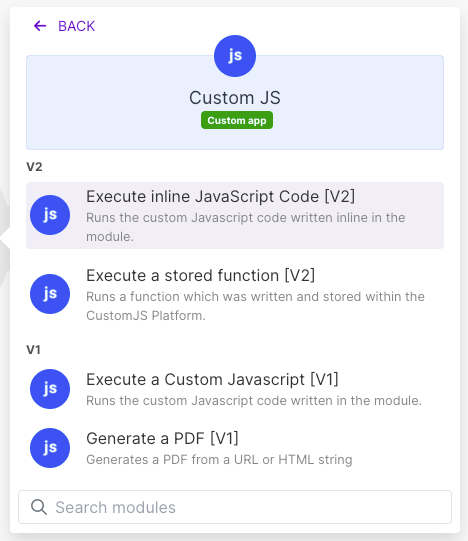
Use our Make App to execute JavaScript directly in Make.
The swap is a trigger change. Everything downstream keeps its field mapping.
Before (polling)
Email: Watch Emails  (schedule: every 15 min, 2,880 ops/month baseline)
   -> Text Parser: extract order number
   -> Google Sheets: add row
   -> Slack: notify #orders
After (mailhook push)
Webhooks: Custom webhook  (instant, runs only when an email arrives)
   -> Text Parser: extract order number
   -> Google Sheets: add row
   -> Slack: notify #orders
Setup: add a Custom Webhook trigger in Make and copy its URL, create a Mail Hook in the CustomJS dashboard and paste the URL, then point the sending system (or a forwarding rule in your existing mailbox) at the generated address. Run the scenario once, send a test email, and Make learns the payload structure automatically.
Migrating an n8n Workflow
Before (scheduled fetch)
Schedule Trigger (every 5 min, 8,640 executions/month)
   -> IMAP / HTTP Request: fetch unread mail
   -> IF: any new messages?   (usually: no)
        -> ...actual processing
After (mailhook push)
Webhook (POST, from Mail Hook)   or   CustomJS Mailhook (Trigger)
   -> ...actual processing
The Schedule Trigger, the fetch step, and the "anything new?" IF node all disappear. The webhook receives each email already parsed; with the default multipart delivery, attachments arrive as binary files ready for Drive, S3, or PDF nodes. If you prefer a dedicated trigger over a plain Webhook node, install @custom-js/n8n-nodes-pdf-toolkit-v2 from Community Nodes and use CustomJS Mailhook (Trigger) (see the installation guide).
A typical webhook payload, if you switch the Mail Hook to JSON delivery:
The most common objection, and it has a boring answer: forwarding. If the source system insists on sending to [email protected], keep that address and add a server-side forwarding rule (or a filter-based forward in Gmail and Outlook) to your Mail Hook address. The mailbox stays the system of record, and the forward turns it into a push source. Your automation platform never logs into it again.
Forwarding rules run on the mail server, so they add a second or two, not a polling cycle.
When Polling Is Still the Right Call
Honesty section. Keep polling when:
You cannot touch the mailbox at all. No forwarding rights, no admin who will set up a rule, and the sender cannot be reconfigured. Then a polling trigger against that mailbox is your only lever.
You need mailbox state, not events. If the workflow's job is "process everything still unread and mark it", you are managing a mailbox, and IMAP semantics are the point.
Volume is tiny and latency is irrelevant. A once-a-day digest check costs 30 executions a month. Nobody needs to optimize that.
The email lands in Gmail and n8n's native Gmail Trigger fits. Since empty polls do not count as n8n executions, the cost argument is weaker there; it becomes a latency and credentials argument instead.
For everything else, push wins on cost, latency, and operational simplicity at the same time, which is rare enough to act on.
Conclusion
Polling a mailbox is renting a metered resource to hear "no new mail" thousands of times a month. On Make.com that shows up directly as operations; on n8n Cloud it shows up the moment your mailbox check lives behind a Schedule Trigger; self-hosted, it shows up as log noise. And in every variant it adds minutes of delay to events your business wanted to react to in seconds.
A mailhook flips the direction: the email pushes, your workflow runs once per real message, and the trigger costs scale with reality instead of with a timer. The migration is a trigger swap plus, at most, one forwarding rule. The first 600 emails per month are free, which is more than many polling setups ever actually caught.
How to create a mailhook in n8n: IMAP trigger, Gmail trigger, parser services, Mailgun/SendGrid inbound parse, and CustomJS Mail Hook compared on latency, setup, attachments, and cost. 600 free emails/month.
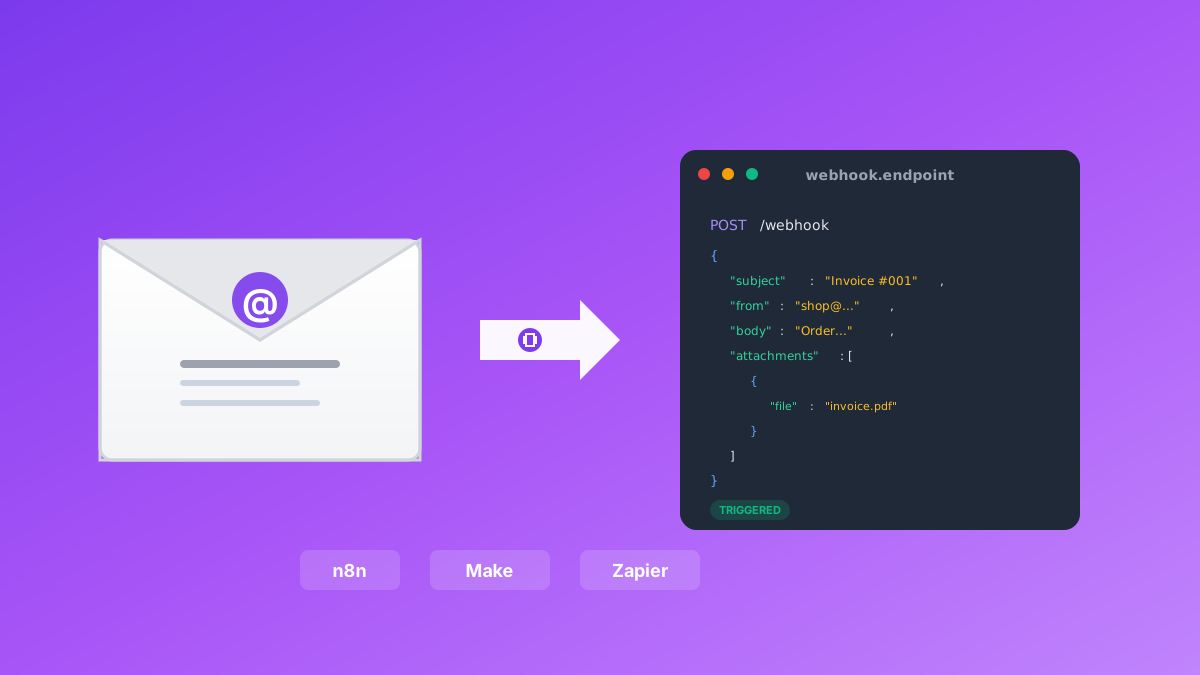
Convert emails to webhooks for Make.com, n8n, and Zapier automation. Process invoices, support tickets, orders, and alerts automatically. Native n8n module included. 600 free emails/month.
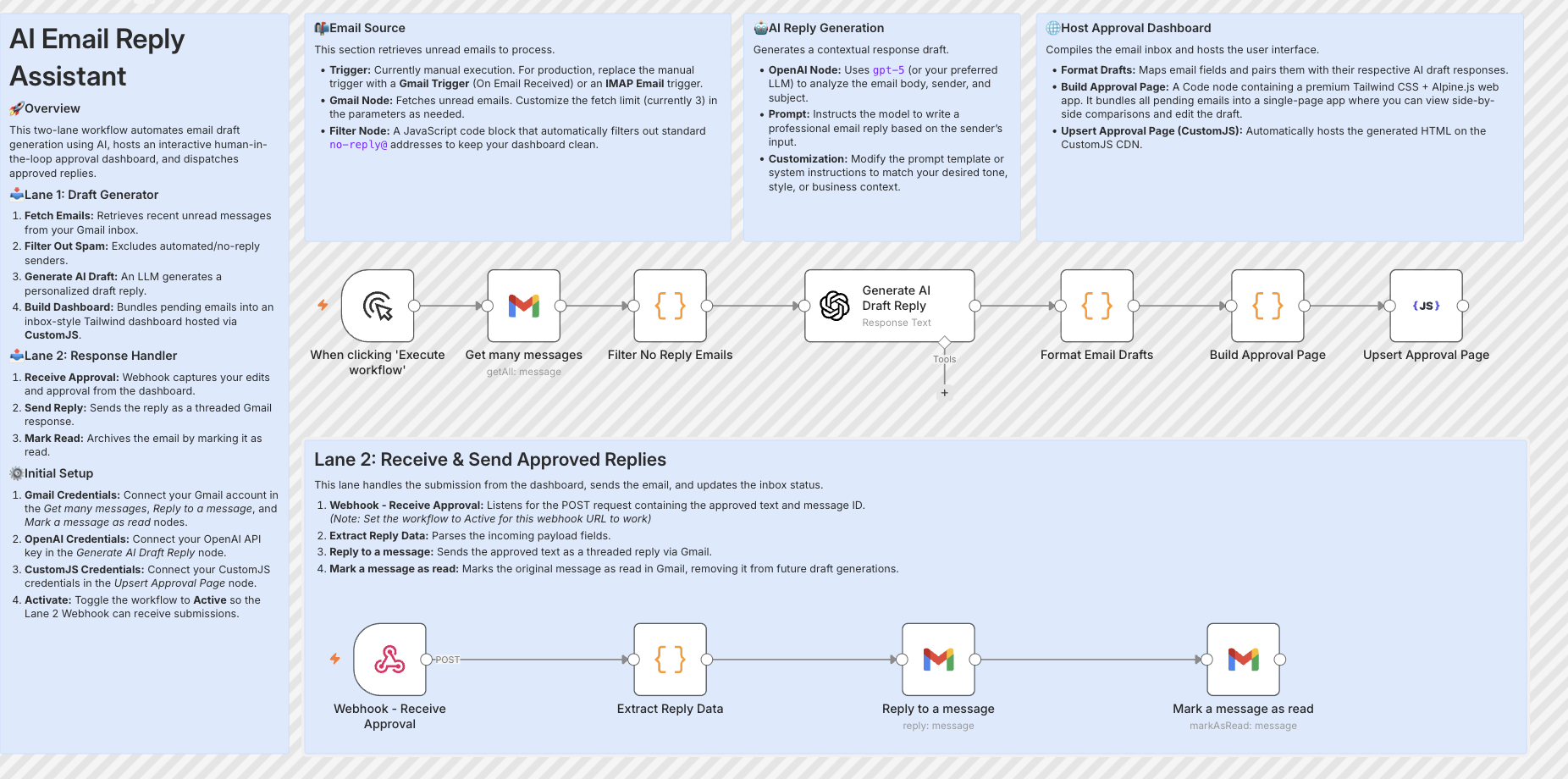
Build resilient HITL approval workflows in n8n using custom HTML forms hosted on customjs.space. The 2-workflow async architecture that survives server restarts and supports pre-filled editable review forms.