Call Any API from Make.com: Digest Auth, OAuth 1.0 and WebSockets
Make.com's built-in HTTP module is good at what it was built for: REST calls with Bearer tokens, Basic auth, OAuth 2.0, and JSON in both directions. Then one day the API you need does not fit that shape. It only speaks WebSocket. It answers your first request with a Digest challenge. It expects an OAuth 1.0 signature computed over the exact request. Or it hands you a binary file that Make's mapping panel mangles.
At that point most people conclude the integration is impossible without a native Make app. It is not. A JavaScript execution step inside your scenario is a full Node.js HTTP and socket client, and it can make a custom API call to services the HTTP module will never reach.
This guide walks through the four patterns we see most often in production scenarios: WebSocket request/response, HTTP Digest authentication, OAuth 1.0 request signing, and binary-to-Base64 conversion. Each one comes with a complete, copy-paste-ready script for the CustomJS Execute JavaScript module.
TL;DR
Make's HTTP module covers Bearer, Basic, OAuth 2.0, and plain REST. It has no WebSocket support, no Digest auth, no OAuth 1.0 signing, and clunky binary handling.
The CustomJS Execute JavaScript module runs real Node.js inside your scenario: fetch, require("crypto"), and require("ws") all work.
Mapped scenario data arrives in the input variable; whatever you return flows straight to the next module. Async and Promises are fully supported.
Four ready-to-paste patterns below: WebSocket ticker data, Digest-protected WebDAV uploads, OAuth 1.0 HMAC-SHA1 signatures, and fetching files as Base64 data URIs.
This is for request/response calls, not persistent listeners. If a native Make app exists for your service, use it.
Free tier: 600 JavaScript executions per month, no credit card.
Where Make's HTTP Module Stops
To be fair to the HTTP module first: for the vast majority of APIs it is exactly the right tool, and you should not replace it with code for a plain REST call. The gaps only show up at the edges of the HTTP protocol, and they are hard limits, not configuration problems.
Capability
HTTP module
JS execution step
REST + Bearer / Basic / OAuth 2.0
Yes, use it
Possible, but unnecessary
WebSocket APIs
No
Yes, via require("ws")
HTTP Digest authentication
No challenge-response handling
Yes, with crypto and two fetches
OAuth 1.0 request signing
No per-request HMAC signatures
Yes, HMAC-SHA1 in a helper function
Custom HMAC / signed payloads
No hashing primitives
Yes, full crypto module
Binary fetch to Base64
Awkward, needs extra modules
One line with Buffer
These are not exotic requirements. Market data feeds are frequently WebSocket-only. WebDAV servers, IP cameras, and plenty of enterprise appliances still default to Digest auth. NetSuite, Flickr, and a long tail of legacy APIs built in the Twitter API v1.1 era require OAuth 1.0 signatures. And any workflow that generates PDFs eventually needs to embed a font or a logo as Base64.
The Escape Hatch: a Node.js Runtime Inside the Scenario
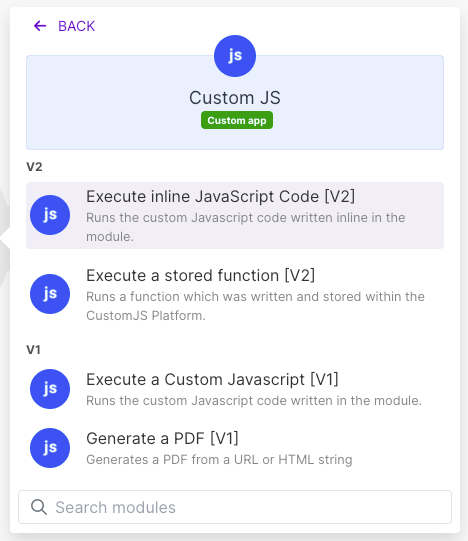
The CustomJS Make module adds an "Execute JavaScript (Inline)" action to your scenario. You paste code into the module, map scenario data into it, and the code runs in a real Node.js runtime on CustomJS infrastructure. Three mechanics cover almost everything you need to know:
Data in: whatever you map into the module arrives as the input variable. Depending on how you map it, it may arrive as a JSON string rather than an object, so the standard first line of every script is a defensive parse.
Data out: the value you return becomes the module's output and is mappable in every following module. Return an object and Make shows you its fields.
Real Node:async/await and Promises work, fetch is global, and require() gives you Node built-ins like crypto, zlib, and url, plus common libraries such as ws, axios, cheerio, jszip, and xlsx.
A minimal custom API call looks like this:
const data = typeof input === "string" ? JSON.parse(input) : input;

const res = await fetch("https://api.example.com/v1/orders/" + data.orderId, {
  headers: { Authorization: "Bearer " + data.apiToken }
});

if (!res.ok) throw new Error("API returned " + res.status);

return await res.json();
That example is deliberately boring: the HTTP module could do it too. The next four could not.
Pattern 1: Calling WebSocket APIs from Make.com
Some APIs simply do not have a REST endpoint for the data you want. Crypto and market data providers are the classic case: candles, order books, and tickers stream over wss:// and nothing else. Make has no WebSocket module, so scenarios that need one candle snapshot every 15 minutes appear to be dead on arrival.
The trick is to treat the socket as a request/response exchange: open the connection, send one request message, resolve a Promise on the first useful reply, and close. Wrap the whole thing in a timeout so a silent server fails the scenario cleanly instead of hanging it.
The returned object is fully mappable: the next module can grab latestClose for an alert threshold and pass candles to a Google Sheets or database step. We see this exact shape in production for trading dashboards: a scheduled scenario pulls a candle window from a WebSocket-only exchange API, computes a signal, and posts to Slack.
One honest caveat up front: this pattern is for fetching, not listening. The execution ends when your code returns, so a socket that should stay open for hours and push events into Make is not a fit. For that you want the provider's webhook offering, if one exists.
Pattern 2: HTTP Digest Authentication
Digest auth fails in the HTTP module for a structural reason: it is a challenge-response protocol. The server answers your first request with a 401 and a WWW-Authenticate header containing a fresh nonce. The client must then hash the username, password, nonce, method, and path with MD5 and retry with the computed response. Make's HTTP module sends static headers; it cannot read the challenge and compute the answer.
In Node this is two fetches and a few hashes. The example uploads a file to a WebDAV server, a workload we see regularly: a scenario generates a report, and the archive system that must receive it only speaks WebDAV behind Digest auth.
const crypto = require("crypto");
const data = typeof input === "string" ? JSON.parse(input) : input;

const url = "https://webdav.example-archive.com/reports/" + data.filename;
const method = "PUT";
const username = data.username;   // map these from a Make data store,
const password = data.password;   // do not hardcode them in the code field

// 1. Probe request: expect a 401 with a Digest challenge
const probe = await fetch(url, { method });
const challenge = probe.headers.get("www-authenticate") || "";
if (!challenge.startsWith("Digest")) {
  throw new Error("Server did not send a Digest challenge (got " + probe.status + ")");
}

const part = (key) => (challenge.match(new RegExp(key + '="([^"]+)"')) || [])[1];
const realm = part("realm");
const nonce = part("nonce");
const qop = /qop="?auth"?/.test(challenge) ? "auth" : null;

// 2. Compute the challenge response (RFC 7616, MD5)
const md5 = (s) => crypto.createHash("md5").update(s).digest("hex");
const path = new URL(url).pathname;
const cnonce = crypto.randomBytes(8).toString("hex");
const nc = "00000001";

const ha1 = md5(username + ":" + realm + ":" + password);
const ha2 = md5(method + ":" + path);
const response = qop
  ? md5([ha1, nonce, nc, cnonce, qop, ha2].join(":"))
  : md5([ha1, nonce, ha2].join(":"));

let auth = 'Digest username="' + username + '", realm="' + realm +
  '", nonce="' + nonce + '", uri="' + path + '", response="' + response + '"';
if (qop) auth += ', qop=' + qop + ', nc=' + nc + ', cnonce="' + cnonce + '"';

// 3. The real request, carrying the computed Authorization header
const upload = await fetch(url, {
  method,
  headers: { Authorization: auth, "Content-Type": "application/pdf" },
  body: Buffer.from(data.fileBase64, "base64")
});

if (!upload.ok) throw new Error("Upload failed with " + upload.status);
return { uploaded: true, status: upload.status, path };
Map the file into fileBase64 from whichever module produced it. If a previous step gives you binary data, Make's toBase64() mapping function converts it on the way in. The same script works for GET downloads from Digest-protected endpoints: swap the method, drop the body, and return the response instead.
Use our Make App to execute JavaScript directly in Make.
OAuth 1.0 refuses to die. NetSuite's token-based auth, Flickr, and a long list of APIs designed in the Twitter v1.1 era still require it. Unlike OAuth 2.0, where a bearer token is just a header value, OAuth 1.0 demands a unique HMAC-SHA1 signature computed over every single request: method, URL, and all parameters, sorted, percent-encoded, and concatenated in exactly the right way. Make's HTTP module supports OAuth 2.0 connections but has no way to compute a per-request OAuth 1.0 signature.
The two classic bugs when people implement this by hand are the percent-encoding and the parameter set. The signature spec requires RFC 3986 encoding, which is stricter than JavaScript's encodeURIComponent (the characters !'()* must also be escaped), and the signature base string must include your query and form parameters, not only the oauth_* ones. Both are handled below in a reusable oauthHeader() helper you can paste into any scenario.
const crypto = require("crypto");
const data = typeof input === "string" ? JSON.parse(input) : input;

// RFC 3986 percent-encoding: stricter than encodeURIComponent
const enc = (s) => encodeURIComponent(s)
  .replace(/[!'()*]/g, (c) => "%" + c.charCodeAt(0).toString(16).toUpperCase());

function oauthHeader(method, url, creds, requestParams) {
  const oauth = {
    oauth_consumer_key: creds.consumerKey,
    oauth_token: creds.accessToken,
    oauth_nonce: crypto.randomBytes(16).toString("hex"),
    oauth_timestamp: Math.floor(Date.now() / 1000).toString(),
    oauth_signature_method: "HMAC-SHA1",
    oauth_version: "1.0"
  };

  // 1. All parameters (oauth_* AND query/form params), sorted and encoded
  const all = Object.assign({}, oauth, requestParams || {});
  const paramString = Object.keys(all).sort()
    .map((k) => enc(k) + "=" + enc(all[k]))
    .join("&");

  // 2. Signature base string: METHOD, base URL, params, each encoded
  const base = [method.toUpperCase(), enc(url), enc(paramString)].join("&");

  // 3. Signing key: consumer secret + token secret
  const key = enc(creds.consumerSecret) + "&" + enc(creds.tokenSecret);
  oauth.oauth_signature =
    crypto.createHmac("sha1", key).update(base).digest("base64");

  return "OAuth " + Object.keys(oauth).sort()
    .map((k) => enc(k) + '="' + enc(oauth[k]) + '"')
    .join(", ");
}

// Example: list open invoices from a legacy OAuth 1.0 API
const url = "https://api.legacy-example.com/v1/invoices";
const query = { status: "open", limit: "50" };

const res = await fetch(url + "?" + new URLSearchParams(query).toString(), {
  headers: {
    Authorization: oauthHeader("GET", url, data.credentials, query)
  }
});

if (!res.ok) throw new Error("OAuth request failed: " + res.status);
return await res.json();
Map the four credentials (consumerKey, consumerSecret, accessToken, tokenSecret) into input as a credentials object. If a request returns 401, the usual suspects are a clock-skewed timestamp, a POST body parameter missing from the signature, or a URL with a port or trailing slash that differs from the signed one. Debug by returning the base string from the script and comparing it against the API's signature documentation.
Pattern 4: Binary Data and Base64
The last pattern is less about authentication and more about plumbing. Make can pass binary data between modules, but the moment you need to transform it (fetch a font, turn it into a data URI, inject it into an HTML template) the mapping panel runs out of road. In Node it is one line per file.
The production use case we see most: a scenario renders a branded PDF and the template needs the company font and logo embedded, because the rendering step should not depend on external URLs being reachable. The script fetches both assets in parallel and returns ready-to-use data URIs.
const data = typeof input === "string" ? JSON.parse(input) : input;

const [fontRes, logoRes] = await Promise.all([
  fetch("https://assets.example.com/fonts/brand-sans.woff2"),
  fetch(data.logoUrl)   // e.g. mapped from a CRM record
]);

if (!fontRes.ok || !logoRes.ok) {
  throw new Error("Asset fetch failed: " + fontRes.status + " / " + logoRes.status);
}

const fontB64 = Buffer.from(await fontRes.arrayBuffer()).toString("base64");
const logoB64 = Buffer.from(await logoRes.arrayBuffer()).toString("base64");

return {
  fontDataUri: "data:font/woff2;base64," + fontB64,
  logoDataUri: "data:image/png;base64," + logoB64
};
The next module in the scenario, typically the CustomJS HTML to PDF module, maps those fields straight into the template:
The same Buffer.from(await res.arrayBuffer()).toString("base64") line covers every variant of this problem: attaching a fetched file to an email, pushing an image into an API that wants Base64 JSON, or decoding in the other direction with Buffer.from(b64, "base64"). If your PDF template also runs client-side JavaScript, the async rendering guide covers how to signal when it is done.
When Not to Do This
A code step is a power tool, and reaching for it by default is a mistake. Three honest boundaries:
A native Make app exists. If the service has an official Make module with a managed connection, use it. You get token refresh, error mapping, and upgrades for free, and the next person maintaining the scenario can read it without reading code.
Secrets need care. Anything pasted into a code field is visible to everyone who can open the scenario. Keep credentials in a Make data store or scenario inputs and map them into input, as the Digest and OAuth examples do. Never hardcode a password in the script body.
It is request/response only. Every execution has a timeout, and the run ends when your code returns. Fetching data over a WebSocket works; keeping a socket open to listen for events does not. Long-running listeners belong in webhooks or a dedicated service, not a scenario step.
Inside those boundaries, though, the pattern is boring in the best way: the JS module becomes the one step in the scenario that speaks whatever protocol the other side demands, and everything around it stays visual, mappable Make.
Conclusion
"Make.com cannot call this API" is almost never true. What is true is that the HTTP module cannot: no WebSockets, no Digest challenges, no OAuth 1.0 signatures, and painful binary handling. A JavaScript step closes all four gaps with a full Node.js runtime inside the scenario: fetch for the transport, crypto for the signatures, ws for the sockets, Buffer for the bytes.
The four scripts above are complete and generic on purpose: swap in your hostnames, map your credentials from a data store, and they run as-is in the CustomJS Execute JavaScript module. Setup is a one-time thing: add the CustomJS module to your scenario, paste your API key as a connection, and start with 600 free executions per month. Paid plans begin at $9/month if you outgrow that. For a broader look at where JavaScript fits across automation platforms, see our Make vs Zapier vs n8n comparison.
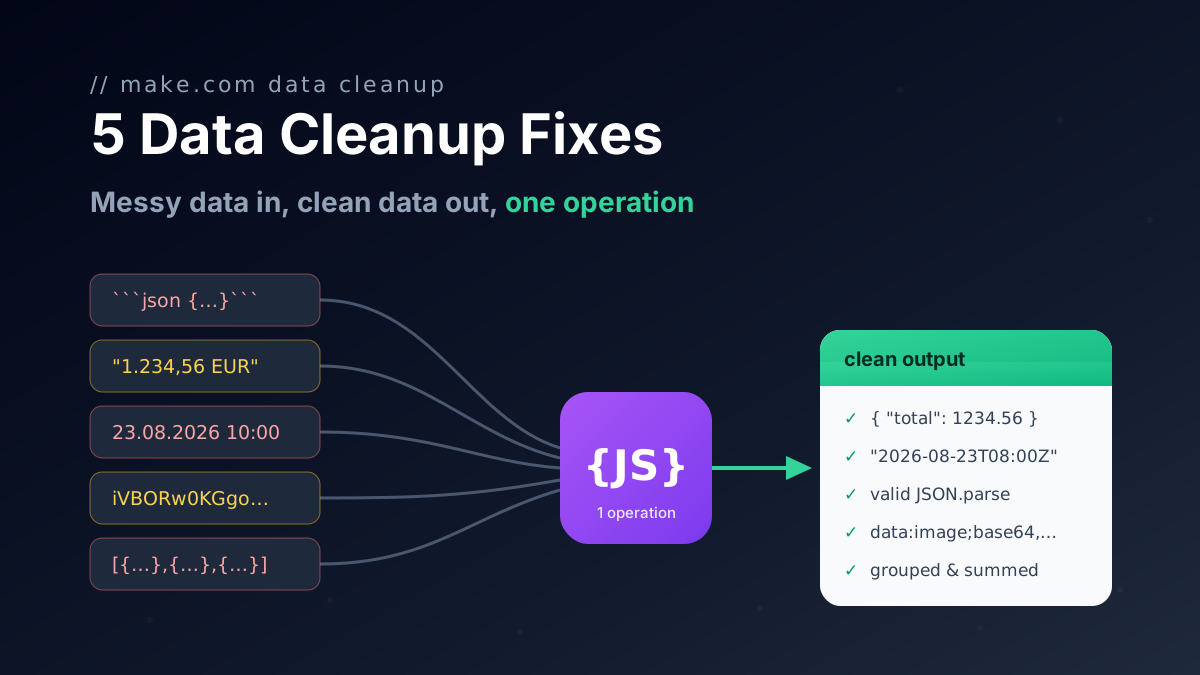
Five one-operation JavaScript fixes for Make.com data transformation: broken AI JSON, group and sum arrays, localized numbers, timezones, file to Base64.
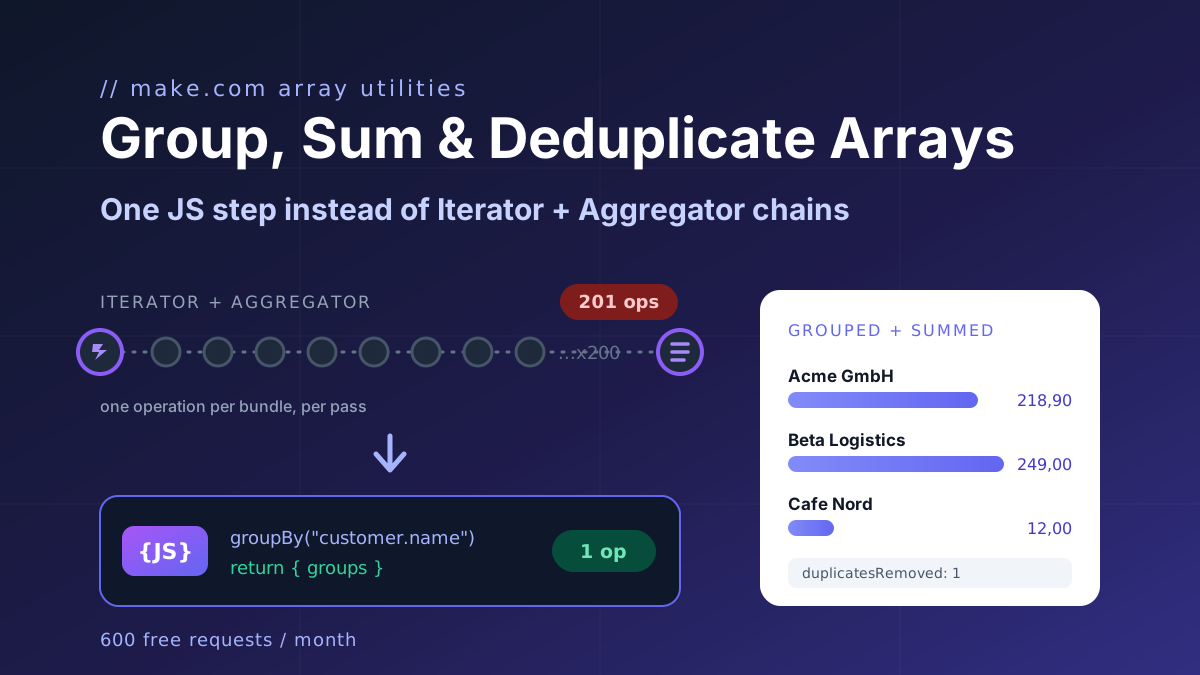
Group, sum and deduplicate any array in Make.com with one JavaScript step instead of Iterator and Aggregator chains. Copy-paste recipes, 1 operation per run.